2023 Halloween Hackfest: Musical Jack-o-Lanterns Harmonize For Halloween

Halloween is many things to many people. For some, it’s a chance to dress up and let loose. For others, it’s a chance to give everyone in the neighborhood a jump scare. For [Aaron], it’s the perfect time to put on a show in the yard with some musical, light-up jack-o-lanterns.

[Aaron] came across some deeply-discounted light-up jack-o-lanterns a few years ago. They all had one of those Try Me buttons that’s powered by a couple of coin cells and uses a temporary two-wire connection to the PCB, and [Aaron] figured he could remotely control them using this port of sorts.

Now the guts are made of addressable RGB LEDs that are connected through the battery compartment via weatherproofed pigtails.

On the control side, he has a Raspberry Pi 3, an amplifier, and a couple of power supplies all housed in a weatherproof box. Since it’s not possible to multiplex both the lights and the audio on a Pi 3, he added a USB sound card into the mix.

Be sure to check out the awesome demo video after the break, followed by a pumpkin conversion video.

If you’re more into scaring people, carve up an animated evil-eye pumpkin.

Continue reading “2023 Halloween Hackfest: Musical Jack-o-Lanterns Harmonize For Halloween”

You’ve Got Mail: It All Depends On ZIP Code

Previously on You’ve Got Mail, we looked at a few services that were designed to speed up the mail at various points along the way. But these improvements were all taking place on the USPS’ side of the the fence. Was there anything the customer could be doing to help out?

A post card from my collection.

As it turns out, yes. And it was almost too late. Whereas you could once address a letter or postcard simply to “Fred Minke, Somerset, Wis.” and it would reach him, the volume of mail was getting completely out of hand with the rise of computers, automated billing, and advertising. Something was needed to improve routing and speed up delivery.

We all know enough about ZIP codes to use them, but where did they come from? How many types are out there? What do they even mean? Let’s find out.

Continue reading “You’ve Got Mail: It All Depends On ZIP Code”

A Buzzing, Flashing Phone Ringer For The Elderly

For a lonely person, elderly or otherwise, the sound of a ringing phone can be music to the ears, unless of course it’s another spam call. But what good is a phone when you can’t hear it well enough to answer?

[Giovanni Aggiustatutto] was tasked with building an additional ringer for a set of cordless landline phones belonging to an elderly friend. Rather than try to intercept the signal, [Giovanni] chose to simply mic up the phone base that’s connected to the phone port on the router and send a signal over Wi-Fi to a second box which has a loud piezo buzzer and a handful of LEDs.

At the heart of this build is a pair of ESP8266 Wemos D1 minis and an Arduino sound sensor module inside a pair of really nice-looking 3D printed boxen that may or may not have been inspired by an IKEA air quality sensor. On the receiving side, a green LED indicates the system is working, and the red LEDs flash as soon as a call comes in.

All the code, schematics, and STL files are available for this build, and between the Instructable and the build video after the break, you should have no trouble replicating it for the hard-of-hearing in your life.

Continue reading “A Buzzing, Flashing Phone Ringer For The Elderly”

Dial Up A Tune On The Jukephone

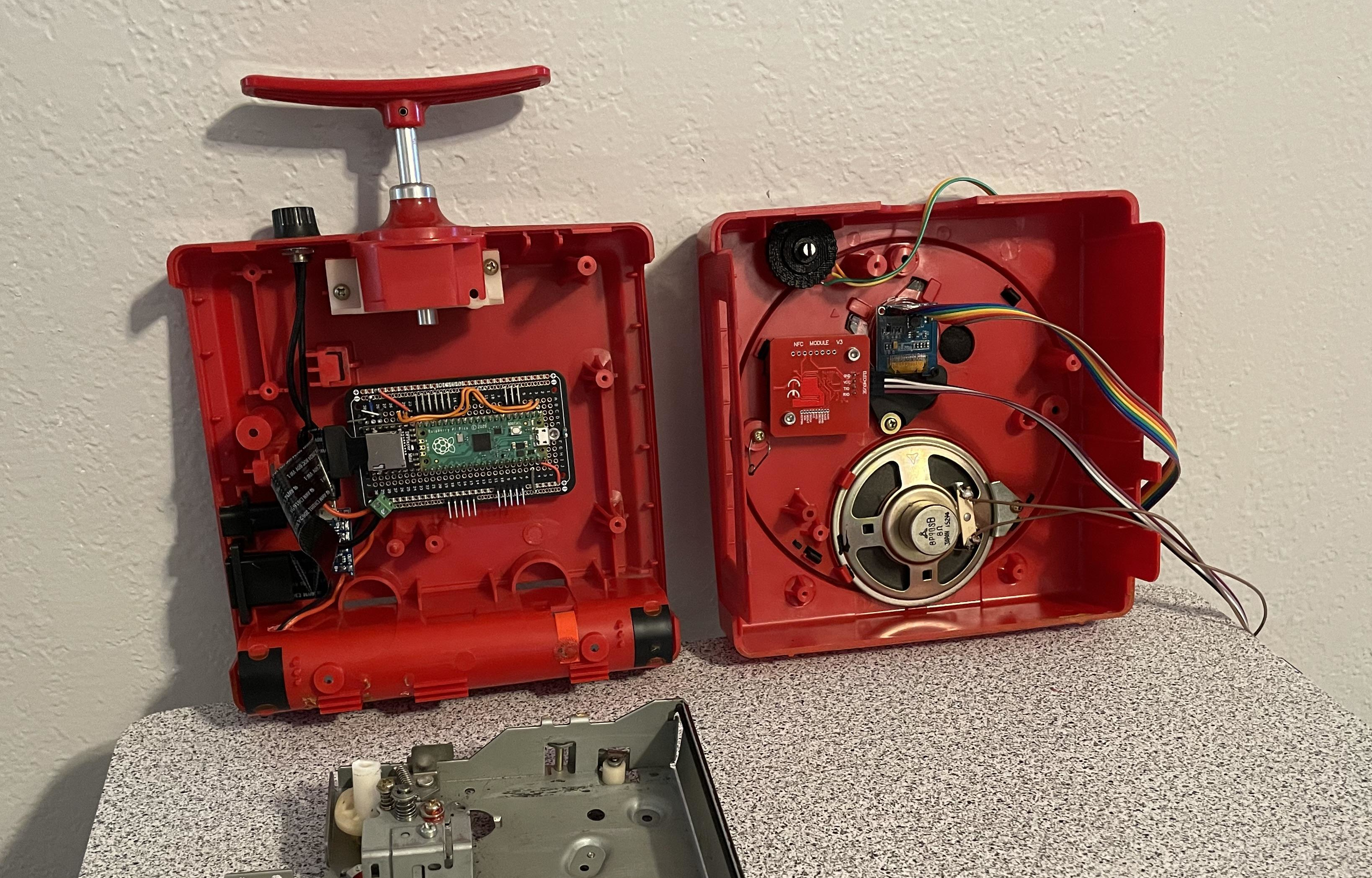
What do you do when you find a nice corded phone with giant buttons out in the wild? You could pay $80/month for a landline, use a VOIP or Bluetooth solution instead, or do something a million times cooler and turn it into a jukebox.

Now when the receiver is lifted, [Turi] hears music instead of a dial tone or a voice on the other end. But playback isn’t limited to the handset — there’s a headphone jack around back.

To listen to a track, he can either dial one in directly, or call up a random track using one of the smaller buttons below. A handy directory organizes the tunes by the hundreds, putting children’s tracks between 1-99 and the intriguing category “hits” between 900-999.

The phone’s new guts are commanded by a Raspberry Pi Pico, which is a great choice for handling the key matrix plus the rest of the buttons. As you may have guessed, there’s an DF Player Mini mp3 player that reads the tracks from an SD card. Everything is powered by a rechargeable 18650 battery.

Jukephone is open source, and you’ll find more pictures on [Turi]’s blog post. Be sure to check out the very brief build and demo video after the break.

Continue reading “Dial Up A Tune On The Jukephone”

Illustrated Kristina with an IBM Model M keyboard floating between her hands.

Keebin’ With Kristina: The One With The Arboreal Keyboards

Well, unfortunately we don’t know much yet about this nice wooden keyboard from [Kelvin Chow], but maybe this inclusion will encourage [Kelvin] to post more about it.

Sure is nice-looking, don’t you think? That’s because there some great details at play here, like the legend-less two-tone keycaps and the neat-o locking box it sits in.

This keyboard is inspired by the Hacoa Ki-board, which uses a singles plank of wood to craft the keycaps. [Kelvin] wanted to try this technique for themselves. Evidently this won’t be the last wooden keyboard, so stay tuned for more over on Hackaday.io.

This isn’t the first dead-tree keyboard we’ve seen around here, either. A while back we saw one with Scrabble tile keycaps, and earlier this year, a nice wooden macro pad.

Continue reading “Keebin’ With Kristina: The One With The Arboreal Keyboards”

Virtual Mini Pinball Cabinet Scores Big

Do you love pinball, but can’t justify owning a full-size cabinet? Yeah, us either, and that’s why we’re so interested in [mircemk]’s great-looking DIY mini virtual pinball cabinet. Since [mircemk] is a IT service specialist, they are lucky enough to have access to lots used and broken equipment, and that’s what this build is made of.

Essentially two computers working together, the playfield is a old 17-inch monitor that needed its LED lighting replaced before gracing the MDF cabinet The backglass is an ancient 10-inch tablet that was perfect for this application.

Even the motherboard, RAM, and SSD came from one of [mircemk]’s previous PCs. The SSD needed some attention first as well — it didn’t work sometimes, and didn’t show up in the BIOS at all, so [mircemk] threw it in the oven for 10 minutes at 250°, and now all is well.

One thing we really like about this build is that instead of designing a control board for the buttons, [mircemk] used a cheap USB joystick and wired them up to the pads.

So how does the tablet figure into all of this? It’s connected to a PC via USB and does its job thanks to a piece of software called Wired XDisplay. There is even a tilt switch in this bad boy. Because what’s a pinball cabinet without a tilt switch? A cheater’s cabinet, that’s what. Check out the build/demo video after the break.

Don’t even have the space for a mini cabinet? We hear you. Here’s one that fits in the palm of your hand.

Continue reading “Virtual Mini Pinball Cabinet Scores Big”

Playing The Guitar Of DOOM

Over the years, we’ve seen DOOM run on pretty much everything from an 8088 to a single keycap. We’ve also written up one or two controllers, but we don’t think we’ve ever seen anything like this — playing DOOM with an electric guitar.

The guitar in question is a Schecter Hellraiser Deluxe, which seems like a great choice to us. In order to get the notes to control the game, [DOS Storm] converted a handful of notes to MIDI using a VST plugin called Dodo MIDI 2 and the Reaper DAW. Then it was a matter of converting MIDI to keystrokes. This took two programs — loopMIDI to do take the MIDI data and route it elsewhere, and MIDIKey2Key to actually convert the MIDI to the keystrokes that control DOOM.

The result is that the notes that move Doomguy around are mostly in an A-major bar chord formation, with some controls up in the solo range of the fret board. Be sure to check out the demo video below and watch [DOS Storm] clear level one in a fairly impressive amount of time, considering their controller is a guitar.

That key cap isn’t even the most ridiculous thing we’ve seen DOOM running on. It’s probably a toss-up between that and the LEGO brick.

Continue reading “Playing The Guitar Of DOOM”