Illustrated Kristina with an IBM Model M keyboard floating between her hands.

Keebin’ With Kristina: The One With The Hardware-Layered Keyboard

You know (or maybe you didn’t), I get super excited when y’all use the links at the bottom of this round-up we call Keebin’ to communicate with your old pal Kristina about your various labors of love. So just remember that.

Case in point: I was typing up this very issue when I heard from [Jay Crutti] and [Marcel Erz]. Both are out there making replacement keyboards for TRS-80s — [Jay] for Models 3 and 4, and [Marcel] for the Model 1. Oooh, I said to myself. This is going at the top.

A TRS-80 Model 4 with a replacement keyboard.
A TRS-80 Model 4. Image by [Jay Crutti] via JayCrutti.com
Relevant tangent time: I remember in the 90s having a pile of computers in my parents’ basement of various vintages, a TRS-80 Model 2 among them. (Did I ever tell you about the time I got pulled over for speeding with a bunch of different computers in the backseat? I was like no, officer, first of all, those are old machines that no one would really want, and I swear I didn’t steal them.)

I think the TRS-80 is probably the one I miss the most. If I still had it, you can bet I would be using [Jay] and [Marcel]’s work to build my own replacement keyboard, which the 40-year-old machine would likely need at this point if the Model 4 is any indication with its failing keyboard contacts.

To create the replacements, [Jay] used Keyboard Layout Editor (KLE), Plate & Case Builder, and EasyEDA. Using the schematic from the maintenance manual, he matched the row/column wiring of the original matrix with Cherry MX footprints. Be sure to check out [Jay]’s site for a link to the project files, or to purchase parts or an assembled keyboard. On the hunt for TRS-80 parts in general? Look no further than [Marcel]’s site.
Continue reading “Keebin’ With Kristina: The One With The Hardware-Layered Keyboard”

Trinteract, a small space mouse, operating in Blender.

Trinteract Mini Space Mouse Does It In 3D

We’re not sure how we managed to miss this one, but better late than never, right? This is Trinteract, a 3-DOF input device that’s both open-source and Arduino compatible. There’s even a neat 3D-printed clip to add it to the side of your laptop.

Imagine navigating 2D and 3D environments, or flying around in Minecraft with ease. [Görkem]’s custom PCB features a Hall effect sensor which picks up readings from the magnet embedded in the bottom of the joystick. You can use any magnetic object as input. In the video below the break, [Görkem] shows a 3D-printed sphere with a disc magnet trapped inside as an alternative. The super-neat part is that the thing moves around entirely on flexures. You know how much we love flexures around here.

[Görkem] has written up a fantastic guide for those who must have one of their own. As a bonus, the guide details the background and thought process behind the design, which we love to see.

Don’t like magnets? This space mouse uses an accelerometer and a spring.

Continue reading “Trinteract Mini Space Mouse Does It In 3D”

Illustrated Kristina with an IBM Model M keyboard floating between her hands.

Keebin’ With Kristina: The One With The Holey And Wholly Expensive Keyboard

An Ultimate Hacking Keyboard (UHK) with DIY rainbow keycaps.
Image by [jwr] via reddit
The Ultimate Hacking Keyboard (UHK) line is, as the name suggests, a great choice for a lot of people. They’re each a toe-dip into the ergonomic waters with their split-ability and those beginner thumb clusters.

However, [jwr] was not completely satisfied and decided to make a custom set of keycaps. The idea was to create ‘caps without the “annoyingly abrasive texture of PBT”, that are larger than average for larger-than-average fingers. Finally, [jwr] wanted the Function row to tower over the number row a little, so these have a taller profile.

So, what are they made of? The look kind rubbery, don’t they? They are cast of pigmented polyurethane resin. First, [jwr] designed five molds in Fusion360, one for each row. Then it was time to machine master molds via CNC in foam tooling board. These were filled with silicone along with 3D-printed inserts, which produced silicone molds for casting keycaps four at a time in resin.

Continue reading “Keebin’ With Kristina: The One With The Holey And Wholly Expensive Keyboard”

Tech In Plain Sight: Security Envelopes

You probably get a few of these things each week in the mail. And some of them actually do a good job of obscuring the contents inside, even if you hold the envelope up to the light. But have you ever taken the time to appreciate the beauty of security envelope patterns? Yeah, I didn’t think so.

The really interesting thing is just how many different patterns are out there when a dozen or so would probably cover it. But there are so, so many patterns in the world. In my experience, many utilities and higher-end companies create their own security patterns for mailing out statements and the like, so that right there adds up to some unknown abundance.

So, what did people do before security envelopes? When exactly did they come along? And how many patterns are out there? Let’s take a look beneath the flap.

Continue reading “Tech In Plain Sight: Security Envelopes”

Illustrated Kristina with an IBM Model M keyboard floating between her hands.

Keebin’ With Kristina: The One With The Circuit Sculpture Keyboard

The left half of GEMK-47, a mechanical keyboard with a round screen.
Image by [New-Concentrate6308] via reddit
Don’t worry, [New-Concentrate6308] is working on the GitHub for this final build of 2024, dubbed the GEMK_47. That stands for Grid Ergo Magnetic Keyboard, but I swear there are 48 keys.

What we’ve got here is a split ergo with an ortholinear layout. There’s a round screen and encoder on the left side, and a 35 mm trackpad on the right. There’s also space for some other round thing on this side, should you want another rotary encoder or whatever fits in place of the spacer.

Internally, there’s a Waveshare RP2040 Tiny and a mixture of Gateron Oil Kings and Gateron Yellow V3 switches. That lovely case is printed in silk silver PLA, but [New-Concentrate6308] wants to try metal-filled PLA for the next version. Although the original idea was to go wireless, ZMK didn’t play nicely with that round display, which of course is non-negotiable.

Continue reading “Keebin’ With Kristina: The One With The Circuit Sculpture Keyboard”

Front and rear views of a lander circuit sculpture that retrieves weather data and displays it on a screen.

Landing Soon: This Beautiful Weather Display

All wiring is beautiful, except when it isn’t. But is there anything more lovely to behold than circuit sculpture? Once again, [Mohit Bhoite] has made this process look easy like Sunday morning. This time, he’s created a weather display in the form of a lander.

Drawings that will guide wire-bending for a circuit-sculpture, lunar-lander weather info center.This lander runs on the Particle Photon 2, which connects over Wi-Fi and retrieves the weather forecast for the day, along with sunrise and sunset times and wind conditions. Everything is beautifully displayed on a vertically-oriented Adafruit 170×320 TFT screen.

There’s also a pulse-density microphone (PDM) breakout board and a buzzer, and the build is capped off with a red 0805 LED. We’re not sure what the feet are made of, but they sure make this lander cute (and accurate).

All the project logs are picture-rich, which is really the most we could ask for when trying to imitate this level of greatness. This is apparently an ongoing project, and we’re excited for the end result, although it looks fairly complete from here.

Do you want to bend it like Bhoite? Then be sure to check out his Hackaday Supercon talk on the subject.

Illustrated Kristina with an IBM Model M keyboard floating between her hands.

Keebin’ With Kristina: The One With The Copycat Keyboard

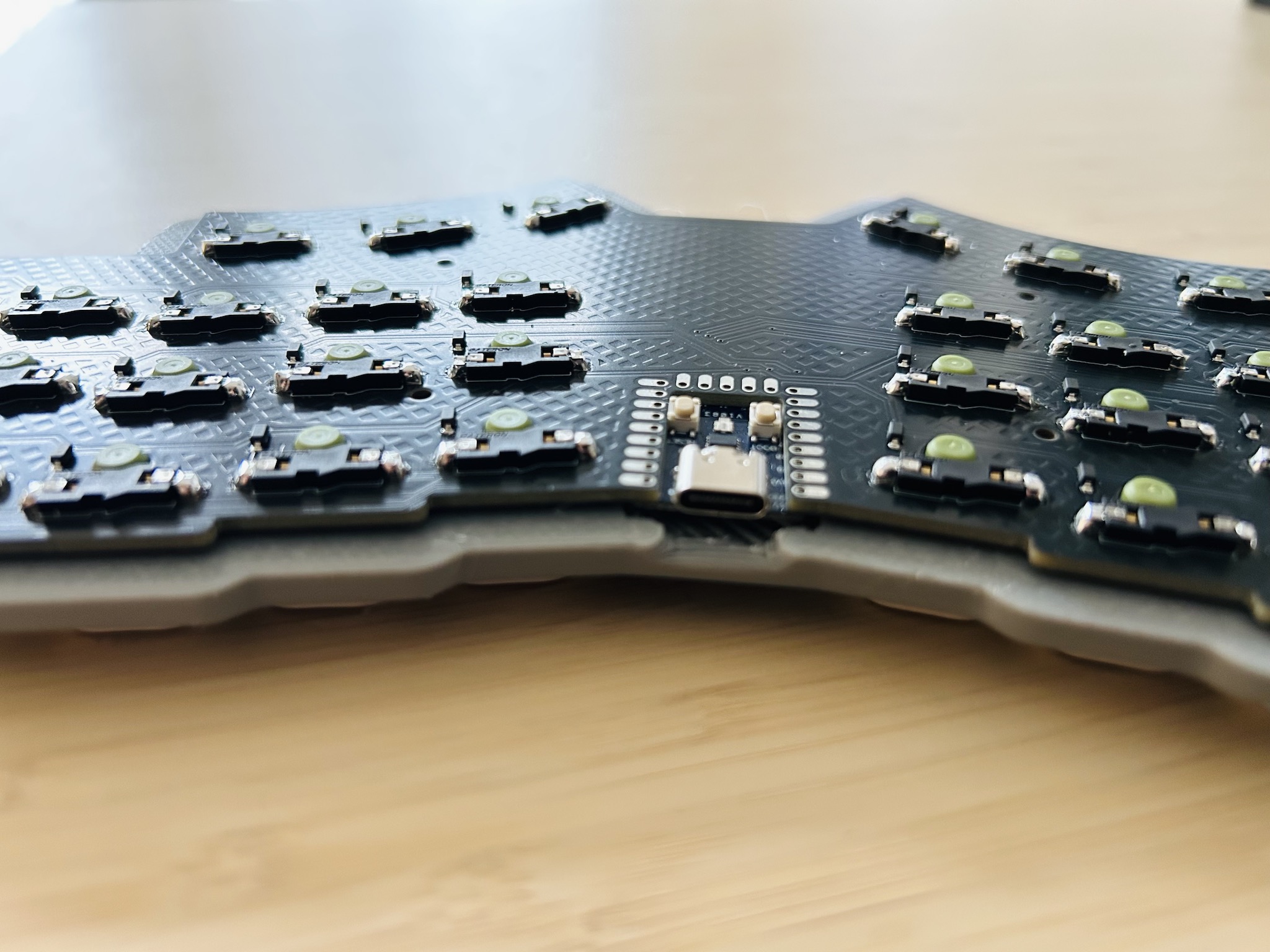
This is Crater75, an almost completely from-scratch row-staggered wireless split board that [United_Parfait_6383] has been working on for a few months. Everything but the keycaps and switches is DIY.

The Crater75 split keyboard, which features OLEDs on the Function row.
Image by [United_Parfait_6383] via reddit
As cool as a keyboard full of screens might seem, can you imagine what it would be like to type at speed on a sea of slick surfaces? Not very nice, I’m thinking. But having them solely on the Function row seems like the perfect compromise. Here, the Function row keys interact with foreground applications, and change with whatever has focus. For the curious, those are 0.42″ OLEDs from Ali with a resolution of 72×40.

I’m not sure what’s going on internally, but the two sides connect with magnets, and either side’s USB-C can be used to charge the board. Both sides have a 2100 mAh Li-Po battery, and the average current of the OLED displays is low enough that the board can run for months on a single charge.

The switches are Gateron low-profiles and are wearing keycaps recycled from a Keychron, which add to the professional finish. Speaking of, the enclosures were manufactured by JLC3DP using the Nylon Multi-Jet Fusion process, but [United_Parfait_6383] says the left side feels too light, so the next revision will likely be CNC’d aluminium. Be sure to check out this short video of Crater75 in action.

Continue reading “Keebin’ With Kristina: The One With The Copycat Keyboard”