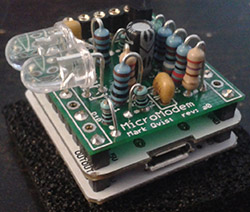
 Them kids with those Arduinos don’t know what they’re missing. A serial connection is just too easy, and there’s so much fun to be had with low bandwidth modems. [Mark] made the MicroModem with this in mind. It’s a 1200 baud AFSK modem, capable of APRS, TCP/IP over SLIP, mesh network experimentations, and even long-range radio communication.
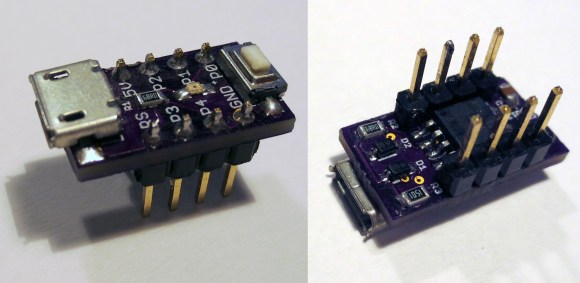
As the MicroModem is designed to be an introduction to digital wireless communication, it’s an extremely simple build using only 17 components on a board compatible with the Microduino. The software is built around something called MinimalProtocol1, a protocol that will be received by all other listening stations, features error correction, and automatic data compression. There’s also the ability to send TCP/IP over the link, which allowed [Mark] to load up our retro site at a blistering 1200 bps.
The code is extremely well documented, as seen on the Github for this project, with board files and even breadboard layouts included. [Mark] has three PCBs of his prototype left over, and he’s willing to give those out to other Hackaday readers who would like to give his modem a shot.