Review: Centre For Computing History

With almost everything that contains a shred of automation relying on a microcontroller these days, it’s likely that you will own hundreds of microprocessors beside the obvious ones in your laptop or phone. Computing devices large and small have become such a part of the fabric of our lives that we cease to see them, the devices and machines they serve just work, and we get on with our lives.

It is sometimes easy to forget then how recent an innovation they are.  If you were born in the 1960s for example, computers would probably have been something spoken in terms of the Space Race or science fiction, and unless you were lucky you would have been a teenager before seeing one in front of you.

Having seen such an explosive pace of development in a relatively short time, it has taken the historians and archivists a while to catch up. General museums have been slow to embrace the field, and specialist museums of computing are still relative infants in the heritage field. Computers lend themselves to interactivity, so this is an area in which the traditional static displays that work so well for anthropological artifacts or famous paintings do not work very well.

There's the unobtrusive sign by the level crossing, Cambridge's version of the black mailbox.
There’s the unobtrusive sign by the level crossing, Cambridge’s version of the black mailbox.

Tucked away next to a railway line behind an industrial estate in the city of Cambridge, UK, is one of the new breed of specialist computer museum. The Centre for Computing History houses a large collection of vintage hardware, and maintains much of it in a running condition ready for visitors to experiment with.

Finding the museum is easy enough if you are prepared to trust your mapping application. It’s a reasonable walk from the centre of the city, or for those brave enough to pit themselves against Cambridge’s notorious congestion there is limited on-site parking. You find yourself winding through an industrial park past tile warehouses, car-parts shops, and a hand car wash, before an unobtrusive sign next to a railway level crossing directs you to the right down the side of a taxi company. In front of you then is the museum, in a large industrial unit.

Pay your entrance fee at the desk, Gift Aid it using their retro green screen terminal application if you are a British taxpayer, and you’re straight into the exhibits. Right in front of you surrounding the café area is something you may have heard of if you are a Hackaday reader, a relatively recent addition to the museum, the Megaprocessor.
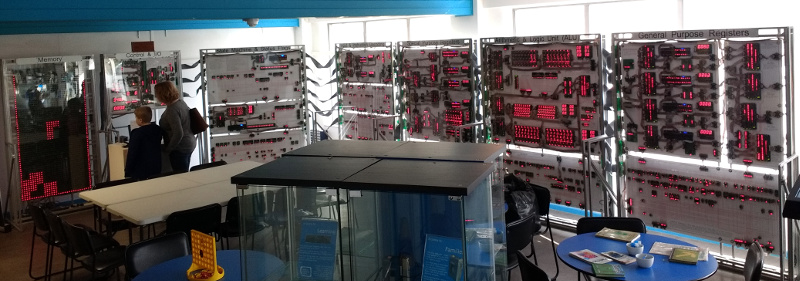
The Megaprocessor, playing Tetris

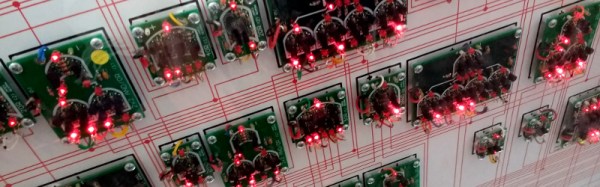
If we hadn’t already covered it in some detail, the Megaprocessor would be enough for a long Hackaday article in its own right. It’s a 16-bit processor implemented using discrete components, around 42,300 transistors and a LOT of indicator LEDs, all arranged on small PCBs laid out in a series of large frames with clear annotations showing the different functions. There is a whopping 256 bytes of RAM, and its clock speed is measured in the KHz. It is the creation of [James Newman], and his demonstration running for visitors to try is a game of Tetris using the LED indicators on the RAM as a display.

To be able to get so up close and personal with the inner workings of a computer is something few who haven’t seen the Megaprocessor will have experienced. There are other computers with lights indicating their innermost secrets such as the Harwell Dekatron, but only the Megaprocessor has such a clear explanation and block diagram of every component alongside all those LED indicators. When it’s running a game of Tetris it’s difficult to follow what is going on, but given that it also has a single step mode it’s easy to see that this could be a very good way to learn microprocessor internals.
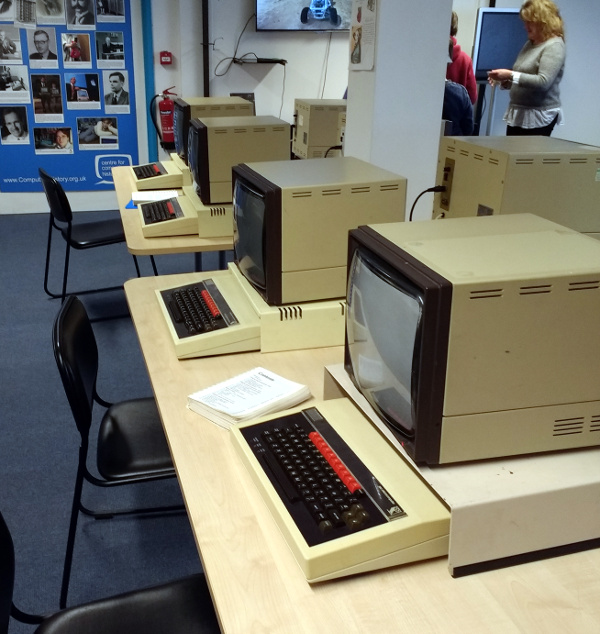
The obligatory row of BBC Micros.

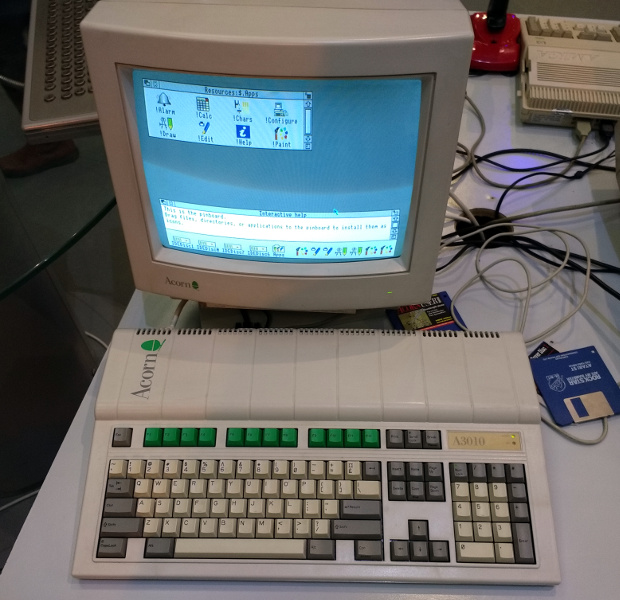
The first room off the café contains a display of the computers used in British education during the 1980s. There is as you might expect a classroom’s worth of Acorn BBC Micros such as you would have seen in many schools of that era, but alongside them are some rarer exhibits. The Research Machines 380Z, for example, an impressively specified Z80-based system from Oxford that might not have the fame of its beige plastic rival, but that unlike the Acorn was the product of a company that survives in the education market to this day. And an early Acorn Archimedes, a computer which though you may not find it familiar you will certainly have heard of the processor that it debuted. Clue: The “A” in “ARM” originaly stood for “Acorn”.
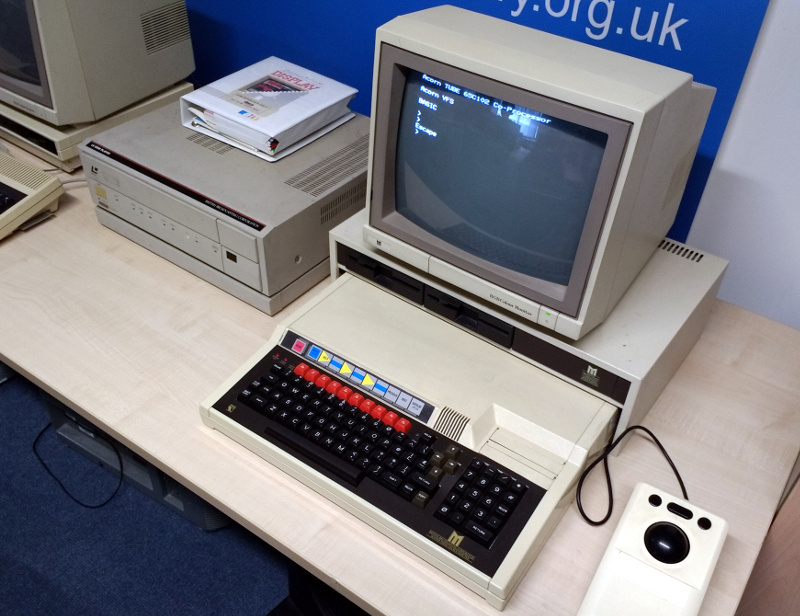
The LaserDisc system, one you won't have at home.
The LaserDisc system, one you won’t have at home.

The rarest exhibit in this froom though concerns another BBC Micro, this time the extended Master System. Hooked up to it is an unusual mass storage peripheral that was produced in small numbers only for this specific application, a Philips LaserDisc drive. This is one of very few surviving functional Domesday Project systems, an ambitious undertaking from 1986 to mark the anniversary of the Norman Domesday Book in which the public gathered multimedia information to be released on this LaserDisc application. Because of the rarity of the hardware this huge effort swiftly became abandonware, and its data was only saved for posterity in the last decade.

The main body of the building houses the bulk of the collection. Because this is a huge industrial space, the effect is somewhat overwhelming, as though the areas are broken up by some partitions you are immediately faced with a huge variety of old computer hardware.

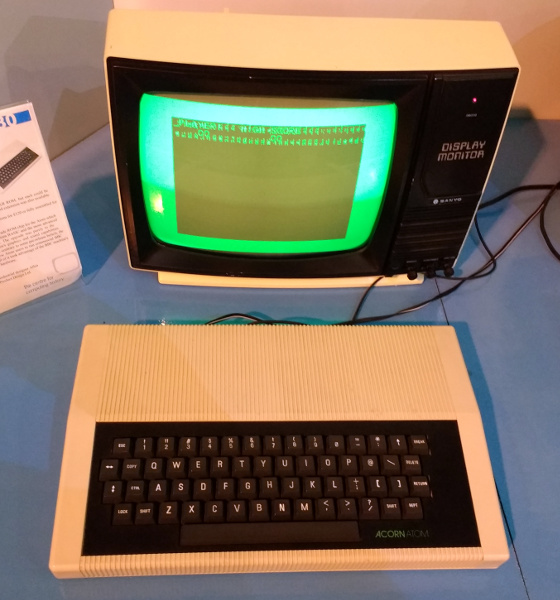
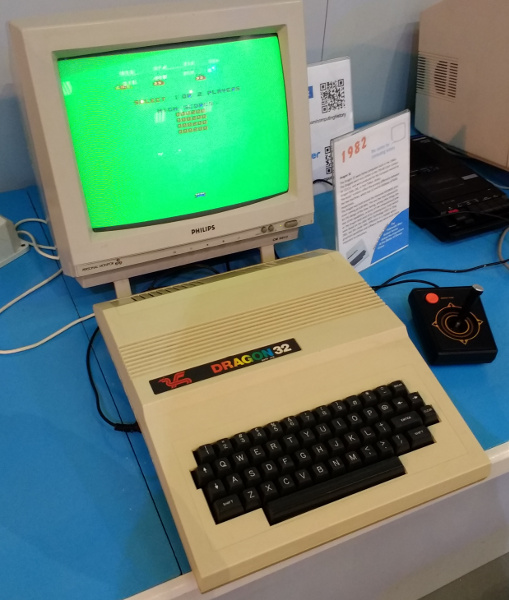
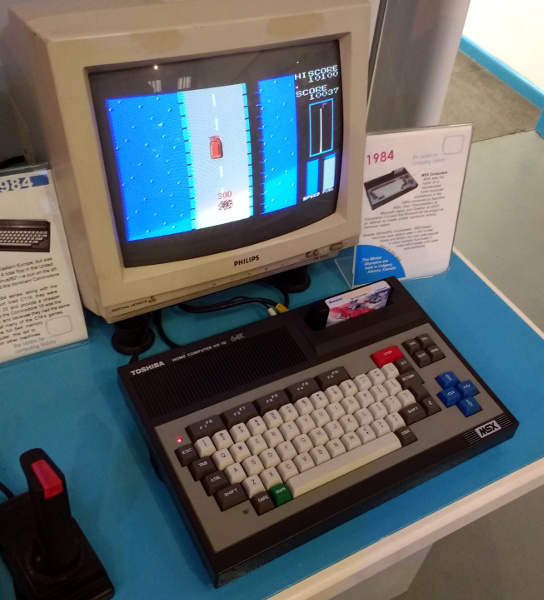
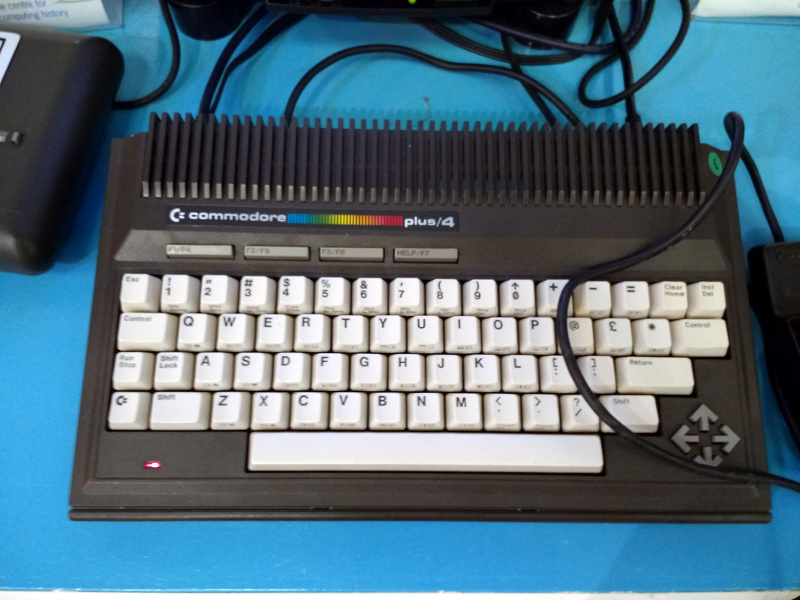
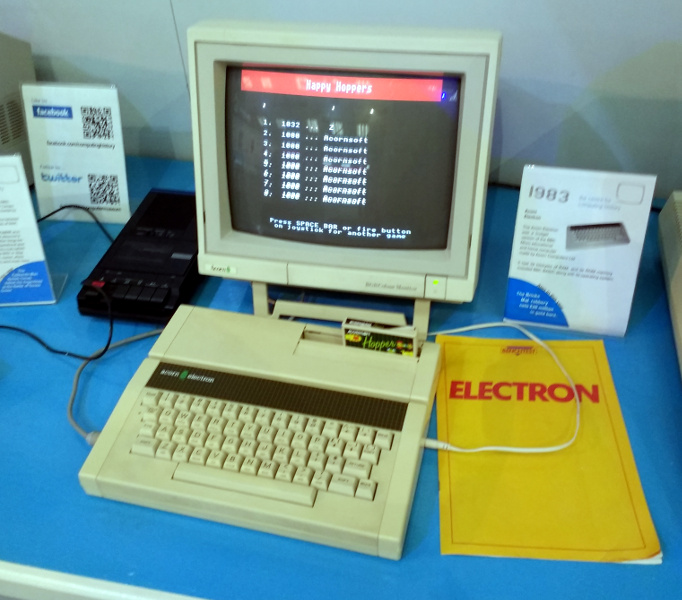
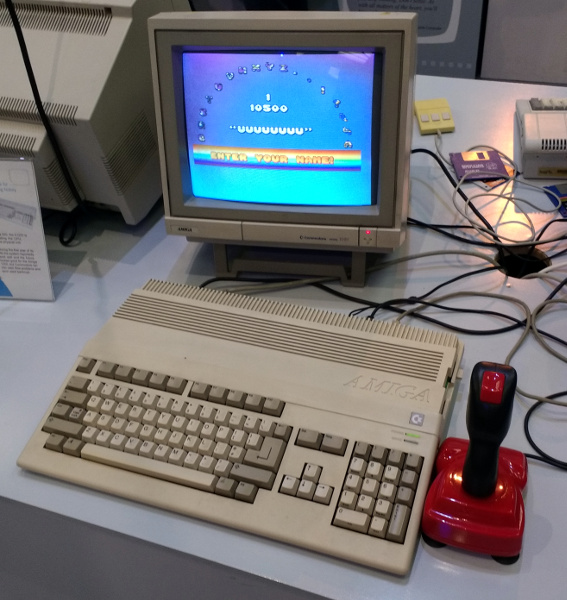
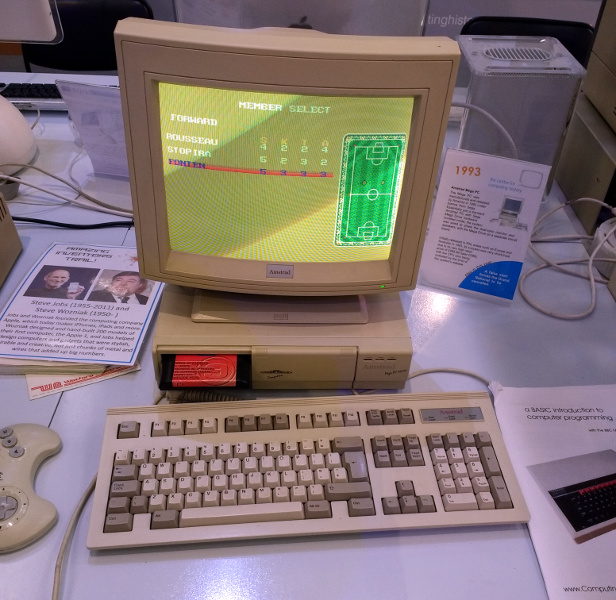
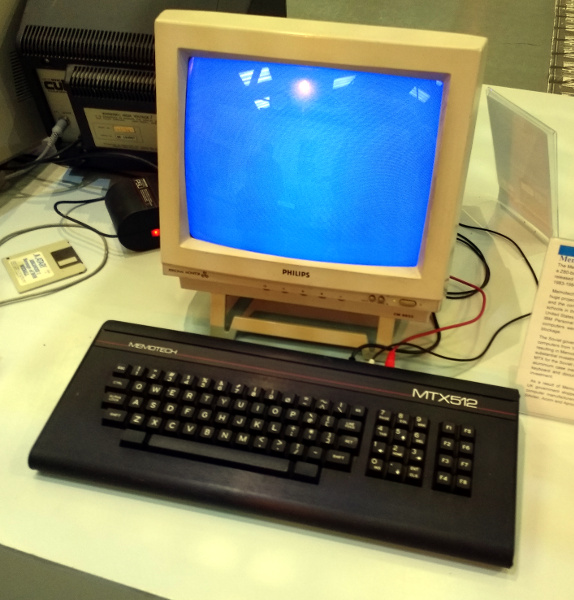
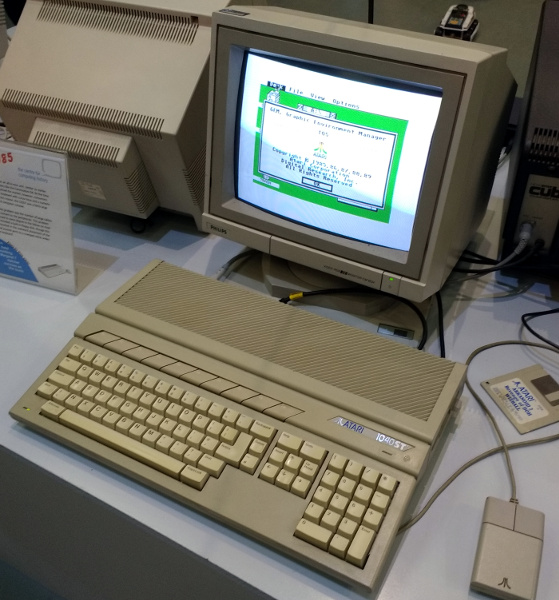
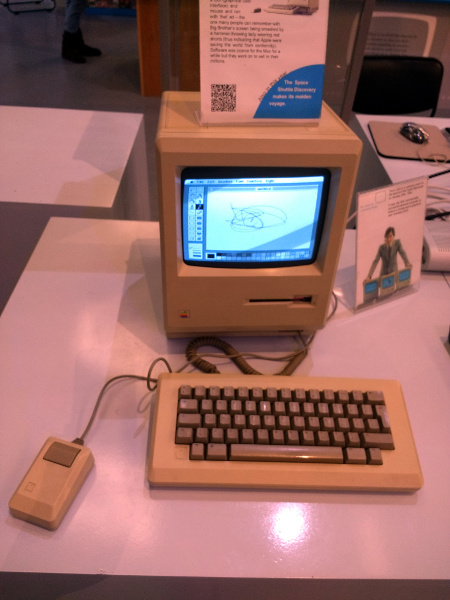
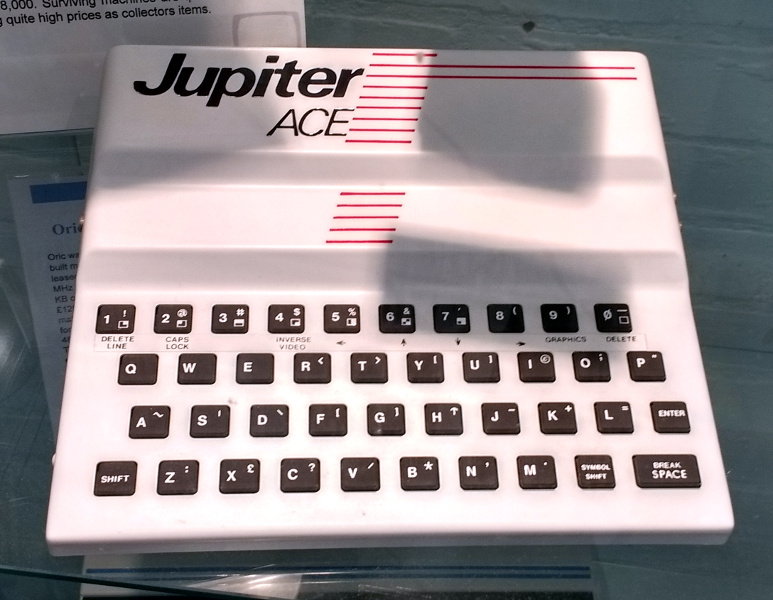
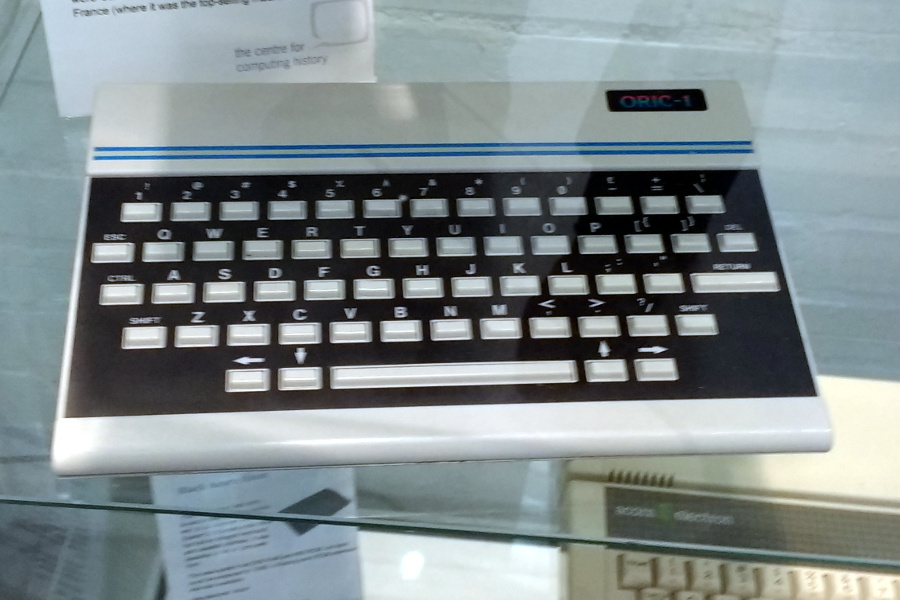
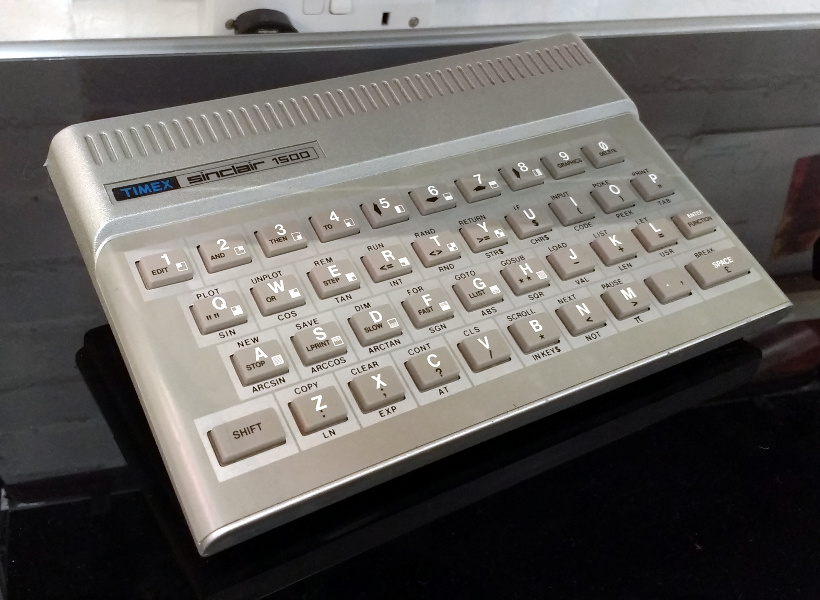
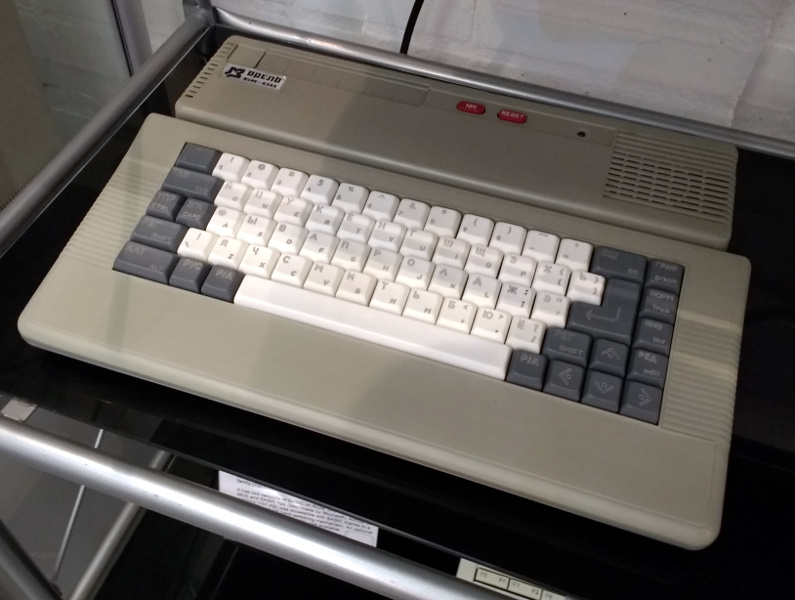
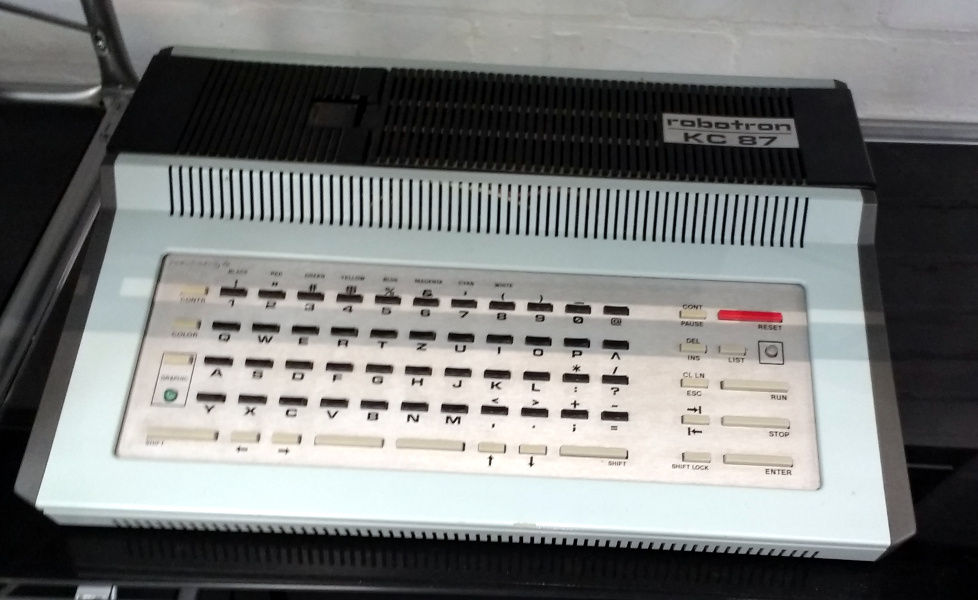
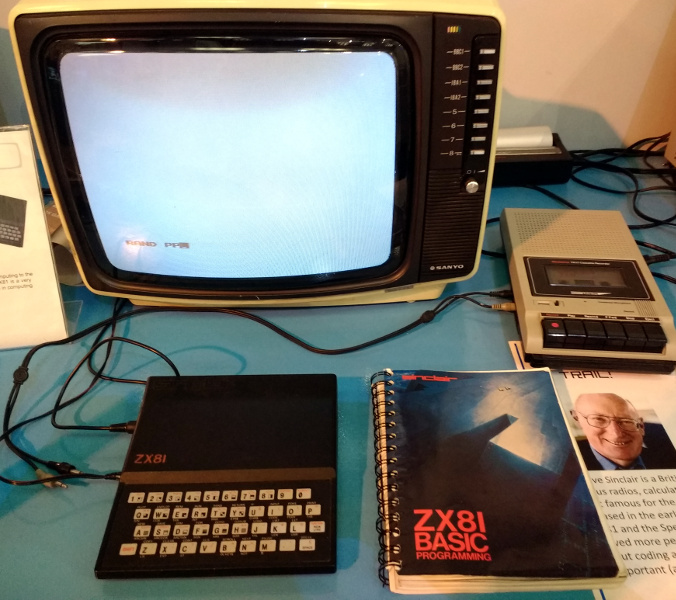
The largest part of the hall features the museum’s display of home computers from the 1980s and early 1990s. On show is a very impressive collection of 8-bit and 16-bit micros, including all the ones we’d heard of and even a few we hadn’t. Most of them are working, turned on, and ready to go, and in a lot of cases their programming manual is alongside ready for the visitor to sit down and try their hand at a little BASIC. There are so many that listing them would result in a huge body of text, so perhaps our best bet instead is to treat you to a slideshow (click, click).
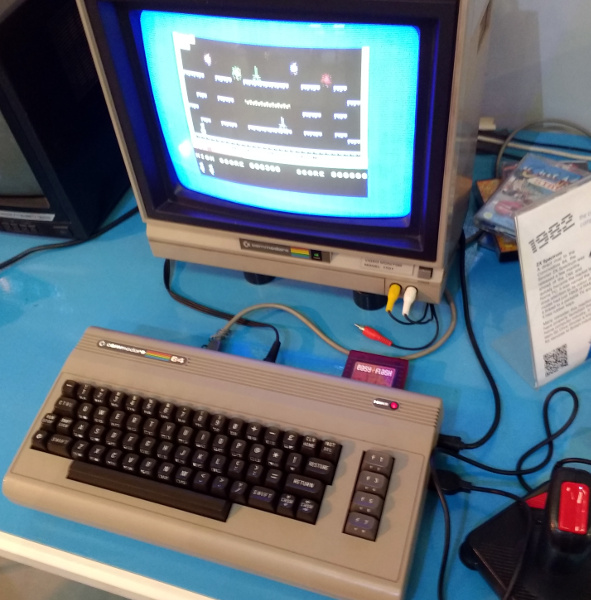
Definitely not Pong, oh no.

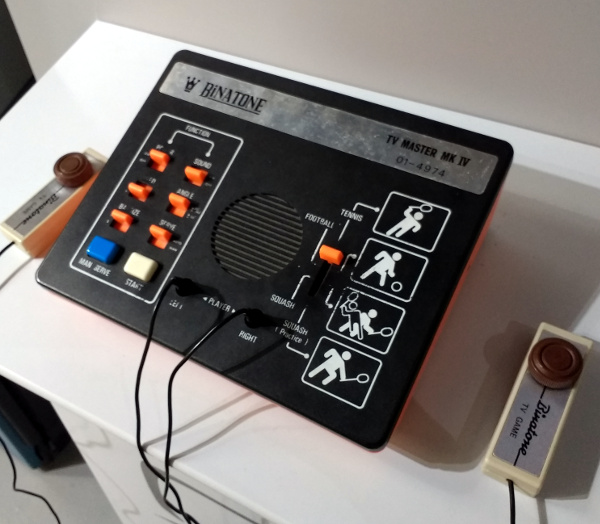
Beyond the home micros, past the fascinating peek into the museum’s loading bay, and there are a selection of arcade cabinets and then a comprehensive array of games consoles. Everything from the earliest Pong clones to the latest high-powered machines with which you will no doubt be familiar is represented, so if you are of the console generation and the array of home computers left you unimpressed, this section should have you playing in no time.

One might be tempted so far to believe that the point of this museum is to chart computers as consumer devices and in popular culture, but as you reach the back of the hall the other face of the collection comes to the fore. Business and scientific computing is well-represented, with displays of word processors, minicomputers, workstations, and portable computing.
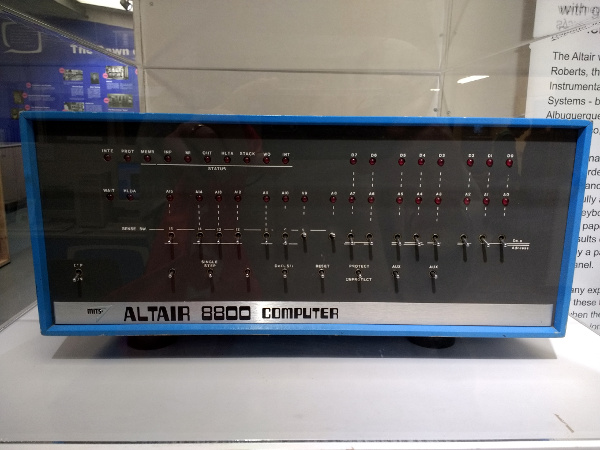
The one that started it all

On a pedestal in a Perspex box all of its own is something rather special, a MITS Altair 8800, and a rare example for UK visitors of the first commercially available microcomputer. Famously its first programming language was Microsoft BASIC, this machine can claim to be that from which much of what we have today took its start.

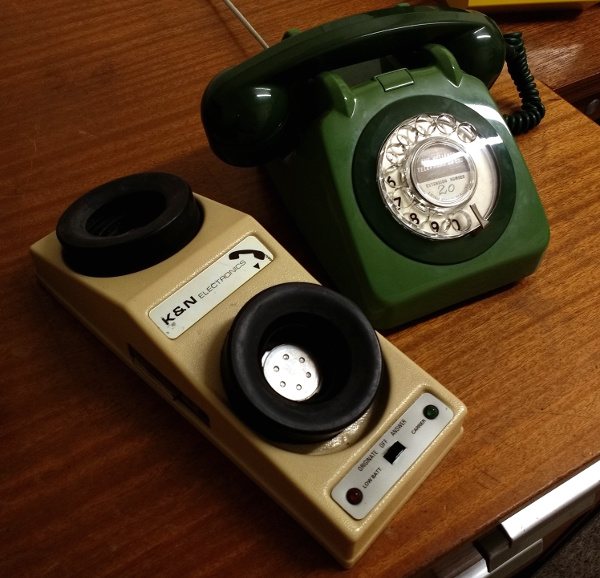
In the corner of the building is a small room set up as an office of the 1970s, a sea of wood-effect Formica with a black-and-white TV playing period BBC news reports. They encourage you to investigate the desks as well as the wordprocessor, telephone, acoustic coupler, answering machine and other period items.
UK phone afficionados would probably point out that office phones were rearely anything but black.
UK phone aficionados would probably point out that office phones were rarely anything but black.

The museum has a small display of minicomputers, with plenty of blinkenlight panels to investigate even if they’re not blinking. On the day of our visit one of them had an engineer deep in its internals working on it, so while none of them were running it seems that they are not just static exhibits.

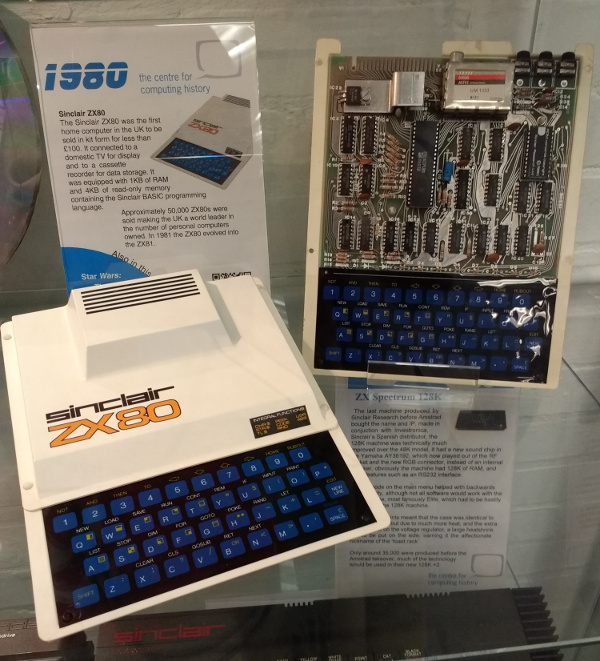
Finally, at various points around the museum were cabinets with collections of related items. Calculators, Clive Sinclair’s miniature televisions, or the evolution of the mobile phone. It is these subsidiary displays that add the cherry to the cake in a museum like this one, for they are much more ephemeral than many of the computers.

This is one of those museums with so many fascinating exhibits that it is difficult to convey the breadth of its collection in the space afforded by a Hackaday article.

There is an inevitable comparison to be made between this museum and the National Museum of Computing at Bletchley Park that we reviewed last year. It’s probably best to say that the two museums each have their own flavours, while Bletchley has more early machines such as WITCH or their Colossus replica as well as minis and mainframes, the Centre for Computing History has many more microcomputers as well as by our judgement more computers in a running and usable condition. We would never suggest a one-or-the-other decision, instead visit both. You won’t regret it.

The Centre for Computing History can be found at Rene Court, Coldhams Road, Cambridge, CB1 3EW. They are open five days a week from Wednesday through to Sunday, and seven days a week during school holidays. They open their doors at 10 am and close at 5 pm, with last admissions at 4 pm. Entry is £8 for grown-ups, and £6 for under-16s. Under-5s are free. If you do visit and you are a UK tax payer, please take a moment to do the gift aid thing, they are after all a charity.

Marvelous Mechanisms: The Ubiquitous Four Bar Linkage

The four bar linkage is a type of mechanical linkage that is used in many different devices. A few examples are: locking pliers, bicycles, oil well pumps, loaders, internal combustion engines, compressors, and pantographs. In biology we can also find examples of this linkage, as in the human knee joint, where the mechanism allows rotation and keeps the two legs bones attached to each other. It is also present in some fish jaws that evolved to take advantage of the force multiplication that the four bar mechanism can provide.

How It Works

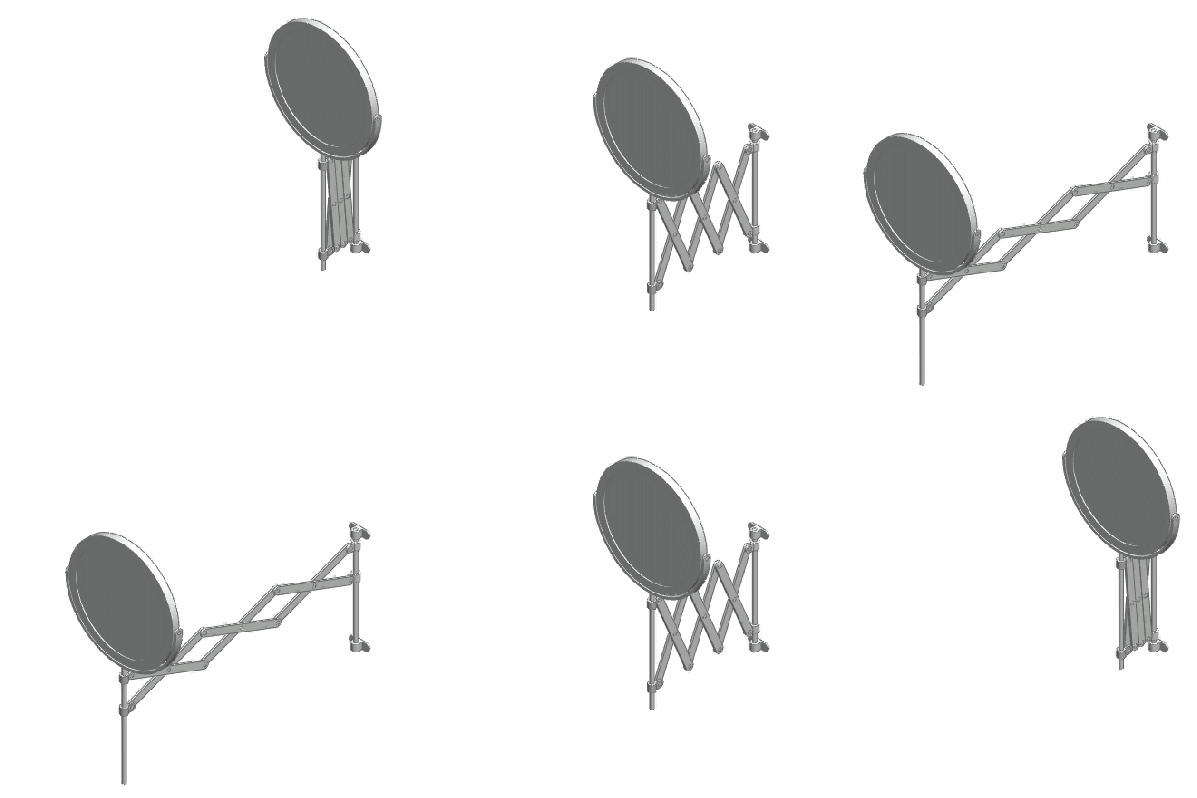
Deployable mirror with scissor linkages. By [Catsquisher] via Wikimedia Commons
The study of linkages started with Archimedes who applied geometry to the study of the lever, but a full mathematical description had to wait until the late 1800’s, however, due to the complexity of the resulting equations, the study and design of complex linkages was greatly simplified with the advent of the digital computer.

Mechanical linkages in general are a group of bodies connected to each other to manage forces and movement. The bodies, or links, that form the linkage, are connected to each other at points called joints. Perhaps the simplest example is the lever, that consists of a rigid bar that is allowed to pivot about a fulcrum, used to obtain a mechanical advantage: you can raise an object using less force than the weight of the object.

Two levers can be connected to each other to form the four bar linkage. In the figure, the levers are represented by the links a (A-D) and b (B-C).  The points A and B are the fulcrum points.  A third link f (C-D) connects the levers, and the fourth link is the ground or frame g (A-B) where the mechanism is mounted. In the animation below, the input link a (the crank) performs a rotational motion driving the rocker rod b and resulting in a reciprocating motion of the link b (the rocker).

This slider-crank arrangement is the heart of the internal combustion engine, where the expansion of gases against a sliding piston in the cylinder drives the rotation of the crank. In a compressor the opposite happens, the rotation of the crank pushes the piston to compress the gas in the cylinder. Depending on how the mechanism is arranged, it can perform the following tasks:

  • convert rotational motion to reciprocating motion, as we just discussed above.
  • convert reciprocating motion to rotational motion, as in the bicycle.
  • constrain motion, e.g. knee joint and car suspension.
  • magnify force, as in the parrotfish jaw.
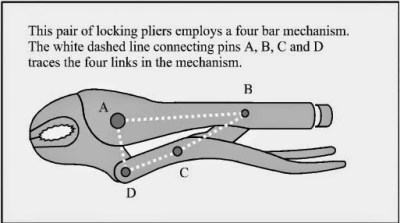
Locking pliers mechanism. Image from [Engineering made easy]

Some Applications

One interesting application of the four bar linkage is found in locking pliers. The B-C and C-D links are set at an angle close to 180 degrees. When force is applied to the handle, the angle between the links is less than 180 (measured from inside the linkage), and the resulting force in the jaws tries to keep the handle open. When the pliers snap into the locked position that angle becomes less than 180, and the force in the jaws keeps the handle in the locked position.

In a bicycle, the reciprocating motion of the rider´s legs is converted to rotational motion via a four bar mechanism that is formed by the two leg segments, the bicycle frame, and the crank.

An example from nature, the Moray eel. Image from [Matthew West]
As with many other inventions of humankind, we often find that nature has already come up with the same idea via evolution. The parrotfish lives on coral reefs, from which it feeds, and has to grind the coral to get to the polyps inside. For that job, they need a very powerful bite. The parrotfish obtains a mechanical advantage to the muscle force by using a four bar linkage in their jaws! Other species also use the same mechanism, one is the Moray eel, shown in the image, which has the very particular ability to launch its jaws up in the mouth to capture its prey, much like the alien from the film series.

The joints connecting the links in the linkage can be of two types. A hinged joint is called a revolute, and a sliding joint is called a prismatic. Depending on the number of revolute and prismatic joints, the four bar linkage can be of three types:

  • Planar quadrilateral linkage formed by four links and four revolute points. This is shown in the animation above.
  • Slider-crank linkage, formed by three revolute joints and a prismatic joint.
  • Double slider formed by two revolute joints and two prismatic joints. The Scotch yoke and the trammel of Archimedes are examples.

There are a great number of variations for the four bar linkage, and as you can guess, the design process to obtain the forces and movements that we need is not an easy task. An excellent resource for the interested reader is KMODDL (Kinematic Models for Design Digital Library) from Cornell University. Other interesting sites are the 507 mechanical movements, where you can find nice animations, and [thang010146]’s YouTube channel.

We hope to have piqued your curiosity in mechanical things. In these times of ultra fast developments in electronics, looking at the working of mechanisms that were developed centuries ago, but are still present and needed in our everyday lives can be a rewarding experience. We plan to work on more articles featuring interesting mechanisms so please let us know your favorites in the comments below.

Don’t Fear The Filter: Cascading Sallen-Keys

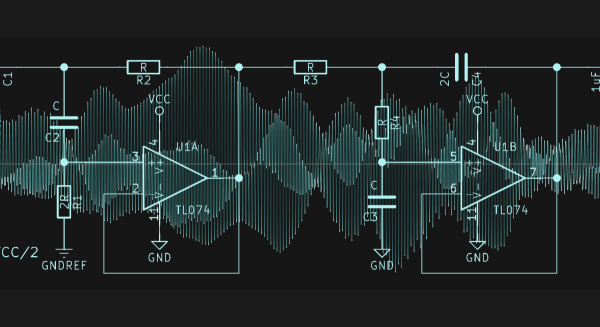
In the last edition of Don’t Fear the Filter, we built up two examples of the simplest and most-used active filter of all time: the two-pole Sallen-Key lowpass. This time, we’re going to put two of these basic filter blocks in a row, and end up with a much sharper lowpass filter as well as a bandpass filter. For the bandpass, we’ll need to build up a quick highpass filter as well. Bonus!

I claimed last time that the Sallen-Key lowpass would cover something like 80% of your filtering needs. (And 72.4% of all statistics are totally made up!) These two will probably get you through another 10% or so. Honestly, I’ve never built a standalone active highpass, for reasons we’ll see below, but the active bandpass filter that we’re building it for is a great tool to have in your belt, especially for anything audio.

Continue reading “Don’t Fear The Filter: Cascading Sallen-Keys”

Retrotechtacular: Stereo Records

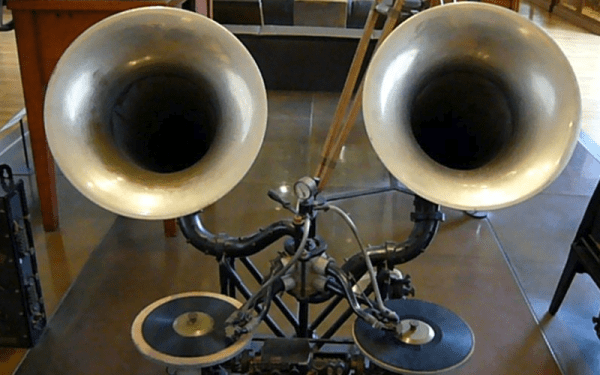
The 20th century saw some amazing technological developments. We went from airplanes to the moon. We went from slide rules to digital computers. Crank telephones to cell phones. But two of the most amazing feats of that era were ones that non-technical people probably hardly think about. The transformation of radio and TV from mono and black and white, to stereo and color. What was interesting about both of these is that engineers managed to find a way to push the new better result into the same form as the old version and — this is the amazing part — do it in such a way that the old technology still worked. Maybe it is the rate that new technology moves today, but we aren’t doing that today. Digital TV required all-new everything: transmitters, receivers, frequencies, and recording gear. Good luck trying to play the latest video game on your 25-year-old PC.

It is hard to remember when stores were full of all sorts of audio and video media. We’ve noticed that all forms of media are starting to vanish. Everything audio and video are all streamed or downloaded these days. Records, 8-tracks, cassettes, and even CDs and DVDs are vanishing. However, vinyl records have made a come back in the last few years for their novelty or nostalgic value.

Continue reading “Retrotechtacular: Stereo Records”

Next Weekend: The Vintage Computer Festival East

Next weekend is the Vintage Computer Festival East in Wall, New Jersey. We’re going, and you should be there too.

The VCF East is the largest gathering of retrocomputing aficionados on the east coast. It’s three days of talks, exhibits, a flea market, and a pow-wow of the greatest minds buried under obsolete technology. No VCF is complete without a few talks, and this year is shaping up to be great. Keynotes will include [Bjarne Stroustrup], designer / implementor / inventor of C++. Computer historian [Bill Degnan] will give a review of 40 years of ‘appliance computers’, and [Tom Perera], Ph.D. will be giving a talk on the Enigma machine.

The exhibits at VCF are always the star of the show, and this year is no different. Highlights include mechanical computers, the finest from Silicon Graphics, and a version of Unix published by Microsoft. The individual exhibits are always great; last year the world’s first digital camera made an appearance. If you’re in the area, this isn’t an event to miss. VCF is going down at InfoAge, a science center at the former Camp Evans — a military installation that is best described as, ‘DARPA before World War II’.

Hackaday is proud to once again sponsor VCF East. This has been going on for a couple of years now and our Art Director, [Joe Kim] has created some incredible art as part of the sponsorship. Click on the thumbnail of this year’s art to embiggen. The VCF West art from last year is a stunning take on the Macintosh and last year’s VCF East art reflected the retro hackathon we sponsored.

Source Parts On TaoBao: An Insider’s Guide

For hardware aficionados and Makers, trips to Shenzhen’s Huaqiangbei have become something of a pilgrimage. While Huaqiangbei is a tremendous and still active resource, increasingly both Chinese and foreign hardware developers do their sourcing for components on TaoBao. The selection is vastly greater and with delivery times rarely over 48 hours and frequently under 24 hours for local purchases it fits in nicely with the high-speed pace of Shenzhen’s hardware ecosystem.

For overseas buyers, while the cost of Taobao is comparable to, or slightly less than AliExpress and Chinese online stores, the selection is again, many, many times the size. Learning how to effectively source parts from Taobao will be both entertaining and empowering.

Continue reading “Source Parts On TaoBao: An Insider’s Guide”

Arch Your Eyebrow At Impression Products V. Lexmark International

When it comes to recycled printer consumables, the world seems to divide sharply into those who think they’re great, and those who have had their printer or their work ruined by a badly filled cartridge containing cheaper photocopy toner, or God knows what black stuff masquerading as inkjet ink. It doesn’t matter though whether you’re a fan or a hater, a used printer cartridge is just a plastic shell with its printer-specific ancilliaries that you can do with what you want. It has performed its task the manufacturer sold it to you for and passed its point of usefulness, if you want to fill it up with aftermarket ink, well, it’s yours, so go ahead.

There is a case approaching the US Supreme Court though which promises to change all that, as well as to have ramifications well beyond the narrow world of printer cartridges. Impression Products, Inc. v. Lexmark International, Inc. pits the printer manufacturer against a small cartridge recycling company that refused to follow the rest of its industry and reach a settlement.

At issue is a clause in the shrink-wrap legal agreement small print that comes with a new Lexmark cartridge that ties a discounted price to an agreement to never offer the cartridge for resale or reuse. They have been using it for decades, and the licence is deemed to have been agreed to simply by opening the cartridge packaging. By pursuing the matter, Lexmark are trying to set a legal precedent allowing such licencing terms to accompany a physical products even when they pass out of the hands of the original purchaser who accepted the licence.

There is a whole slew of concerns to be addressed about shrink-wrap licence agreements, after all, how many Lexmark owners even realise that they’re agreeing to some legal small print when they open the box? But the concern for us lies in the consequences this case could have for the rest of the hardware world. If a precedent is set such that a piece of printer consumable hardware can have conditions still attached to it when it has passed through more than one owner, then the same could be applied to any piece of hardware. The prospect of everything you own routinely having restrictions on the right to repair or modify it raises its ugly head, further redefining “ownership” as  “They really own it”. Most of the projects we feature here at Hackaday for example would probably be prohibited were their creators to be subject to these restrictions.

We’ve covered a similar story recently, the latest twist in a long running saga over John Deere tractors. In that case though there is a written contract that the farmer buying the machine has to sign. What makes the Lexmark case so much more serious is that the contract is being applied without the purchaser being aware of its existence.

We can’t hold out much hope that the Supreme Court understand the ramifications of the case for our community, but there are other arguments within industry that might sway them against it. Let’s hope Impression Products v. Lexmark doesn’t become a case steeped in infamy.

Thanks to [Greg Kennedy] for the tip.

Lexmark sign by CCC2012 [CC0].