Introducing The Raspberry Pi 2

TL;DR It’s called the Raspberry Pi 2 Model B. Quad core ARM Cortex A7 with one Gig of RAM. It’s the same form factor as the Raspberry Pi Model B+. Available now at Newark, Element 14, Allied, and RS Components. It’s the same price as the old one. You’re not a child and you should learn to read.


The original Raspberry Pi released, three years ago, was looking a bit long in the tooth when it was first launched. That’s to be expected for a computer that sells for $35 USD. Three years is a long time in the world of electronics, and the Pi is due for an update. It’s here, now, and the biggest change is a faster quad-core chip, a better processor architecture, and 1GB of RAM.

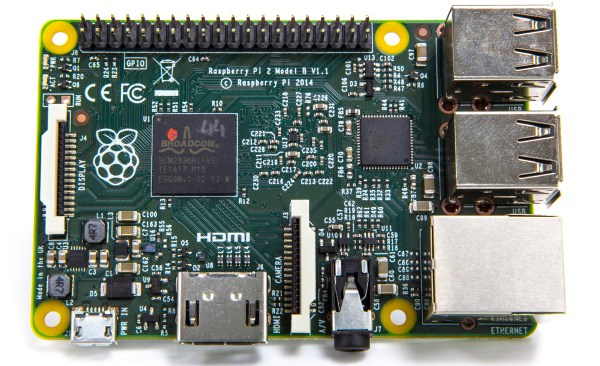
The Raspberry Pi 2 Model B features a quad-core ARM Cortex A7 running at 1GHz with 1GB of RAM. This chip uses the ARMv7 architecture instead of the ARMv6 of the original Raspi. When playing around with it, it was noticeably zippier than my months-old Raspi Model B in web browsing tasks. Very, very cool, and something that opens up a few doors for CPU-intensive applications.

Although the CPU has been updated, there isn’t much else on the Pi that has changed. USB and Ethernet is still handled by the LAN9514 USB/Ethernet controller. If you’re looking for Gigabit Ethernet, sorry that’s not going to happen. We’re not going to get eMMC Flash, SATA ports, or anything groundbreaking other than the CPU with this hardware update. It’s pretty much just a CPU and RAM upgrade.

All the original ports found on the Raspberry Pi Model B+ are found on the Raspi 2; HDMI, audio, analog video, Ethernet, USB, CSI, the as-for-now unused DSI, and GPIO ports haven’t changed. Again, we’re looking at a CPU and RAM upgrade with this hardware release.

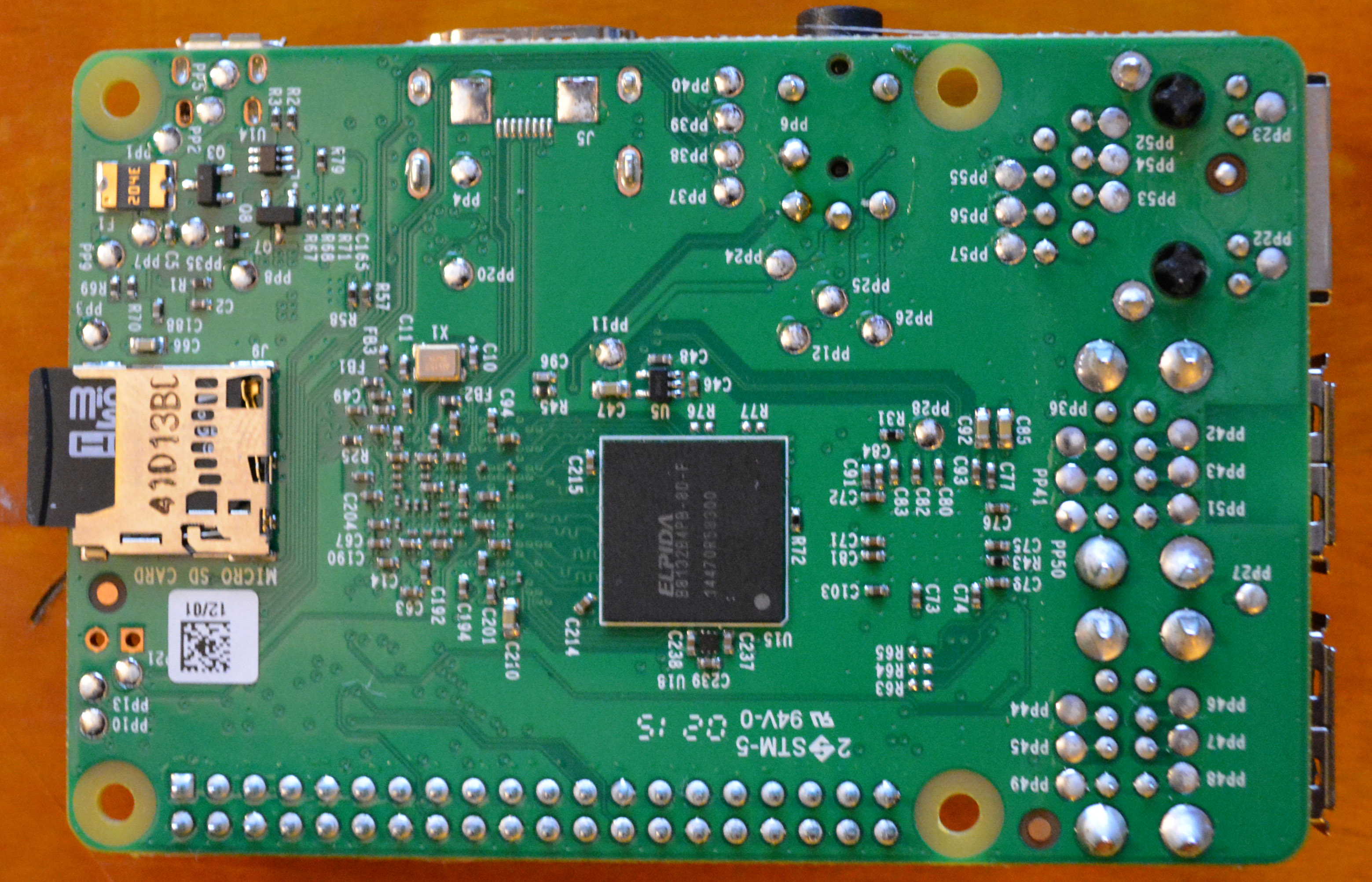
Instead of the odd Package On Package CPU and RAM stack featured in previous Raspberry Pis, the RAM has now moved to the back on the Raspi 2:
raspiback

The RAM chip is an Elpida EDB8132B4PB-8D-F, an eight gigabit DDR2 RAM that has the same clock rate as the RAM in the original Raspi. Don’t look for an increase in memory performance or speed. Instead, just be glad there’s now a full gigabyte of RAM on the Raspi.

A few of you may remember the ‘upgrade’ all those Raspberry Pi early adopters missed out on. After the first few hundred thousand Raspberry Pi Model Bs shipped, someone realized they could upgrade the RAM from 256 MB to 512 MB. It is not yet known whether the Raspberry Pi 2 will be upgraded as easily. Sixteen gigabit RAMs do exist, but now that the CPU and RAM aren’t on the same package, there’s more to consider than just plopping down a new RAM chip.
Continue reading “Introducing The Raspberry Pi 2”

Universal Active Filters part 2 for Hackaday by Bil Herd

Universal Active Filters: Part 2

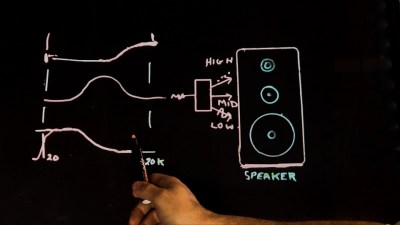
An easy way to conceptualize active filters is thinking about audio speakers. A speaker crossover has a low-pass, high-pass and band-pass effect breaking a signal into three components based upon frequency. In the previous part of this series I took that idea and applied it to a Universal Active Filter built with a single chip opamp based chip known as the UAF-42. By the way, it’s pretty much an older expensive chip, just one I picked out for demonstration.

Using a dual-ganged potentiometer, I was able to adjust the point at which frequencies are allowed to pass or be rejected. We could display this behavior by sweeping the circuit with my sweep frequency function generator which rapidly changes the frequency from low to high while we watch what can get through the filter.

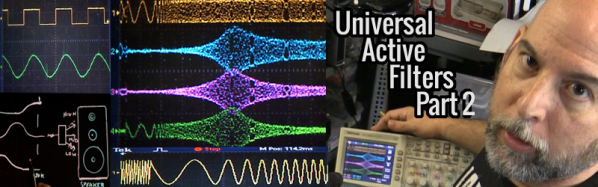
In this installment I’ll test the theory that filtering out the harmonics which make up a square wave results in a predictable degradation of the waveform until at last it is a sine wave. This sine wave occurs at the fundamental frequency of the original square wave. Here’s the video but stick with me after the break to walk through each concept covered.

Continue reading “Universal Active Filters: Part 2”

Audience Pong And RC Trash Bins: An Intro To TEI

This past weekend, I had the chance to visit this year’s Tangible, Embedded, and Embodied Interaction Conference (TEI) and catch up with a number of designers in the human-computer-interaction space. The conference brings together a unique collection of artists, computer scientists, industrial designers, and grad students to discuss computer interactivity in today’s world. Over the span of five days (two for workshops, and three for paper presentations), not only did I witness a number of today’s current models for computer interactivity (haptics, physical computing with sensors), I also witnessed a number of excellent projects: some developed just to prove a concept, others, to present a well-refined system or workflow. It’s hard to believe, but our computer mouse has sat beneath our fingertips since 1963; this conference is the first place I would start looking to find new ways of “mousing” with tomorrow’s technology.

Over the next few days, I’ll be shedding more light on a few projects from TEI. (Some have already seen the light of day.) For this first post, though, I decided to highlight two projects tied directly to the conference culture itself.

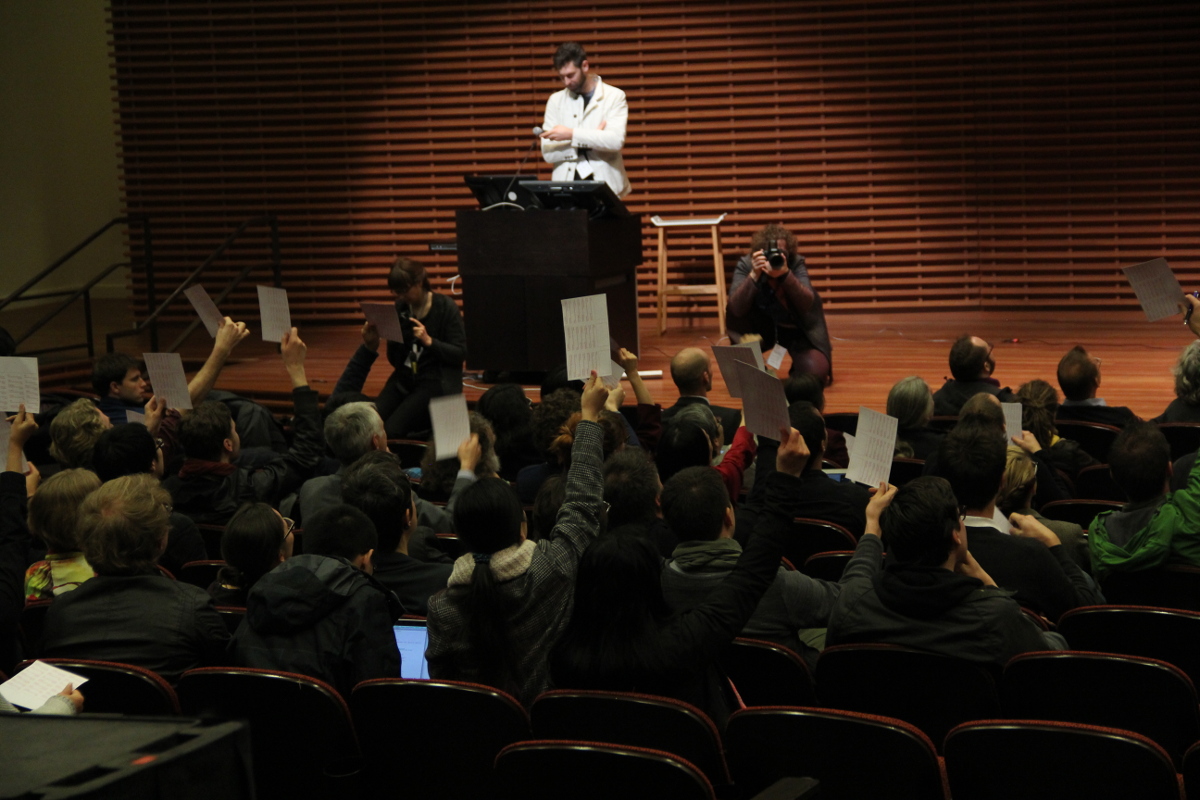
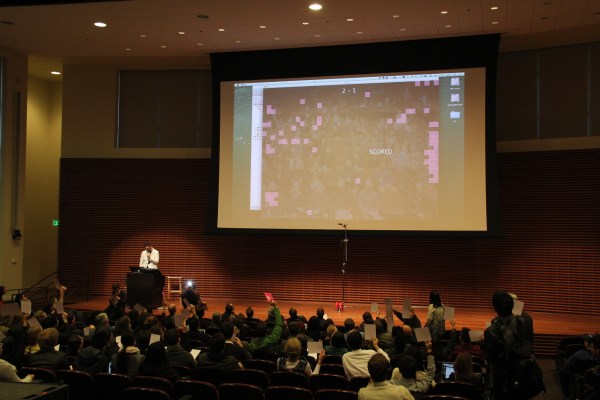
Before each lunch break, the audience was invited to take part in an audience-driven interactive game of “Collective” Pong. With some image processing running in the background, players held up pink cards to increase the height of their respective paddle–albeit by a miniscule amount. The audience member’s corresponding paddle weight was mapped to their respective marker location on the screen (left or right). It turns out that this trick is a respectful nod back to its original performance by [Loren Carpenter] at Siggraph in 1991. With each audience member performing their own visual servoing to bring the paddle to the right height, we were able to give the ball a good whack for 15 minutes while lunch was being prepared.

TEI_2015Cards

Next off, the conference’s interactivity spread far beyond the main conference room. During our lunch breaks we had the pleasure of discarding our scraps in a remotely operated trash bin. Happily accepting our refuse, this bin did a quick jiggle when users placed items inside. Upon closer inspection, a Roomba and Logitech camera gave it’s master a way of navigating the environment from inside some remote secret lair.

Overall, the conference was an excellent opportunity to explore the design space of tinkerers constantly re-imagining the idea of how we interact with today’s computers and data. Stay tuned for more upcoming projects on their way. If you’re curious for more details on the papers presented or layout of the conference, have a look at this year’s website.

Continue reading “Audience Pong And RC Trash Bins: An Intro To TEI”

Hackaday Omnibus 2014 — Our First Ever Print Edition

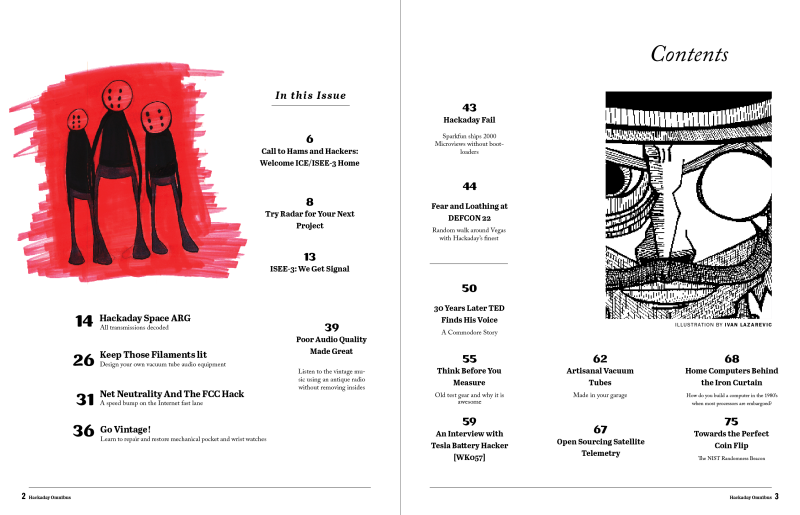
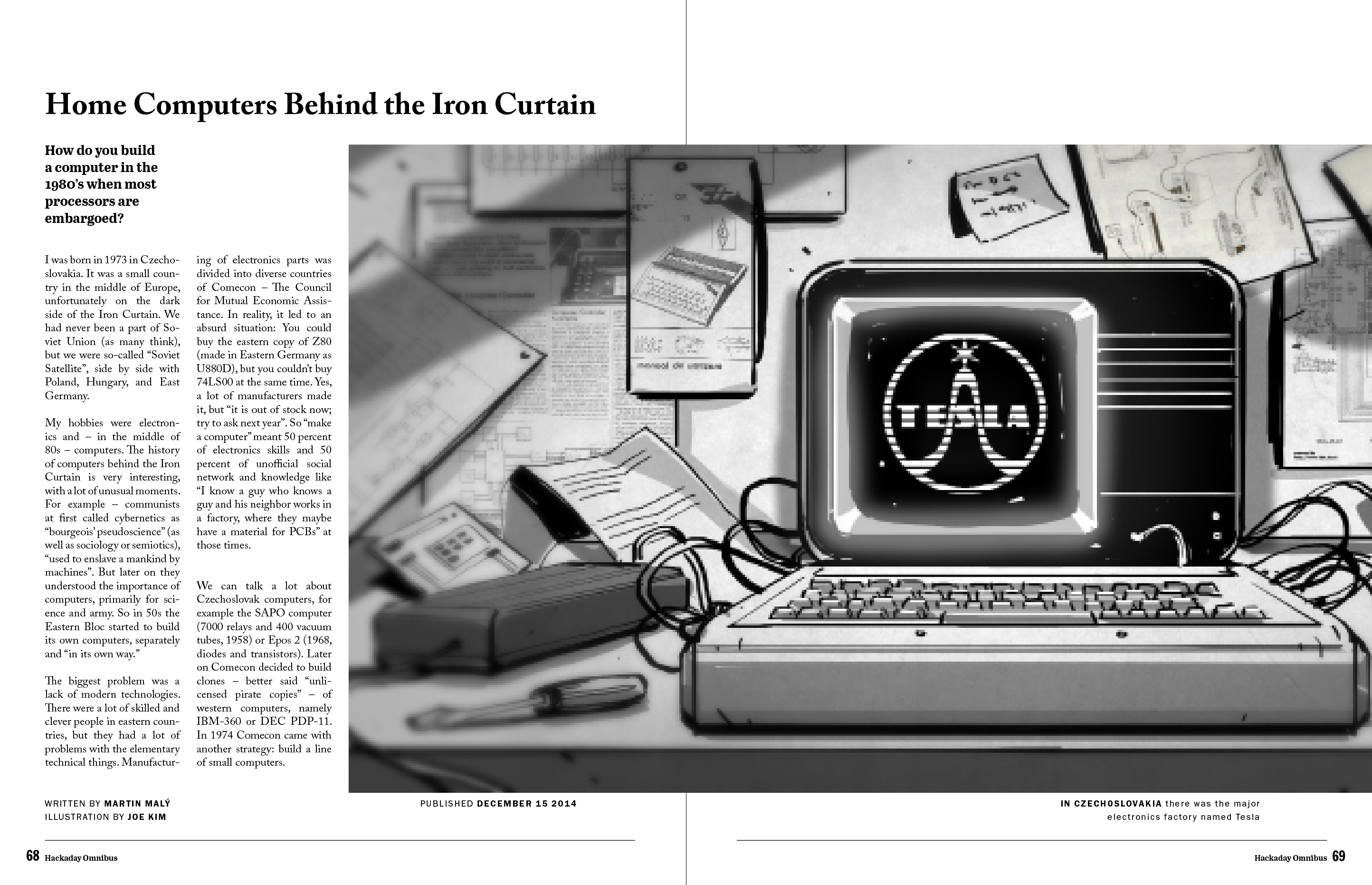
Here’s your chance to grab a tangible piece of Hackaday. This morning we are starting pre-orders for the Hackaday Omnibus 2014. This is our first-ever print edition. It collects some of the best original content published on Hackaday in 2014.

We’re proud of what the Hackaday crew accomplished last year. From stories of old and new to articles that encouraged you to stretch your hacking universe, we are thrilled with the original content articles we saw published last year. To go along with this top-tier content, we added amazing art and illustrations from [Joe Kim]. The product is something that demands commemoration in print and thus the Omnibus was born.

This full-color, 80 page, perfect binding volume is just what your coffee table has been crying out for. Of course it will look spectacular covered in solder and clipped resistor leads on the bench. And if your company is serious about hardware you need to send that message with a copy of the Omnibus in the reception area (or comically in the commode).

We are pricing the Hackaday Omnibus 2014 at $15 but we will sweeten the deal if you get in on the preorder. Use this coupon code to get $5 off: OMNIBUS2014. The coupon will work for the first 500 copies pre-ordered with an estimated shipping date of 2/9/15.

omnibus-sample-1
omnibus-sample-2
omnibus-sample-3

The Giant Flip-Dot Display At CES

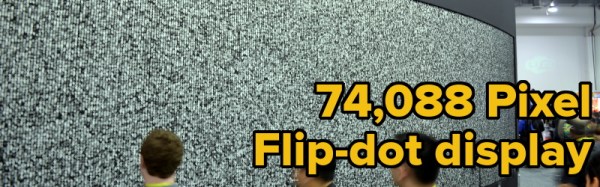
Flip-dot displays are grand, especially this one which boasts 74,088 pixels! I once heard the hardware compared to e-ink. That’s actually a pretty good description since both use a pixel that is white on one side and black on the other, depend on a coil to change state, and only use electricity when flipping those bits.

What’s remarkable about this is the size of the installation. It occupied a huge curving wall on the ooVoo booth at 2015 CES. We wanted to hear more about the hardware so we reached out to them they didn’t disappoint. The ooVoo crew made time for a conference call which included [Pat Murray] who coordinated the build effort. That’s right, they built this thing — we had assumed it was a rental. [Matt Farrell] recounts that during conception, the team had asked themselves how an HD video chat for mobile company can show off display technology when juxtaposed with cutting edge 4k and 8k displays? We think the flip-dot was a perfect tack — I know I spent more time looking at this than at televisions.

Join us after the break for the skinny on how it was built, including pictures of the back side of the installation and video clips that you have to hear to believe.

Continue reading “The Giant Flip-Dot Display At CES”

Universal Active Filters Part 1

Universal Active Filters: Part 1

Today I am experimenting with a single chip Universal Active Filter, in this case I made a small PCB for the UAF-42 from Texas Instruments. I chose this part in particular as it facilitates setting the filter frequency by changing just a pair of resistors and the somewhat critical values that are contained on the chip have been laser trimmed for accuracy. This type of active filter includes Operational Amplifiers to supply gain and it supports various configurations including simultaneous operating modes such as Band Pass, Low Pass and High Pass make it “Universal”.

Filter Basics

Speaker Crossover Example

Looking at the block diagram you can see where I have inserted a dual-ganged potentiometer to change both resistors simultaneously which should allow a straight forward adjustment for our purposes here.

Looking into the components of a simple RC filter which can easily implement a simple Low Pass or High Pass filter, we see that the math is fairly straight forward and swapping the components with each other is all that is needed to change the type of filter. Continue reading “Universal Active Filters: Part 1”

CastAR Hands-On And Off-Record Look At Next Version

At long last I had the opportunity to try out the CastAR, a glasses-based Augmented Reality system developed by Technical Illusions. The hardware has been in the works now for a couple of years, but every time we have come across a demo we were thwarted by the long lines that accompany them. This time I was really lucky. [Jeri] gave us a private demo in a suite at the Palazzo during CES 2015. Reflecting on the experience, CastAR is exactly the type of Virtual Reality hardware I’ve been longing for.

Continue reading “CastAR Hands-On And Off-Record Look At Next Version”