RC Lawn Mower Keeps The Grass Greener On Your Side Of The Fence

For some people, mowing the lawn is a dreaded chore that leads to thoughts of pouring a concrete slab over the yard and painting it green. Others see it as the perfect occasion to spend a sunny afternoon outside. And then there are those without the luxury of having a preference on the subject in the first place. [elliotmade] for example has a friend who’s sitting in a wheelchair, and would normally have to rely on others to maintain his lawn and form an opinion on the enjoyability of the task. So to retain his friend’s independence, he decided to build him a remote-controlled lawn mower.

After putting together an initial proof of concept that’s been successfully in use for a few years now, [elliotmade] saw some room for improvement and thought it was time for an upgrade. Liberating the drive section of an electric wheelchair, he welded a frame around it to house the battery and the mower itself, and added an alternator to charge the battery directly from the mower’s engine. An RC receiver that connects to the motor driver is controlled by an Arduino, as well as a pair of relays to switch both the ignition and an electric starter that eliminates the need for cord pulling. Topping it off with a camera, the garden chores are now comfortably tackled from a distance, without any issues of depth perception.

Remote-controlling a sharp-bladed machine most certainly requires a few additional safety considerations, and it seems that [elliotmade] thought this out pretty well, so failure on any of the involved parts won’t have fatal consequences. However, judging from the demo video embedded after break, the garden in question might not be the best environment to turn this into a GPS-assisted, autonomous mower in the future. But then again, RC vehicles are fun as they are, regardless of their shape or size.

Continue reading “RC Lawn Mower Keeps The Grass Greener On Your Side Of The Fence”

Why Does Solder Smoke Always Find Your Face?

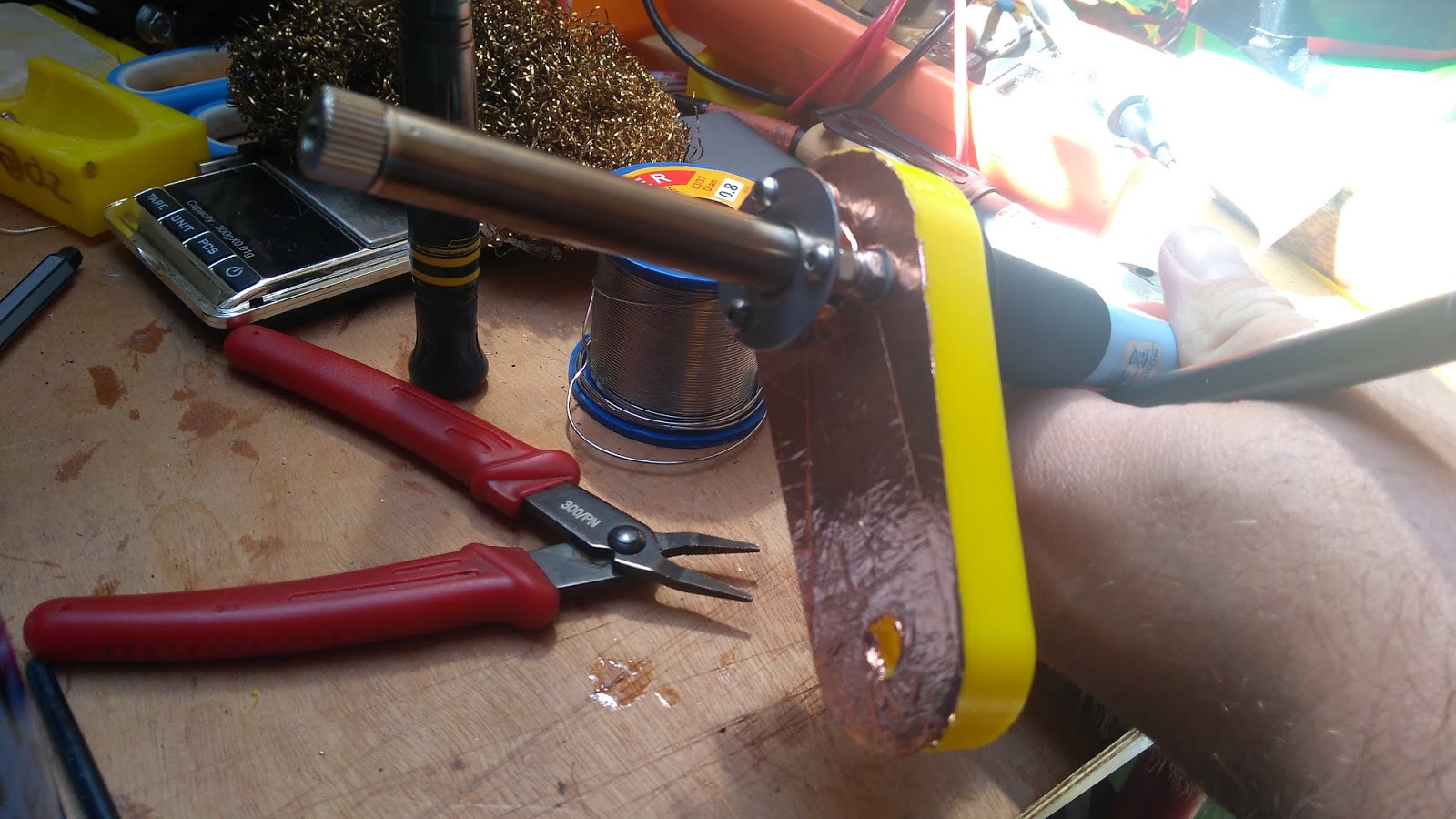
For some of us the smell of rosin soldering flux vaporizing from the tip of an iron as a project takes shape is as evocative as the scent of a rose on a summer’s day. We’ve certainly breathed enough of it over the years, as it invariably goes from the piece of work directly into the face of the person doing the soldering. This is something that has evidently troubled [AlphaPhoenix], who has gone to extravagant lengths to research the problem using planar laser illumination and a home-made (and possibly hazardous) smoke generator.

He starts with a variety of hypotheses with everything from a human-heat-driven air vortex to the Coandă effect, but draws a blank with each one as he models them using cardboard cut-outs and boxes as well as himself. Finally he has the light bulb moment and discovers that the key to the mystery lies in his arms coming across the bench to hold both iron and solder. They close off an area of lower-pressure dead space which draws the air current containing the smoke towards it, and straight into his face.  It’s something that can be combated with a small fan or perhaps a fume extractor, as despite some video trickery we have yet to master soldering iron telekinesis.

Continue reading “Why Does Solder Smoke Always Find Your Face?”

A Home Made Dumper You’d Swear Came From A Factory

When it comes to YouTube videos, there’s little we like more than some good quality workshop action, watching someone in command of their tools craft a machine from raw materials with an amazing result. It’s something [Workshop From Scratch] delivers with his homemade mini dumper, in which he makes a small dump-truck from scratch with a result that looks as though he’d bought it factory-made from his agricultural supplier.

At its heart is a substantial chassis made from welded together double box section tube, to which he’s bolted a second-hand hydraulic transmission of the type you would find on larger walk-behind groundskeeping machinery. At the back is a front steering axle from a mobility scooter, that pivots on a bearing and wheel hub from a Ford Mondeo to ensure stability on rough ground. There is a platform for the operator to stand on as the little Honda 4-stroke engine moves it around. The bucket is plasma cut and welded, and it’s safe to say that his welding ability exceeds ours.

The result is a machine that looks to be very useful, and dare we admit it, one we wouldn’t mind having a go on. It may not be as powerful as this electric home-built dump truck, but we like it.

Continue reading “A Home Made Dumper You’d Swear Came From A Factory”

Building One Test Fixture To Rule Them All

Test and programming fixtures are great time-savers for anyone who needs to deal with more than a handful of PCBs. Instead of plugging in connectors (or awkwardly holding probe tips or wires) to program some firmware or run tests, one simply pops a PCB into a custom fixture with one hand, and sips a margarita with the other while a program decides whether everything is as it should be. Test fixtures tend to be custom-made for specific board layouts, meaning one tester is needed per board or device type, but this work is easily justified by the huge time savings they offer.

An inserted PCB sits atop the thick acrylic piece, with pogo pins making contact from below. Generous space on the left and right make sure there is clearance for any mounted components. Visible near the bottom of the green board are output LEDs, and two touch-sensitive pads.

But the fine folks at Sparkfun’s quality control department figured they could save even more time by exploiting common design features across different boards, and shared details about designing a single test fixture flexible enough to handle multiple board types and designs.

The test unit looks like pretty familiar stuff at first glance: some hardware responsible for running the test program, laser-cut acrylic jig to hold a test PCB in a consistent position, spring-loaded pogo pins to make temporary electrical connections, and LEDs to clearly indicate PASS and FAIL states. The clever part is the way the fixture is designed to accommodate multiple board designs, and how it uses several 74LVC4066 quad bilateral switch ICs to take care of switching which pogo pins are connected and to where.

As mentioned, to be compatible with multiple boards there must be common design elements to exploit. In Sparkfun’s case, the through-hole connections on their breakout boards are all in a row with standard 0.1″ spacing. By using the aforementioned pogo pins and 4066 ICs, different pinouts can be accommodated and multiple board types can be used without any need to swap to different test hardware.

Test and programming fixtures, being one-offs, tend to have a lot of space for creativity and often show clever design or re-purposing of parts. Our own [Bob Baddeley] explains all about them here.

Digitize An Analogue Oscilloscope

Many of us will possess digital oscilloscopes which offer at an affordable price an array of features once unimaginable on the analogue CRT ‘scopes of yesteryear. But those old analogue beasts were fine pieces of equipment when they were made and remain so today. So how can they find a place in the digital age?

Perhaps [Joseph Eoff] has the answer, because he’s fitted his trusty Telequipment D43 with a camera in a 3D-printed attachment, paired with a piece of cross-platform Python/Qt custom software using OpenCV to identify, digitize, and quantify the traces. The software allows viewing the either the digitized trace or the real trace, and derives measurements of voltage and frequency from them. One limitation is that despite the ‘scope being a dual-trace model, the software only has a single set of cursors to measure one trace at a time. All the code can be had from the GitHub repository, should you wish to experiment with it or extend it.

It’s worth thinking for a minute at what price point a remotely decent digital ‘scope starts, then considering the ease with which surprisingly good older analogue instruments can be found on the second-hand market for not a lot. An approach such as this one makes them an even more attractive proposition.

If you’re looking further into enhancements for an analogue ‘scope, how about a logic analyser?

What Rhymes With Spice And Simulates Huge Circuits?

Most of us have computers on our desk that would have been considered supercomputers not long ago. We always wonder how many of them get any actual workout other than decoding video. If you want to simulate circuits you may very well start chewing up significant CPU time, so you might consider Xyce, an open source high-performance analog circuit simulator from Sandia National Labs. As you’d expect from a giant government lab it is able to support large scale parallel computing, but will also work on common desktop systems. On Linux, it will do what they call “small-scale parallelism.” In addition, it can deal with simulations of things as diverse as neural networks and power grids.

The code is open source, but oddly you do have to register to download it. Xyce has been around for a bit, but version 7.0 just arrived in April. Many of the changes are to improve compatibility with other Spice programs, notably HSpice.

Continue reading “What Rhymes With Spice And Simulates Huge Circuits?”

A DIY Electronics Lab You Can Show Off With Pride

It’s hardly a secret that getting into a serious electronics habit can be detrimental to your bank account. A professional grade lab is simply unobtainable for many a tinkerer, and even mid-range hardware can set you back considerably. Which is why many folks just starting out will attempt to salvage or build as much of their equipment as possible. It might not always be pretty, but it’ll get the job done.

But this project by [Chrismettal] could end up completely reinventing the home electronic workspace. Using 3D printed frames, low-cost components, and a sprinkling of custom PCBs, this modular electronics workbench has all the bells and whistles an aspiring hardware hacker could need. As an added bonus, it looks like something that came off the International Space Station.

Inside the resistor substitution module.

This is one of those projects that simply can’t be done justice in a few paragraphs. If you’ve ever wanted to put together a dedicated electronics workbench but were put off by the cost of individual components, read though the fantastic documentation [Chrismettal] has prepared for the EleLab_v2. Is it all top-of-the-line hardware? No, of course not. But it’s more than suitable for the kind of work people in this community usually find themselves involved in on a weekend.

So what’s included? Naturally [Chrismettal] has created a power supply module, in both variable and fixed flavors. But there’s also a module for a resistor substitution, a component tester, and even a digital storage oscilloscope. You can mix and match the modules suit your needs, and if you want to create entirely new ones, the FreeCAD sources are available to get you started.

We’ve seen low-cost power supply modules before, and naturally we’re no strangers to cheap DSO kits. But this project wraps those devices and gadgets up into a form factor that anyone would be happy to have on their bench. We’re exceptionally interested in seeing new modules developed for the EleLab_v2, and doubt this is the last time you’ll see this impressive project grace these pages.

[Thanks to BrunoC for the tip.]