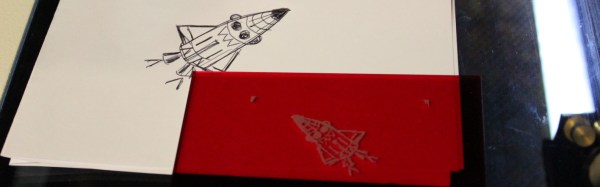
[Martin Raynsford] wrote a program that converts a black-and-white 2D image to G-code so that his laser printer could then etch the image. Not satisfied with just that, he used his laser printer to make a scanner that consists of a stand for his webcam and a tray below it for positioning the paper just right. The result was something he took to a recent Maker Faire where many kids drew pictures on paper which his system then scanned and laser etched.
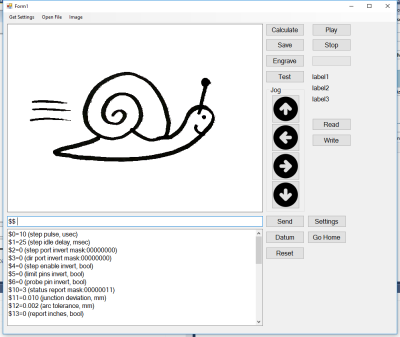
[Martin’s] program, written in C#, does the work of taking the image from the webcam using OpenGL and scanning it line by line looking for pixels that surpass a contrast threshold. For each suitable pixel the program then produces G-code that moves the laser to the corresponding coordinate and burns a hole. Looking at the source code (downloadable from his webpage) it’s clear from commented-out code that he did plenty of experimenting, including varying the laser burn time based on the pixel’s brightness.
While it’s a lot of fun writing this code as [Martin] did, after the break we talk about some off-the-shelf ways of accomplishing the same thing.