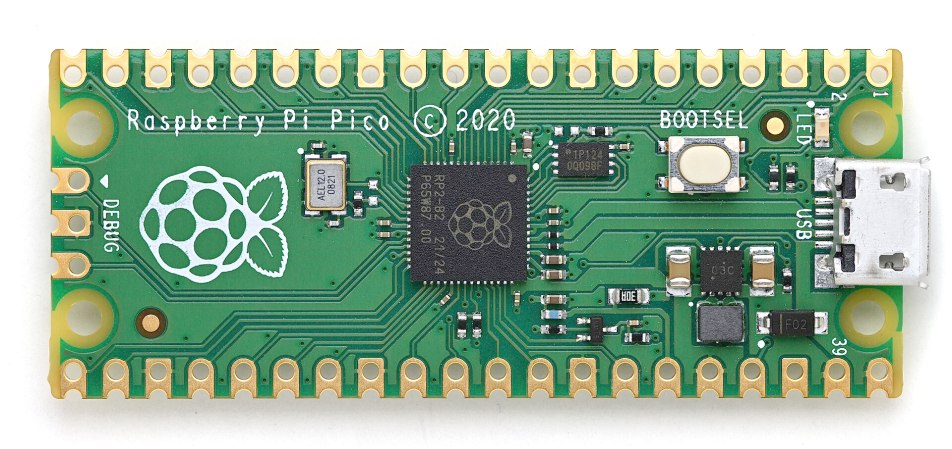
Making a software defined radio (SDR) receiver is a relatively straightforward process, given the right radio front end electronics and analogue-to-digital converters. Two separate data streams are generated using clocks at a 90 degree phase shift, and these are passed to the software signal processing for demodulation. But what happens if you lack a pair of radio front ends and a suitable clock generator? Along comes [Mordae] with an SDR using only the hardware on a Raspberry Pi Pico. The result is a fascinating piece of lateral thinking, extracting something from the hardware that it was never designed to do.
The onboard RP2040 ADC is of course far too slow for the task, so instead an input is used, with a negative feedback arrangement from another GPIO to form a crude 1-bit ADC. A PIO peripheral is then used to perform the quadrature mixing, resulting in the requisite pair of data streams. At this point these are sent over USB to GNU Radio for demodulating, mainly for convenience rather than necessarily because the microcontroller lacks the power.
The result is a working SDR front end, demonstrated pulling in an FM broadcast station. The Pico has to be overclocked to reach that frequency and it’s more than a little noisy, but we’re extremely impressed with how much has been done with so little. Oddly it isn’t the first Pico SDR we’ve seen, but the previous one was a much more conventional and lower-frequency affair for the European Long Wave band.
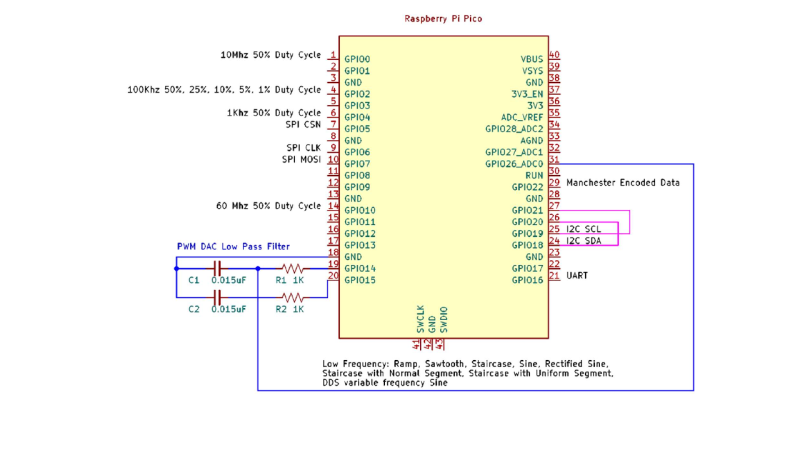
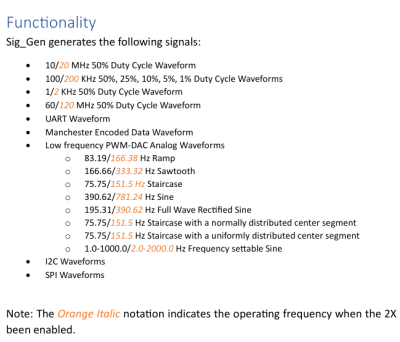 Despite the name it’s not a signal generator as we know it, as it’s not flexible in the signals it generates. Instead, it creates a dozen signals at more or less the same time — from square waves of various frequencies and duty cycles, to a PWM-driven DAC driving eight different waveforms, to Manchester-encoded data I2C/SPI/UART transfers for all your protocol decoder testing.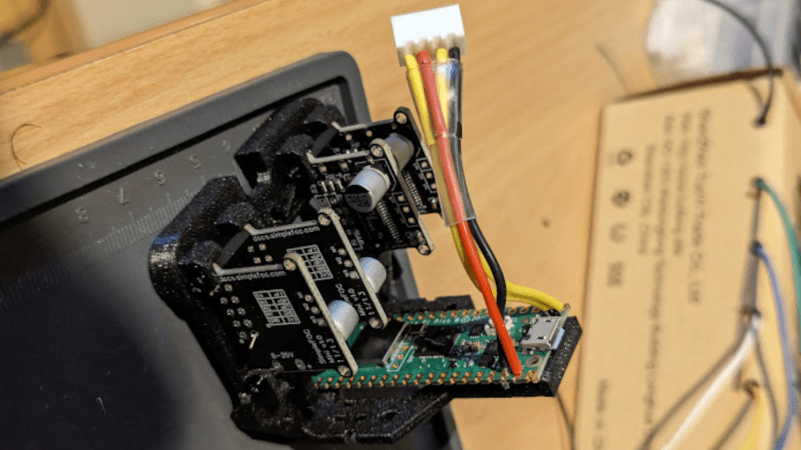
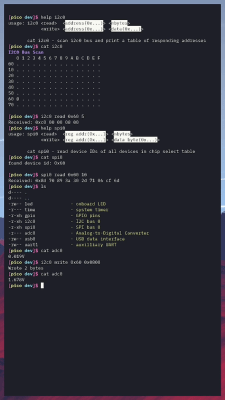 BreadboardOS is built on top of FreeRTOS. It’s aim is to enable quick prototyping with the Pi Pico. Don’t confuse operating system with a graphical environment — BreadboardOS is command-line based. You’d typically interface with it via a serial terminal emulator, but joy of joys, it does support color!