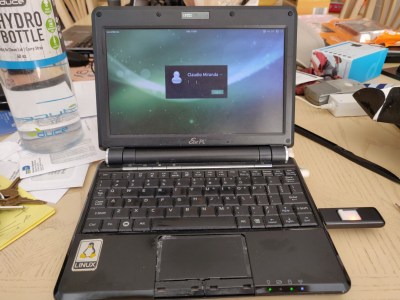
[Jeremy] had an ASUS EEE PC 1000HE netbook on his hands which had succumbed to a corrupted BIOS. In most situations, people replace a motherboard when the BIOS is damaged beyond repair, but considering the price of motherboards, especially those built for portable devices, he simply refused to go that route.
Instead, he took it apart and did a little investigation to find out what SPI flash chip ASUS used in the netbook. With that information in hand, he put together an SPI flash programmer using a breadboard and a DLP-USB1232H USB to UART module. He couldn’t program the flash chip in-circuit, so he had to desolder it and deadbugged it onto his programmer. Using a few Linux-based flashing tools, he was able to reprogram the chip with a functioning BIOS in short order, saving him from a costly motherboard replacement.
While some motherboard manufacturers have built in secondary BIOS chips to prevent the need for this sort of recovery, it’s nice to know that the process is relatively straightforward, provided you have some basic soldering and Linux skills.
This also isn’t the first time we’ve seen someone recover an EEE PC from the brink – if you’re looking for an Arduino-based alternative, be sure to check this out.
[Mathieu] needed to open up his Acer Aspire One to do a hard drive replacement and decided to add a bit of pizzazz while he was in there. The image above is the lid of the netbook adorned with RGB LEDs and a spray painted stencil.
He previously purchased a set of surface mount RGB packages on eBay and thought that they were perfect for this hack. after removing the case he found that by using a flex PCB he would be able to fit the LEDs inside, and pass the connections through to the main computer housing. The leads connect to a Teensy board, which is held in place with a liberal application of hot glue. [Mathieu] removed the USB connector and soldered jumper wires to one of the computers ports. In the video after the break you can see that he uses the programming software to write some code to the Teensy, driving the LEDs. We’d like to see it set to listen for serial communications and react accordingly. That way you could use it for notifications, as an audio VU meter, to track torrent progress, etc.
[Ed] had a netbook he no longer needed and decided to make it into a mini MAME cabinet for some of his family members. MAME cabinets are pretty plentiful, but this one was so nicely done, we wanted to share it.
He removed the monitor from an EeePC 901 in order to get some precise measurements, then went about crafting a mini cabinet from MDF. The whole thing was wrapped in sticky label paper adorned with old-school Galaga graphics, then covered in plexiglass for a nice sleek look that also protects the artwork.
He used an iPac 2 controller board to wire up all of the buttons and joystick to the netbook, opting to solder the controller’s wires directly to the USB header on the eeePC’s motherboard. A power switch was added up on top for easy operation, and the cabinet was sealed shut, though the back does open easily in the event that maintenance is required. The system is managed using the Maximus Arcade front end for MAME, which [Ed] claims is incredibly easy.
If you are interested in making your own MAME cabinet, check out some of the otherMAME-basedprojects we have featured in the past, and don’t miss the video below of [Ed's] cabinet in action.
This is a fantastic high school project. [Shmendrik213] built and robot a programmed it to follow common traffic rules. The robot drives itself with a DC motor, using one servo for steering and another to pan a webcam back and forth. The netbook that comes along for the ride is running a VB.NET program that can detect an upcoming intersection, read the street sign, and react based on other cars currently at the intersection.
The hardware is running on an Altera processor using firmware programmed in VHDL. We remember building a tissue box holder for one of our high school projects. Looks like the times have changed since then.
[Tim's] miniMAME‘s construction follows the “light and cheap” approach, using foam core board and hot glue. Sure it won’t last a nuclear attack, but at least it’s light enough to carry to a friend’s house.
With a removable netbook at the core, CCFLs, speakers, trackball, and mini arcade fighting stick, the project completely surpassed our expectations. For those looking to build a miniMAME, [Tim] includes lots of pictures, details, and plans allowing anyone to make their own in about an afternoon.
With exams behind him [Adam Greig] had time to make a Nerf sentry gun. It’s actually quite easy to pull everything together. He’s got a netbook running Motion, an open source motion sensing program for use with a webcam. When movement is detected an Arduino, connected via a USB cable, actuates a servo to pull the trigger of the gun. The turret itself has seen a battery upgrade that increases the firing speed. It’s fun to see hardware prototyping done with a few pencils and a fist full of cable ties. Check it out after the break.
[Rob928] has done a fantastic job converting his Dell mini9 into a tablet. He has done several updates, such as an SSD hard drive and touchscreen. The final product looks quite nice. From a few feet away, we wouldn’t have noticed that it was a home made one. We’ve seen several tablet conversions before from macbooks to EeePCs.
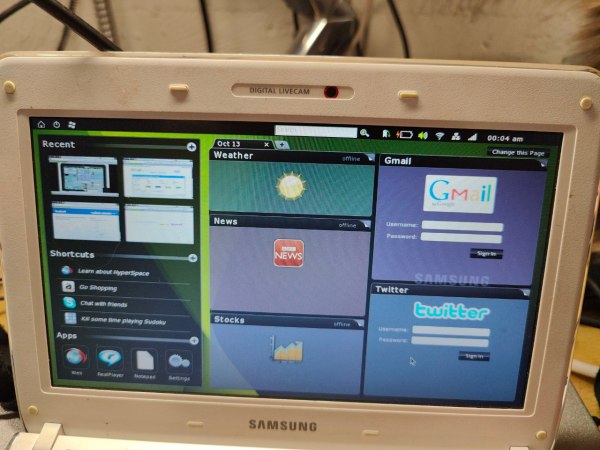
[banzai] wasn’t happy with the performance he was getting out of his Samsung netbook. He decided it was time to do something about it. He noticed that Dell and HP both sell an optional HD decoder card for their netbooks. After a short search, he found one on ebay for only $24. He had to give up his internal wireless, but he doesn’t mind using a USB wireless dongle. Sure this isn’t horribly complicated, but he has information here that might help smooth out the process.