A nixie tube next to a screenshot of a to-do list

Nixie Tube Indicator Tells You How Many Tasks You’ve Got Left To Do

For busy people, keeping track of all the tasks on your to-do list can be a daunting task in itself. Luckily there’s software to help you keep organized, but it’s always nice to have a physical artifact as well. Inspired by some beautiful nixie clock designs, [Bertrand Fan] decided to build a nixie indicator that tells him how many open items are on his to-do list, giving a shot of instant gratification as it counts down with each finished task.

The task-management part of this project is a on-line tool called Todoist. This program comes with a useful Web API that allows you to connect it your own software projects and exchange data. [Bert] wrote some code to extract the number of outstanding tasks from his to-do list and send it to an ESP8266 D1 Mini that drives the nixie tube. Mindful of the security implications of letting such a device connect directly to the internet, he set up a Mac Mini to act as a gateway, connecting to the ESP8266 through WiFi and to the Todoist servers through a VPN.

The little ESP board is sitting in a 3D-printed case, together with the nixie driver circuits and a socket to hold the tube. A ceramic tile glued to the front gives it a bit more of a sturdy, luxury feel to match the shiny glass and metal display device. The limitations of the nixie tube restrict the number of tasks indicated to nine, but we imagine this might actually be useful to help prevent [Bert] from overloading himself with too many tasks. After all, what’s the point of having this device if you can’t reach that satisfying “zero” at the end of the day?

Although nowadays nixie tubes are mostly associated with fancy clocks, we’ve seen them used in a variety of other uses, such as keeping track of 3D-printer filament, adding a display to a 1940s radio, or simply displaying nothing useful at all.

Continue reading “Nixie Tube Indicator Tells You How Many Tasks You’ve Got Left To Do”

Quick And (Not Very) Dirty Negative Voltage Supply

There comes a time in every hardware hacker’s career during which they first realize they need a negative voltage rail in their project. There also comes a time, usually ~10ms after realizing this, when they reach for the Art of Electronics to try and figure out how the heck to actually introduce subzero voltages into their design. As it turns out, there are a ton of ways to get the job done, from expensive power supplies to fancy regulators you can design, but if you’re lazy (like I am) you might just want a simple, nearly drop-in solution.

[Filip Piorski] has got you covered there. In a recent video, he demonstrates how to turn a “China Special” $1 buck converter from Ebay into a boost-buck converter, capable of acting as a negative voltage supply. He realized that by swapping around the inputs and outputs of the regulator you can essentially invert the potential produced. There are a few caveats, of course, including high start-up current and limited max. voltages, but he manages to circumvent some of them with a little clever rewiring and a bit of bodge work.

Of course, if you have strict power supply requirements you probably want to shell out the cash for a professionally-built one, or design one yourself that meets your exact needs. For the majority of us, a quick and easy solution like this will get the job done and allow us to focus on other aspects of the design without having to spend too much time worrying about the power supply. Of course, if power electronics design is your thing, we’ve got you covered there, too.

Continue reading “Quick And (Not Very) Dirty Negative Voltage Supply”

Circuit Sculpture Lamp Is A Colorful Cube Companion

Circuit sculpture is engineering and art all at play together. One must combine the functional with the aesthetically appealing. [EdwardA61] did just that with this enchanting lamp build.

Like many other circuit sculptures, the build relies on the aesthetic qualities of brass, though [EdwardA61] notes that copper wire can be used as well. Four WS2812B LEDs, in their bare PCB-mount form, are soldered into a circuit using the brass to carry the power and data signals as needed.

A Seeduino Xiao microcontroller is responsible for controlling the show, though relies on a typical PCB rather than a circuit sculpture in and of itself. It does provide for easy powering and programming however, with the benefit of its USB-C connector.

It’s a simple skeleton design, as so many circuit sculptures are, but it’s a form that we’ve come to love and appreciate. [EdwardA61] did a great job of photographing the build, too, showing how the colors on each LED interplay with each other as they’re cast on the table.

It’s a lamp we’d love to build ourselves, and we hope that [EdwardA61] follows through on plans to cast a similar design in clear resin, as well. If you’ve built your own artistically electrical sculptures, be sure to let us know!

Mechanical 7-segment display

A One-Servo Mechanical Seven-Segment Display

The seven-segment display may be a bit prosaic after all these years, but that doesn’t mean there aren’t ways to spice it up. Coming up with a mechanical version of the typical photon-based display is a popular project, of which we’ve seen plenty of examples over the years. But this seven-segment display is quite a mechanical treat, and a unique way to flip through the digits.

With most mechanical displays, we’re used to seeing the state of each segment changed with some kind of actuator, like a solenoid or servo. [Shinsaku Hiura] decided on a sleeker design using a 3D-printed barrel carrying one cam for each segment. Each hinged segment is attached to an arm that acts as a follower, riding on its cam and flipping on or off in a set pattern. Which digit is displayed depends on the position of the barrel, which is controlled with a single servo and a pair of gears. It trades mechanical complexity for electrical simplicity and overall elegance, and as you can see from the video below, it’s pretty snappy.

We think the best part of this build is figuring out the shape of the cams. We wonder how they compare to the cam profiles in [Greg Zumwalt]’s mechanical display; it uses two separate discs with grooves, but the principle is pretty much the same.

Continue reading “A One-Servo Mechanical Seven-Segment Display”

A Guide To Designing A Custom RC Controller

These days, there are tons of RC controllers out there of all shapes and sizes. However, if you want to build something with just the right amount of buttons and sticks for your application, you might want to design something yourself. That’s precisely what [Sebastian] did. 

The project actually began some time ago, with [Sebastian] sharing his process for building a custom ergonomic enclosure through the use of clay and photogrammetry, which we’ve covered before.

Inside that shapely housing, the build relies on a STM32 microcontroller, hooked up to a series of potentiometers, buttons, and a thumbstick (more potentiometers). A NRF24L01 module is used to handle the radio transmission side of things.

Overall, [Sebastian] has produced a great guide to designing a custom RC controller from the ground up, rather than simply instructing one how to replicate his own build. Armed with these skills, any maker should be able to whip up their own entirely bespoke controllers. Video after the break.

Continue reading “A Guide To Designing A Custom RC Controller”

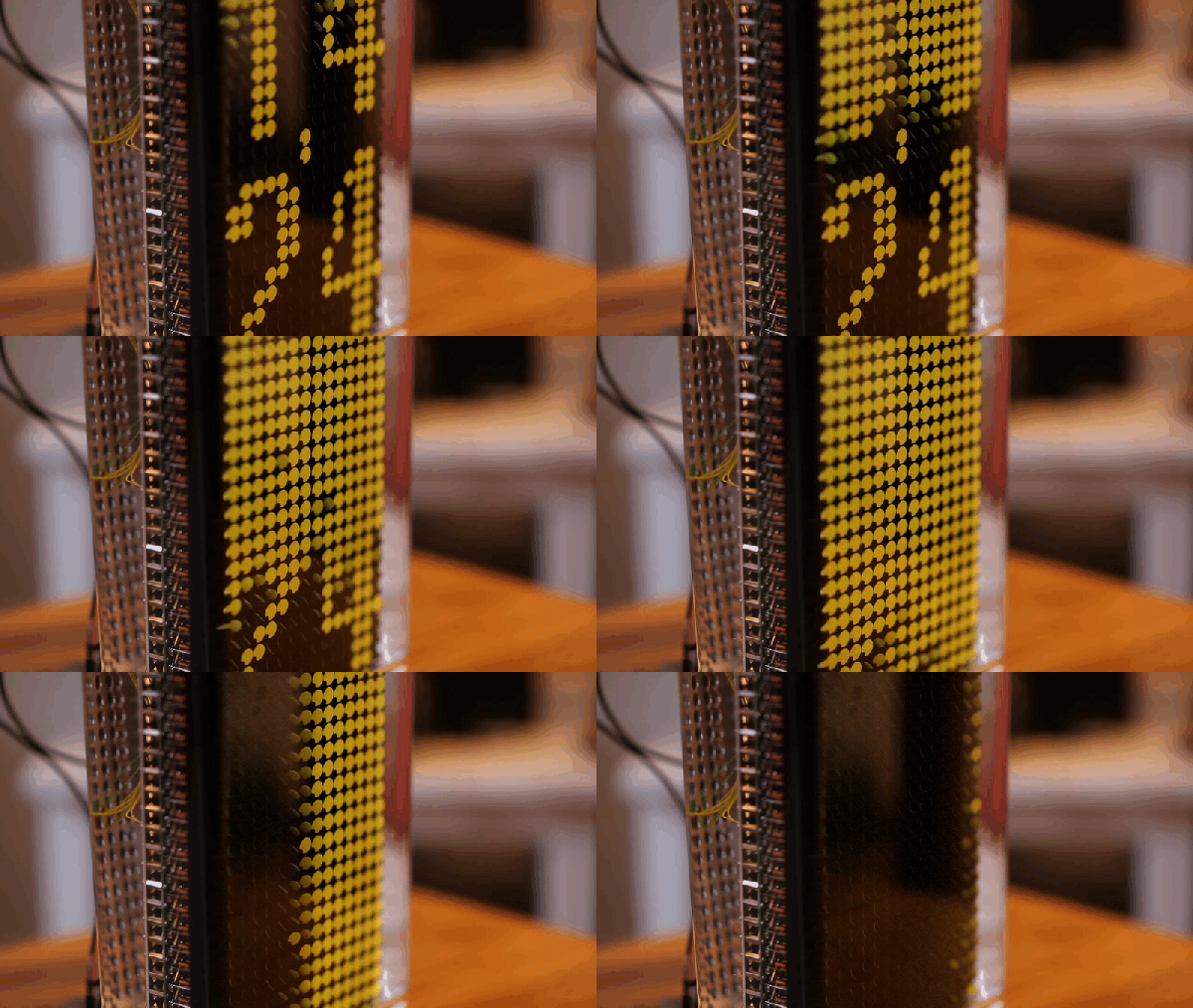
Is This 12-layer PCB Coil The Next Step In Ferrofluid Displays?

[Applied Procrastination] is in the business of vertical ferrofluid displays, but struggles somewhat with the electromagnets available off the shelf and the proliferation of wiring that results. [Carl Bugeja] is in the business of making PCB coils, both with rigid and flex PCB substrates, so when the opportunity for a collaboration arose, [AP] jumped at the opportunity.

As [Simen from AP] mentions in the video after the break, they had considered using a large PCB with embedded coils for Fetch their ferrofluid display unit, but the possible magnetic field was just too weak, and attempting to crank up the amps, just overheats them. Some improvements were made, first sticking the coil PCB to a small disk of ferrous metal, which doubled up as a handy heatsink. Next, he tried adding a permanent magnet, which added a bit of bias field. Alone this was not enough to hold the ferrofluid in place, but with the coil powered, it was starting to look encouraging.

Much more progress was made when [Carl] sent over a new design of his, a 12-layer PCB coil. This obviously had a much larger field, but still not enough without the extra boost from permanent magnet.

[Simen] currently doesn’t think the PCB approach is quite there yet, and is looking for help to source PCB-mounted electromagnets of the wired variety. We would imaging prototyping with such a large 12-layer PCB would be rather prohibitively expensive anyway.

Continue reading “Is This 12-layer PCB Coil The Next Step In Ferrofluid Displays?”

Build Your Own HV Capacitors

Finding high voltage capacitors can be tricky. Sure, you can buy these capacitors, but they are often expensive and hard to find exactly what you want. [RachelAnne] needed some low-value variable capacitors that would work at 100 kV. So she made some.

Instead of fabricating the plates directly, these capacitors use laminations from a scrap power transformer. These usually have two types of plates, one of which looks like a letter “E” and the other just like a straight bar. For dielectric, the capacitors use common transparency film.

Continue reading “Build Your Own HV Capacitors”