Virtualizing IPhoneOS 1.0

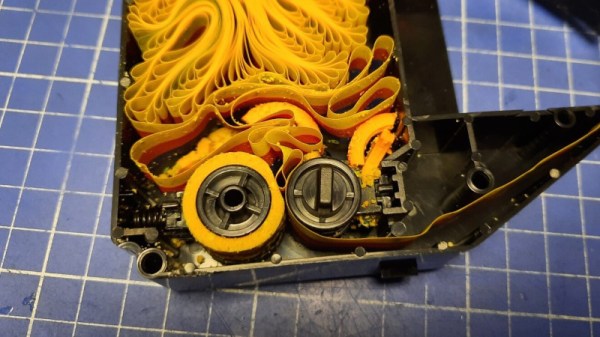
Virtualizing computers is nothing new. However, Apple devices always present challenges. Just ask anyone who has built a Hackintosh. At least computer hardware is usually exposed, but on phones, the challenge is even harder due to mysterious devices. [Martijn] managed to reverse engineer the iPod Touch 1G enough to run iPhoneOS 1.0 on it and has several blog posts explaining how he did it.

The emulator is the ubiquitous QEMU. He has emulation for the critical hardware, including the cryptographic modules, the hardware clock, and the timer, along with memory and display and interface hardware. However, Wifi, some USB, audio, the light sensor, and some graphics hardware are still absent. That doesn’t stop the OS from booting, however.

Continue reading “Virtualizing IPhoneOS 1.0”

Three purple OshPark boards and a white bread board all attached using a number of jumper wires on a grey cutting mat.

An (Almost) Single-Chip Apple IIe

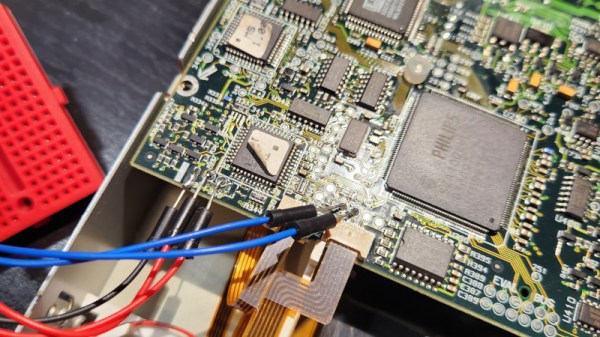
The Apple II is one of the most iconic microcomputers, and [James Lewis] decided to use the Mega-II “Apple IIe on a chip” from an Apple IIgs to build a tiny Apple IIe.

While there was an Apple II compatibility card using the related Gemini chip, it was initially unclear whether the Mega-II could even work outside of an Apple IIgs given the lack of documentation for either Apple II SOC. [Lewis] did finally get the Mega-II to boot after a great deal of effort in debugging and design. The system is built with three boards: the Mega-II and RAM board, a CPU board with a 65C02, and a video out board.

To simplify routing, the boards are all four layer PCBs. Unfortunately, the chips needed to make this system, especially the Mega-II, aren’t available on their own and must be harvested from an existing IIgs. [Lewis] took care to make sure any desoldering or other part removal was done in a way that it could be reversed. If you want to see all the nitty gritty details, check out his GitHub for the project.

If you want another 6502-based computer in a tiny package, why not try this one built on Perf+ boards?

Continue reading “An (Almost) Single-Chip Apple IIe”

A homebrew computer built inside plexiglass cases with lots of LEDs

The Coleman Z80 Is A Modern Take On A 1970s Computer

[Joshua Coleman] likes to design his own computers. Sometimes, that means drawing up bus architectures,  memory maps and I/O port pinouts. Other times, he can focus his efforts more on the general aesthetics, as well as on building a great set of peripherals, as he shows in his latest ColemanZ80 project. Thanks to the RC2014 architecture defining most of the essential features of a classic Z80 computing platform, [Joshua] was able to design a modern retrocomputer that’s not only genuinely useful, but also looks as if it came off a production line yesterday.

The external design is a sight to behold: bright red laser-cut acrylic pieces form a neat, semi-transparent case with ventilation slots on the sides and lots of blinkenlights on the front. Inspired by 1970s classics like the Altair 8800, the front panel gives the user a direct view of the machine’s internal state and allows simple command inputs through a series of tumbler switches. The CPU, RAM and other basic devices are housed in one case, with all the expansion modules in a second one, linked to the mainboard through a 40-wire flatcable.

A hand-built Z80 computer's mainboard
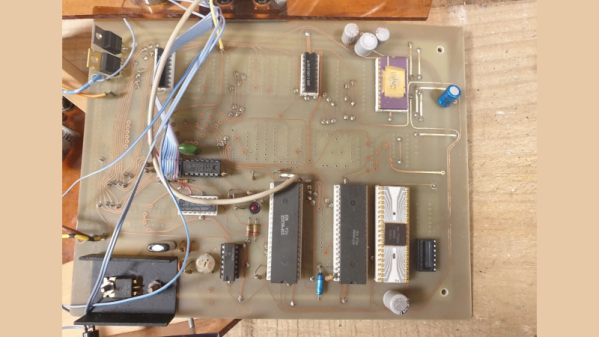
Lots of classic chips, but also loads of hand-routed wires grace the ColemanZ80’s mainboard.

Although the mainboard closely follows the RC2014 design, [Joshua] went through a lot of effort to tune the system to his specific needs. The expansion boards he built include an NS16550 UART to replace the default 68B50, a battery-backed real-time clock, a YM2149-based sound card and even a speech synthesizer module built around the classic SP0256 chip, of Speak & Spell fame. An even more unusual feature is the presence of an AM9511, one of the earliest math coprocessors ever made, to speed up floating-point calculations. All of these modules were built entirely by hand on prototype boards: we can barely imagine how much time this must have taken.

Output devices include a VGA adapter courtesy of a Raspberry Pi Pico as well as a regular 4-digit 7-segment LED display and a set of classic HP “bubble” LEDs. [Joshua] runs several demos in his video (embedded below), ranging from computing the Mandelbrot set to playing chiptunes on the YM2149. There’s plenty of scope for further expansion, too: [Joshua] plans to build more peripherals including a floppy drive interface and a module to operate a robotic car.

This is not the first Coleman Z80 computer: the previous version ran on an architecture [Joshua] designed all by himself. We’ve seen several other impressive RC2014 derivatives, like a tiny micro version and this Altair-inspired case.

Continue reading “The Coleman Z80 Is A Modern Take On A 1970s Computer”

A Love Letter To My Lost Amiga

My first love was a black wedge. It was 1982, and I had saved up to buy a Sinclair ZX81. That little computer remains the only one of the huge number that I have owned over the years about which I can truly say that I understood its workings completely; while I know how the i7 laptop on which this is being written works I can only say so in a loose way as it is an immensely complex device.

Computing allegiance is fickle, and while I never lost an affection for the little Sinclair I would meet my true electronic soulmate around eight years later as an electronic engineering student. It no longer graces my bench, but this was the computer against which all subsequent machines I have owned would be measured, the one which I wish had not been taken from me before its time, and with which I wish I could have grown old together. That machine was a Commodore Amiga, and this is part love letter, part wistful musing about what could have been, and part rant about what went wrong for the best desktop computer platform ever made. Continue reading “A Love Letter To My Lost Amiga”

See The ATARI GEM Desktop Running On A Portable Word Processor… Thing

Get ready for vintage computing aplenty in [David Given]’s project to port EmuTOS to the AlphaSmart Dana. He’s got it all on video, too. All 38 hours of it over 13 episodes!

The GEM desktop, as seen on the Atari ST line of computers.

[David]’s fork of EmuTOS is an open source version of the Atari TOS, which is itself the 68000-based OS for the Atari ST line of computers.

As for the AlphaSmart Dana, it is a roughly twenty-year-old portable word processor thing with pen input which runs a version of PalmOS. It’s a slightly oddball piece of hardware, but quite capable in its own way. A match obviously made in heaven? It is if you have [David]’s skill and drive!

To get EmuTOS working on the Dana, the first step was figuring out how to find and work with the Dana’s debug port, using it to get direct access to the CPU while bypassing the boot ROM. Turns out that the Dana’s 68000-compatible processor has a handy feature: by manipulating the right pin, one can remote-control the CPU (to a certain extent) via the UARTs. That’s the entry point for a whole lot of hacking that ultimately results in firing up the GEM desktop on the Dana, and being able to run (some) original Atari ST software. Probably the biggest issue is that the screen size isn’t a great match for what the OS expects, but it works.

Continue reading “See The ATARI GEM Desktop Running On A Portable Word Processor… Thing”

Z8000 Trump Card Needs Your Help

[Smbakeryt] needs your help. He bought a 1984-vintage Z8000 coprocessor card for the PC, but the software is missing in action. Apparently, the co-processor — called a Trump Card — appeared in Byte magazine courtesy of the famous [Steve Ciarcia]. The schematics were published, and if you sent [Steve] proof that you built it, he’d send you the software. The product was later commercialized, but no one seems to have the software, so [Smbakeryt] is on the lookout for it.

The board itself was pretty amazing for its day. It added a 16-bit Zilog Z8000 CPU with 512 K of RAM. Big iron for 1984 and a good bit more performance than a stock IBM PC of the era.

We miss the days when computer gear came with big binders of documentation. These days, you are more likely to get a sticker with a URL. The Z8000 was a nice processor and could emulate the Z80, but it never became hugely popular. In addition to Zilog’s System 8000, the CPU found its way into some Unix computers including the Onyx C8002 and several Olivetti computers. Commodore planned to use the CPU in a canceled project. The Z8000 was famous for not using microcode and, thus, it fit on a relatively small die with 17,500 transistors (compared to the 8086’s 29,000 transistors).

We hope someone can help out with the software. If you want your own Z8000 system, you might be better off with Clover. Or, stick with a Z80 on the cheap.

Continue reading “Z8000 Trump Card Needs Your Help”

Yesterday’s Future Is Brighter Today

The demoscene never ceases to amaze. Back in the mid-80s, people wouldn’t just hack software to remove the copy restrictions, but would go the extra mile and add some fun artwork and greetz. Over the ensuing decade the artform broke away from the cracks entirely, and the elite hackers were making electronic music with amazing accompanying graphics to simply show off.

Looked at from today, some of the demos are amazing given that they were done on such primitive hardware, but those were the cutting edge home computers at the time. I don’t know what today’s equivalent is, with CGI-powered blockbusters running in mainstream cinemas, the state of the art in graphics has moved on quite a bit. But the state of the old art doesn’t rest either. I’ve just seen the most amazing demo on a ZX Spectrum.

Simply put, this demo does things in 2022 on a computer from 1982 that were literally impossible at the time. Not because the hardware was different – this is using retro gear after all – but because the state of our communal knowledge has changed so dramatically over the last 40 years. What makes 2020s demos more amazing than their 1990s equivalents is that we’ve learned, discovered, and shared enough new tricks with each other that we can do what was previously impossible. Not because of silicon tech, but because of the wetware. (And maybe I shouldn’t underestimate the impact of today’s coding environments and other tooling.)

I love the old demoscene, probably for nostalgia reasons, but I love the new demoscene because it shows us how far we’ve come. That, and it’s almost like reverse time-travel, taking today’s knowledge and pushing it back into gear of the past.