Tiny Motion Detection Alarm Does The Trick

If you have mischievous children or forgetful elderly in your life, you might want to build a couple of these tiny motion detection alarms to help keep them out of harm’s way. Maybe you want to keep yourself out of the cookie jar. We say good for you.

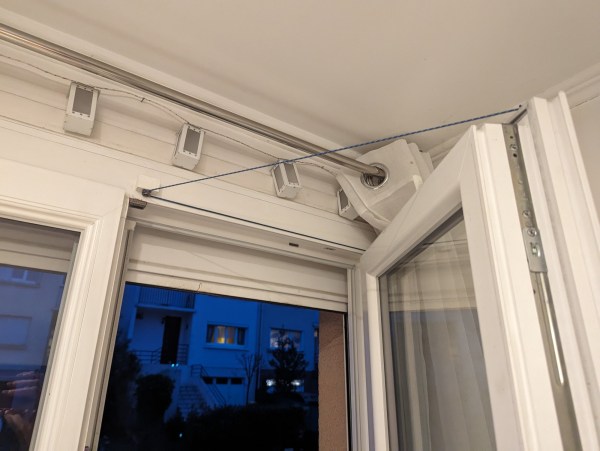
But you could always put one of these alarms on a window, a drawer, or anything else you don’t want opened or moved. The MPU6050 3-axis IMU makes sure that any way the chosen item gets jostled, that alarm is going off.

As you may have guessed, there isn’t much more to this build — the brain is a Seeed Xiao ESP32-C3, and there’s a buzzer, a battery, a switch, and a push button to program it.

The cool thing about using an ESP32-C3 is that [gokux] can use these for other things, like performing a task when motion is detected. If you do want to build yourself a couple of these, here are step-by-step instructions.

If you’d rather detect motion in the vicinity, here’s a PIR-based solution.

Solar E-Ink Weather Station Works On Dark Days, Too

One way to get through the winter doldrums is to take notice of the minuscule positive changes in weather as spring approaches. Although much of the US is experiencing a particularly warm month, that’s not the case in Germany where [rsappiawf] resides. Even so, they are having a good time charting the weather on their new solar-powered E-ink weather station.

And in spite of the dark winter days, the device has been delivering weather updates for over a week on solar power alone. The brains of this operation is an ESP32 S3 Mini, which [rsappiawf] operated on a little bit. For starters, they removed the integrated RGB LED in order to save precious milliamps. Then they upgraded the voltage regulator to a TPS73733DCQR.

[rsappiawf] also has a TPL5110 power timer breakout module in the mix, which saves even more power by only turning on every once in a while according to the potentiometer setting, and only then turning on the project’s power. Check out the brief demo after the break, including the cool sliding action into the 3D-printed holder.

There’s a lot you can do to lower power consumption in a project like this. Here’s one that will go 60 days on a charge.

Continue reading “Solar E-Ink Weather Station Works On Dark Days, Too”

Illustrated Kristina with an IBM Model M keyboard floating between her hands.

Keebin’ With Kristina: The One With The 200% Typewriter

Image by [jefmer] via Hackaday.IO
You know, the really sad truth about cyberdecks and cyberdeck-adjacent builds is that many of them just end up on the shelf, collecting dust while waiting for the dystopian future. Well, not this one. No, [jefmer] says their Portable Pi sees daily use, and even comes along on the go.

Since [jefmer] is “temperamentally unsuited to 3D printing”, the Pi 4B and its accessories are nestled in a rugged, splash-proof case under some acrylic sheets. One of those accessories, the keyboard, is a KPrepublic BM40 with Gateron Yellows. In order to get used to the number and symbols layer, [jefmer] laid down some great-looking labels above the keyboard.

Although the build started with an SD card for storage, [jefmer] has since upgraded to a 120 GB SSD. This required a beefy battery pack, but the difference is that it gets around four hours of power versus five hours when using an SD card.

Continue reading “Keebin’ With Kristina: The One With The 200% Typewriter”

Enthusiast Seeks Keycap Designer For Alphasmart NEO

If you were an American kid in the 1990s, chances are good that you may have been issued a little word processing machine by your school called an Alphasmart. These purpose-built machines created by an offshoot of Apple engineers were way cheaper than the average laptop at the time, and far more prepared to be handed over to the average child. The salesmen used to drop-kick them at trade shows to demonstrate their toughness.

Today, these machines are revered by writers, especially those who participate in NaNoWriMo, a yearly event in which people attempt to write the first draft of a novel during the month of November.

The Alphasmart NEO, NEO2, and Dana models are of particular note because they each have a really nice scissor-switch membrane keyboard. Yeah, that’s right. A really nice membrane keyboard.

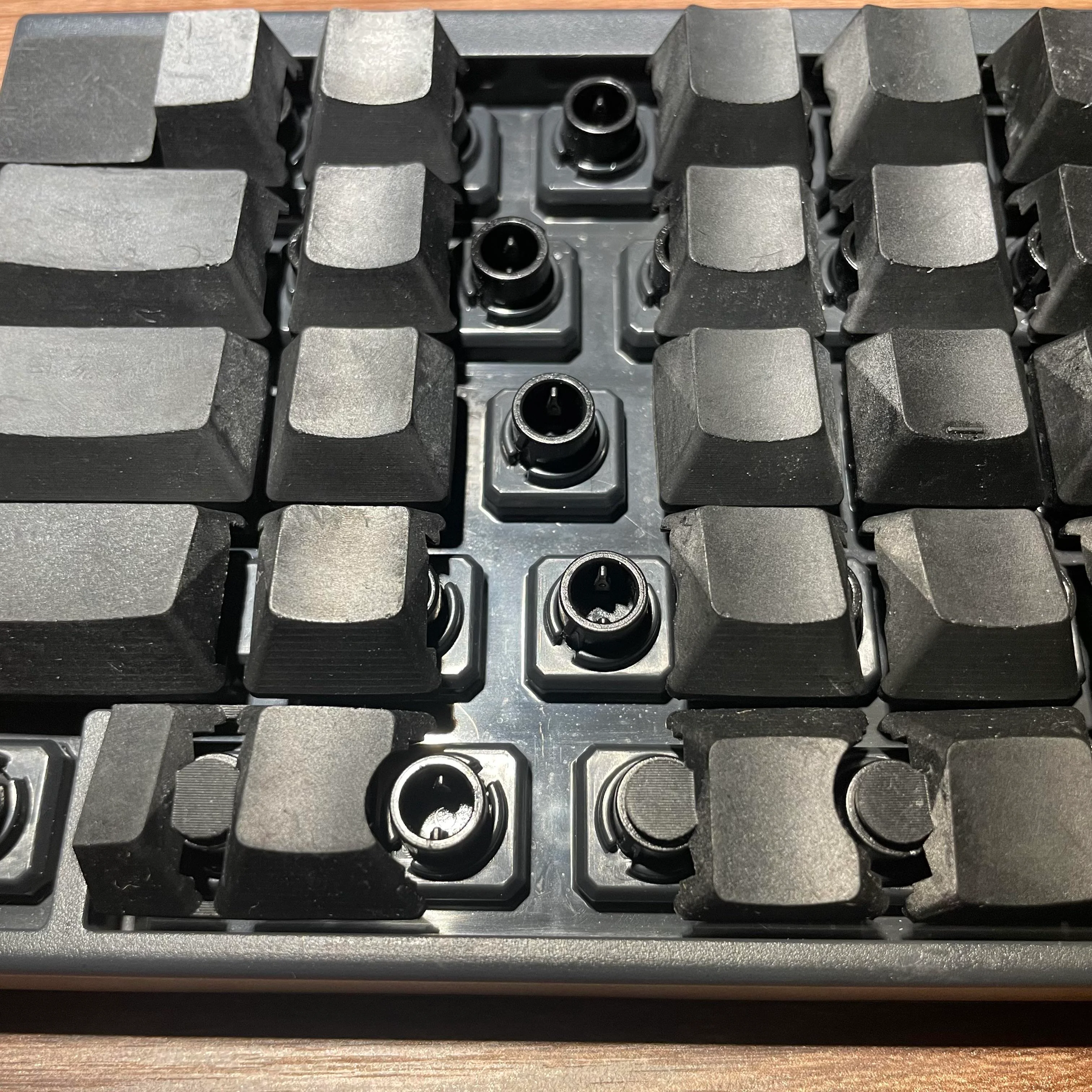
The problem is that things wear out with time. As you may have guessed, Alphasmart is no longer around, and so they can’t offer replacement keycaps. Can you help by creating a 3D model? [E.F. Nordmed] and many others would sure appreciate it.

You may remember the Alphasmart NEO from these very pages. We sure do love them for distraction-free writing.

You Could Be Relatively Cooler In Diamond-Coated Clothing

We vaguely remember what we believe was a DuPont commercial in the late ’80s or early ’90s touting that one day, they would make clothing that could cool you. And sure, there is clothing that allows heat to escape — fishnet shirts come to mind most immediately — but a group of scientists at Australia’s RMIT University have applied a coating of nanodiamonds to cotton in order to make fabric that goes a step further, drawing heat away from the body.

While you may be picturing blinged-out blouses, the truth is that nanodiamonds are cheap and non-glittery. They bear the same carbon-lattice structure as regular diamonds, which gives them great thermal conductivity.

In order to create cooling fabric, the scientists combined nanodiamond powder with polyurethane and a solvent, and applied the solution to one side of a sheet of cotton via electrospinning. This technique uses electric force to spin charged threads up into the diameters of fiber. The other side was left uncoated so that it doesn’t draw in heat.

Studies showed that the treated samples released 2 to 3 ºC (3.6 to 5.4 ºF) more heat via the coated side throughout the cooling period. While a couple of degrees may not seem like much, it could mean the difference between using a fan or using an air conditioner to cool off further.

Another application could be to keep buildings from overheating. We’ve seen developments in that area, usually in the form of ultra-white paint.

Inputs Of Interest: The Svalboard Could Be Your Salvation

You know, sometimes dreams really do come true. When I told you about the DataHand keyboard almost four years ago, I never imagined I’d ever get to lay my hands on anything even remotely like it, between the original price point and the fact that they really, really hold their value. But thanks to [Morgan Venable], creator of the Svalboard, I can finally tell you what it’s like to type with your digits directionalized.

If you don’t recall, the DataHand was touted to be a total revolution in typing for RSI sufferers. It debuted in 1993 for a hefty price tag of about $1,500 — pretty far out of reach of the average consumer, but well within the budgets of the IT departments of companies who really wanted to keep their workers working. You want minimum finger travel? It doesn’t get more minimal than this concept of a d-pad plus the regular down action for each finger.

The Svalboard aims to be the new and improved solution for something that barely exists anymore, but still has a devoted following. Although the DataHand was built on a gantry and adjustable using knobs, the smallest fit possible on the thing is still rather big. Conversely, the Svalboard is fully customizable to suit any size hand and fingertip.

Continue reading “Inputs Of Interest: The Svalboard Could Be Your Salvation”

Thermal Earring Tracks Body Temperature

If you want to constantly measure body temperature to track things like ovulation, you usually have to wear something around your wrist or finger in the form of a smartwatch or ring. Well, what if you can’t or don’t want to adorn yourself this way? Then there’s the thermal earring.

Developed at the University of Washington, the thermal earring is quite small and unobtrusive compared to a smartwatch. Sure, it dangles, but that’s so it can measure ambient temperature for comparison’s sake.

You don’t even need to have pierced ears  — the earring attaches to the lobe magnetically. And yeah, the earring can be decorated to hide the circuitry, but you know we would rock the bare boards.

The earring uses BLE to transmit readings throughout the day, and of course goes into sleep mode between transmissions to save power. Coincidentally, it runs for 28 days per charge, which is the length of the average menstrual cycle. While the earring at this time merely “shows promise” as a means of monitoring stress and ovulation, it did outperform a smartwatch at measuring skin temperature while the wearers were at rest.

This is definitely not the only pair of earrings we’ve got around here. These art deco earrings use flexible PCBs, and this pair will light up the night.