Habit Detection For Home Assistant

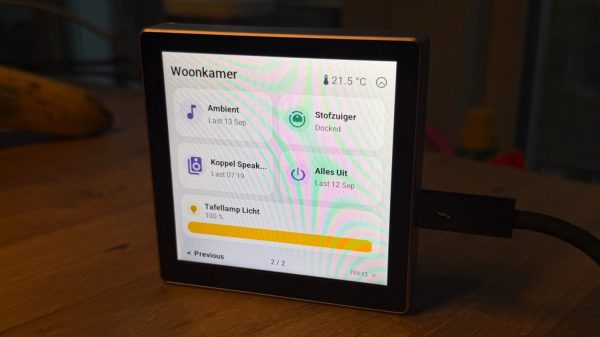
Computers are very good at doing exactly what they’re told. They’re still not very good at coming up with helpful suggestions of their own. They’re very much more about following instructions than using intuition; we still don’t have a digital version of Jeeves to aid our bumbling Wooster selves. [Sherrin] has developed something a little bit intelligent, though, in the form of a habit detector for use with Home Assistant.

In [Sherrin]’s smart home setup, there are lots of things that they wanted to fully automate, but they never got around to implementing proper automations in Home Assistant. Their wife also wanted to automate things without having to get into writing YAML directly. Thus, they implemented a sidecar which watches the actions taken in Home Assistant.

The resulting tool is named TaraHome. When it detects repetitive actions that happen with a certain regularity, it pops up and suggests automating the task. For example, if it detects lights always being dimmed when media is playing, or doors always being locked at night, it will ask if that task should be set to happen automatically and can whip up YAML to suit. The system is hosted on the local Home Assistant instance. It can be paired with an LLM to handle more complicated automations or specific requests, though this does require inviting cloud services into the equation.

We’ve featured lots of great Home Assistant hacks over the years, like this project that bridges 433 MHz gear to the smart home system. If you’ve found your own ways to make your DIY smart home more intelligent, don’t hesitate to notify the tipsline!

Robots Talking To Robots

Although there are a few robots on the market that can make life a bit easier, plenty of them have closed-source software or smartphone apps required for control that may phone home and send any amount of data from the user’s LAN back to some unknown server. Many people will block off Internet access for these types of devices, if they buy them at all, but that can restrict the abilities of the robots in some situations. [Max]’s robot vacuum has this problem, but he was able to keep it offline while retaining its functionality by using an interesting approach.

Home Assistant, a popular open source home automation system, has a few options for voice commands, and can also be set up to transmit voice commands as well. This robotic vacuum can accept voice commands in lieu of commands from its proprietary smartphone app, so to bypass this [Max] set up a system of automations in Home Assistant that would command the robot over voice. His software is called jacadi and is built in Go, which uses text-to-speech to command the vacuum using a USB speaker, keeping it usable while still offline.

Integrating a voice-controlled appliance like this robotic vacuum cleaner allows things like scheduled cleanings and other commands to be sent to the vacuum even when [Max] isn’t home. There are still a few limitations though, largely that communication is only one way to the vacuum and the Home Assistant server can’t know when it’s finished or exactly when to send new commands to the device. But it’s still an excellent way to keep something like this offline without having to  rewrite its control software entirely.

Bridging RTL-433 To Home Assistant

If you’ve got an RTL-SDR compatible receiver, you’ve probably used it for picking up signals from all kinds of weird things. Now, [Jaron McDaniel] has built a tool to integrate many such devices into the world of Home Assistant.

It’s called RTL-HAOS, and it’s intended to act as a bridge. Whatever you can pick up using the RTL_433 tool, you can set up with Home Assistant using RTL-HAOS. If you’re unfamiliar with RTL_433, it’s a multitalented data receiver for picking up all sorts of stuff on a range of bands using RTL-SDR receivers, as well as a range of other hardware. While it’s most closely associated with products that communicate in the 433 MHz band, it can also work with products that talk in 868 MHz, 315 MHz, 345 MHz, and 915 MHz, assuming your hardware supports it. Out of the box, it’s capable of working with everything from keyless entry systems to thermostats, weather stations, and energy monitors. You can even use it to listen to the tire pressure monitors in your Fiat Abarth 124 Spider, if you’re so inclined.

[Jaron’s] tool integrates these devices nicely into Home Assistant, where they’ll appear automatically thanks to MQTT discovery. It also offers nice signal metrics like RSSI and SNR, so you can determine whether a given link is stable. You can even use multiple RTL-SDR dongles if you’re so inclined. If you’re eager to pull some existing environmental sensors into your smart home, this may prove a very easy way to do it.

The cool thing about Home Assistant is that hackers are always working to integrate more gear into the ecosystem. Oftentimes, they’re far faster and more efficient at doing this than big-name corporations. Meanwhile, if you’re working on your own hacks for this popular smart home platform, we’d probably like to know about it. Be sure to hit up the tips line in due time.

Making Quinetic Gear Work With Home Assistant

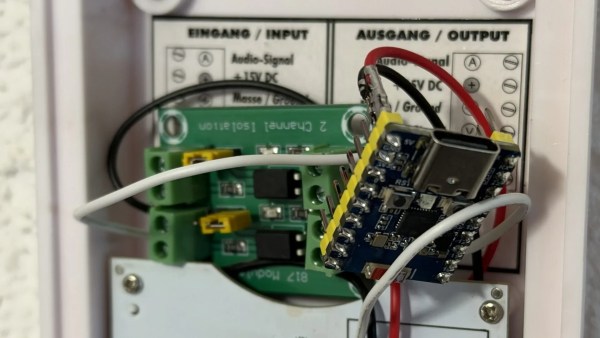
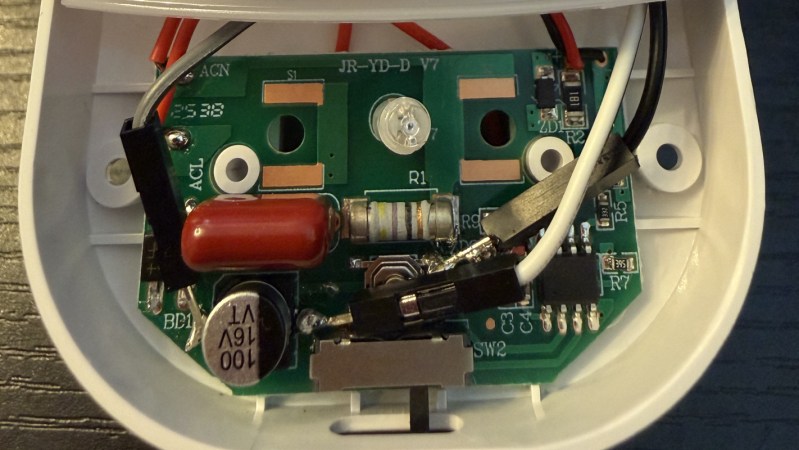
There are lots of switches that you can use with your smarthome. Some might not be compatible with the wiring in your house, while others are battery powered and need attention on the regular. [Willow Herring] came across some nice self-powered versions that were nonetheless locked to a proprietary hub. Reverse engineering ensued!

[Willow] was using a range of smart home products from Quinetic, including the aforementioned self-powered switches. However, she couldn’t stand using them with the Quinetic hub, which was required to get them functioning with the brand’s relays and in-line switch relays. It all came down to the buggy smartphone app that was supposed to lace everything together, but never worked quite right. Instead, she set about deciphering the language the switches speak so they could be paired with other smarthome systems.

[Cameron Gray] had done some work in this area, which proved a useful starting point, though it didn’t enable the use of the switches with the various types of Quinetic relays. [Willow] decided to try and learn more about the system, starting with a CC1101 radio module hooked up to a ESP8266. Some tinkering around with expected message lengths started bearing fruit, and soon enough the format of the messages became clear.

Before long, [Willow] had figured out how to get the whole system talking to MQTT and Home Assistant, without compromising their ability to operate independently. Code is on Github for those eager to tinker further.

We’ve looked at a number of self-powered switches before, too. If you’ve found your own neat way of interfacing these devices, don’t hesitate to notify the tipsline!

[Thanks to Jess for the tip!]

Billy Bass Gets New Job As A Voice Assistant

For those who were alive and conscious before the modern Internet, there were in fact things that went “viral” and became cultural phenomenon for one reason or another. Although they didn’t spread as quickly or become forgotten as fast, things like Beanie Babies or greeting a friend with an exaggerated “Whassup?” could all be considered viral hits of the pre-Internet era.

Another offline hit from the late 90s was the Billy Bass, an absurdist bit of physical comedy in the form of a talking, taxidermied fish. At the time it could only come to life and say a few canned lines, but with the help of modern hardware it can take on a whole new life.

This project comes to us from [Cian] who gutted the fish’s hardware to turn it into a smart voice assistant with some modern components, starting with an ESP32 S3. This chip has enough power to detect custom “wake words” to turn on the fish assistant as well as pass the conversation logic to and from a more powerful computer, handle the audio input and output, and control the fish’s head and tail motors. These motors, as well as the speaker, are the only original components remaining. The new hardware, including an amplifier for the speaker, are mounted on a custom 3D printed backplate.

After some testing and troubleshooting, the augmented Billy was ready to listen for commands and converse with the user in much the same way as an Alexa or other home assistant would. [Cian] built this to work with Home Assistant though, so it’s much more open and easier to recreate for anyone who still has one of these pieces of 90s kitch in a box somewhere.

Perhaps unsurprisingly, these talking fish have been the basis of plenty of hacks over the years since their original release like this one from a few years ago that improves its singing ability or this one from 2005 that brings Linux to one.

Continue reading “Billy Bass Gets New Job As A Voice Assistant”

FLOSS Weekly Episode 848: Open The Podbay Doors, Siri

This week Jonathan and Rob chat with Paulus Schoutsen about Home Assistant, ESPHome, and Music Assistant, all under the umbrella of the Open Home Foundation. Watch to see Paulus convince Rob and Jonathan that they need to step up their home automation games!

Continue reading “FLOSS Weekly Episode 848: Open The Podbay Doors, Siri”

From Smartphone To A Home Server

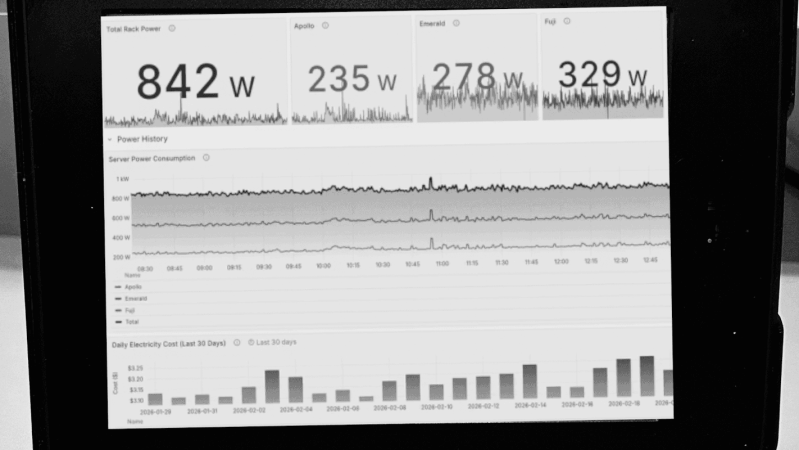
Some people like their homelabs to be as big and fancy as possible, with racks of new or surplus server hardware sucking down power. [Hardware Haven] evidently has the opposite idea, given he just made a video about making the cheapest, smallest server possible: an Android phone.

Sure, it’s not going to be streaming terabytes of data at multiple gigabytes per second, but that’s not everyone’s use case. Don’t forget, flagship phones had multiple cores and gigabytes of RAM a decade ago, so even an old and busted smartphone has more than enough power for something like Home Assistant, which is what gets installed in this video.

After considering loading termux and rooting his device for Docker-on-Android, he opted for postmarketOS, the premiere Linux for old smartphones. That’s not because the Linux environment you get with termux wouldn’t work; it’s just that he wanted something native. To that end, he bought a somewhat worse-for-wear Xiaomi Mi A1 from eBay to get hardware Alpine-based postmarket could use.

Software wise, it was just a matter of following instructions and reading manuals — Linux is Linux, after all. The firewall proved to be his main challenge, though trying to branch out from Home Assistant to run Minecraft Server did run into Java issues [Hardware Haven] had no interest in troubleshooting. Hardware wise, though, well — do you want to leave a phone plugged in permanently? Smokey the Bear suggests you not, especially if you live near a forest. Besides, you probably don’t want your server on WiFi, and at least this smartphone wouldn’t charge when using a networking dongle.

That meant phone surgery: the battery came out, and 5 V from an old USB charger was piped into the battery charge controller via a diode. The diode was used for its voltage drop, to bring the 5 V supply down to a believable battery voltage — a buck converter might have been better, but you use what you have, and the diode drop doesn’t dissipate much power. Power dissipation is still one watt at idle, six during a stress test.

Given how cheap the phone was, and how little power this thing sips, [Hardware Heaven] has an excellent answer to those who say homelabbing is a rich person’s hobby. This project also reminds us that while our phones might not be as hackable as we’d like, they’re still far from totally locked down. You can even run NixOS on (some of) them.

Continue reading “From Smartphone To A Home Server”