Working on a breadboard, one can get used to the benefits of being able to readily plug and unplug jumper wires to reconfigure a project. One could only dream of doing so with PCBs, right? Wrong! [Stewart Russell] recently shared a tip on Twitter on how to do just that, with the help of a little fishing wire.
The wire can be neatly threaded through the board to enable quick hookups.
The trick is simple: on any old development board that uses 0.1″ pitch headers, simply weave some fishing line through the plated through-holes in the PCB. Then, regular jumper wires can be inserted just like on a breadboard. The fishing wire has just enough give to allow the jumper wires to be jammed in, holding them steady and in good contact, while still allowing them to be easily removed.
[Hackspace Magazine] has raved about the trick, noting great success using 0.38 mm fishing line. Alternative methods involve using toothpicks, though we suspect solution is likely messier and less reliable.
If you’ve got your own tricks for prototyping quickly using development and breakout boards, be sure to share them below in the comments. Alternatively, send your best stuff to us on the tipsline!
[JSK-koubou] is no stranger to making tools to improve their work, and this latest video is yet another in a long list of such builds, just checkout their YT channel to see the many other examples. The tool being highlighted this time is a semi-automatic grinder (Video, embedded below) which could be very handy in many situations.
Many of us struggle a little to get straight cuts with an angle grinder, especially with softer materials, as it is sometimes hard to get a good ‘feel’ of how the cut is proceeding. Once the cut is started, thin blades will tend to ‘track’ in the slot, so if it starts off a little bit, the whole cut will be off. Most annoying. Anything to help keep things straight and square would help a lot, with the extra feature of a motorized drive enabling a constant cut rate, and presumably giving an increase in the cut quality.
Using the part completed rig to cut its own leadscrew
Since operation is hands-off, you could set it up, and leave it to do its thing, whilst you step aside, away from flying sparks, noise and the remote possibility of getting a splintered blade in your face, should the unthinkable happen. All good things.
The detailed build video shows what looks like a pretty solid construction, there are plans available on the accompanying website, but they do request a small donation of ¥1000 (less than $10 USD) to download them. Given the usefulness of the tool, this seems like a small price to pay. We quite liked some sections of the build video, where the tool is used to cut its own components, as it is built-up sequentially. Clever stuff! Another interesting technique to see was the use of a flame-heated (Stanley) knife blade as a drive belt end-jointer. Somewhat tough on the blade, but it’s a consumable item and gets the job done, so that’s good enough for us!
Parts wise, there’s nothing special at all here, with most easily sourced via the usual mechanical suppliers, but we reckon you’d be able to find most of it on eBay as well. We think this is exactly the sort of build that would work well in your local Makerspace, so perhaps give that a thought?
Bored with manually cutting off? Need an overkill solution for a mundane job? How about an Automatic Cut-Off Saw? If you need some defense against the mighty angle grinder, then perhaps Proteus is just the ticket?
If a combination multimeter and oscilloscope is on your holiday shopping list this year, you might want to have a look at some of [Kerry Wong’s] recent videos on the subject. Over several videos he looks at — inside and out — an OWON HDS272S and a Hantek 2D72, both reasonably inexpensive entries in the field. Both instruments are similar and have a few variants depending on the frequency capability and the addition of a waveform generator.
There are several videos on the Hantek device that are a few months old, then some recent videos — like the one below — on the OWON device along with some comparison videos.
[Voltlog] often looks at interesting test equipment and in the video below he reviews something that isn’t very common in hobby labs: a differential oscilloscope probe. These are usually pretty expensive, but the Micsig probe in the video costs under $200. The question, of course, is what do you need with a differential probe?
A typical scope probe has a ground lead that connects directly to the actual grounding point. This can cause a problem if you try to measure across some component that has more voltage than you want to short to ground. It might hurt your device under test, your scope, or both.
We’ve noticed lately that some cheap meters have gone to having big colorful screens. The screens aren’t dot matrix, but still have lots of graphics that could be useful or could be distracting eye candy, depending. The really cheap ones seem more like a gimmick, but [OM0ET] took a look at one that looked like a fair midrange instrument with some useful display features, the GVDA GD128.
A lot of the display shows the current function of the meter. No need for an expensive multiposition switch or rows of interlocking pushbuttons. Many of these new meters also have non-contact voltage sensors, which is handy. Otherwise, it looks like a pretty conventional cheap meter. Continue reading “Multimeters Go Big Screen”→
When it comes to electronic design, breadboarding a circuit is the fun part — the creative juices flow, parts come and go, jumpers build into a tangled mess, but it’s all worth it when the circuit finally comes to life. Then comes the “What have I done?” phase, where you’ve got to backtrack through the circuit to document exactly how you built it. If only there was a better way.
Thanks to [Nick Bild], there is, in the form of the “Schematic-o-matic”, which aims to automate the breadboard documentation process. The trick is using a breadboard where each bus bar is connected to an IO pin on an Arduino Due. A program runs through each point on the breadboard, running a continuity test to see if there’s a jumper connecting them. A Python program then uses the connection list, along with some basic information about where components are plugged into the board, to generate a KiCad schematic.
[Nick] admits the schematics are crude at this point, and that it’s a bit inconvenient to remove some components, like ICs, from the breadboard first to prevent false readings. But this seems like one of those things where getting 80% of the work done automatically and worrying about the rest later is a big win. Plus, we can see a path forward to automatic IC probing, and even measurement of passive components too. But even as it is, it’s a great tool.
For one-off projects or prototypes it’s not uncommon for us to make do with whatever workspace we have on hand. Using a deck railing as an impromptu sawhorse, for example, is one that might be familiar to anyone who owns a circular saw, but [Daniel] has a slightly different situation. He had been setting up metal workpieces on random chunks of brick in order to use his plasma cutter, but just like the home handyman who gets tired of nicking their deck with a saw, he decided to come up with a more permanent solution and built a custom plasma cutting table.
Plasma cutting has a tendency to throw up a lot of sparks, so most commercial offerings for plasma cutting tables include a water bath to catch all of the debris from the cutting process. [Daniel] builds his table over a metal tub to hold some water for this purpose. The table itself is built out of aluminum and designed to be built without welding even though most people with plasma cutters probably have welders as well. The frame is designed to be exceptionally strong and includes curved slats which add to the strength of the table. The table is also designed to be portable, so the curved slats stay in place when the table is moved.
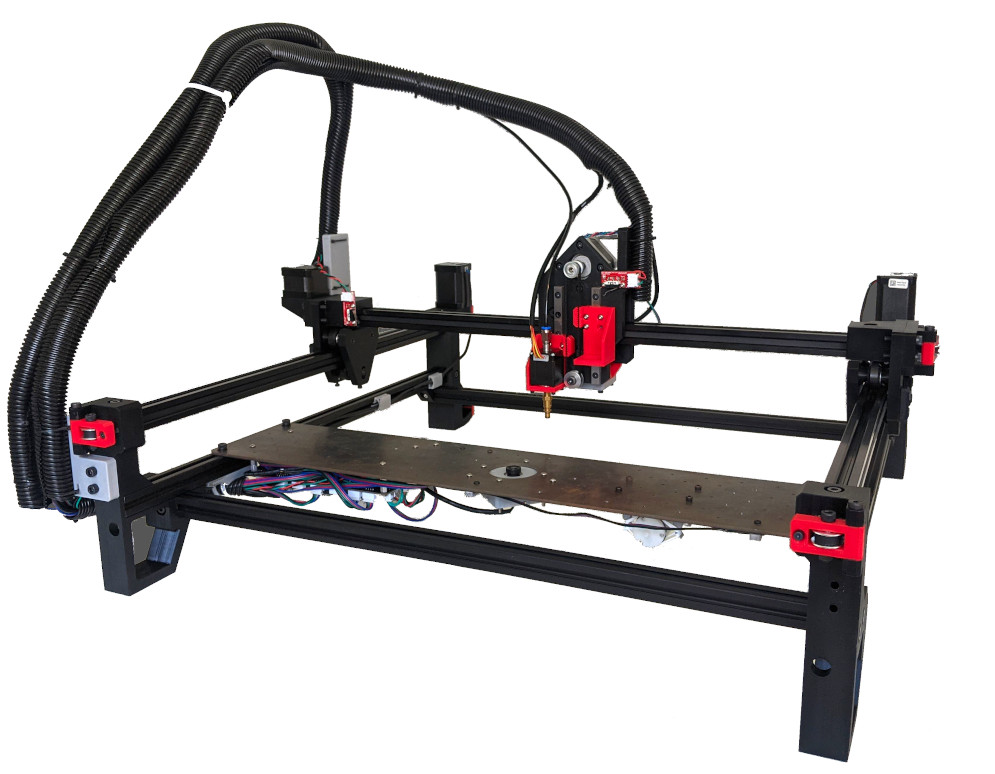
While this might seem like an average metal table at first glance, the table is actually being designed with a homemade CNC machine in mind which [Daniel] is working on. The CNC plasma cutter needs a sturdy, flat surface and can’t be set up on bricks in the driveway, so this table suits both [Daniel]’s immediate needs to not shower himself in sparks every time he cuts something and also his future CNC machine’s need for a sturdy, flat workspace. We look forward to seeing that build being completed but in the meantime take a look at this motorized plasma cutter which has the beginnings of a CNC machine if in one direction only.