DIY Game Console Does It With Optical Discs

Optical media may be dead for video games on the big corporate consoles, but not in [Emmet]’s heart– or on his DIY game console, that he built specifically to use optical media. Not fancy blu-ray or newfangled DVDs, either, but good old fashioned CDs from the Orange Book.

Yeah, he’s not fitting modern AAA flagship games on those disks, but the Intel N150 on the single board computer he’s using isn’t going to power through them, either. That’s fine, though, because there are literally decades of content this machine can handle. That’s why the board is running Batocera, which is a Linux distro tailor-made for retrogaming on x86– and also ARM, but that’s not important here.

He’s using ESP32-S3s to run custom wireless gamepads with BLE, which means he’s got more power in each of them than some of the retro consoles this machine is emulating, but it gets the job done. Unlike some cartridge projects we’ve seen that merely queue up the games, the CDs on this one actually do seem to store the ROM file, along with a shell script to put it in the correct emulator’s library. We might have gone with autorun, but it’s [Emmet]’s console and he’s got it working how he likes.

What really makes this project stand out, in our opinion, is the effort [Emmet] put into custom CD labels and art for the jewel cases. It really makes this feel like an actual game console and not just a PC hooked to a the TV. The 3D printed case doesn’t hurt in that respect, either.

Be it from a nostalgia, as in this project, a need for cheap storage, or the perverse desire to hook it to an NES, optical media seems to be having a bit of a moment. Speaking of moment, we’re going to have to take a moment to come to grips with the fact that CDs have become nostalgic. Didn’t they just replace vinyl?

Continue reading “DIY Game Console Does It With Optical Discs” →
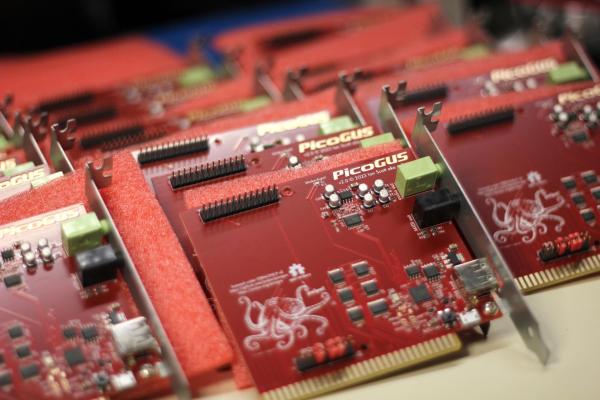
PicoGUS Adds CD-ROM Emulation To ISA Bus

Everything fails eventually, but moving parts fail fastest of all– and optical drives seemingly more than others, at least in our experience. Even when they work, vintage drives often have trouble with CD-R, and original media isn’t always easy to find. That’s why it’s so wonderful that [polpo]’s RP2040 ISA card, the PicoGUS 2.0, now supports CD-ROM emulation.

We covered PicoGUS when it first appeared as an ISA sound card,  and make no mistake, it can still emulate sound cards for retro-PC beeps and boops. It’s not just the Gravis Ultrasound (GUS) from which the project took its name, but Sound Blaster 2.0, MPU-401 for MIDI, Tandy 3-voice, and CMS/GameBlaster are all soft options. Like most sound cards back in the day, PicoGUS provides game port support as well.

Continue reading “PicoGUS Adds CD-ROM Emulation To ISA Bus” →

ESPer-CDP Plays CDs And Streams In Style

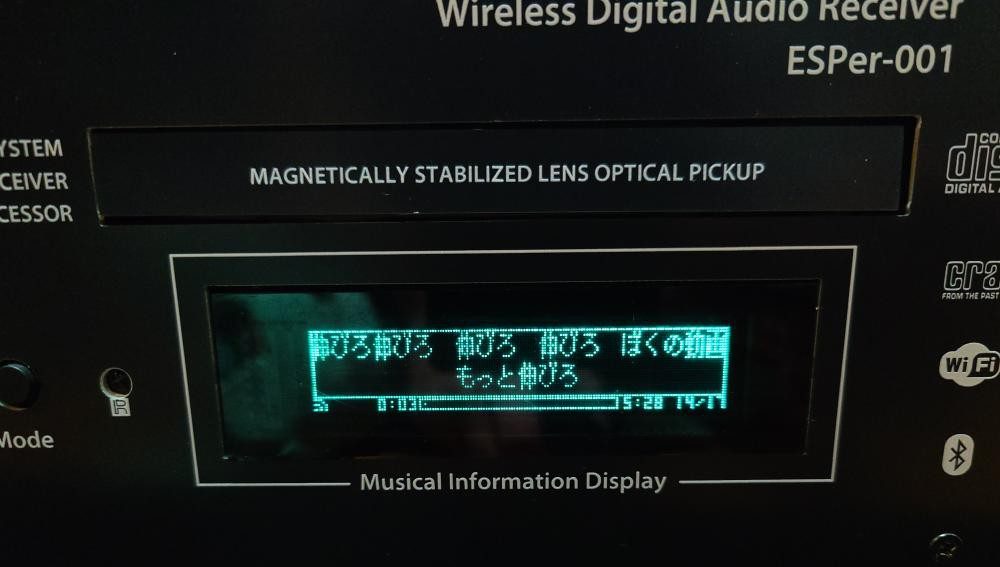
What do you get when you combine an ESP32, a 16-bit DAC, an antique VFD, and an IDE CD-ROM drive? Not much, unless you put in the work, which [Akasaka Ryuunosuke] did to create ESPer-CDP, a modern addition for your hi-fi rack.

It plays CDs (of course), but also can also scrobb the disks to Last.fm, automatically fetch track names and lyrics for CDs, and of course stream internet radio. It even acts as a Bluetooth speaker, because when you have an ESP32 and a DAC, why not? Of course we cannot help but award extra style points for the use of a VFD, a salvaged Futaba GP1232A02.  There’s just something about VFDs and stereo equipment that makes them go together like milk and cookies.

close up of front of machine showing VFD.
Between the panel and the VFD, this could almost pass as vintage Sony.

In terms of CD access, it looks like the IDE interface is being used to issue ATAPI commands to the CD-ROM drive to get audio out via S/PDIF.  (Do you remember when you had to hook your CD drive to your sound card to play music CDs?) This goes through a now-discontinued WM8805 receiver — a sign this project has been in the works for a while — that translates S/PDIF into an I2S stream the ESP32 can easily work with.

Work with it it does, with the aforementioned scrobbing, along with track ID and time-sinked lyrics via CDDB or  MusicBrainz. The ESP32 should have the computing power to pull data through the IDE bus and decode it, but we have to admit that this hack gets the job done — albeit at the expense of losing the ability to read data CDs, like MP3 or MIDI. [Akasaka Ryuunosuk] has plans to include such functionality into v2, along with the ability to use a more modern SATA CD-ROM drive. We look forward to seeing it, especially if it keeps the VFD and classic styling. It just needs to be paired with a classic amplifier, and maybe a DIY turntable to top off the stack.

Thanks to [Akasaka Ryuunosuke] for the tip. If you also crave our eternal gratitude (which is worth its weight in gold, don’t forget), drop us a tip of your own. We’d love to hear from you.

Why Did Early CD-ROM Drives Rely On Awkward Plastic Caddies?

These days, very few of us use optical media on the regular. If we do, it’s generally with a slot-loading console or car stereo, or an old-school tray-loader in a desktop or laptop. This has been the dominant way of using consumer optical media for some time.

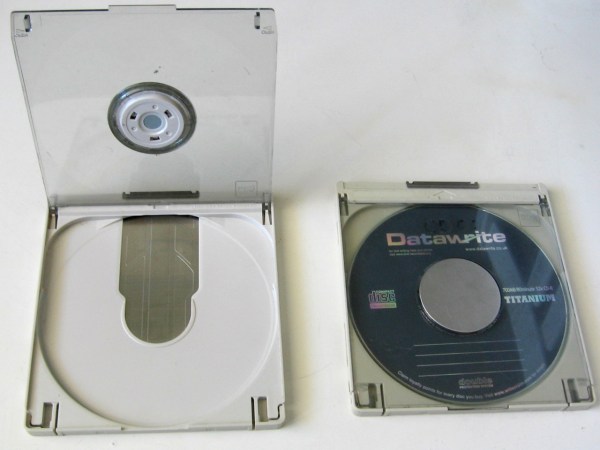
Step back to the early CD-ROM era, though, and things were a little kookier. Back in the late 1980s and early 1990s, drives hit the market that required the use of a bulky plastic caddy to load discs. The question is—why did we apparently need caddies then, and why don’t we use them any longer?

Caddyshack

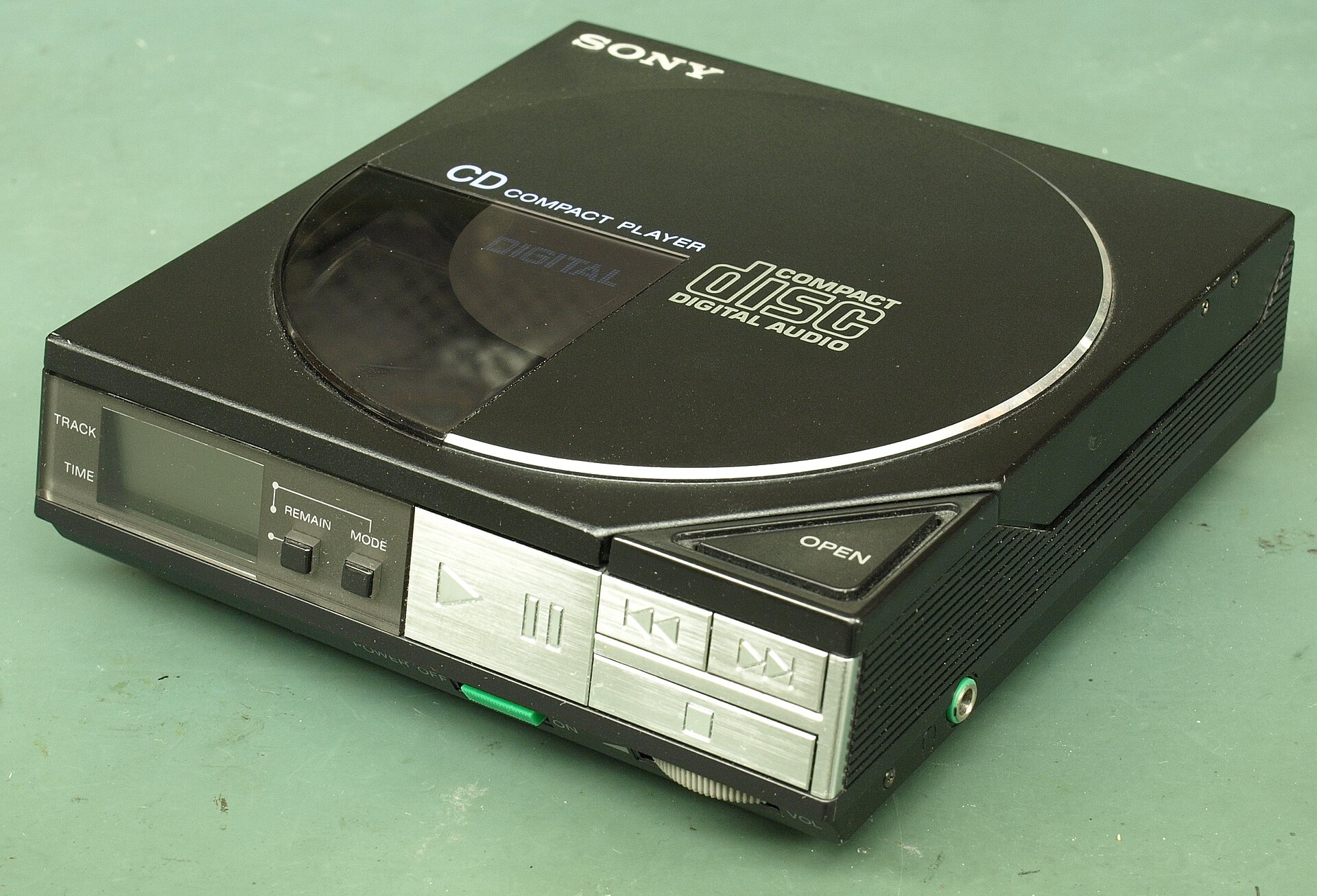
Early CD players, like this top-loading Sony D-50, didn’t use caddies. Credit: Binarysequence, CC BY-SA 4.0

The Compact Disc, as developed by Phillips and Sony, was first released in 1982. It quickly became a popular format for music, offering far higher fidelity than existing analog formats like vinyl and cassettes. The CD-ROM followed in 1985, offering hundreds of megabytes of storage in an era when most hard drives barely broke 30 MB. The discs used lasers to read patterns of pits and lands from a reflective aluminum surface, encased in tough polycarbonate plastic. Crucially, the discs featured robust error correction techniques so that small scratches, dust, or blemishes wouldn’t stop a disc from working.

Notably, the first audio CD player—the Sony CDP-101—was a simple tray-loading machine. Phillips’ first effort, the CD100, was a top-loader. Neither used a caddy. Nor did the first CD-ROM drives—the Phillips CM100 was not dissimilar from the CD100, and tray loaders were readily available too, like the Amdek Laserdrive-1. Continue reading “Why Did Early CD-ROM Drives Rely On Awkward Plastic Caddies?” →

How The CD-ROM Lost The Multimedia Dream To The Internet

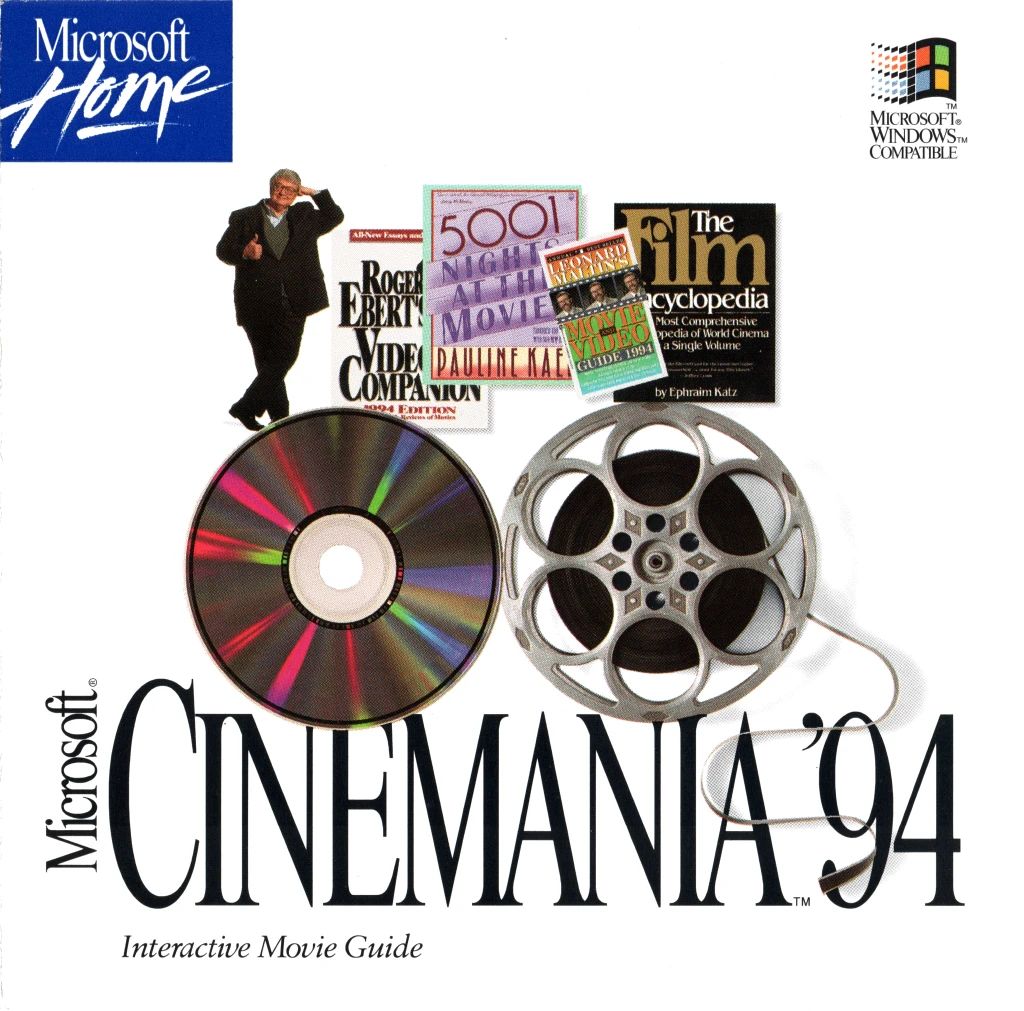
High-tech movie guides on CD-ROM; clearly the future had arrived in 1994.

In the innocent days of the early 90s the future of personal computing still seemed to be wide open, with pundits making various statements regarding tis potential trajectories. To many, the internet and especially the World Wide Web didn’t seem to be of any major significance, as it didn’t have the reach or bandwidth for the Hot New Thingtm in the world of PCs: multimedia. Enter the CD-ROM, which since its introduction in 1985 had brought the tantalizing feature of seemingly near-infinite storage within reach, and became cheap enough for many in the early 90s. In a recent article by [Harry McCracken] he reflects on this era, and how before long it became clear that it was merely a bubble.

Of course, there was a lot of good in CD-ROMs, especially when considering having access to something like Encarta before Wikipedia and broadband internet was a thing. It also enabled software titles to be distributed without the restrictions of floppy disks. We fondly remember installing Windows 95 (without Internet Explorer) off 13 1.44 MB floppies, followed by a few buckets of Microsoft Office floppies. All pray to the computer gods for no sudden unreadable floppy.

Inevitably, there was a lot of shovelware on CD-ROMs, and after the usefulness of getting free AOL floppies (which you could rewrite), the read-only CD-ROMs you got in every magazine and spam mailing were a big disappointment. Although CD-ROMs and DVDs still serve a purpose today, it’s clear that along with the collapse of the Internet Bubble of the late 90s, early 2000s, optical media has found a much happier place. It’s still hard to beat the sheer value of using CD-R(W)s and DVD-/+R(W)s (and BD-Rs) for offline backups, even if for games and multimedia they do not appear to be relevant any more.

If you’re interested in another depiction of this period, it’s somewhere we’ve been before.

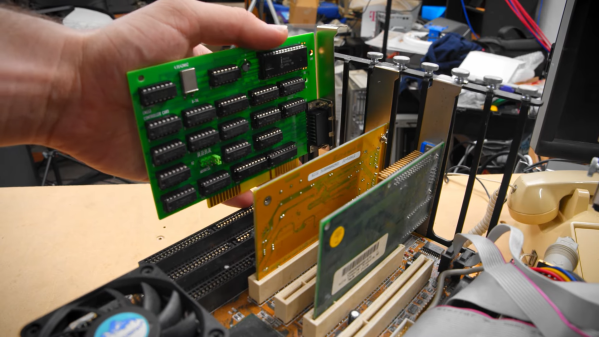
An 8-bit ISA card being plugged into a motherboard

Reverse-Engineering An ISA Card To Revive An Ancient CD-ROM Drive

Being an early adopter is great if you enjoy showing off new gadgets to your friends. But any new technology also brings the risk of ending up at the wrong side of a format war: just ask anyone who committed to HD-DVD fifteen years ago. If, on the other hand, you were among the few who invested in CD-ROM when it was first released in the mid-1980s, you definitely made the right choice when it came to storage media. However, it was a bit of a different story for the interface that hooks up the CD drive to your computer, as [Tech Tangents] found out when he managed to get his hands on a first-generation CM100 drive. (Video, embedded below.)

That wonderful piece of 1985 technology is not much smaller than the IBM PC it was designed to connect to, and it originally came with its own CM153 ISA interface card. But while most eBay sellers recognized the historic value of a pioneering CD-ROM drive, the accompanying PC was typically a dime-a-dozen model and was thrown out with the rare interface card still inside. Even after searching high and low for over a year, the only information [Tech Tangents] could find about the card was a nine year old YouTube video that showed what the thing looked like.

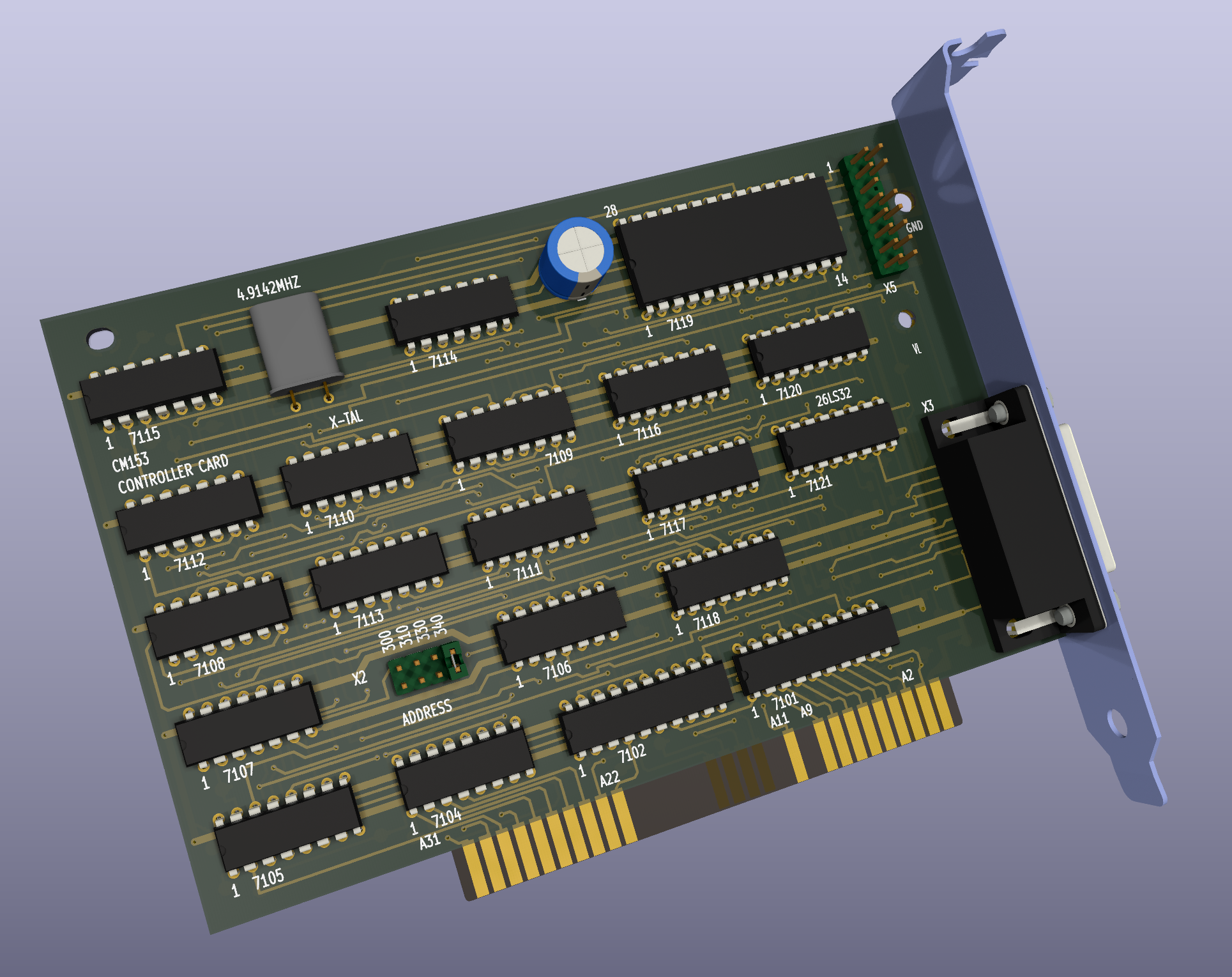
A 3D rendered image of an 8-bit ISA cardLuckily, the maker of that video was willing to take high-resolution pictures of the card, which allowed [Tech Tangents] to figure out how it worked. As it turned out, the card was entirely made from standard 7400 series logic chips as well as an 8251 USART, which meant that it should be possible to design a replacement simply by following all the traces on the board. [Tech Tangents] set to work, and after a few weeks of reverse-engineering he had a complete schematic and layout ready in KiCAD.

After the PCBs were manufactured and populated with components, it was time to test the new card with the old drive. This wasn’t a simple process either: as anyone who’s tried to get obscure hardware to work in MS-DOS will tell you, it involves countless hours of trying different driver versions and setting poorly documented switches in CONFIG.SYS. Eventually however, the driver loaded correctly and the ancient CD-ROM drive duly transferred the files stored on a Wolfenstein 3D disk.

If you’re lucky enough to own a CM100 or a similar drive from that era, you’ll be happy to know that all design files for the CM153 clone are available on GitHub. This isn’t the first time someone has had to re-create an interface board from pictures alone: we’ve seen a similar project involving a SCSI card for a synthesizer. Thanks for the tip, [hackbyte]!

Continue reading “Reverse-Engineering An ISA Card To Revive An Ancient CD-ROM Drive” →

Burn Pictures On A CD-R, No Special Drive Needed

When we routinely carry devices holding tens or hundreds of gigabytes of data, it’s sometimes a shock to remember that there was once a time when 650 MB on a CD was a very big deal indeed. These now archaic storage media came first as silver pre-recorded CD-ROMs, then later as recordable CD-Rs. Most people eventually owned CD writer drives, and some fancy ones came with the feature of etching pictures in the unused portions of the disc.

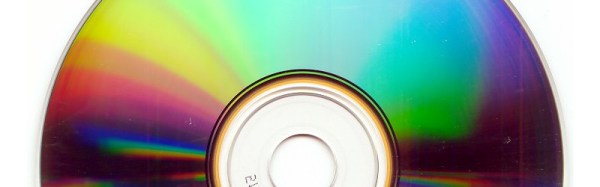
Haven’t got a fancy drive and desire an etched CD-R? No worries, [arduinocelentano] has a solution, in software which writes a disk image for a standard CD writer whose data makes the visible image on the disc.

CD-Rs have a thin layer of phthalate dye sandwiched between the polycarbonate disc and a silvered layer of lacquer. They’re often gold coloured, but the silvering is in fact just aluminium. The data is encoded as a series of pits and lands crested by the laser vapourising small portions of the dye to make holes.

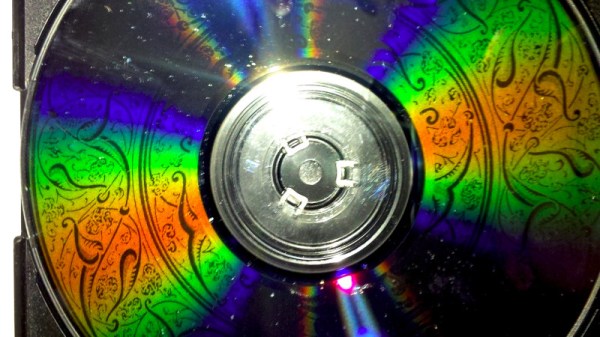
The code creates a data structure of a standard CD-ROM session which doesn’t contain any usable data, instead whose pits and lands are arranged to form the image. You can find it all in a GitHub repository, and have a go at creating your own offerings. We would have made a Wrencher disc for our pictures, but sadly for some of us who were once in the thick of it we don’t have any CD-Rs any more.