Kinetic Sculpture Intermittently Lights Up The Night

We absolutely love the impetus of this project, as it definitely sounds like something a Hackaday reader would go through. After finally deciding between a CNC router and a laser cutter, [Eirik Brandal] was planning to “Hello, World” the CNC with something quick and simple, like maybe a few acrylic plates with curves and some electronics. Instead, feature creep took over, “things escalated out of control”, and [Eirik] came up with this intriguing and complicated kinetic sculpture.

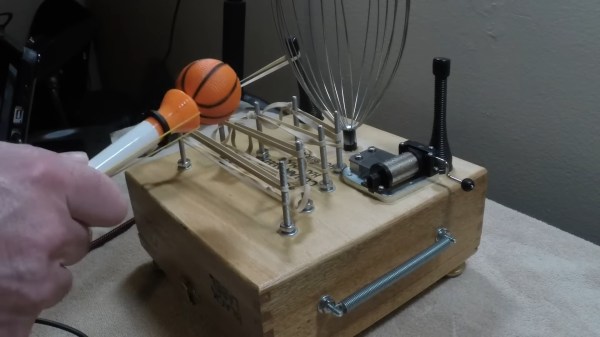
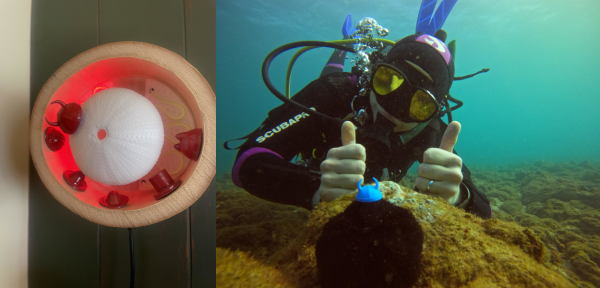
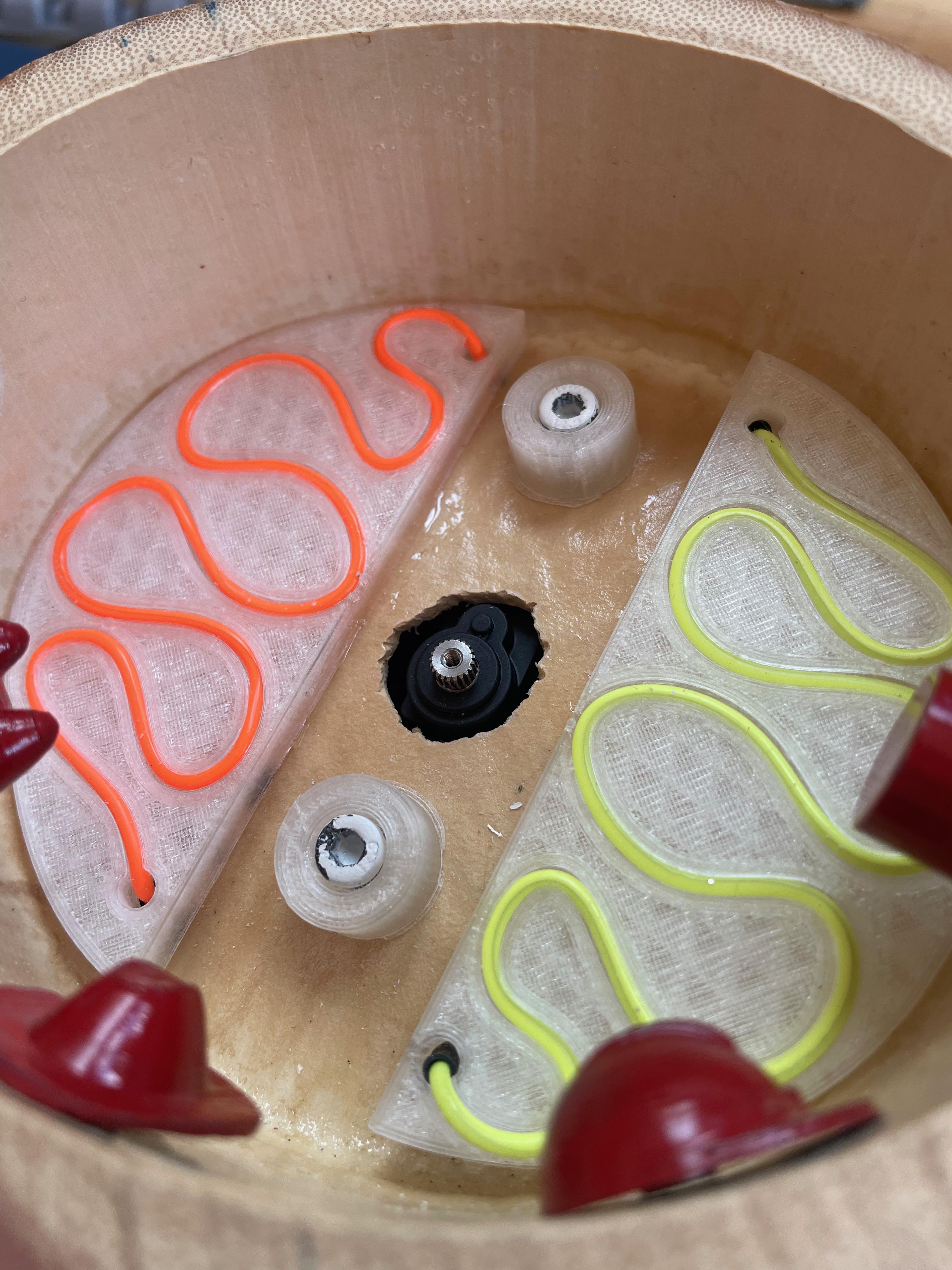
As you’ll see in the demo video below, this is a motor-driven sculpture with sound and intermittent light. It has an Arduino Nano Every, two motors, and eight gears with various cog counts to accommodate the project. The light comes from LEDs that are attached to the DIY gears with their legs bent and their little feet sliding around homemade slip rings in order to alight.

But what about the sound? There’s an affixed piezo disk that picks up the gears’ vibrations and chafing, and this gets amplified to augment the acoustic sounds of the sculpture. Be sure to check out the quite satisfying demo video after the break, and stick around for the build video.

Are you as fascinated by kinetic sculptures as we are? Here’s on that uses machine learning in order to bring balance to itself.

Continue reading “Kinetic Sculpture Intermittently Lights Up The Night”

Illustrated Kristina with an IBM Model M keyboard floating between her hands.

Keebin’ With Kristina: The One With The Death Metal Macro Pad

At “the size of three 60% keyboards (put together)” or approximately one Cannibal Corpse record on vinyl, this beautifully-executed death metal font-inspired macro pad by [zyumbik] may be better off hanging on the wall than hanging out on the desktop.

But let’s say you did have room for the 9-key Deathpad on your desktop. Wouldn’t you just play with the tentacles (?) all the time like I would? Yeah, that’s what I thought. They’re pretty inviting.

So why does this look so fantastic? It’s an SLA print, for one thing. For another, [zyumbik] spent over 1,000 hours designing the thing. Unfortunately it’s not open-source, but you can buy the only other one in existence for a cool $1,000.

Rubik’s Cube Keyboard

Although it doesn’t rotate (yet), creator [_Rudeism] is calling this the Rubik’s Cube Keyboard. Fine with me, though any type of actual rotation would be insanely difficult to pull off. The plan is to do it with RGB LEDs.

The layout is QWERTY-adjacent — the white side is the num pad, yellow has the modifiers, and the other four sides house all the letters. As you might imagine, this uses a custom frame and PCBs. The switches are Glorious Gateron Clears, which definitely supports the blinkenlights planned for V2.

This thing reminds me a bit of of the SafeType™ vertical keyboard, or even [Aaron Rasmussen]’s spherical keyboard. Be sure to check it out in Monkeytype action, where [_Rudeism] manages to pull off about 20WPM. Continue reading “Keebin’ With Kristina: The One With The Death Metal Macro Pad”

It’s Time You Built A Smart Pocket Watch

There’s just something about a pocket watch that screams class compared to the barbaric act of bending your arm, or the no-fun way of looking at your phone.

But smartwatches are dumb, analog things that mostly look pretty. Or are they? [JGJMatt] proves otherwise with their stunning DIY smart pocket watch. It is essentially a cheap smart watch from Amazon stuffed into the shell of an old pocket watch, but you know it’s not quite that simple.

On the easier side of things, [JGJMatt] had to come up with a 3D-printed bracket to hold the smart watch’s guts. On the harder end of the spectrum, he ended up building the charging port into the crown, where the latch used to be.

This is a beautiful build for sure, and a great way to reuse something that might otherwise end up thrown away or melted down.

Looking for a cool alternative pocket watch that’s a little easier to build? Check out [JGJMatt]’s pocket sundial.

You’ve Got Mail: Automatic For The People

When we last left the post office, I told you all about various kinds of machinery the USPS uses to move mail around. Today I’m going to tell you about the time they thought they could automate nearly every function inside the standard post office — and no, it wasn’t anytime recently.

By 1953, the post office badly needed modernization. When Postmaster General Arthur Summerfield was appointed that year, he found the system essentially in shambles. Throughout the 1930s and 40s, the USPS had done absolutely no spending beyond the necessary, with little to no investment in the future. But Summerfield was an ideas man, and he had the notion to build a totally automated post office. One of them would be located in Providence, Rhode Island and be known as Project Turnkey — as in a turnkey operation. The other would be located in Oakland, California, and serve as a gateway to the Pacific.

Continue reading “You’ve Got Mail: Automatic For The People”

This Keyboard Doesn’t Work Without Game Boy Cartridges

Just when we though we’d seen it all when it comes to custom keyboards (or most of it, anyway), along comes [Stu] with the TypeBoy and TypePak. Like the title implies, TypeBoy and TypePak are inseparable.

Let’s talk about TypePak first. Somehow, some way, [Stu] managed to fit the following into an aftermarket Game Boy Advance cartridge: a XIAO BLE microcontroller, a Sharp Memory Display, a shift register, and a LiPo battery. It’s all there in [Stu]’s incredibly detailed blog post linked above.

Amazing, no? And although [Stu] claims that the TypePak is mostly for aesthetics (boy howdy), it will make swapping microcontrollers much easier in the future.

If this looks sort of familiar, you may remember a likely render of [mujimaniac]’s board called the GIGA40 that also employed a cartridge system. Allegedly there is now a working prototype of the GIGA40.

Would you like to give the TypeBoy and TypePak a go? Files are available on GitHub, but this doesn’t seem like a project for the faint of heart.

Speaking of stuffing things in to Game Boy cartridges, check out this SNES cartridge turned hard drive enclosure.

Via KBD

Grannophone Helps You Stay In Touch

Whether it’s distance, pandemics, or both that separate you from your elderly loved ones, what’s the best idea for communicating with them so they don’t suffer from loneliness on top of issues like dementia? We’d say it’s probably something like [Stefan Baur]’s Grannophone.

Back in late 2020, a Twitter user named [Nitek] asked the Internet what could be done in the way of a grandma-friendly video-conferencing solution, provided Grandma has a TV and a broadband internet connection. At first, [Stefan] was like, just get her an old iPad and FaceTime with her. But the question got him thinking. And prototyping.

Grannophones are essentially Linux machines with a video-capable SIP client connected over a VPN for privacy reasons. In simple mode, picking up the handset of one Grannophone will call the other, but more complicated configurations are possible. We particularly like that replacing the handset automatically obscures the camera. That’s a nice touch.

At this point, the Grannophone is a work in progress. The idea is that they be extremely easy to build at the kitchen table, like on the order of disposable Swedish furniture. If you can contribute to the project, please do. Be sure to check out the demonstration video after the break.

On the other hand, if Granny is 1337, you could always video-conference in terminal.

Continue reading “Grannophone Helps You Stay In Touch”

Open Deck Is Your Window To Shortcuts

Once in a while, we see projects that could easily pass for commercial products. This is one of those projects: a (surprisingly) low-cost DIY macro pad from [Josh R] that was designed to be a cheaper alternative to the various stream decks out there. Between the carbon fiber top plate and the crystal-clear acrylic keycaps, this is quite the elegant solution.

This lovely little macro pad is built around the ESP8266, specifically the WEMOS D1 Mini V4. However, the most vital part to get right is the screen, which must be a 128 x 160 TFT display in order to line up with the 3D printed frame that divides it into fourths. Custom parts like the acrylic keycaps and the carbon fiber top plate are available on Tindie if you don’t have access to a CNC.

Operationally, Open Deck has a nice-looking GUI. Once programmed, each shortcut is capable of having three beneath it, with the fourth button reserved for Home. Be sure to check out the extremely satisfying build video after the break.

Want a stream deck, but don’t want to build it? Just dig up an old phone or tablet.

Continue reading “Open Deck Is Your Window To Shortcuts”