Moving From Windows To FreeBSD As The Linux Chaos Alternative

Back in the innocent days of Windows 98 SE, I nearly switched to Linux on account of how satisfied I was with my Windows experience. This started with the Year of the Linux Desktop in 1999 that started with me purchasing a boxed copy of SuSE Linux and ended with me switching to Windows 2000. After this I continued tinkering with non-Windows OSes including QNX, BeOS, various BSDs, as well as Linux distributions that promised a ‘Windows-like’ desktop experience, such as Lindows.

Now that Windows 2000’s proud legacy has seen itself reduced to a rusting wreck resting on cinderblocks on Microsoft’s dying front lawn, the quiet discomfort that many Windows users have felt since Windows 7 was forcefully End-Of-Life-d has only increased. With it comes the uncomfortable notion that Windows as a viable desktop OS may be nearing its demise. Yet where to from here?

Although the recommendations from the peanut gallery seem to coalesce around Linux or Apple’s MacOS (formerly OS X), there are a few dissenting voices extolling the virtues of FreeBSD over both. There are definitely compelling reasons to pick FreeBSD over Linux, in addition to it being effectively MacOS’s cousin. Best of all is not having to deal with the Chaos Vortex that spawns whenever you dare to utter the question of ‘which Linux distro?’. Within the world of FreeBSD there is just FreeBSD, which makes for a remarkably coherent experience.

Continue reading “Moving From Windows To FreeBSD As The Linux Chaos Alternative”
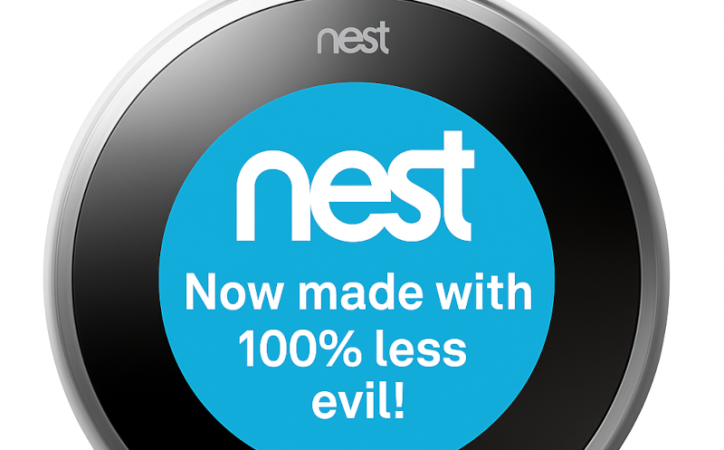
Nest Thermostat: Now 100% Less Evil

If you have a Nest thermostat of the first or second generation, you probably noticed it recently became dumber. Google decided to pull the plug on the servers that operate these devices, turning them into — well — ordinary thermostats. Lucky for us [codykociemba] has been keeping up with various exploits for hacking the thermostat, and he started the NoLongerEvil-Thermostat project.

If you want to smarten up your thermostat again, you’ll need a Linux computer or, with some extra work, a Mac. The thermostat has a DFU-enabled OMAP loader. To access it, you have to plug it into USB and then reboot it. There is a narrow window for the loader to grab it, so you have to be running the software before you reboot or you’ll miss it.

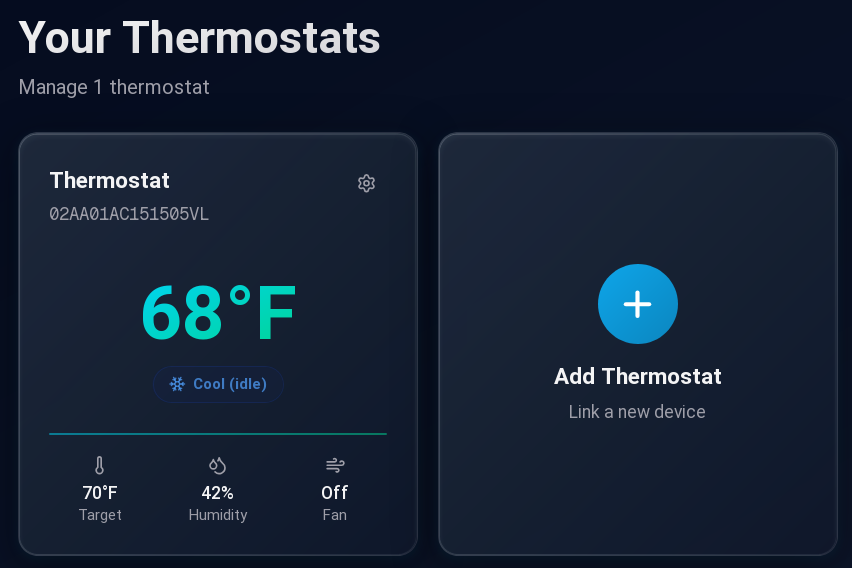
You can control your thermostat again!

After that, the flash is relatively fast, but the Nest will look dead for a brief time. Then the No Longer Evil logo will show, and you are in business. We wish the hack simply replaced the Google software with a local website, but it doesn’t. It redirects all the network traffic to a custom URL. Then you can control your thermostat from the nolongerevil.com website. So we don’t know what will happen if they decide to stop hosting the remote server that powers this. You can also run the code locally if you’ve got a server up.

If you get another year out of your trusty thermostat, that’s a year you wouldn’t have had otherwise. We do worry a bit about putting an odd device on your network. In theory, the project is open source, but all the important bits are in a binary U-Boot image file, so it would take some work to validate it. To get you started, the command to dump the content is probably: dumpimage -T kernel -p 0 -o kernel uImage. Or, you could watch it with Wireshark for a bit.

We were happy to get some more use out of our Nest.

Another Thermal Printer, Conquered

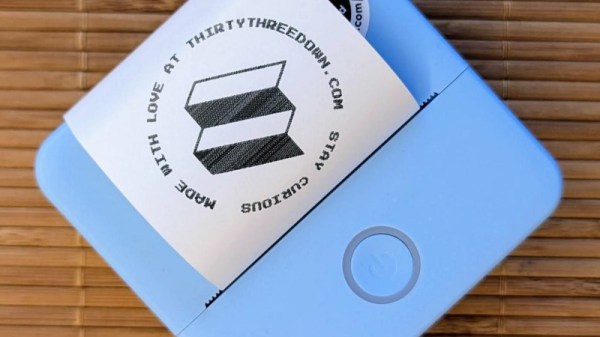
The arrival of cheap thermal printer mechanisms over the last few years has led to a burst of printer hacking in our community, and we’re sure many of you will like us have one knocking around somewhere. There are a variety of different models on the market, and since they often appear in discount stores we frequently see new ones requiring their own reverse engineering effort. [Mel] has done some work on just such a model, the Core Innovation CTP-500, which can be found at Walmart.

The write-up is a tale of Bluetooth reverse engineering as much as it is one about the device itself, as he sniffs the protocol it uses, and finds inspiration from the work of others on similar peripherals. The resulting Python app can be found in his GitHub repository, and includes a TK GUI for ease of use. We like this work and since there’s an analogous printer from a European store sitting on the Hackaday bench as we write this, it’s likely we’ll be giving it a very close look.

Meanwhile if [Mel] sounds a little familiar it might be because of their print-in-place PCB holder we featured recently.