Micro Macro Keyboard Makes A Major Difference

Media keyboards are nice in theory. But in practice they never have all the keys you want, and they almost always have a few you don’t. Sure, you could maybe reassign the ones you don’t use, but then the caps are wrong, and it’s a whole thing. So really, the only winning move is to make a micro macro keyboard as [littleSilvr] did to make all your shortcuts one-button accessible.

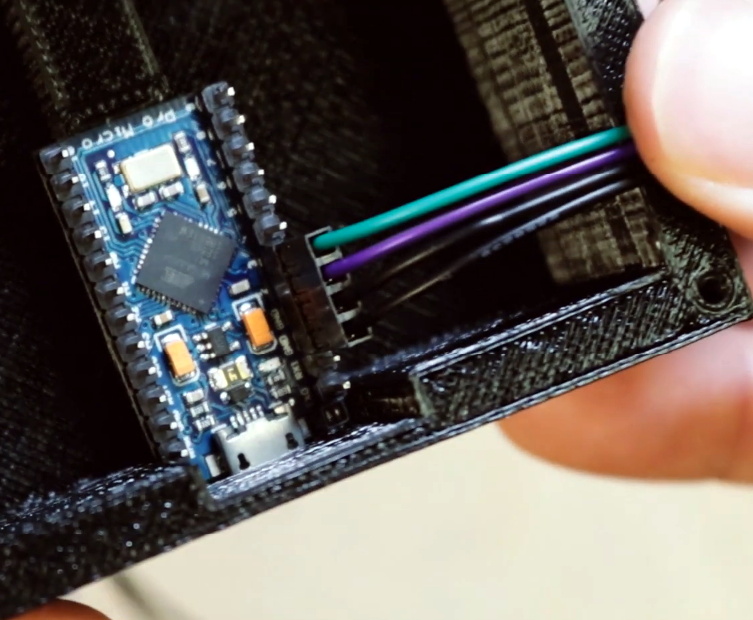
This lovely input has an Arduino Pro Micro for a brain, and Gateron browns for brawn. That knob there is a rotary encoder, not a potentiometer, because endless volume knob twiddling is just so much nicer. In case you’re wondering, those shortcuts open Fusion 360 and Cura, but we’re still not sure what the hyphen does.

Can we talk about those keycaps, though? [littleSilvr] used [Make Anything]’s process of of printing in multi-color with a single extruder. The technique involves building a vector for each color, each of which gets its own STL file. Then you add retraction as you go up through the layers, slow the print speed, change filament colors while the nozzle and bed are still warm, and voila, a vibrant canvas of colors.

If you don’t have a printer and you don’t mind a bit of compromise on the number of inputs, try basing your build on an existing input, like an old rotary telephone dialer.

Via r/duino

This Box Counts Your Blessings For You

It’s that time of year again when production in Shenzhen grinds to a halt. Lunar New Year has kicked off the annual month-long Spring Festival, and the whole country has taken time off to be with family and celebrate. One tradition of Spring Festival is that everyone gives each other red envelopes with various amounts of money in them called hongbao. The point of this ‘lucky money’ is to spread good fortune in the new year, and it’s easy to amass a whole pile of hongbao by the end of the festival.

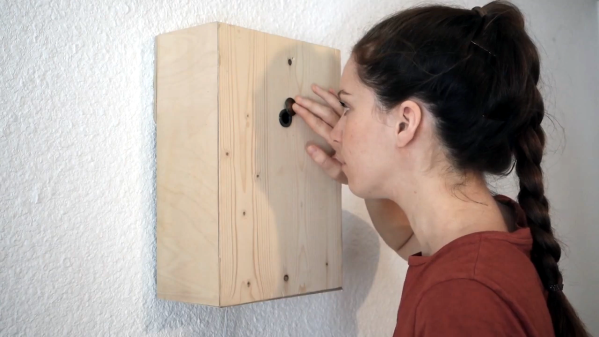
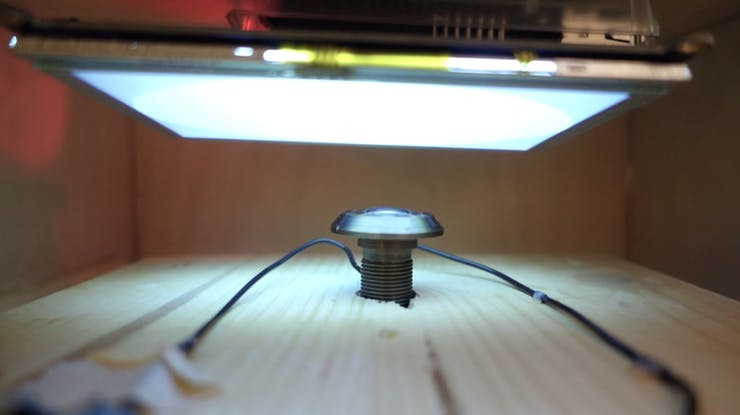
[Makerming] made this lovely counting box for anyone looking to keep track of their hongbao in style. It probably goes without saying that this would make an awesome mailbox for Valentines (or anything else that fits in the slot), but there you go. The circuit is pretty simple thanks to a Grove connector shield meant for Arduinos. An IR break-beam module detects the incoming envelope, and the Uno increments the count on the display. The wiggly, servo-driven example hongbao on top are there to add to the fun.

We love the laser-cut decoration on the front, which is an homage to the intricate paper cut decorations. If you don’t like that one, [Makerming] included design files for several other options. Watch it wiggle after the break!

If you won’t be looking to collect valentines because you’ve already found that special someone, give them something that lasts longer than chocolate or roses.

Continue reading “This Box Counts Your Blessings For You”

Synthfonio Makes Music Easy Like Sunday Morning

This one goes out to anyone who loves music and feels it in their soul, but doesn’t necessarily understand it in their head. No instrument should stand in the way of expression, but it seems like they all do (except for maybe the kazoo).

[FrancoMolina]’s hybrid synth-MIDI controller is a shortcut between the desire to play music and actually doing it. Essentially, you press one of the buttons along Synthfonio’s neck to set the scale, and play the actual notes by pressing limit switches in the controller mounted on the body. If you’re feeling blue, you can shift to minor scales by pressing the relative minor note’s neck button at the same time as the root note, e.g. A+C=Am. Want to change octaves? Just slide the entire controller up or down for a total of three.

All of these switches are muxed to two Arduinos — an MKR1010 for USB MIDI control, and a bare ‘328 to provide the baked-in synth sounds. Power comes from a stepped-up 18650 that can be charged with an insanely cheap board from that one site. [Franco] has all the code and files available, so go have fun making music without being turned off by a bunch of theory. Push that button there to check out the demo.

If ‘portable’ means pocket-sized to you, then let this mini woodwind MIDI controller take your breath away.

Continue reading “Synthfonio Makes Music Easy Like Sunday Morning”

RemoteXY Simplifies Arduino Control

[Labpacks] wanted to build a robot car controlled by his phone. As a Hackaday reader, of course you probably can imagine building the car. Most could probably even write a phone application to do the control. But do you want to? In most cases, you are better off focusing on what you need to do and using something off the shelf for the parts that you can. In [Labpacks’] case, he used Visuino to avoid writing ordinary code and RemoteXY to handle the smartphone interface.

RemoteXY is a website that allows you to easily build a phone interface that will talk to your hardware over Bluetooth LE, USB, or Ethernet (including WiFi). One thing of interest: even though the interface builder is Web-based, the service claims that the interface structure stays on the controller. There’s no interaction with the remote servers when operating the user interface so there is no need for an external Internet connection.

Continue reading “RemoteXY Simplifies Arduino Control”

ESP32-Cam Does Time Lapse

Just a few years ago, had someone asked you how much a digital camera with WiFi would cost, you probably wouldn’t have said $6. But that’s about how much [Bitluni] paid for an ESP32-CAM. He wanted to try making the little camera do time lapse, and it turns out that’s pretty easy to do.

Of course, the devil is in the details. The camera starts out needing configuration on the USB interface and that enables the set up of Arduino integration and WiFi configuration. Because it stores each frame of the image on an SD card, the board can’t take rapid-fire pictures. [Bitluni] reports a 3-second delay was about the shortest he could manage, but for most purposes, he was using at least ten seconds.

The program has a live preview window to help you set up the shot, but before your recordings start that should be turned off so as not to overload the little processor and the I/O buses. The result is a bunch of JPG images that you can easily convert to a video on a PC if you wish.

This might be a good way to fit a camera on a 3D printer, especially if the time lapse effect was desired. Otherwise, you might sync to a layer change. Now all [bitluni] needs is an orbital rig.

Continue reading “ESP32-Cam Does Time Lapse”

Feel The Force With A Pocket Magnetometer

With the rise of affordable 3D printers, we just don’t see the projects in Tic Tac boxes that we used to. That’s kind of a shame. Not only are you upcycling existing plastic when you use one, they’re decently sized component vessels for pocket builds such as [rgco]’s portable magnetometer, especially if you can get the 100-count box. Best of all, they’re see-through!

Sure, you could get a magnetometer app for your phone to test out the strength of your Buckyballs, but this is more fun, and you can use it in more places. This build doesn’t take much — an Arduino Nano reads from a Hall effect sensor and outputs the magnetic flux density in militeslas (mT) on an OLED. Fortifying the sensor by mounting it inside the body of an old (also see-through!) ballpoint pen body is a nice touch.

In order to calibrate it, [rgco] made a solenoid by wrapping a length of PVC with magnet wire. The code for this very portable and low-cost magnetometer measures the magnetic field 2000 times in under three-tenths of a second, and outputs both the mean and the standard deviation of these measurements.

Magnetometers can ID all kinds of things from submarines to Suburbans. Here’s an ESP8266 magnetometer that opens a driveway gate when it detects the car.

Home Safety Monitoring With IoT

Home automation is a popular project to undertake but its complexity can quickly become daunting, especially if you go further than controlling a few lights (or if you’re a renter). To test the waters you may want to start with something like this home safety monitor, which is an IoT device based on an Arduino. It allows remote monitoring of a home for things such as temperature, toxic gasses, light, and other variables, which is valuable even if you don’t need or want to control anything.

The device is built around an Arduino Nano 33 IOT which has WiFi and Bluetooth capabilities as well as some integrated security features. This build features a number of sensors including pressure/humidity, a gas/smoke detector, and a light sensor. To report all of the information it gathers around the home, an interface with Ubidots is configured to allow easy (and secure) access to the data gathered by the device.

The PCB and code for the project are all provided on the project page, and there are a number of other options available if Ubidots isn’t your preferred method of interfacing with the Internet of Things. You might even give Mozilla’s WebThings a shot if you’re so inclined.