This week Jonathan chats with Nicholas Adams about OpenRiak! Why is there a Riak and an OpenRiak, which side of the CAP theorem does OpenRiak land on, and why is it so blazingly fast for some operations? Listen to find out!
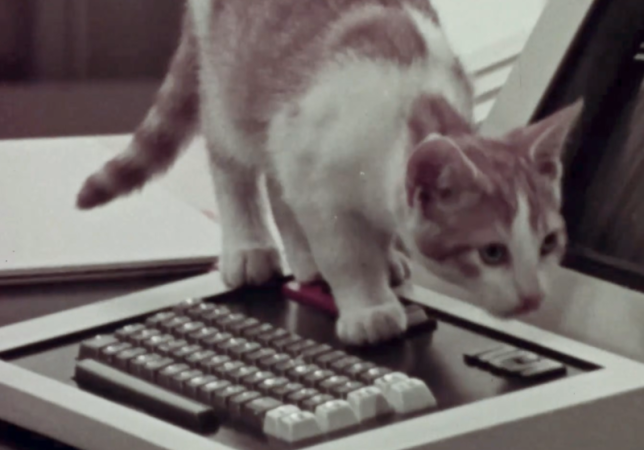
If you follow electronics history, few names were as ubiquitous as RCA, the Radio Corporation of America. Yet in modern times, the company is virtually forgotten for making large computers. [Computer History Archive Project] has a rare film from the 1970s (embedded below) explaining how RCA planned to become the number two supplier of business computers, presumably behind behemoth IBM. They had produced other large computers in the 1950s and 1960s, like the BIZMAC, the RCA 510, and the Spectra. But these new machines were their bid to eat away at IBM’s dominance in the field.
RCA had innovative ideas and arguably one of the first demand paging, virtual memory operating systems for mainframes. You can hope they were better at designing computers than they were at making commercials.
There was a time when wise older people warned you to check your tire pressure regularly. We never did, and would eventually wind up with a flat or, worse, a blowout. These days, your car will probably warn you when your tires are low. That’s because of a class of devices known as tire pressure monitoring systems (TPMS).
If you are like us, you see some piece of tech like this, and you immediately guess how it probably works. In this case, the obvious guess is sometimes, but not always, correct. There are two different styles that are common, and only one works in the most obvious way.
Obvious Guess
We’d guess that the tire would have a little pressure sensor attached to it that would then wirelessly transmit data. In fact, some do work this way, and that’s known as dTPMS where the “d” stands for direct.
Of course, such a system needs power, and that’s usually in the form of batteries, although there are some that get power wirelessly using an RFID-like system. Anything wireless has to be able to penetrate the steel and rubber in the tire, of course.
Space telescopes are all the rage, and rightfully so. The images they take are spectacular, and they’ve greatly increased what we know about the universe. Surely, any picture taken of, say, the Andromeda galaxy before space telescopes would be little more than a smudge compared to modern photos, right? Maybe not.
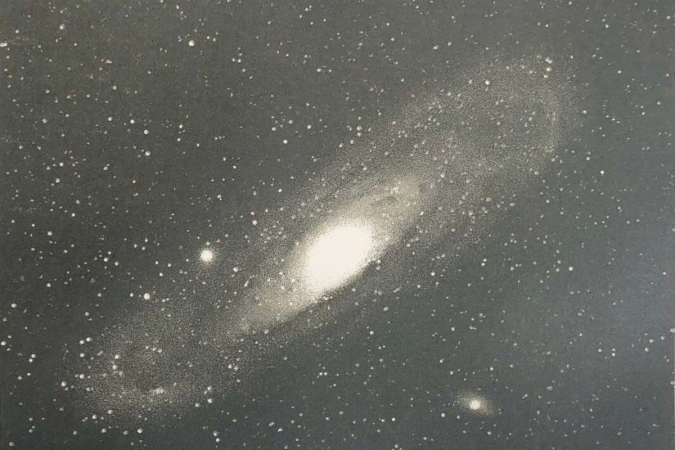
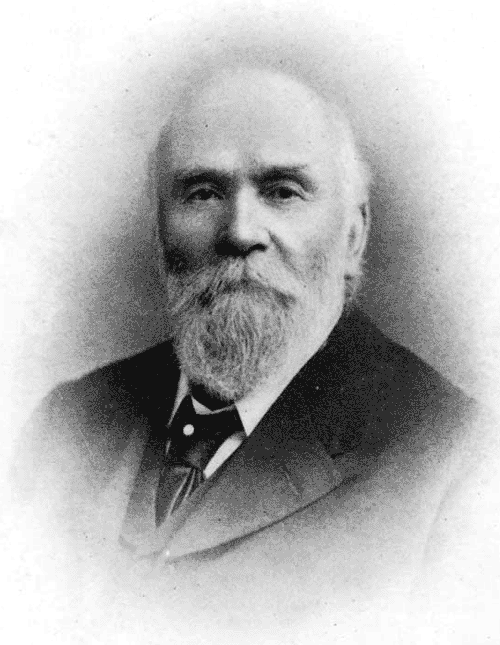
One of the most famous pictures of our galactic neighbor was taken in — no kidding — 1888. The astronomer/photographer was Isaac Roberts, a Welsh engineer with a keen interest in astrophotography. Around 1878, he began using a 180 mm refracting telescope for observations, and in 1883, he began taking photographs.
He was so pleased with the results that he ordered a reflecting telescope with a 510 mm first-surface mirror and built an observatory around it in 1885. Photography and optics back then weren’t what they are now, so adding more mirrors to the setup made it more challenging to take pictures. Roberts instead mounted the photographic plates directly at the prime focus of the mirror.
Andromeda
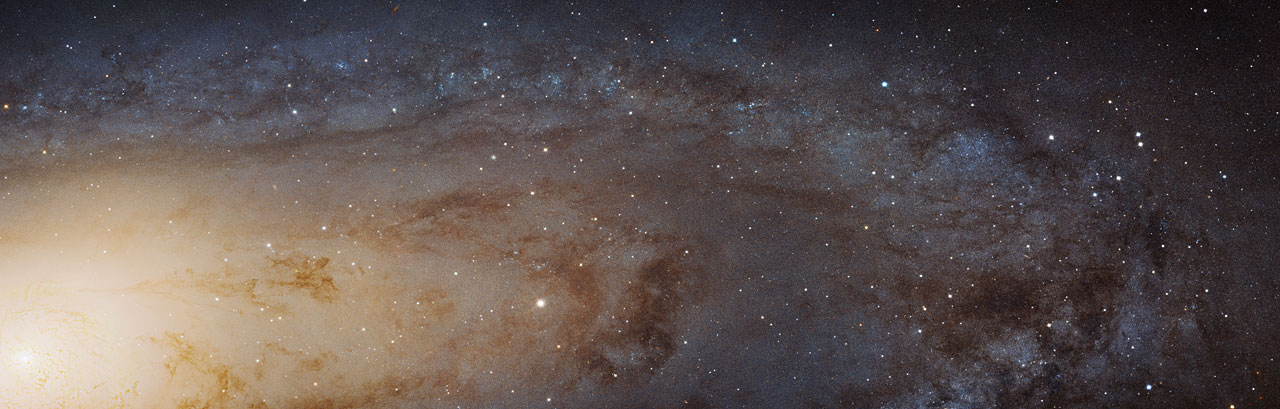
This image, captured with the NASA/ESA Hubble Space Telescope, is the largest and sharpest image ever taken of the Andromeda galaxy — otherwise known as M31. This is a cropped version of the full image and has 1.5 billion pixels. You would need more than 600 HD television screens to display the whole image. It is the biggest Hubble image ever released and shows over 100 million stars and thousands of star clusters embedded in a section of the galaxy’s pancake-shaped disc stretching across over 40 000 light-years. This image is too large to be easily displayed at full resolution.
Because it took hours to capture good images, he developed techniques to keep the camera moving in sync with the telescope to track objects in the night sky. On December 29th, 1888 he used his 510 mm scope to take a long exposure of Andromeda (or M31, if you prefer). His photos showed the galaxy had a spiral structure, which was news in 1888.
Of course, it’s not as good as the Hubble’s shots. In all fairness, though, the Hubble’s is hard to appreciate without the interactive zoom tool. And 100 years of technological progress separate the two.
Roberts also invented a machine that could engrave stellar positions on copper plates. The Science Museum in London has the telescope in its collection.
Your Turn
Roberts did a great job with very modest equipment. These days, at least half of astrophotography is in post-processing, which you can learn. Want time on a big telescope? Consider taking an online class. You might not match the James Webb or the Hubble, but neither did Roberts, yet we still look at his plates with admiration.
You’ve likely at least heard of Marion Stokes, the woman who constantly recorded television for over 30 years. She comes up on reddit and other places every so often as a hero archivist who fought against disinformation and disappearing history. But who was Marion Stokes, and why did she undertake this project? And more importantly, what happened to all of those tapes? Let’s take a look.
Marion the Librarian
Marion was born November 25, 1929 in Germantown, Philadelphia, Pennsylvania. Noted for her left-wing beliefs as a young woman, she became quite politically active, and was even courted by the Communist Party USA to potentially become a leader. Marion was also involved in the civil rights movement.
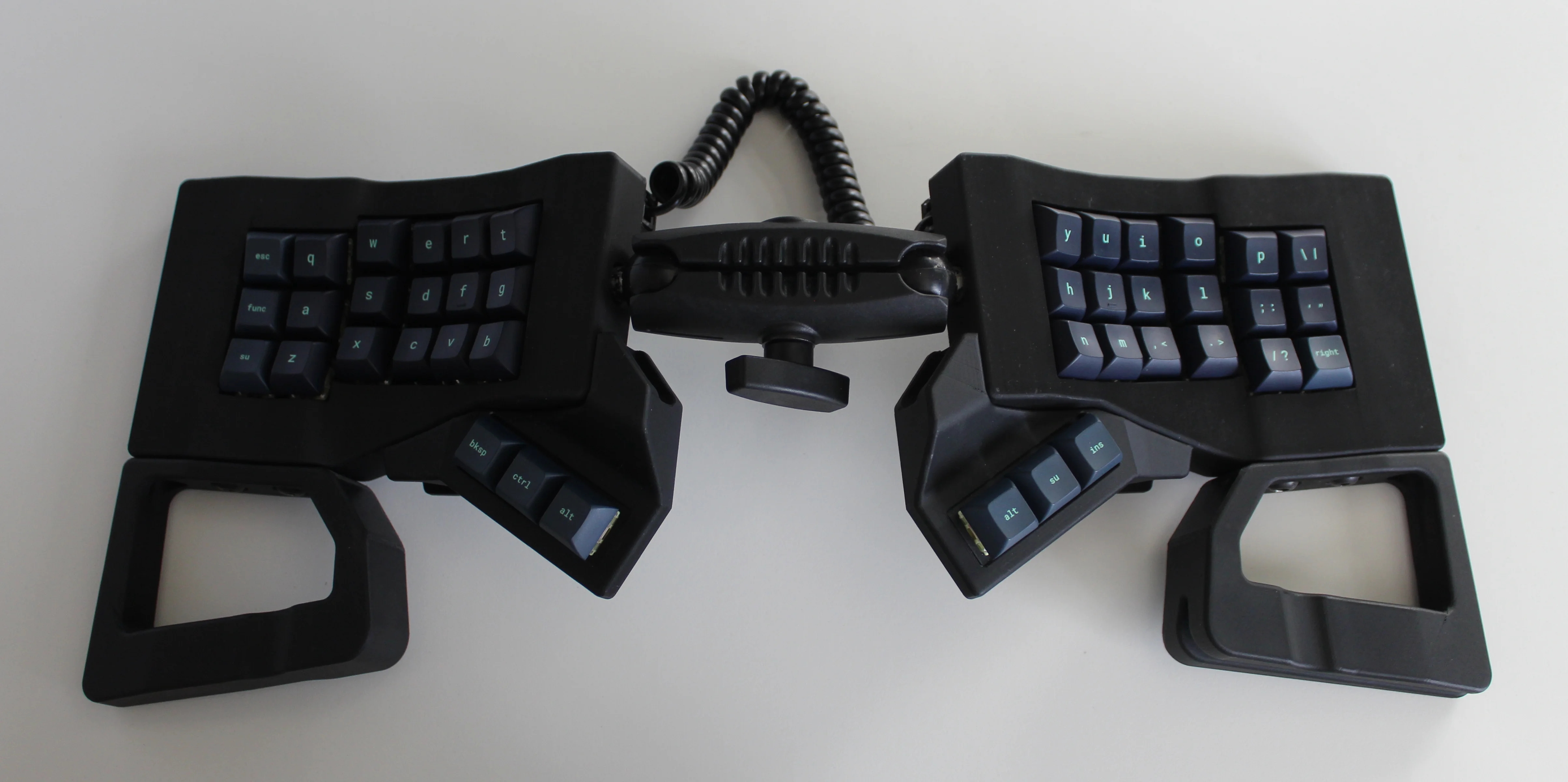
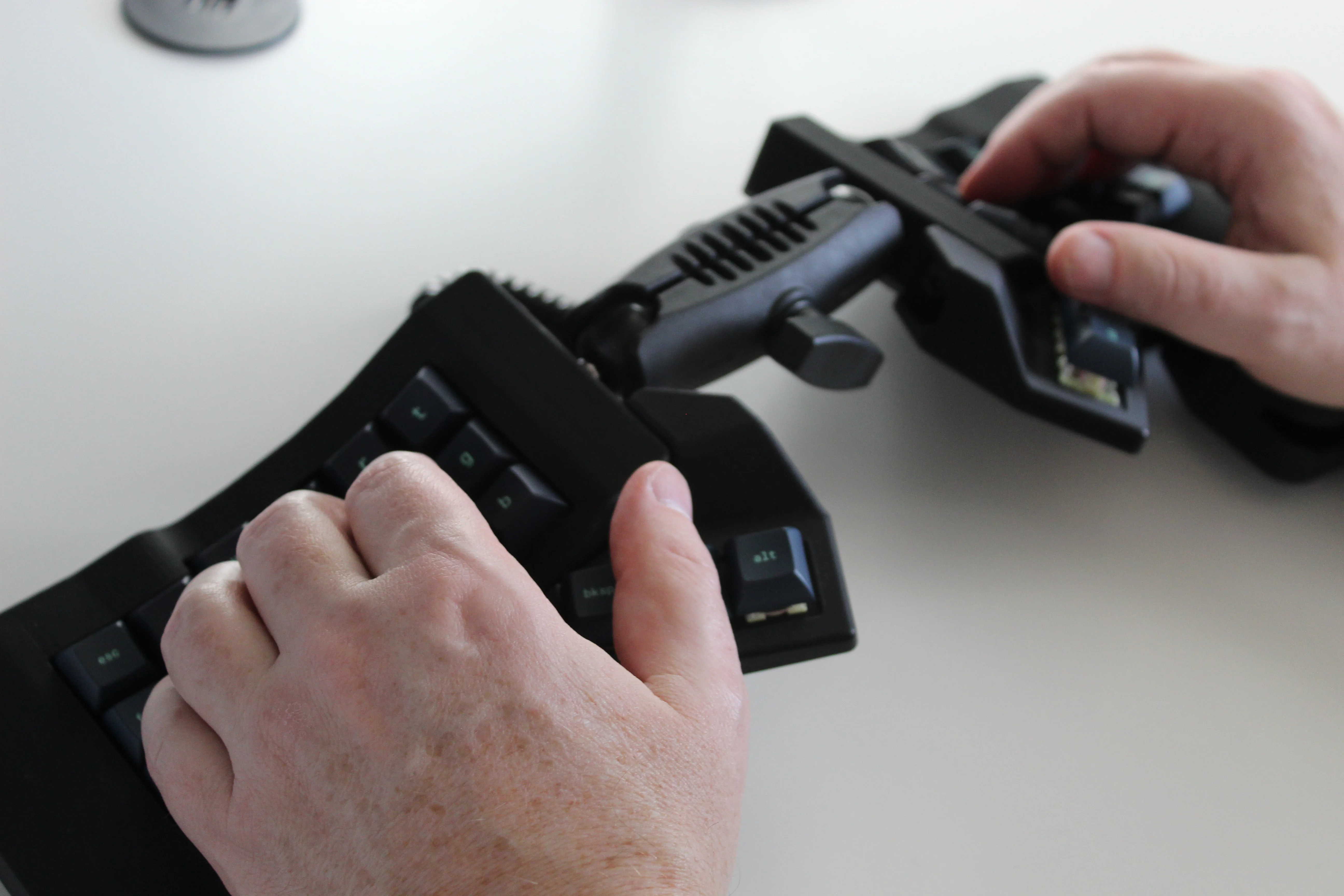
Get a handle on this bad boy! Okay, so those voids are really more for airing out your palms, I’d imagine, because palm sweat sure is real — you should see the pads of my Kinesis. This kind of looks like two sawed-off machine guns kissing, and I mean that in the best possible and non-violent way.
Image by [ntc490] via redditSo, [ntc490] has been on Team Special Keyboard for eight years now and decided it was time to design one. The goal was to make something semi-portable, super ergo, and as easy/cheap to build as possible, which, honestly, that sounds like one of those pick-two situations.
And yet, pricing (oh yeah, this is gonna be A Thing You Can Buy) will be around $115-155, depending upon whether you want the base kit, or the add-ons, too, minus switches and key caps.
So let’s get into the particulars here. As you can see, there are key wells and thumb clusters, inspired by other keyboards including your bog standard Maltrons, Kinesis Advantages and more modern, open-source takes like the Dactyl. [ntc490] loves the key well-thumb cluster combination, and I do, too (hello from the Glove80). And miraculously, the keys are hot-swappable via sockets.
Image by [ntc490] via redditThat novel tenting mechanism is adjustable, rugged, and portable. You can tent it near-vertical, lay it flat, or take it apart if you wish. The thing is modular for future expansion options such as wrist rests and displays.
So please do go visit the thread if this keyboard appeals to you at this price point. I love it, but I would need more rows of keys, personally. The top reddit comment mentions this as well, and [ntc490] says that because the thing is modular, it can easily accommodate more keys in both the wells and the thumb clusters. I seriously want one of these. Just with a few more keys.
The Internet has spoiled us. You assume network packets either show up pretty quickly or they are never going to show up. Even if you are using WiFi in a crowded sports stadium or LTE on the side of a deserted highway, you probably either have no connection or a fairly robust, although perhaps intermittent, network. But it hasn’t always been that way. Radio networks, especially, used to be very hit or miss and, in some cases, still are.
Perhaps the least reliable network today is one connecting things in deep space. That’s why NASA has a keen interest in Delay Tolerant Networking (DTN). Note that this is the name of a protocol, not just a wish for a certain quality in your network. DTN has been around a while, seen real use, and is available for you to use, too.
Think about it. On Earth, a long ping time might be 400 ms, and most of that is in equipment, not physical distance. Add a geostationary orbital relay, and you get 600 ms to 800 ms. The moon? The delay is 1.3 sec. Mars? Somewhere between 3 min and 22 min, depending on how far away it is at the moment. Voyager 1? Nearly a two-day round trip. That’s latency!