Reviving A Cursed Sun SPARCstation IPX

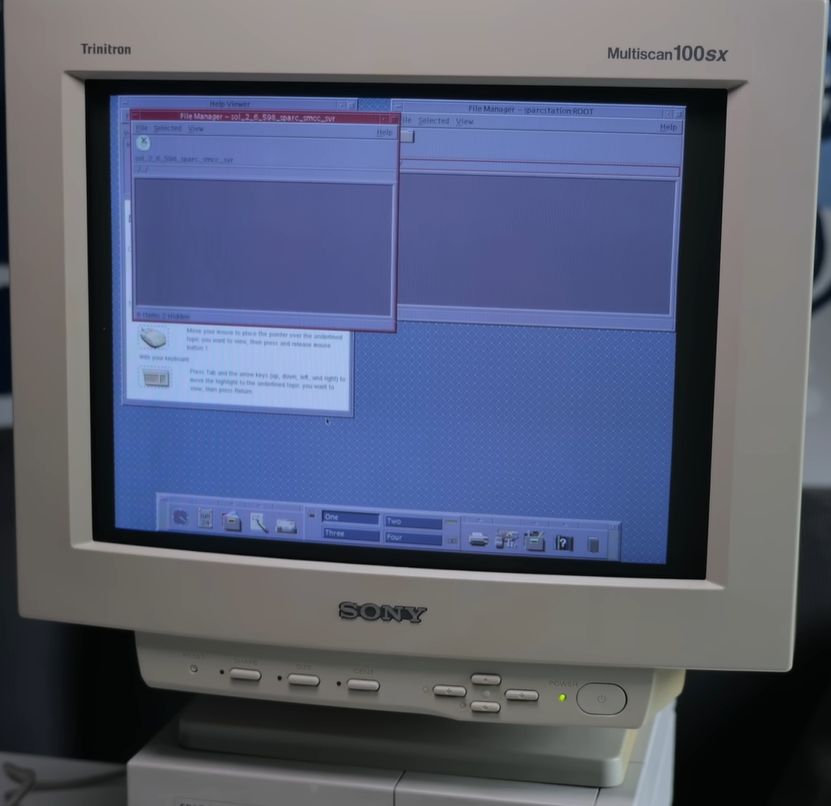
SPARCstation IPX running Solaris 2.6. (Credit: This Does Not Compute, YouTube)

The best part about retro computing is the idea that you’ll save some poor system from being scrapped and revive it to a working state, at which point you can bask in the glory of a job well done. That’s when reality often strikes hard, and you find yourself troubleshooting a maddening list of issues as you question everything about your life choices. Such was the case with [This Does Not Compute] over at YouTube with a Sun SPARCstation IPX that decided to put up a big fight.

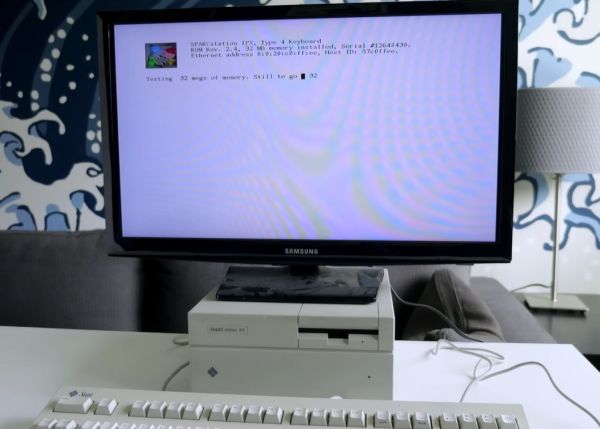
This is the second video of a series. In the first installment, the PSU was repaired, and a boot failure was diagnosed. The system’s onboard diagnostic led to the assumption that one of the 8 kB SRAM ICs was defective.  You can readily get SRAM replacements, so it seemed to be an easy fix. Unfortunately, the fun was only beginning as the system reported the exact same error after the SRAM was replaced.

After flipping a virtual table, the mainboard was swapped with a donor one from a scrapped laptop system. With this, it booted, but the video output showed only vertical lines. Obviously, the solution here was to insert a replacement video card, which not only fixed the display output but also demonstrates once again that you can fix many vintage computing issues by simply replacing hardware.
Continue reading “Reviving A Cursed Sun SPARCstation IPX”

SparcStation 1+ Finally Gets Attention

We can’t throw stones. [Leaded Solder] picked up a SparcStation 1+ in 2018 and found it only produced illegal instruction errors. We’re sure he’s like us and meant to get back to it, and, instead, it sat on the bench, taking up space. You eventually have to move it, though, so seven years later, it was time for another go at it.

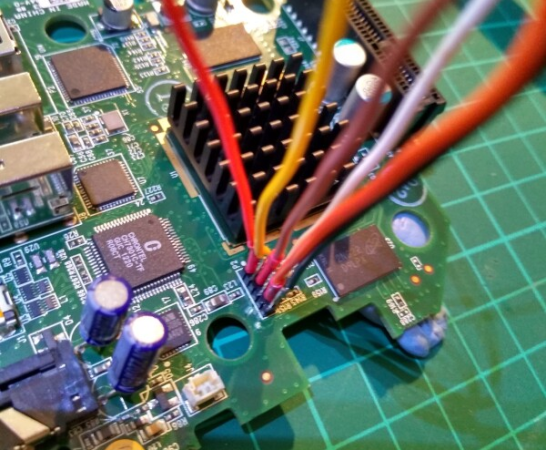
The first pass back in 2018 revealed that the machine had an interesting life. The full-sized hard drive was salvaged from an Apple computer. Removing the drive resolved the illegal instruction error. The drive seemed to work, but there was still nothing that suggested the machine would fully boot up. The next step was to try booting from a floppy, but that didn’t work either. The floppy cable had been surgically altered, again hinting this machine had seen some tough love.

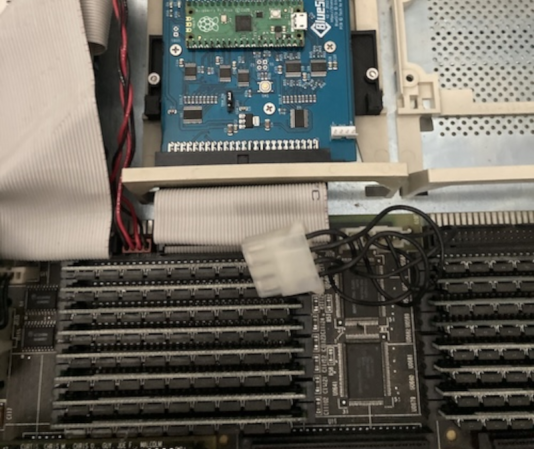
Fast forward to 2025. This time, a Pi Pico-based SCSI emulator would stand in for the aging and suspect hard drive. Unfortunately, as noted, this machine has undergone some extensive and strange surgery. The power cable feeding the emulator had been rewired backwards, exposing the poor Pi Pico to 12 V, with predictable results. Luckily, it didn’t seem to phase the SparcStation.

Continue reading “SparcStation 1+ Finally Gets Attention”

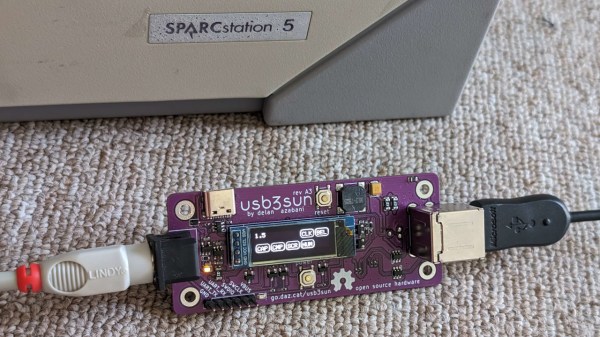
A USB3SUN adapter, connected to a SPARCstation on one end and to a keyboard on another, with the OLED screen showing status icons

An Open SPARCstation USB Keyboard&Mouse Adapter

Got a SPARCstation? You might have had to deal with the proprietary DIN port used for keyboard and mouse input. However, you need not look for outdated hardware anymore – we’ve recently found an adapter project called [usb3sun], which lets you use a regular USB keyboard and mouse instead! Designed by [delan] from [the funny computer museum], the usb3sun adapter is featureful, open-source, and even comes with four blog posts describing its inner workings and development process!

Based on a Pi Pico board, this adapter has a ton of quality of life features – an OLED screen for status display, extra USB port and headers for debugging, a buzzer to emulate bell and click functions, power LEDs, and all the ports you would expect. The OLED screen is needed just because of how many features this adapter’s firmware has, and you’re bound to get more – the [usb3sun] firmware is being actively updated to this day. It’s as if this adapter aims to do all it possibly could help you with – for instance, one of the firmware updates has added idprom reprogramming features, which, as [delan] tells us, lets you boot your workstation with a dead NVRAM battery.

You can order the adapter PCBs yourself, you can breadboard it by following detailed instructions from [delan], or you can get a fully assembled and tested [usb3sun] adapter on Tindie! This adapter will seriously help you in your SPARCstation forays, and, if you don’t happen to own a SPARCstation, you can always emulate SunOS.

Relive The Glory Days Of Sun Workstations

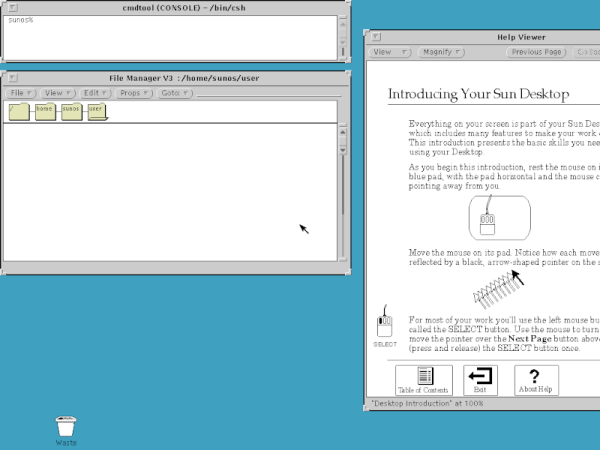
When the IBM PC first came out, it was little more than a toy. The serious people had Sun or Apollo workstations. These ran Unix, and had nice (for the day) displays and network connections. They were also expensive, especially considering what you got. But now, QEMU can let you relive the glory days of the old Sun workstations by booting SunOS 4 (AKA Solaris 1.1.2) on your PC today. [John Millikin] shows you how in step-by-step detail.

There’s little doubt your PC has enough power to pull it off. The SUN-3 introduced in 1985 might have 8MB or 16MB of RAM and a 16.67 MHz CPU. In 1985, an 3/75 (which, admittedly, had a Motorola CPU and not a SPARC CPU) with 4MB of RAM and a monochrome monitor cost almost $16,000, and that didn’t include software or the network adapter. You’d need that network adapter to boot off the network, too, unless you sprung another $6,000 for a 71 MB disk.  The SPARCstation 1 showed up around 1989 and ran from $9,000 to $20,000, depending on what you needed.

Continue reading “Relive The Glory Days Of Sun Workstations”

History Of The SPARC CPU Architecture

[RetroBytes] nicely presents the curious history of the SPARC processor architecture. SPARC, short for Scalable Processor Architecture, defined some of the most commercially successful RISC processors during the 1980s and 1990s. SPARC was initially developed by Sun Microsystems, which most of us associate the SPARC but while most computer architectures are controlled by a single company, SPARC was championed by dozens of players.  The history of SPARC is not simply the history of Sun.

A Reduced Instruction Set Computer (RISC) design is based on an Instruction Set Architecture (ISA) that runs a limited number of simpler instructions than a Complex Instruction Set Computer (CISC) based on an ISA that comprises more, and more complex, instructions. With RISC leveraging simpler instructions, it generally requires a longer sequence of those simple instructions to complete the same task as fewer complex instructions in a CISC computer. The trade-off being the simple (more efficient) RISC instructions are usually run faster (at a higher clock rate) and in a highly pipelined fashion. Our overview of the modern ISA battles presents how the days of CISC are essentially over. Continue reading “History Of The SPARC CPU Architecture”

RISC-V: Why The ISA Battles Aren’t Over Yet

A computer processor uses a so-called Instruction Set Architecture to talk with the world outside of its own circuitry. This ISA consists of a number of instructions, which essentially define the functionality of that processor, which explains why so many ISAs still exist today. It’s hard to find that one ISA that works for as many distinct use cases as possible, after all.

A fairly new ISA is RISC-V, the first version of which was created back in 2010 at the University of California, Berkeley. Intended to be a fully open ISA, targeting both students (as a learning tool) and industrial users, it is claimed to incorporate a number of design choices that should make it more attractive for a number of applications.

In this article I’ll take a look behind the marketing to take stock of how exactly RISC-V differs from other open ISAs, including Power, SPARC and MIPS.

Continue reading “RISC-V: Why The ISA Battles Aren’t Over Yet”

SPARC CPU In A Cheap FPGA

There was a time when SPARC CPUs were the sole realm of pricey Sun workstations, but now you can put one on an FPGA with just a little trouble. The problem is you need a fairly big FPGA which isn’t always cheap unless someone goes out of business and you get lucky. [Ttsiodras] picked up a Pano logic thin client. Pano went under and their entire inventory is out on the surplus market at cheap prices. With a little FPGA magic, you can turn a few bucks into a SPARC-based computer.

The insides of the workstation have a Spartan 6 FPGA inside and you’ll need to solder in some JTAG wires, but that shouldn’t put anybody here off.  Of course, the Spartan 6 isn’t the newest tech so you’ll have to get an old version of the Xilinx tools but that’s not hard either. However, there is a strange irony you’ll need to be aware of if you use Linux.

Continue reading “SPARC CPU In A Cheap FPGA”