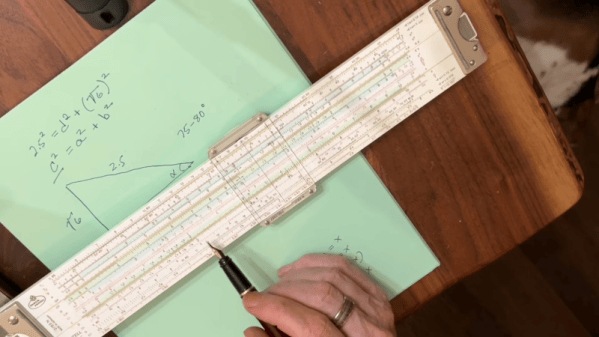
[Bob the Science Guy] remembers how to use a slide rule. Even after all these years, it is pretty easy to remember how to multiply and divide. If you can’t remember, you can usually work it out, as long as you understand how slide rules work. But what about sine, cosine, and quadratics? [Bob’s] been making videos about topics like this, and if you’ve wanted to put your slide rule collection to practical use, you’ll enjoy these videos. You can see one below.
The trick to the slide rule is that it is deceptively simple. You are in effect adding logarithms and then taking an antilog. The issue is that you still have to have some intuition about the scale of the answer since 2×3 works out the same as 2×3000 or 200×300.
If you already know what a nonius is, you can probably skip this post. But, if like us, you would have to look it up, we’ll tell you what we found out. It turns out, a translation mistake taught us a new word and some history we weren’t aware of.
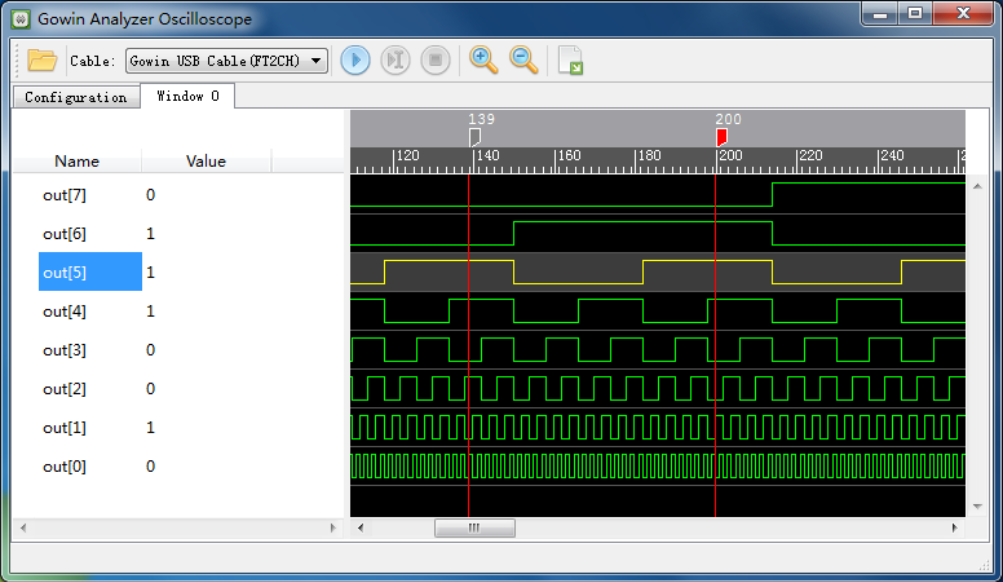
In the manual, this is captioned: Figure 4-7 Nonius Display (Standard Mode)
Have a look at the adjacent graphic from a waveform display. What would you call the vertical red lines at positions 139 and 200?
We’d probably call them markers. Or maybe cursors. The manual, however, calls each one a “nonius”. It refers to them that way multiple times.
Oddly, the manual also has sentences like “Select one nonius and right-click, and then select ‘Remove Marker’ in the next window to delete the nonius.”
So, clearly, a nonius is the vertical line marker or cursor. But that, of course, begs a question…
What is a Nonius?
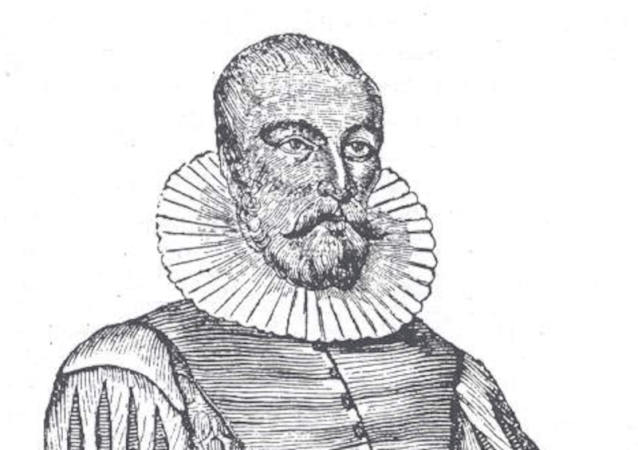
“Nonio originale” by [Henrique Leitão]Have you ever heard of the vernier scale? If you’ve done navigation, used a traditional caliper, or tuned an old shortwave receiver, you probably have. [Pierre Vernier] developed it in 1631 as a way to better interpolate values on a scale.
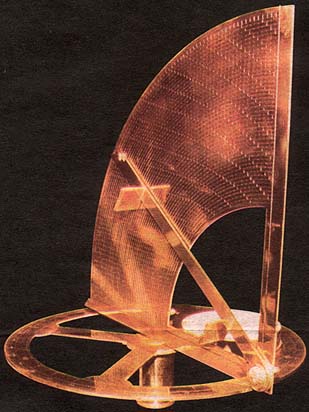
However, there was an earlier version used to improve measurements on astrolabes. A Portuguese navigator named [Pedro Nunes] created this type of astrolabe in 1542. The Latinized version of his name is [Petrus Nonius]. What are the odds of him inventing… oh wait, they named it after him. That does make more sense.
The nonius is a series of concentric circles traced on the instrument. Working towards the center, each circle has fewer divisions than the previous one. In fact, if the outer ring had 90 marks for 90 degrees, the next ring would have 89, and the following one would have 88.
Hollywood has a lot to answer for when it comes to “silencers” on firearms. On screen, a suppressed pistol makes a pinging thud, and the bad guy in the next room flops to the floor. Real life is rather less cinematic. A suppressor takes the edge off the report, but it’s by no means quiet or silent. Hence why the term “silencer” is more of a colloquialism, and why “suppressor” is more appropriate.
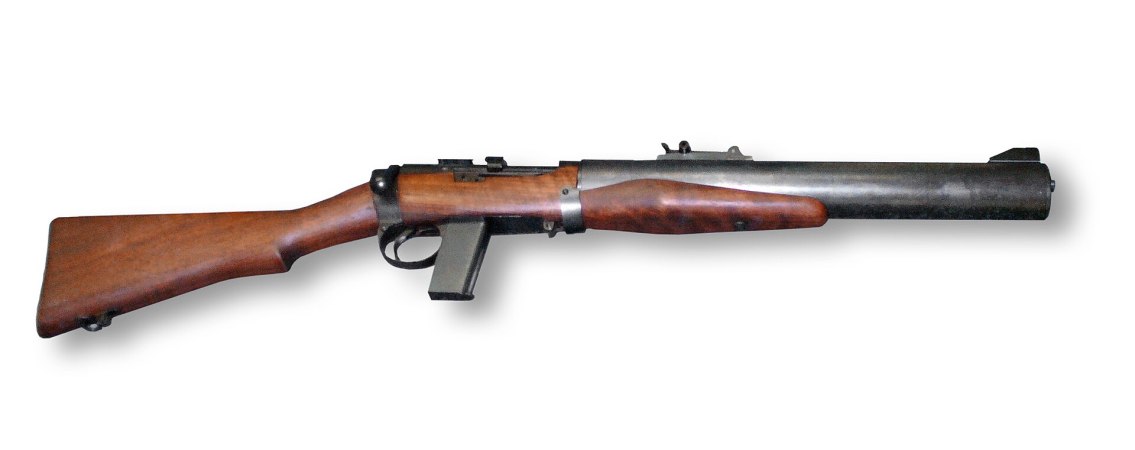
Every so often, though, someone gets remarkably close to the movie version. The best-known example is probably the De Lisle carbine. A British commando weapon from the Second World War, it was cobbled together from bits and pieces and ended up being a stellar performer in the world of clandestine operations.
You might think that if you dug some tunnels down into the ground where you could be out of the sunshine, that you might find them to be relatively cool and comfortable inside. Yet, fill those tunnels with trains and supporting equipment and millions of commuters, and you’ll instead find yourself sweltering in the heat.
New York’s subways are too hot for comfort, and have been for some time. Unfortunately, unlike any old regular building, you can’t just air condition a subway and call it done. Instead, authorities are looking for other solutions to beat the heat on the famous underground transit network.
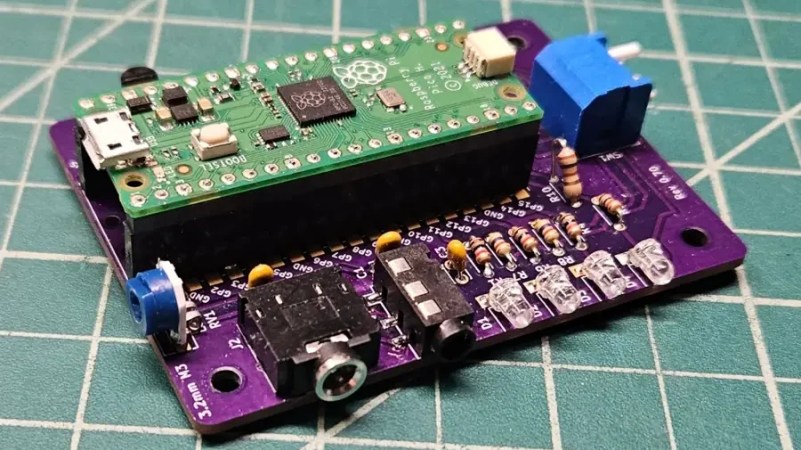
Packet radio is a particularly fun part of the ham radio hobby. Once upon a time, you might have squirted data about the airwaves using something like the Heathkit HK-21 Pocket Packet. Heathkit stopped being a going concern some time ago, but [btech] has now recreated the device with modern hardware.
[btech] has called the project the Pocket Pico, and like the hardware that inspired it, it acts as a terminal node controller for amateur packet radio. It literally runs the same firmware as the real HK-21. It achieves this by using the Raspberry Pi Pico to run a Z80 processor emulator that can run the same code, while also using the microcontroller to do the work of modulating and demodulating Bell 202 audio tones at 1200 baud to avoid the need for a dedicated modem chip.
Thanks to running the same firmware as the HK-21, you can use the Pocket Pico with lots of old packet radio software. It’s fully capable of doing APRS as well as AX.25 Level 2, and has a built in Personal Bulletin Board System for other stations to leave messages.
If you’re looking to get into packet radio, you might just find this project to be useful. Alternatively, you might like taking a look at some other projects we’ve featured in this space, like the capable OpenModem project. Video after the break.
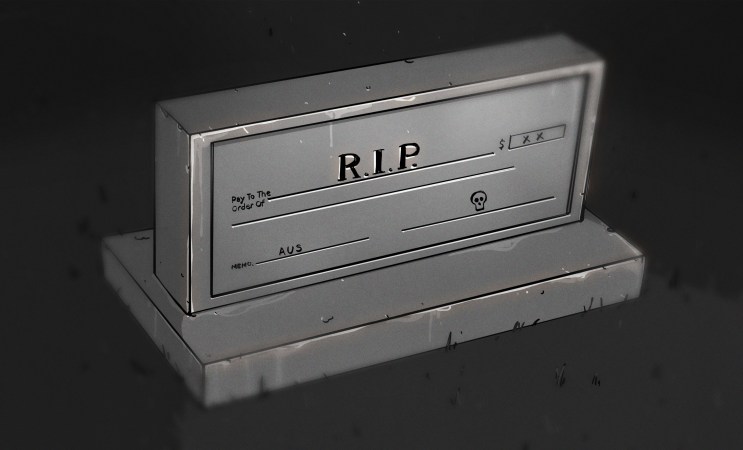
Check (or cheques) have long been a standard way for moving money from one bank account to another. They’re essentially little more than a codified document that puts the necessary information in a standard format to ease processing by all parties involved in a given transaction.
The check was once a routine, if tedious, way for the average person to pay for things like bills, rent, or even groceries. As their relevance continues to wane in the face of newer technology, though, the Australian government is making a plan to phase them out for good.
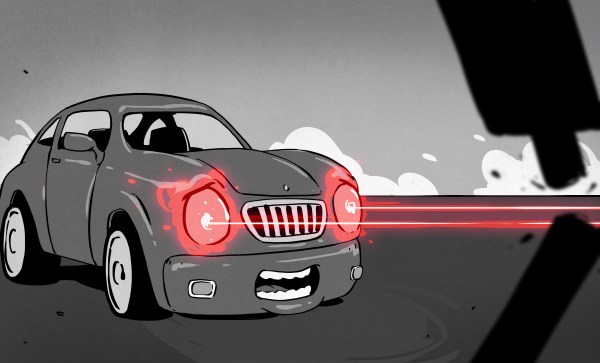
Automotive headlights started out burning acetylene, before regular electric lightbulbs made them obsolete. In due time, halogen bulbs took over, before the industry began to explore even newer technologies like HID lamps for greater brightness. Laser headlights stood as the next leap forward, promising greater visibility and better light distribution.
Only, the fairytale didn’t last. Just over a decade after laser headlights hit the market, they’re already being abandoned by the manufacturers that brought them to fruition. Laser headlights would end up fighting with one hand behind their back, and ultimately became irrelevant before they ever became the norm.