Absolem Is A Rabbit Hole Keyboard Build

This is usually how it happens — [mrzealot] had been using some awful chiclet-style keyboard without much of a care, and topping out at 50-60 WPM using an enhanced hunt-and-peck method. But he really wanted back-lighting, and so got his first taste of the mech life with a Master Keys Pro S. Hooked, [mrzealot] started researching and building his endgame keyboard, as you do once bitten. It looked as though his type would have as few keys as possible, and thumb keys laid out in arcs.

And so the cardboard prototyping began, with real switches and keycaps and a split design. After getting tired of adjusting the halves’ position on the desk, [mrzealot] threw that plan out the window and started scheming to build a monoblock split. He had a steel switch plate cut for this prototype, and used cardboard for the bottom layer, complete with a little hatch to access the Pro Micro’s reset button.

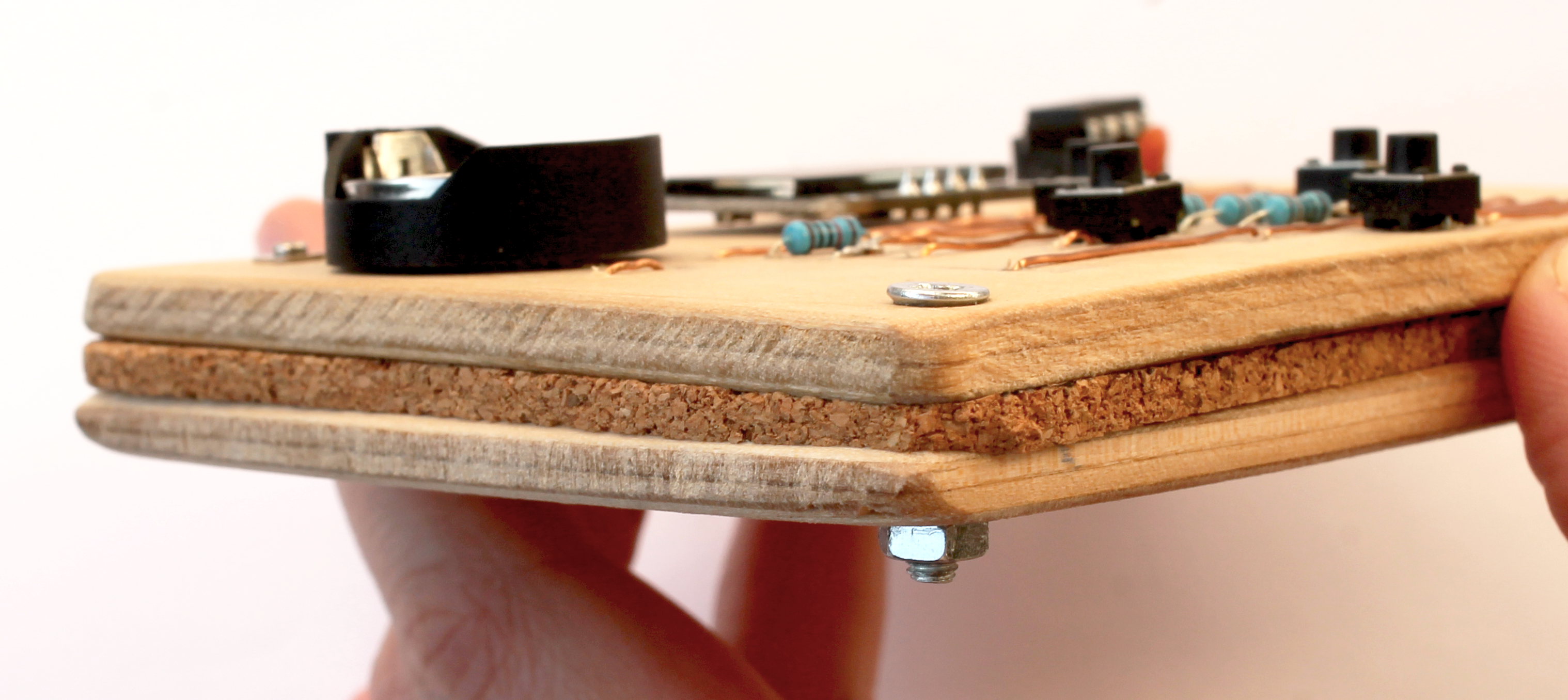
Now satisfied with the 36-key layout, it was time to go wireless with a Feather nRF52 Bluefruit LE. This is where things get serious and final, with a laser-cut layered oak case and thick, blank, PBT keycaps.

Under all that plastic lies a range of actuation force levels on the key caps that (in our opinion) range from heavy to really heavy — 62 gram switches on the pinkies and ring fingers, 65 g on the middle, 67 g on the index fingers, and a whopping 78 g for the thumb clusters.

We just love the way this ended up looking, and are pretty jealous of that neoprene layer on the bottom. Beauty aside, there is some real utility here to be shared. In designing the layout, [mrzealot] created a keyboard generator called ergogen that will get you closer to your endgame without the need for CAD skills, just YAML.

Those of you who read Hackaday closely may recognize the term ‘ergogen’ from [Matthew Carlson]’s coverage of [Ben Vallack]’s guide to creating a low-profile keyboard. This is something else in the same vein.

Thanks for the tip, [HBBisenieks].

Morse Keyboard Communicates With The Blink Of An Eye

Most of us use our hands to interface with computers, but the human body is capable of many types of input other than that of fingers and feet. But what about people who can’t use their extremities and don’t have a voice? For their sake, it’s time to get creative.

[Michael Paul Coder] has made a way to type simply by blinking in Morse code. Those of you with long memories may recall Lucid Scribe, where he was attempting to document lucid dreaming experiments by detecting rapid eye movements with an accelerometer and triggering his computer to play music. This would in turn notify [Michael] that he was in fact dreaming and was safe to tie a cape around his neck and take a flying leap from a tall building.

Whereas [Michael]’s creation needed a commercial EEG device before, he’s now made it work with just an old webcam thanks to the new trans-consciousness messaging protocol, which operates by using facial detection and then interpreting the amount of changed pixels between video frames. Be sure to check it out in action after the break.

You know how much we love assistive technology around here — just two years ago, the Byte took top honors in The Hackaday Prize.

Continue reading “Morse Keyboard Communicates With The Blink Of An Eye”

3D Printed Molds For Casting Rose’s Metal

Have you ever played with Rose’s metal? It’s a fusible alloy of bismuth, lead, and tin with a low melting point of around 100 °C. Historically, it’s been used as a solder for cast iron railings and things, and as a malleable pipe filler material to prevent crimping while a pipe is bent.

[Ben Healey] has been playing around with Rose’s metal and some PETG printed molds, making everything from Star Wars Imperial credits to chess pieces to leather stamping tools. In the video after the break, [Ben] takes us through the process, beginning with mold-making from STLs — something he picked up from another YouTuber.

He recommends adding registration marks to multi-part molds in order to keep everything lined up, and adding a small recess in the seam for easy separation with a flat-head screwdriver. So far, the molds have held up to multiple pours, though [Ben] did print them rather thick and is glad he did.

As far as making liquid metal, [Ben] used a cast iron pot with a convenient pour spout, and a blowtorch. He added graphite powder to the molds in an effort to make them give up the goods more easily. To finish the pieces, [Ben] cut the flashing with tin snips and used sandpaper and a Dremel to smooth the edges. Copper plating didn’t work out, but [Ben] is going to try it again because he thinks he screwed something up in the process. He’s also going to try printing with TPU, which we were just about to recommend for its flexibility.

There are many ways to cast metal on the (relatively) cheap. Have you considered Kinetic Sand?

Continue reading “3D Printed Molds For Casting Rose’s Metal”

Rotary Phone MIDI Controller Still Makes Calls

[Kevin] has long wanted to do something musical with a vintage rotary phone and an Arduino, and has finally done so and committed the first of several experiments to HTML in a five-part series. He found a nice old British Telecom number, but it had been converted to plug and socket wiring to work on the modern system. Because of this, [Kevin] wanted to keep it completely functional as a phone. After all, it ought to work fine until 2025, when pulse dialing will no longer be supported in [Kevin]’s locality.

As you can likely understand, [Kevin] was keen to interface with the phone from the outside and leave the inside untouched. He used a sacrificial ADSL filter’s PCB to break out the socket, and added a pull-up resistor between the pin and 5 V.

Pretty quickly, [Kevin] figured out that when the phone is on the hook, it gives a constant high signal, where as the picking up the phone presents as a high signal going low, and dialing each number results in pulses of that quantity that alternate between high and low. Continue reading “Rotary Phone MIDI Controller Still Makes Calls”

ApocaPi Now Is A Cyberdeck For What Comes After

The end of the world seems closer now than ever before, even in the 1980s. But you, dear Hackaday reader, will want more than just a bug-out bag full of C-rations and waterproof matches. You will need the technological version of a bug-out bag — a mil-spec-esque cyberdeck, which is exactly what [hammerandhandmi] is in the middle of perfecting.

That’s not some kind of fancy cake pan — it’s a Pelican 1170 case lined with conductive foil tape. You see, [hammerandhandmi] has various reasons not elaborated upon for doing this, including EMP protection. Inside is an 8 GB Raspberry Pi 4B donning a Pi Juice UPS HAT and sipping from a fancy power supply. The main charging source for the old Mac book battery is solar via a large panel that’s external to cyberdeck. A smaller, secondary panel lives inside for backup purposes. There’s also an MPPT charge controller for to support the different battery chemistries. [hammerandhandmi] chose the Pelican 1170 because they need to mount it to the back of an LC2 Alice rucksack frame. The 1170 is wider than the popular 1150, and is in fact almost the exact width of the LC2 frame.

The point of this build is to maintain power for the purpose of preserving knowledge — all that stuff we’ll need to rebuild humanity. There will be much information available up via FOSS offline browser Kiwix, plus an atlas, some military field manuals, a lot of survival info, all of the books Project Gutenberg has to offer, plus a handful of movies and a few game ROMs so [hammerandhandmi] can live out the rest of their days in what is hopefully some kind of solar punk utopia.

Provided there’s enough time to implement it all, [hammerandhandmi] plans to add an SDR with antenna hookup, GPS unit, 12 V port, a couple of SSDs, a powered USB hub, and maybe an RFID reader. But the coolest part is that they ultimately want to connect everything up to a HUD mounted in a ballistic helmet. See? The apocalypse could be awesome. It’s up to us!

We often see cyberdecks with mechanical keyboards, like this cherry Pi number. But the salvaged keeb from a 1989 Compaq laptop might be just as future-proof.

Illustrated Kristina with an IBM Model M keyboard floating between her hands.

Keebin’ With Kristina: The One With The Really Tall Keycaps

About a month ago, [Unexpected Maker] finished their TinyS3, an ESP32-S3 development board. Since the chip supports both true USB and Bluetooth, [deʃhipu] wondered how well it would work in a keyboard.

Thus, the Vegemite Sandwich was made, perhaps while [deʃhipu] was dreaming of traveling in a fried-out Kombi. But really, it was named so because [Unexpected Maker] hails from Australia.

This is [deʃhipu]’s first time using switch sockets, which is (as far as we know) the only choice when it comes to hot-swappable Kailh chocs. We’ll be watching this one with hungry eyes.

Continue reading “Keebin’ With Kristina: The One With The Really Tall Keycaps”

Rugged Cyberdeck Makes The Case For Keeping Things Water-Tight

Many people build cyberdecks just for the heck of it, and there’s nothing wrong with that at all. On the other hand, [cyzoonic]’s rugged ‘deck is a bit more purpose-built. In this instance, the purpose is software-defined radio.

Underneath those sweet custom-cut panels lies a Raspberry Pi 3B and a BOM full of parts that can be had on Ali Express. There’s also an ESP32 that takes input from the keypad plus the 5 buttons that control the display, and the two potentiometers. [cyzoonic] can dial in frequencies with the knobs, or by punching in digits on the keypad.

One of the problems with using a Pelican case is this — how do you install any type of panel without compromising the case’s water-tightness? [cyzoonic] mentions in the comments that Pelican makes a bracket that allows for panels and things to be screwed down without breaching the case. But in this case, [cyzoonic] made their own brackets in a similar fashion.

Another problem with Pelican cases (and cyberdecks in general that are built into hinged boxen) is something that doesn’t get enough attention: typing ergonomics. Personally, we take comfortable and ergonomic typing fairly seriously, and would love to see a cyberdeck that speaks to this issue.

In the meantime, we’ll have to take [cyzoonic]’s word that while it’s not terribly comfortable to type with the ‘deck on a tabletop, sitting on the floor hunched over the thing like a true hacker is much better. This is a work in progress (at least the IO project anyway), so we’ll be tuning back in occasionally to see if any more instructions appear.

Speaking of ergonomic cyberdecks, here’s the one that drew the line in the sand for us — [Tinfoil_Haberdashery]’s lovely ErgoDox-based NUC machine.