The IBM MDA Should Have Been The CDA

If you are reading this on an IBM PC-compatible computer, it is a certainty that its graphics card will support the lowest common denominator of PC displays, the Monochrome Display Adapter, or MDA. This was a video card which delivered a text-only display in black-and-white that was an option fitted to the very first PC models. But was it really a monochrome display adapter? [TubeTimeUS] is here to show us that when connected to the appropriate colour monitor, it can produce text in colour. It seems that this was a feature only on the very earliest revisions of the card.

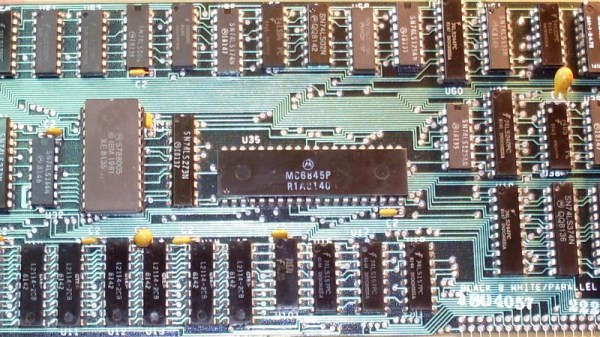
Reading up on the MDA card, we find that at its heart it had a Motorola MC6845 CRT controller, a chip that appeared in a huge variety of machines from that era. The beauty of this chip was that it provided the correct timing signals and memory locations for video to be created, but didn’t include any video circuitry thus the designer was free to craft a video device to their specification, allowing for it to appear in both colour and monochrome devices. While the MDA card only supported a text mode it seems its designers managed to put in some form of colour attribute support even if it was never marketed as such. We’re not students of IBM graphics card modes here at Hackaday, but it would be fascinating to know whether this undocumented mode works in the same way from the software side as the colour text modes on CGA and better colour cards.

Continue reading “The IBM MDA Should Have Been The CDA”

The Height Of 1960s Dental Electronic Technology

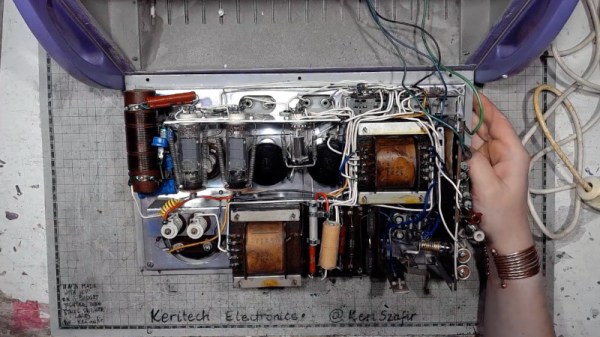
If you’ve ever been to the dental surgery and found yourself requiring some gum surgery, the chances are you’ll have found your dentist wielding an electronic probe to cauterise the flesh. It’s evidently some form of RF device because you are usually required to hold one of the electrodes while it’s being used, but annoyingly, for an engineer, it’s hardly the time or place to ask how it works. For the curious, then, [Keri Szafir] has the box of tricks behind the probe and is subjecting it to a teardown.

The box on her bench isn’t the one you’ll find in your dentist’s toolkit today, but its distant ancestor from the 1960s that integrates multiple functions into a single box. It’s a very period enclosure with typically 1960s-style vacuum tubes and point-to-point wiring. There’s an HF oscillator using a pair of EL81 power pentodes for that electrode you always wished you could ask your dentist about, and unexpectedly, a thyratron, a type of gas-filled switching tube not dissimilar to a thyristor, in a separate circuit for dental pulp testing. We’re not dental experts here at Hackaday, but [Keri] has done the research and explains the device in the video below the break. At one point, she observes that it’s quite a scary machine to be connected to a living person, and we can concur with that.

Her bench has provided a few projects here in the past, including one of her amplifiers. While it might be fun to tear down a more modern version, you are better off asking for old dental burrs.

Continue reading “The Height Of 1960s Dental Electronic Technology”

Continental Europe’s First Spaceport – And It’s Above The Arctic Circle!

When we think of a space launch it’s likely our minds might turn to the lush swampland of Florida’s Cape Canaveral, or the jungle of Kourou in Guyana. These are both in the tropical regions on sites as close to the Equator as the governments who built them could find, because the higher rotational speed of the planet at its widest point gives departing rockets a bit of extra kick. Even the Soviet Baikonur cosmodrome in modern-day Kazakhstan which sits at around 45 degrees North, was chosen in part to lie in one of the more southerly Soviet republics.

It’s unexpected then to report on the opening of what may at the time of writing be the world’s newest spaceport, situated on the island of Andøya in northern Norway, at around 69 degrees North. Just what is going on?

The answer for the German company Isar Aerospace is that their launches from the site will be ideally placed not for low-inclination orbits but for polar orbits, something of a valuable commodity and a worthy point of competition when compared to equatorial sites. We have shamefacedly to admit that we’re not completely au fait with Norwegian geography, so it took us a minute to find Andøya towards the top of the country’s westward chain of islands.

The spaceport itself lies in a bay facing westward over the Norwegian Sea, and the launch platform is on a stone jetty protruding into the water. It appears to be a beautiful landscape, a suitable reward for any hardy souls who make the trip to watch a launch. Unexpectedly the spaceport stands alone in Continental Europe, though before too long it’s likely to be joined by other projects including one in northern Scotland. European skies are likely to become busier over the coming years.

2G Or Not 2G, That Is The Question

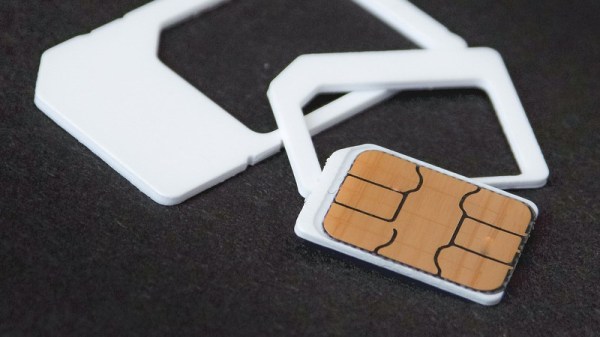
Since the very early 1990s, we have become used to ubiquitous digital mobile phone coverage for both voice and data. Such has been their success that they have for many users entirely supplanted the landline phone, and increasingly their voice functionality has become secondary to their provision of an always-on internet connection. With the 5G connections that are now the pinnacle of mobile connectivity we’re on the fourth generation of digital networks, with the earlier so-called “1G” networks using an analogue connection being the first. As consumers have over time migrated to the newer and faster mobile network standards then, the usage of the older versions has reduced to the point at which carriers are starting to turn them off. Those 2G networks from the 1990s and the 2000s-era 3G networks which supplanted them are now expensive to maintain, consuming energy and RF spectrum as they do, while generating precious little customer revenue.

Tech From When Any Phone That Wasn’t A Brick Was Cool

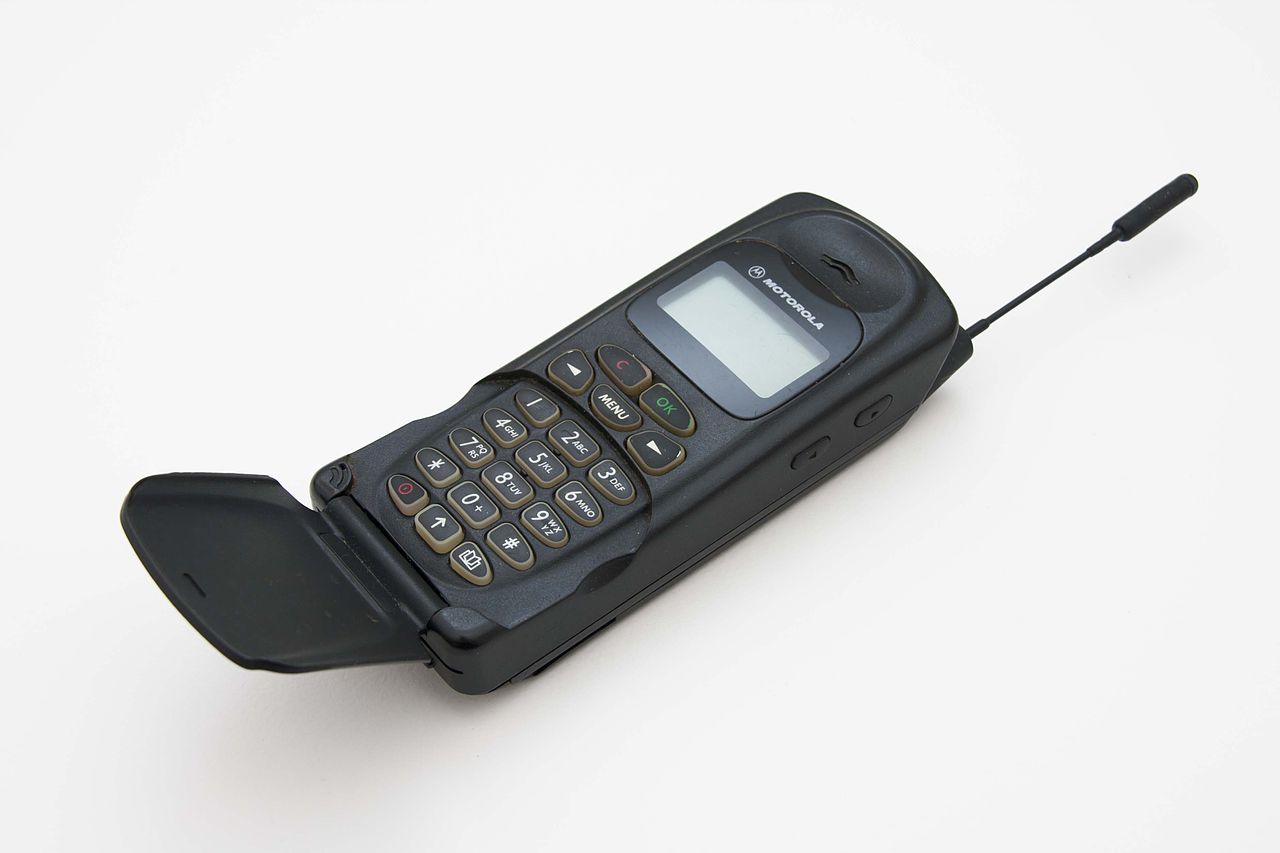
A 1990s Motorola phone
If this is your phone, you may be in trouble. Digitalsignal, CC BY-SA 3.0.

All this sounds like a natural progression of technology which might raise few concerns, in the same way that nobody really noticed the final demise of the old analogue systems. There should be little fuss at the 2G and 3G turn-off. But the success of these networks seems to in this case be their undoing, as despite their shutdown being on the cards now for years, there remain many devices still using them.

There can’t be many consumers still using an early-2000s Motorola Flip as their daily driver, but the proliferation of remotely connected IoT devices means that there are still many millions of 2G and 3G modems using those networks. This presents a major problem for network operators, utilities, and other industrial customers, and raises one or two questions here at Hackaday which we’re wondering whether our readers could shed some light on. Who is still using, or trying to use, 2G and 3G networks, why do they have to be turned off in the first place, and what if any alternatives are there when no 4G or 5G coverage is available? Continue reading “2G Or Not 2G, That Is The Question”

Jenny’s Daily Drivers: RiscOS 5.28

On a mundane day at some point in late 1987, though I didn’t grasp exactly what it would become at the time, I sat in front of the future. My school had a lab full of BBC Micros which I’d spent the previous few years getting to know, but on that day there was a new machine in one corner. It was a brand-new Acorn Archimedes, probably an A300, and it was the first time I had used an operating system with a desktop GUI. The computer was the first consumer application of the ARM processor architecture which has since gone on to conquer the world, and the operating system was called Arthur, which hasn’t. That’s not to say that Arthur is forgotten though, because it was soon renamed as RiscOS, managed to outlive both Acorn and the Archimedes, and still survives as a maintained though admittedly niche operating system to this day. So my Daily Driver this month is the current generation of RiscOS, version 5.28, and the machine I’m running it on is a Raspberry Pi 4. For a computer with an ARM core that’s designed and sold by a company based in Cambridge just like the original Acorn, it’s the most appropriate pairing I can think of.

Probably the Smallest OS In This Series

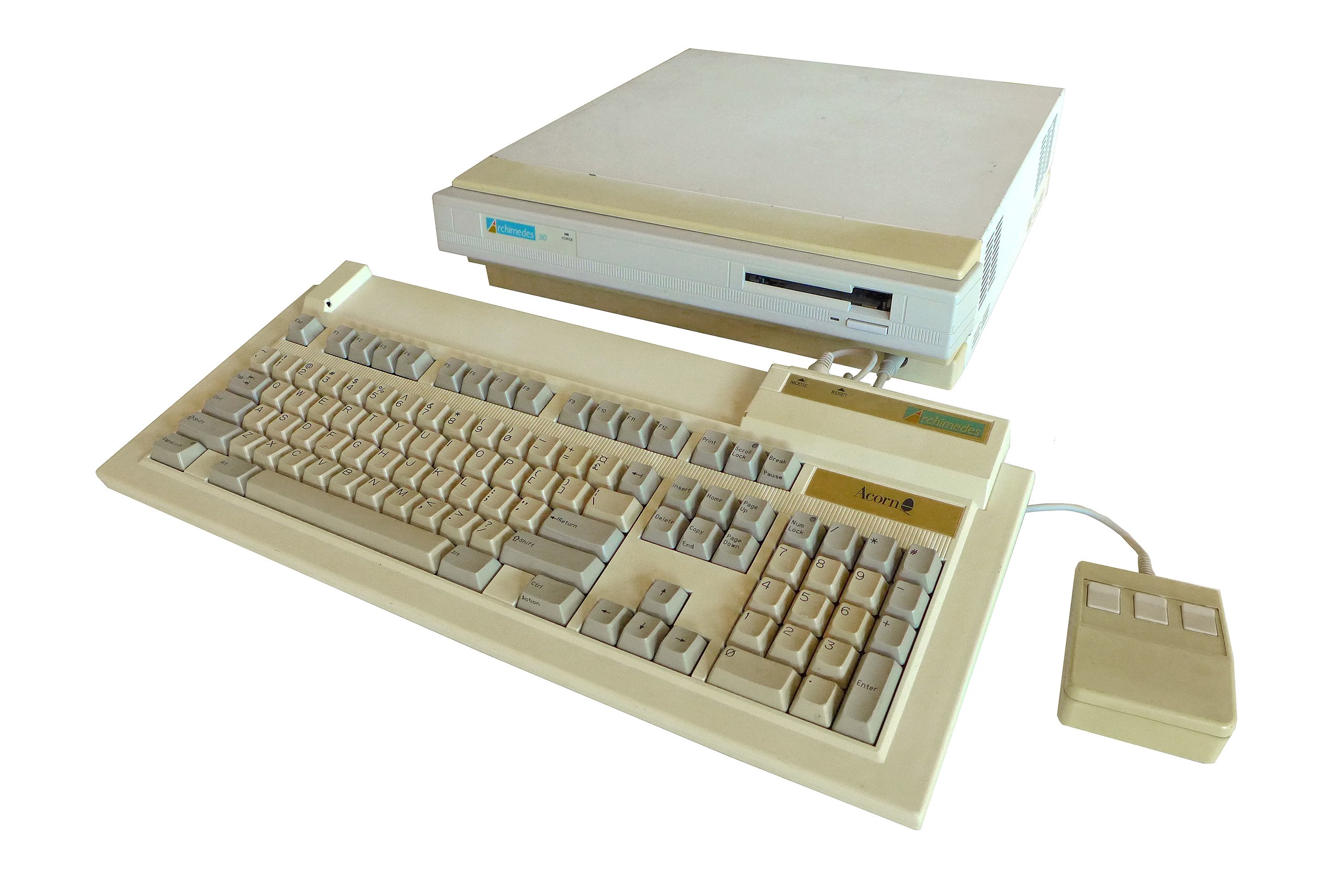
A beige desktop with no monitor, keyboard and mouse in front. It shows signs of yellowing with age.
The first ARM product, an Acorn Archimedes A310. mikkohoo, CC BY-SA 4.0.

At one point the Raspberry Pi folks even featured the Pi version of RiscOS on their website, but for those missing it there it’s freely downloadable as a disk image from the RiscOS Open site. Having spent most of its life as a closed-source product it’s been opened up over the last decade, and you can grab the source if you’re interested. When it’s normal for an OS download to run into the many gigabytes, it’s a bit of a shock to grab one that’s a shade under 140 megabytes and can be written to a 2 gigabyte SD card. This makes it probably one of the quickest operating system installs I have ever done, with all steps completed in a very short time. Sticking the SD card into the Pi it boots to a desktop in about 32 seconds which is only 5 seconds less than the latest Raspberry Pi OS image, so sadly that compactness doesn’t net you any extra speed. Continue reading “Jenny’s Daily Drivers: RiscOS 5.28”

The Golden Age Of Gadget Catalogs

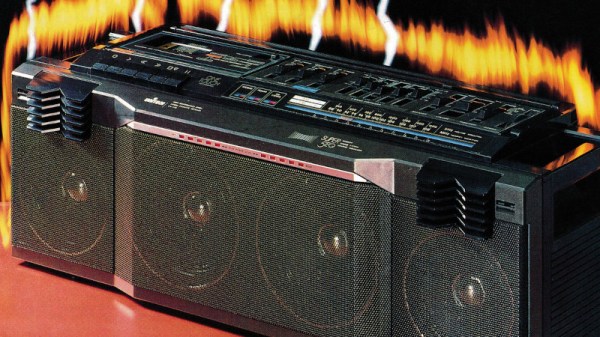
Among Hackaday’s readership are likely to be many gadget enthusiasts who live for the latest electronics and who have obsessively followed gadget trends for most of their lives. You possess elite AliExpress-fu, and like the hipsters, you were into everything long before it was cool. It’s safe to say the Internet has revolutionized the world of the gadget freak, but in a time before even dial-up access there was another way into this most technophilic of pastimes. As soon as there was consumer electronics there were mail-order catalog companies slaking the thirst of the gadget-crazy, and [Cabel Sasser] is here with a look at both their heyday and their swansong.

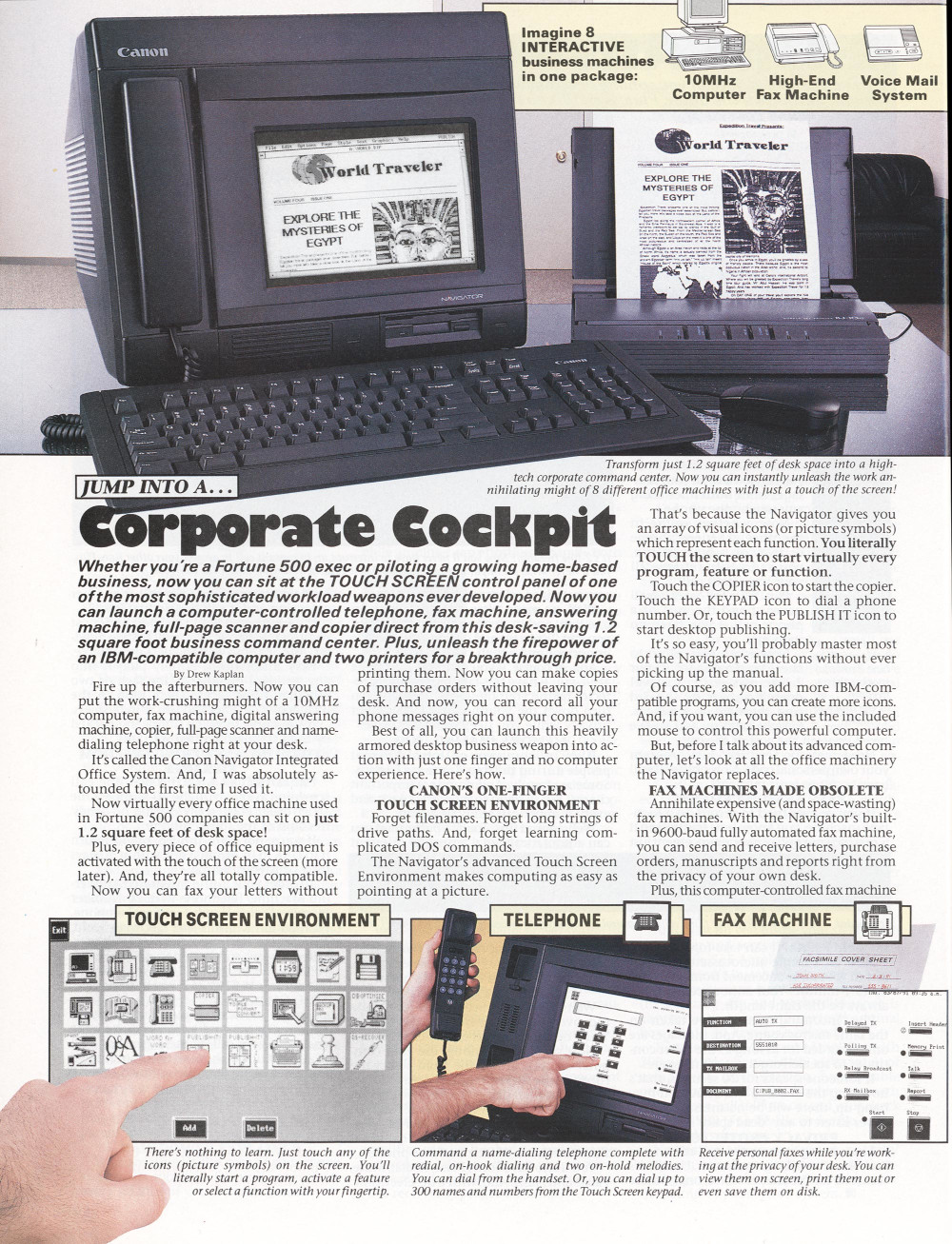
A full page advert for a "Corporate cockpit" all-in-one wordprocessor computer.
Drew, just shut up and take my money!

He has a particular focus on the catalog produced during the 1980s by DAK Industries Inc, a North Hollywood California based company that was the work of an entrepreneur named Drew Kaplan. He presented a glittering array of the latest and greatest tech of the era, and packaged it with riveting descriptions and beautifully-shot glossy photographs. [Cabel] was hooked, and we would certainly have been too. There were digital watches with outrageous functionality, portable briefcase computers, novelty telephones, Hi-Fi components at knock-down prices, and plenty of cassette tapes to play in them.

Their signature was an engaging copy-writing style that really made you want the product, and here we enter an interesting story in itself. There was another mail order gadget company in the 1970s which used exactly the same formula but running full-page adverts, similar enough to be obviously connected in some way. Had DAK stolen the idea? Not quite, for these were the product of a man called Joseph Sugarman, who also ran a “Learn my formula for sales success” course. Drew Kaplan didn’t hesitate to attribute his success to the Sugarman course, leaving us with the surprising conclusion that there’s more to the “Learn my formula” business than simply making money from marks prepared to pay for the course.

Here at Hackaday we occasionally venture into purple prose for fun, but we’re not trying to sell you any consumer electronics. We can’t help a professional admiration for the copy-writing in these catalogs though, and since they’re all available for download from Internet Archive we’re going to spend a while wallowing in tech nostalgia. It’s a place we’ve been to before.

Reduce The Pi 5’s Power Consumption At A Stroke

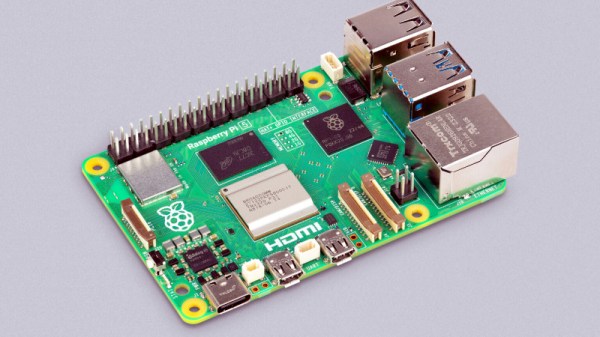
The Raspberry Pi 5 is the new wunderkind single-board computer on the block, so new in fact that users are still finding out its quirks. One of those quirks is a surprisingly high power consumption when powered down, despite halting the SoC, it leaves the power on and consumes over a watt even in standby. [Jeff Geerling] has a solution, and it’s a simple config change.

It’s useful to know how to fix this, and we’re indebted to him for finding it, but it’s hardly the most complex of hacks. Where the interest lies is in why the board leaves the lights turned on when nobody’s at home in the first place. It seems that some HATs have an issue when the 3V3 rail shuts down, but the 5V rail doesn’t. The Raspberry Pi foundation took the most compatible route and kept the rails on all the time. Perhaps future OS releases will come up with something more elegant, but at least there *is* a fix.

If you’re new to the Pi 5, you can take a look at our review of a preview model, and see why it’s the closest yet to a usable everyday PC that they’ve produced.