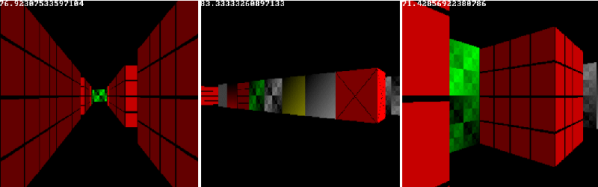
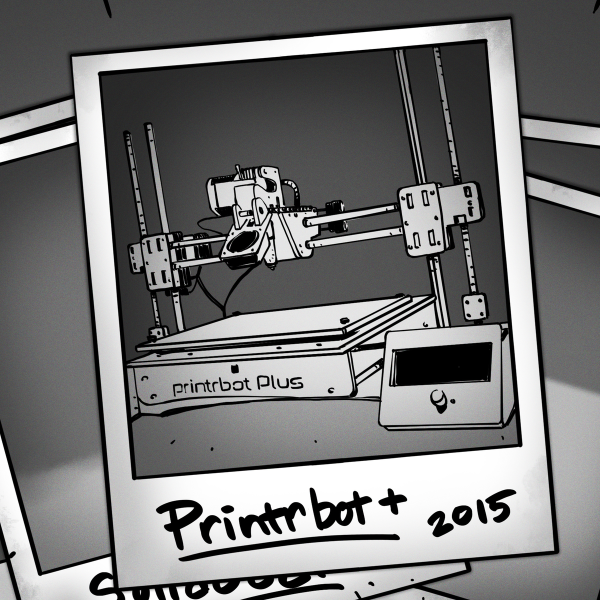
You can read all about making, say, a bookshelf or bowling, but unless you’ve actually done it, you don’t really know how it works. That’s the idea behind [codecrafters-io] Build-Your-Own-X GitHub repository. It is a collection of software projects from around the Web that offer “step-by-step guides for recreating our favorite technologies from scratch.”
What can you find there? Well, how about writing your own version of Git itself? Or maybe you’d like to dive into a physics engine, blockchain code, or a text editor. Then there’s our favorite: an operating system.
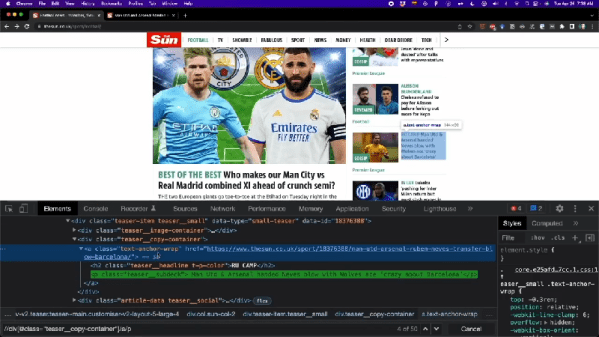
Most of us are adept enough with computers that you know what they can easily do and what they can’t. Invent a new flavor of ice cream? Not easy. Grab the news headlines related to Arduinos from your favorite news feed? Relatively easy. But, of course, the devil is in the details. FreeCodeCamp has a 3-hour course from [Frank Andrade] that dives into the gory details of automating web tasks using Python and a variety of libraries like Path, Xpath, and Selenium. You can watch the course, below.
Topics start off with grabbing tables from websites and PDFs. But it quickly graduates to general-purpose web scraping and even web automation. These techniques can be very useful for testing browser-based applications, too.
By the end, you’ve created an executable that grabs news every day and automatically generates an Excel report. There’s also a little wind down about WhatApp automation. A little something for everyone. We also greatly approved of [Frank]’s workspace which appears in the background. Looks like he would enjoy reading Hackaday.
Videoconferencing has been around in one form or another for quite a while, but it took the pandemic to thrust into prominence with just about everyone. In a way, it has been the delivery of something long-promised by phone companies, futurists, and science fiction writers: the picture phone. But very few people imagined how the picture phone would actually manifest itself. We thought it might be interesting to look at some of the historical predictions and attempts to bring this technology to the mass market.
The reality is, we don’t have true picture phones. We have computers with sufficient bandwidth to carry live video and audio. Your FaceTime call is going over the data network. Contrast that with, say, sending a fax which really is a document literally over the phone lines.
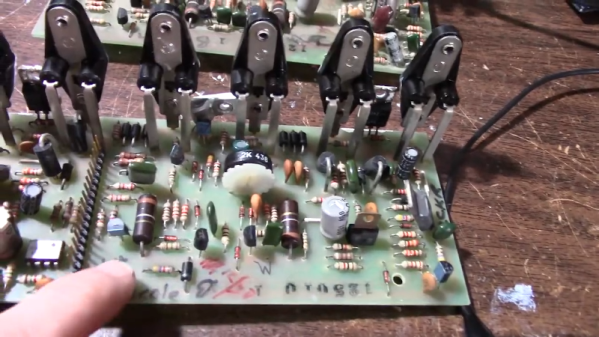
Carver is a famous name in audio equipment although they have been known to use odd names for things. For example, the 1980’s vintage M-400 magnetic field power amplifier that [JohnAudioTech] is repairing (see the two videos below). That sounds like something off a bad Star Trek remake, but, apparently, we weren’t alone in thinking that, judging by this 1982 review of the unit from a UK magazine.
Still, it is an interesting high-power amplifier and we love seeing gear of this age torn apart. The beast is rated at 201 watts — you have to wonder if the extra watt is another marketing ploy.
There were actually two units and they looked pretty good for four-decade-old boxes. One sounded pretty good outside of some noticeable buzzing. The other had something shorted inside. If you enjoy watching repair videos, you’ll appreciate this two-parter.
We have to admit — and it may be a personal bias — there is something more pleasing about seeing a PCB populated with a bunch of interesting-looking through-hole components. Modern boards with a sea of surface mount parts tend to look a little bland, aesthetically speaking. Of course, when it comes time to make our own boards, we are happy to use SMD and forego all that hole drilling!
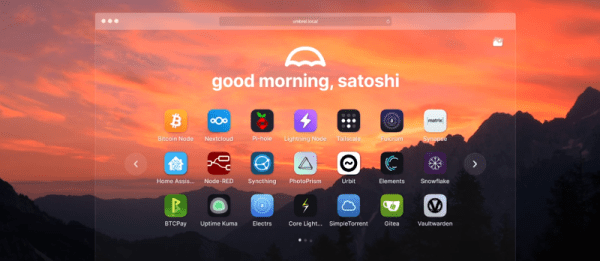
While it is undeniable that cloud-based services are handy, there are people who would rather do it themselves. For many of us, it is because we want what we want the way we want it. For others, it is a distrust of leaving your personal data on someone’s server you don’t control. Umbrel is a Linux distribution just for people who want to self-host popular applications like NextCloud or Home Assistant. [ItsFoss] has a good review that points out some of the plusses and minuses of the early version of Umbrel.
What’s really interesting, though, is the approach the distro takes to installing software. Like most modern distributions, Umbrel has a package manager. Unlike most, though, the packages are actually docker containers. So when you install an app, it is preconfigured and lives in its own bubble, unlikely to conflict with other things you might install.
We also like that it has a specific build for a Raspberry Pi, although it will work on other 64-bit hardware and you can even install it within docker on top of your normal operating system. Of course, the docker container concept is also a drawback — at least for now — because it can be difficult to adjust settings inside the container compared to a more conventional install.
It amazes us that hardware has become so capable that it is easier to just duplicate entire operating systems than it is to work out the required dependency interactions. Still, it works, and in most cases, it works well.
If you want to take pictures of tiny things close up, you need a macro lens. Or a microscope. [Nicholas Sherlock] thought “Why not both?” He designed a 3D-printed microscope lens adapter that you can find on Thingiverse. Recently, [Micael Widell] tried it out with a microscope lens and you can see the results in the video below.
A $20 microscope lens allows for some amazing shots. There are two designs that fit different cropped-image and full-frame cameras. As you might expect, the depth of field is razor-thin, probably sub-millimeter. Additionally, with a 4X lens on a 35 mm sensor, the field of view is about 9 mm so you have to have a steady hand just to keep everything in frame.
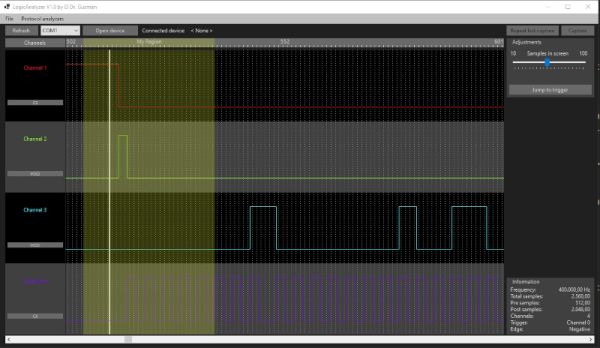
A common enough microcontroller project is to create some form of logic analyzer. In theory, it should be pretty easy: grab some digital inputs, store them, and display them. But, of course, the devil is in the details. First, you want to grab data fast, but you also need to examine the trigger in real time — hard to do in software. You may also need input conditioning circuitry unless you are satisfied with the microcontroller’s input characteristics. Finally, you need a way to dump the data for analysis. [Gusmanb] has tackled all of these problems with a simple analyzer built around the Raspberry Pi Pico.
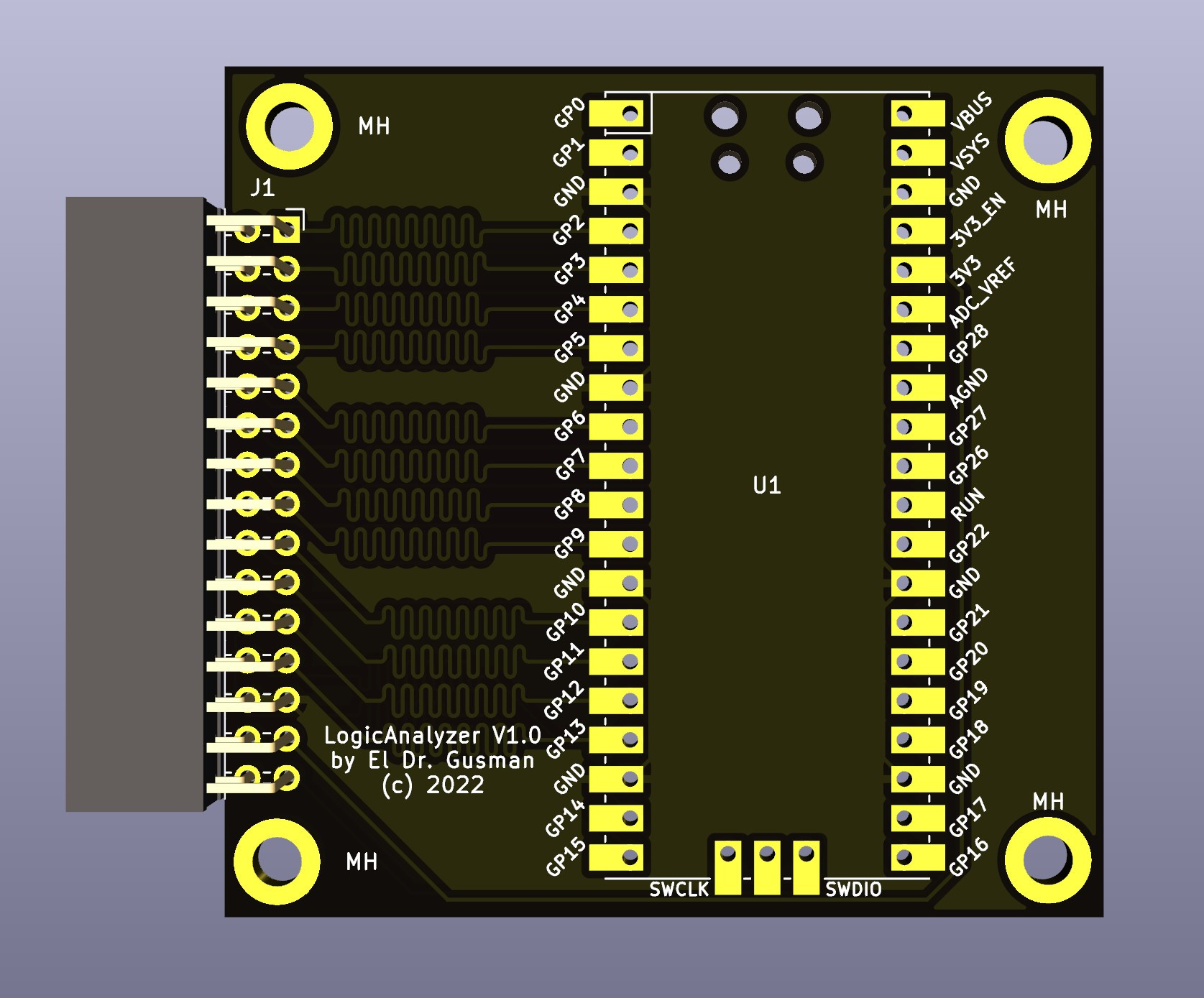
On the front and back ends, there is an optional board that does fast level conversion. If you don’t mind measuring 3.3 V inputs, you can forego the board. On the output side, there is custom software for displaying the results. What’s really interesting, though, is what is in between.
The simple PCB is completely optional.
The Pico grabs 24 bits of data at 100 MHz and provides edge and pattern triggers. This is impressive because you need to look at the data as you store it and that eats up a few instruction cycles if you try to do it in software, dropping your maximum clock rate. So how does this project manage it?
It uses the Pico’s PIO units are auxiliary dedicated processors that aren’t very powerful, but they are very fast and deterministic. Two PIO instructions are enough to handle the work for simple cases. However, there are two PIOs and each has four separate state machines. It still takes some work, but it is easier than trying to run a CPU at a few gigahertz to get the same effect. The fast trigger mode, in particular, abuses the PIO to get maximum speed and can even work up to 200 MHz with some limitations.
If you want to try it, you can use nothing more than a Pico and a jumper wire as long as you don’t need the level conversion. The project page mentions that custom software avoids using OpenBench software, which we get, but we might have gone for Sigrok drivers to prevent having to reinvent too many wheels. The author mentions that it was easier to roll your own code than conform to a driver protocol and we get that, too. Still, the software looks nice and even has an SPI protocol analyzer. It is all open source, so if you want other protocols before the author gets to them, you could always do it yourself.