IBM PCjr Types Again, Thanks To KeybJr

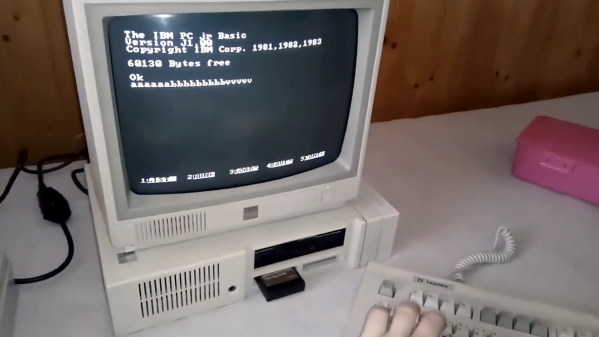
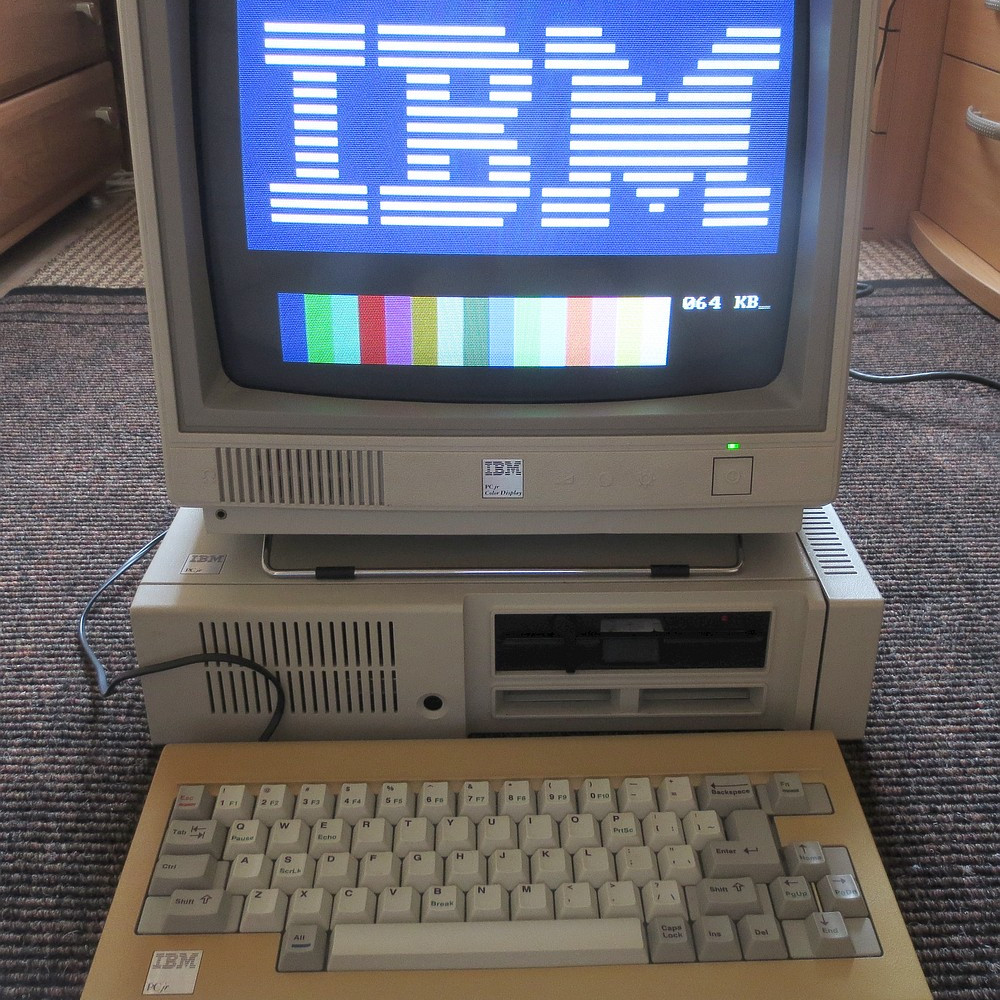
Most of us think of keyboards — even vintage ones — as being fairly standardized and interchangeable, but that isn’t the case for the IBM PCjr. Its keyboard was quite unlike most others of its time, which means that a PCjr without an original keyboard is pretty much a dust collector. That’s what led [Jozef Bogin] to create the KeybJr, a piece of hardware that allows one to use any AT, XT, or PS/2 keyboard with the IBM PCjr.

The PCjr’s oddball keyboard can be a bit of a hassle for vintage computing enthusiasts.

What was strange about the PCjr’s keyboard? From the outside it looked pretty normal, but it definitely had its own thing going on. For one, the PCjr keyboard operated over a completely different protocol than the other keyboards of the time. In addition, its connection to the host was either by IR, or via its own wired cable adapter.

The KeybJr solves this by using an Arduino-based board to turn inputs from other keyboards of the time into something the PCjr expects. These signals are sent out and received either over infrared, or by the PCjr’s “K” port for a wired keyboard link.

Why bother with the IR functionality? Well, the connector and pins on the PCjr are not very rugged, and sometimes they are damaged. In those cases, it is nice to have the option of using a normal (for the time) keyboard over the IR link. Vintage hardware is not always in perfect shape, after all. That’s why things like ATX power supply adapters for the PCjr exist.

Want to give it a shot? There is a GitHub repository for the KeybJr, and you can see it in action in a brief video, embedded below.

Continue reading “IBM PCjr Types Again, Thanks To KeybJr”

Twitch And Blink Your Way Through Typing With This Facial Keyboard

For those that haven’t experienced it, the early days of parenthood are challenging, to say the least. Trying to get anything accomplished with a raging case of sleep deprivation is hard enough, but the little bundle of joy who always seems to need to be in physical contact with you makes doing things with your hands nigh impossible. What’s the new parent to do when it comes time to be gainfully employed?

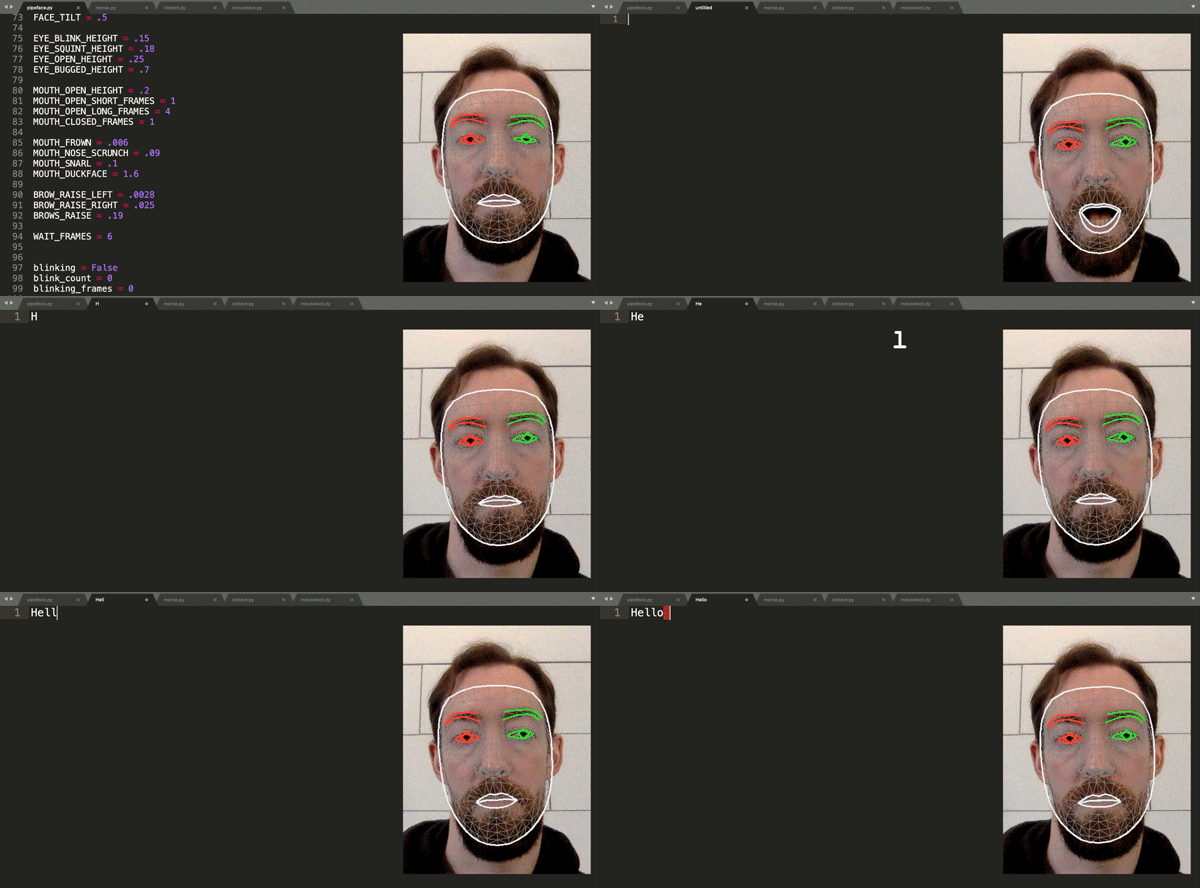
Finding himself in such a boat, [Fletcher]’s solution was to build a face-activated keyboard to work around his offspring’s needs. Before you ask: no, voice recognition software wouldn’t work, at least according to the sleepy little boss who protests noisy awakenings. The solution instead was to first try OpenCV and the dlib facial recognition library to watch [Fletcher] blinking out Morse code. While that sorta-kinda worked, one’s blinkers can’t long endure such a workout, so he moved on to an easier set of gestures. Mouthing Morse code covers most of the keyboard, while a combination of eye, eyebrow, and other facial twitches and tics cover the rest, with MediaPipe’s Face Mesh doing the heavy-lifting in terms of landmark detection.
The resulting facial keyboard, aptly dubbed “CheekyKeys,” performed well enough for [Fletcher] to use for a skills test during an interview with a Big Tech Company. Imagining the interviewer on the other end watching him convulse his way through the interview was worth the price of admission, and we don’t even care if it was a put-on. Video after the break.

CheekyKeys is pretty cool, doing something with a webcam and Python that we thought would have needed a dedicated AI depth camera to accomplish. But perhaps the real hack here was how [Fletcher] taught himself Morse in fifteen minutes.

Continue reading “Twitch And Blink Your Way Through Typing With This Facial Keyboard”

Custom Macro Keyboard With Sweet Backlighting

From the smallest 60% keyboards for those with no desk space to keyboards with number pads for those doing data entry all day, there’s a keyboard size and shape for just about everyone. The only problem, even with the largest keyboards, is that they’re still fairly limited in what they can do. If you find yourself wishing for even more functionality, you might want to build something like this custom macro keyboard with built-in LED backlighting.

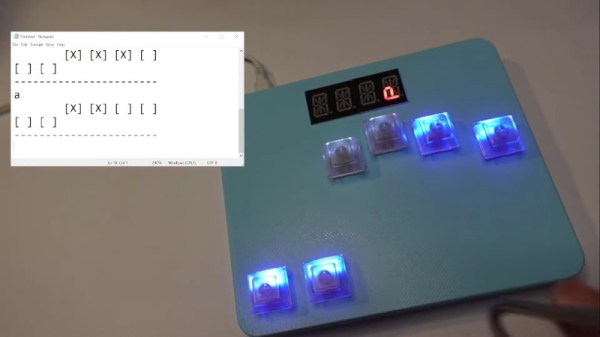
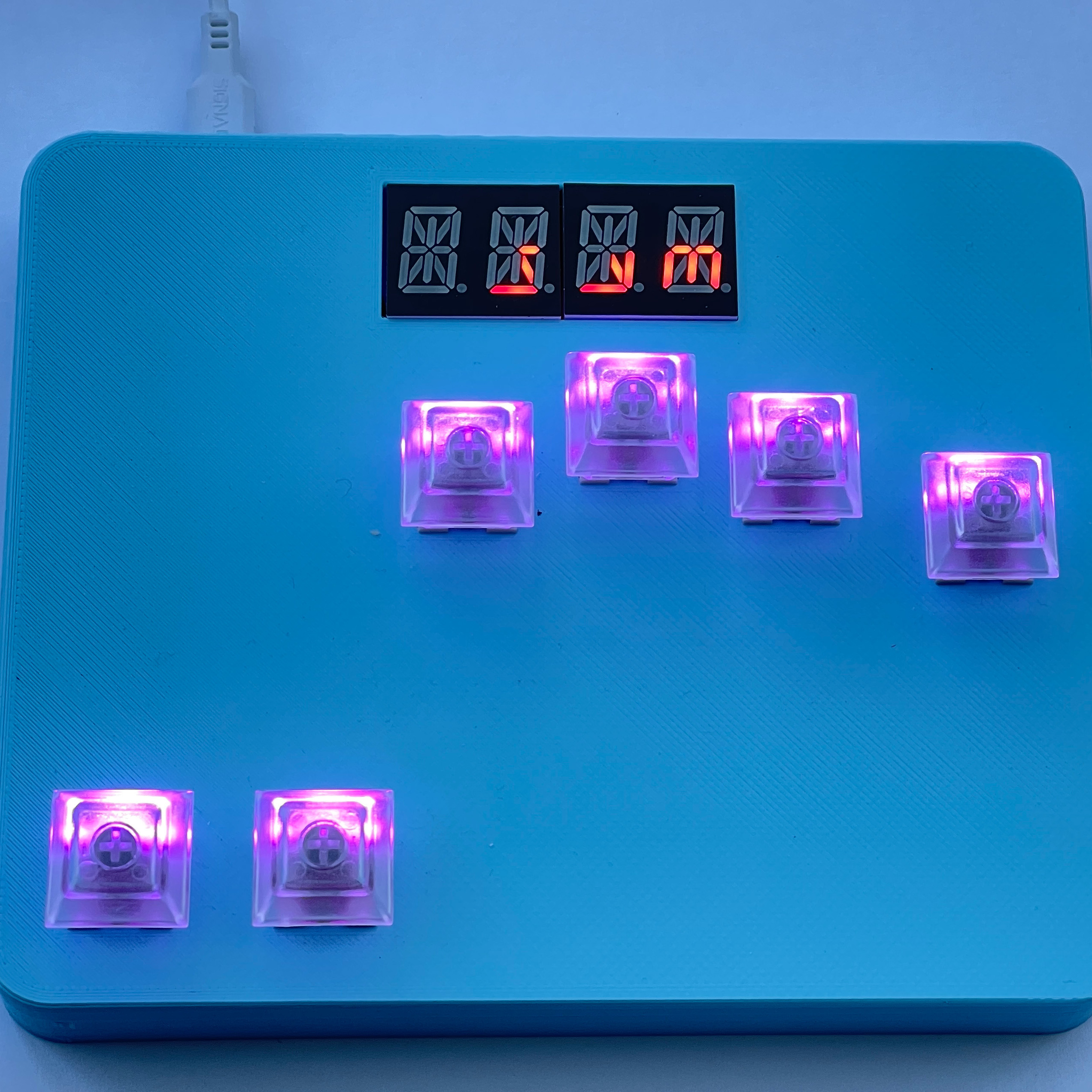
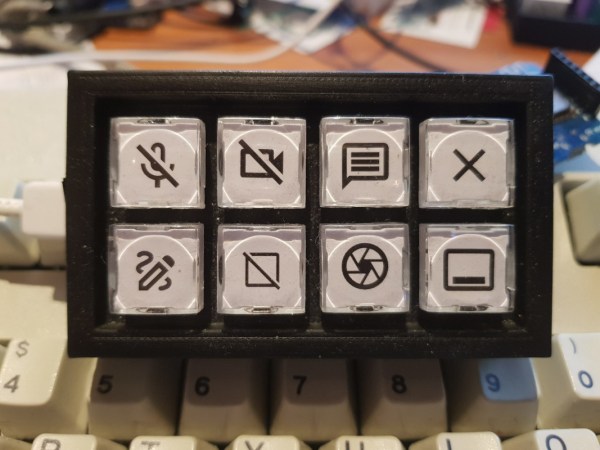
Rather than go with a standard mechanical keyboard switch like a Cherry MX, this build is based around TS26-2 pushbuttons with built-in LED lighting. [atkaper] only really needed one button for managing the mute button on MS Teams, but still built a total of eight switches into this keyboard which can all be individually programmed with different functions. The controller is an Arduino Leonardo and the enclosure was 3D printed.

Paired with the classic IBM Model M keyboard, this new macro keyboard adds plenty of functionality while also having control over LED backlighting. Macro keyboards are incredibly useful, especially with their ability to easily change function with control over the software that runs on them. The key to most builds is the 32U4 chip found in some Atmel microcontrollers which allows it to easily pass keyboard (and mouse) functionality to any computer its plugged in to.

Absolem Is A Rabbit Hole Keyboard Build

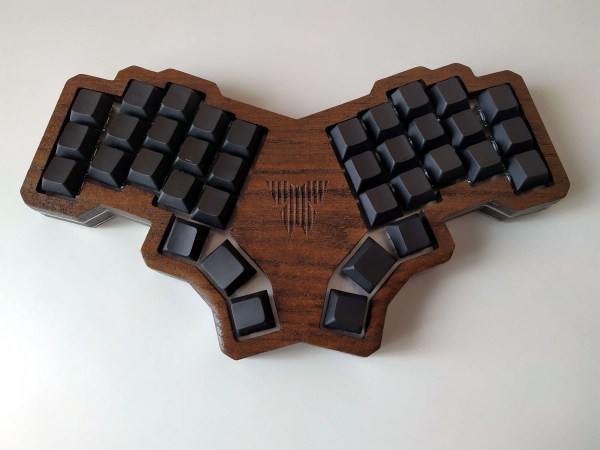
This is usually how it happens — [mrzealot] had been using some awful chiclet-style keyboard without much of a care, and topping out at 50-60 WPM using an enhanced hunt-and-peck method. But he really wanted back-lighting, and so got his first taste of the mech life with a Master Keys Pro S. Hooked, [mrzealot] started researching and building his endgame keyboard, as you do once bitten. It looked as though his type would have as few keys as possible, and thumb keys laid out in arcs.

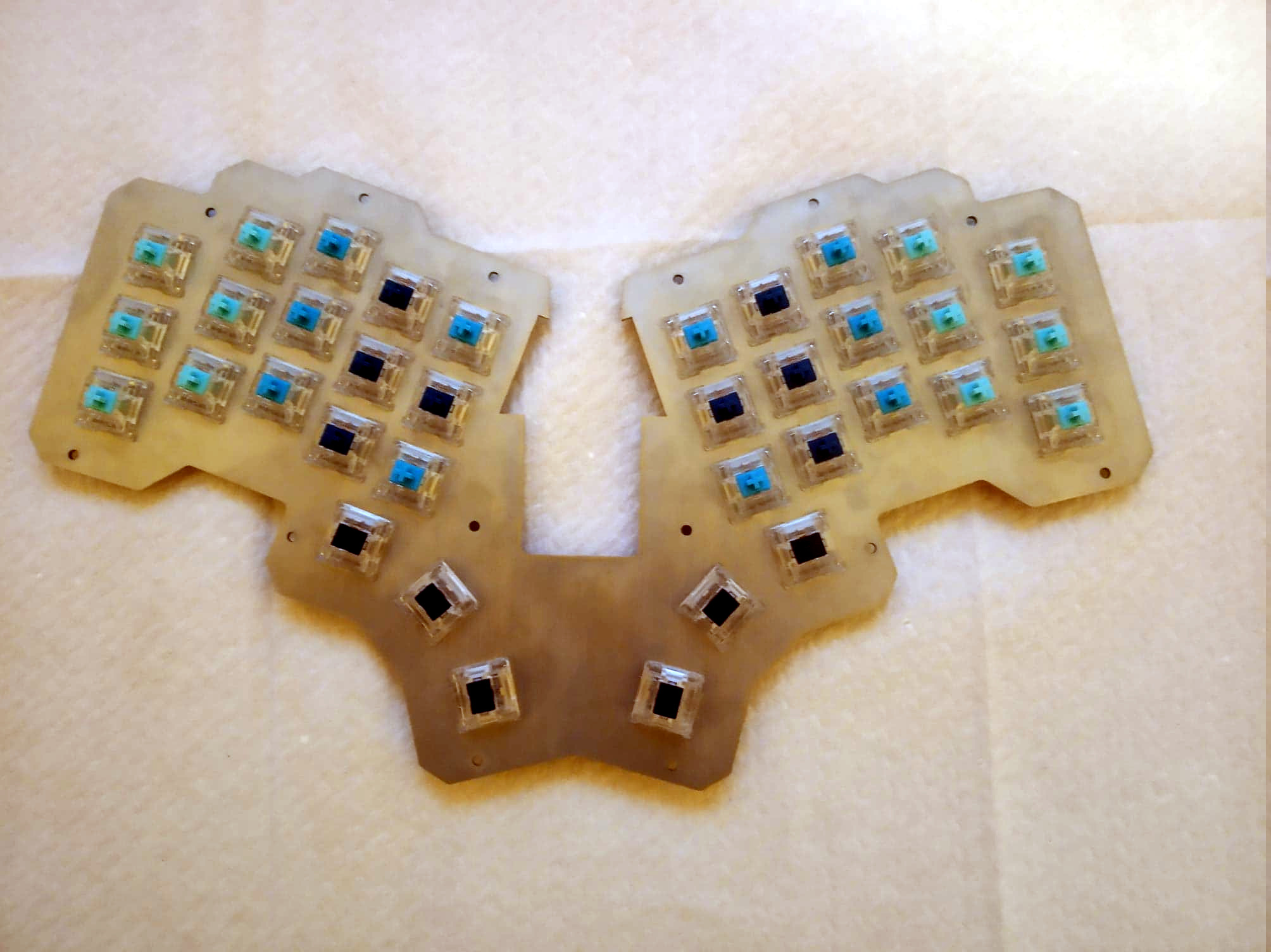
And so the cardboard prototyping began, with real switches and keycaps and a split design. After getting tired of adjusting the halves’ position on the desk, [mrzealot] threw that plan out the window and started scheming to build a monoblock split. He had a steel switch plate cut for this prototype, and used cardboard for the bottom layer, complete with a little hatch to access the Pro Micro’s reset button.

Now satisfied with the 36-key layout, it was time to go wireless with a Feather nRF52 Bluefruit LE. This is where things get serious and final, with a laser-cut layered oak case and thick, blank, PBT keycaps.

Under all that plastic lies a range of actuation force levels on the key caps that (in our opinion) range from heavy to really heavy — 62 gram switches on the pinkies and ring fingers, 65 g on the middle, 67 g on the index fingers, and a whopping 78 g for the thumb clusters.

We just love the way this ended up looking, and are pretty jealous of that neoprene layer on the bottom. Beauty aside, there is some real utility here to be shared. In designing the layout, [mrzealot] created a keyboard generator called ergogen that will get you closer to your endgame without the need for CAD skills, just YAML.

Those of you who read Hackaday closely may recognize the term ‘ergogen’ from [Matthew Carlson]’s coverage of [Ben Vallack]’s guide to creating a low-profile keyboard. This is something else in the same vein.

Thanks for the tip, [HBBisenieks].

A Clear Guide For A Low-Profile Bespoke Keyboard

At the risk of stepping on our fantastic Keebin with Kristina series, a beautiful tutorial by [Ben Vallack] details how to create a custom low-profile keyboard in great detail.

We’ve covered complete guides to building your own and projects making custom rubber dome keyboards. In addition, several subreddits exist around custom keyboard builds and dozens of websites are dedicated to selling parts. So why add not add one more guide, especially on as well done as [Ben’s]?

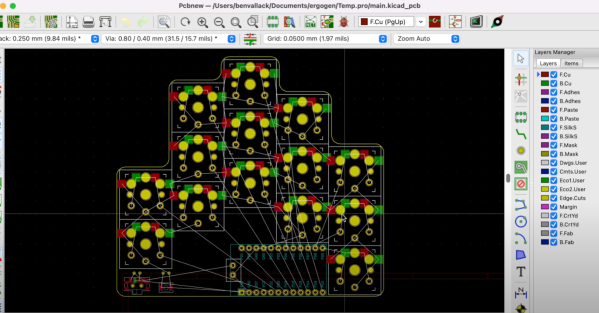
[Ben] focuses on the high-level tooling and the methodology of laying out a keyboard and how it all comes together. It all starts with determining your specific hand shape and layout with Ergopad. With that shape taken care of, you can move onto Ergogen, which allows you to take the layout you have in mind and generate a KiCAD board layout that just needs to be routed. Flippable boards, various footprints for switches, and connecting up different microcontrollers are all supported.

Once you have your PCB in hand, [Ben] walks you through soldering the sockets on the back and setting up your board firmware in ZMK with Github Actions. It’s a slick guide with a nifty product at the end. Video after the break.

Continue reading “A Clear Guide For A Low-Profile Bespoke Keyboard”

Introducing The Universal Atari Keyboard Case

[10p6] wondered what it would be like if Atari had used a standardized keyboard across its 16-bit and 32-bit computer lines in 1985. Imagination is fun, but building things is even better, and thus they set out to create such a thing. Enter the Universal Atari Keyboard Case.

The case design is flexible, and can accept a keyboard from models including the Atari ST and Falcon. The keyboard can then be used with an Atari Mega, TT, or desktop-style Atari computers without mods. It also brings modern peripherals to bear on these old Atari platforms, enabling the use of modern USB mice while also using the two onboard joystick ports. Power and floppy LEDs are present, but subtly hidden beneath the case, only becoming visible when illuminated. It also includes 5-watt stereo speakers for getting the best out of the Atari’s sound hardware.

The final part, a full 473mm long, was 3D printed in resin for a high-quality surface finish. The results are so good it almost looks like a genuine factory keyboard.

If you’re regularly playing with your vintage Atari machines and you want a great keyboard to use with them, this could be the design for you. [10p6] has promised to soon upload the design files to Thingiverse for those eager to replicate the work.

We’ve also seen retro Atari keyboard converted to work with modern machines. Video after the break. Continue reading “Introducing The Universal Atari Keyboard Case”

3D Printed Maglev Switches Are So Hot Right Now

It doesn’t happen all the time, but over the years we’ve noticed that once we feature a project, a number of very similar builds often find themselves in our tip line before too long. Of course, these aren’t copycats; not enough time has passed for some competitive maker to spin up their own version. No, most of the time it’s somebody else who was working on a very similar project in isolation, and who now for the first time realizes they aren’t alone.

Thanks to this phenomenon we’re happy to report that yet another 3D printable magnetic levitation switch has come to light. Developed by [famichu], this take on the concept is markedly different from what we’ve seen previously, which in a way makes the whole thing even more impressive. It’s one thing for multiple hackers to develop similar projects independently of each other, as the end goal often dictates the nature of the design itself. But here we’re seeing a project that took the same core concepts and ran in a different direction. Continue reading “3D Printed Maglev Switches Are So Hot Right Now”