Regain Some Trust In Unknown USB Drives

For how useful USB thumb drives are for quickly toting around and copying files from one computer to another, they can be a bit of a security headache. Programs can be loaded on them with all kinds of malware; they can be obscured in some ways that are difficult to detect, and they can be set up to execute certain programs when they’re plugged in. The general wisdom is to simply avoid untrusted USB devices completely, but that sort of abstinence-only policy rarely works in the real world. If, for some reason, an untrusted USB device absolutely needs to be used, many of these security issues can be mitigated with this tool.

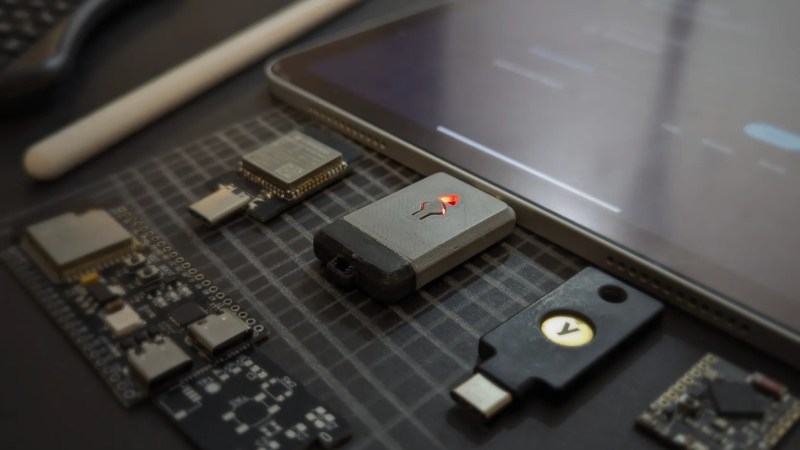
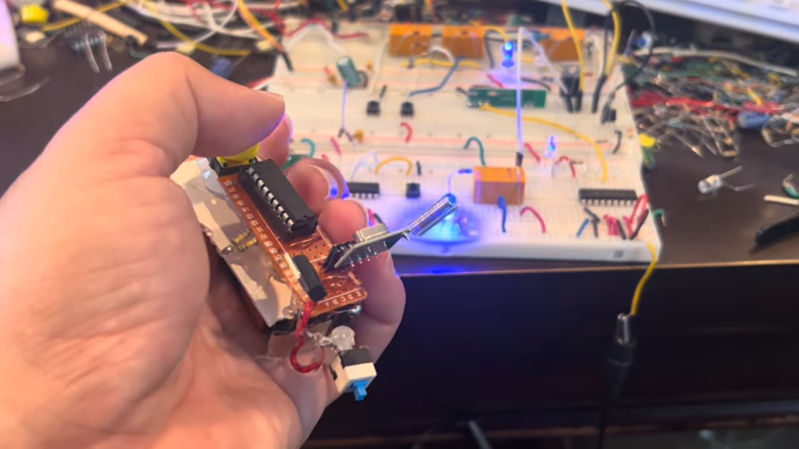
Built by [Novamostra], the device is simple on the surface: it’s a Raspberry Pi Pico mated to a 2-in-1 USB splitter cable. But with the USB Neutralizer software they have written loaded onto the Pico, it automatically destroys the ability of any connected USB thumb drive to load files. The program works by deleting the first and last 34 Logical Block Addressing (LBA) sectors on the drive immediately when it’s plugged in, without doing anything else. This effectively corrupts the drive bad enough to prevent malicious software in the partitions from doing anything, allowing the user to (relatively) safely put the USB drive into their computer and format it for re-use. The code for this tool is also open-source and reviewable on the project’s GitHub page.

Of course, this isn’t a perfect security solution for all USB attacks. It doesn’t erase or replace the firmware on the drive itself, and although firmware-level attacks are rare they’re not out of the question for all users, all the time. It also won’t prevent a malicious physical attack like this high-voltage one, and it may also not stop hidden or obscured partitions or devices programmed for storage and some other nefarious purpose simultaneously, like a USB HID. But still, this solves a great many of the problems associated with getting new drives from semi-untrustworthy sources, like retailers or friends whose computer skills we don’t fully trust.

Neighborhood Bulletin Boards, Circa 1982

When the Internet first started gaining mainstream popularity in the late 90s, many optimists claimed that it would bring people together by reducing barriers to communication. That ideal hasn’t exactly come to pass yet, as anyone who has been on the Nextdoor neighborhood social network can likely attest to. Before social media, neighbors weren’t completely in the dark about their local communities, though. Besides word-of-mouth communication, there were also local access channels on cable TV, which had none of the downsides of modern social media. And [Hans] is bringing this style channel back.

[Hans]’s project is called CABLE 82, a bulletin board channel that matches the style of these channels from the 1980s. There’s better technology available for these types of systems now, though, so instead of relying on something like a character generator he’s using a Raspberry Pi running custom software to produce the video feed. The Pi hosts a web server so the 4:3 video feed can be reserved for the bulletin board display, but users who have older Pis with the yellow composite video output can skip using something like an HDMI to RF converter on their period-appropriate CRT displays. The software also adds sound functionality, as these channels always had some sort of elevator music playing while they were scrolling through local community news.

For those looking to recreate some of the nostalgia of 1980s community and technology, [Hans] has made this project open source, with all of the files on a GitHub page. Part of the reason [Hans] got interested in building something like this is that he had been trying to source a CRT television for retro gaming, and wanted to reproduce more of that era than just a few video games. A channel like this would be a great addition to a complete cable TV recreation build like this one, which even includes a preview channel of everything playing.

Continue reading “Neighborhood Bulletin Boards, Circa 1982”

Exploring Hidden JPEG Features

The lossy compression algorithm used by JPEG was useful for those on the early Internet not only because it enabled pictures to be shared easier, but because it allows a low-resolution version of the image to load first. This meant that users could make out the gist of an image before it finished downloading. This was a great feature for those on slow connections, but it hides some other capabilities of this image format as well.

Rather than effectively splitting up the image into chunks, each with successive amounts of detail, [maurycyz]’s project shows that this can be exploited to load more than one picture. The first is loaded into this lower-resolution area, with a second unrelated picture showing up once the higher-resolution information is available. Essentially this makes a one-way .gif of sorts. Though this method is only capable of loading about nine frames, which is not enough for much animation. Further limiting things is that there’s no way to encode timing data, so on fast computers with fast connections the animation could load faster than a user could see.

Still, it’s an interesting quirk of this older image standard, one which still is in widespread use today. And it’s also true that it’s hard to say in what ways various technologies will be used in the future. JPEG images have also been the subject of some artistic projects that might not have been possible without the JPEG standard itself, and even as other formats have tried to supplant it, it still maintains its firm grip on the images on the Internet. More JPEG, please!

Saving Some Coin With 3D Printed Stencils

One of the extra tools someone might need when working with surface-mount components is a solder paste stencil, which not only simplifies the application of solder paste to a PCB but increases accuracy. These metal stencils can cost an annoying amount of money and take time to get delivered, so this group has developed a method to 3D print them instead.

Starting with a PCB design in one’s tool of choice, the Gerber files can be sent to the online Stenchill tool to generate the stencil. Alternatively, a KiCad plugin exists as well. The tool will output files for a 3D printer from there. An FDM printer is required, with either PLA or PETG filament, and some configuration in the slicer is needed to get the accuracy required for a useful stencil. But once that’s all set up, the printer can output a perfectly usable stencil at a fraction of the cost, and without having to wait days for delivery through the mail.

It’s not all upside, though. Although it might be better than applying solder paste with a syringe on a massive board or doing more than one smaller board by hand, it may not be as good as a metal stencil for extremely small pads. But for those who often find themselves using metal stencils and dealing with the downsides that come with them, this could be a viable alternative, especially when prototyping.

If you have a laser cutter handy, that opens up some additional options for stencil production.

Continue reading “Saving Some Coin With 3D Printed Stencils”

Industrial GPU Adapted For The Desktop

As technologies change and adapt, we’re often left with seemingly useless junk that has nowhere to go. Certainly anyone still sitting on a pile of floppy disks feels this way sometimes, but odds are anyone who owns a mining ASIC or an NFT can attest to that as well. The trillions of dollars flowing into GPU-based data centers will likely become the next victim of this trend, so if you want to capitalize on the losses of some venture capitalist you’ll want to figure out a way to get GPUs meant for a server into your desktop doing useful work.

Of course, calling these devices GPUs is a bit of a stretch compared to the Radeon and GeForce cards many of us are used to using for gaming. These don’t even have a PCIe slot or video output, after all. But, as [] notes, the VRAM and GPU cores are very real and can still do useful work. An adapter board is able to mate a Tesla V100 SXM2 16 GB GPU to a standard PCIe slot, which solves the first problem, but the major downside from there is that the cooling fan for this unit was literally deafeningly loud. At 82 dB it was about as loud as a lawnmower, which is fine in a server rack but not great in a bedroom. [Oscar] found a way to tamp down the fan speed, making it usable in a home.

Without video output, the utility of these cards mainly comes from adding VRAM and compute for tasks that benefit from parallel computing. Using tensor splitting, [Oscar] is running a local LLM with this card alongside his RTX 4080, providing 32 GB of VRAM on his NixOS system. With his benchmarking tests, the LLM sports impressive stats for a self-hosted model, ranking somewhere around Claude Sonnet 4.6. What’s even more impressive is that this is all done for around £200, and with the rate the various LLM companies are ratcheting up pricing could pay itself back very quickly. If trading off performance for cost is acceptable, though, it’s possible to run local models on much less powerful hardware as well.

60 FPS NES Emulator On ESP32

At least in theory, video games are more resistant to becoming lost media thanks to their digital nature — they’re easy to copy and emulators have saved many titles that are otherwise locked in corporate vaults. But emulators give us something beyond simple preservation: they can also be used to enhance games well beyond the capabilities of the original systems while still preserving the souls of the games, as this NES emulator manages to do.

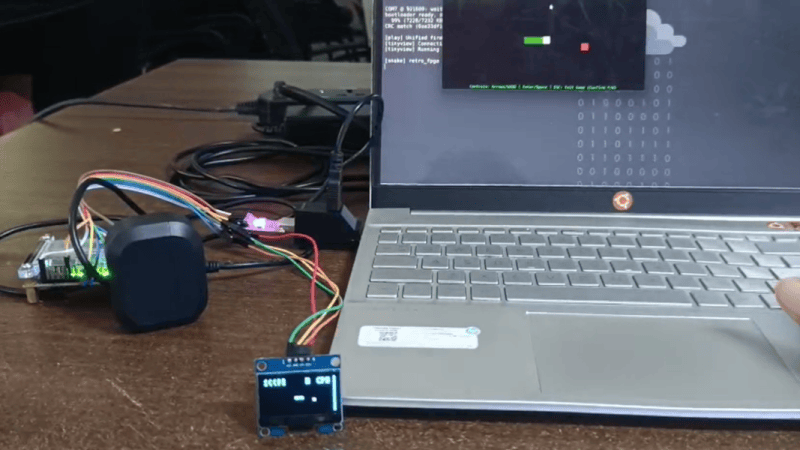
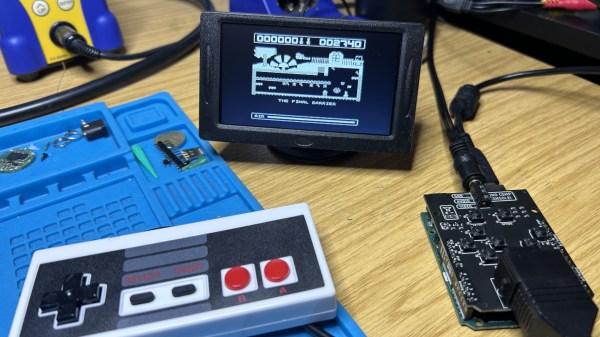
The emulator is called Anemoia-ESP32, and as its name suggests is a re-write of the Anemoia emulator specifically built for the ESP32. By modern standards these little chips don’t pack much of a punch, but compared to original NES hardware they’re more than up to the task of gaming. This project aims to recreate the Nintendo Entertainment System experience as faithfully as possible, hitting 60 FPS in most instances, as well as maintaining full audio emulation. Running on an ESP32 enables some truly small handheld options that would be difficult to achieve with more traditional platforms for emulation. There are some PCBs available here as well, but aren’t required to explore this project with.

As far as extra features compared to original NES hardware, the emulator does support save states and has a number of other settings improvements. Installation is as easy as flashing any other firmware image onto an ESP32, which these days can even be done from the browser. No word on whether or not it will eventually support emulating dual Picture Processing Units, but we can hope.

Open Source Vacuum Avoids Cloud

As more and more of the technology that we paid for turns becomes a subscription, there’s slowly been a momentum shift in the open source world of building replacements for these intrusive rent-seekers. We see this all of the time for self-hosted media and communications servers, but now we’re starting to see it in hardware as well. The OOMWOO robotic vacuum cleaner is completely open source, from hardware to software, and requires no cloud services whatsoever.

Although it’s open source, not every component is something one could buy off the shelf. It does require a 3D printer for most of the parts, but assuming that requirement is met most of the rest of the build comes together easily enough. For compute it relies on a Raspberry Pi running ROS 2 software and is set up to integrate easily with other existing open tools and projects such as Home Assistant. Like its proprietary cousins it can sense and map the rooms its placed in, but this platform uses an inexpensive 2D lidar system to keep costs down.

Right now the project is not quite complete, so we’ll all have to keep our eyes on this one as the team building it progresses. But they do have most of the software development done and the bill-of-materials is in progress. As an open project it’s being developed by many volunteers and there are a lot of areas available to contribute to as well, all currently set up on the project’s GitHub page. Right now many of those areas of effort are adapting the 3D printer files to off-the-shelf parts.

With the rocky status of the Roomba ecosystem, projects like this are more important than ever.