Review: WAINLUX K8, A Diode Laser That’s Ready To Work

Rarely a week goes by that some company doesn’t offer to send us their latest and greatest laser. You know the type — couple of aluminum extrusions, Class 4 diode flopping around in the breeze, and no enclosure to speak of unless you count the cardboard box they shipped it in. In other words, an accident waiting to happen. Such gracious invitations get sent to the trash without a second thought.

Now don’t get me wrong, I have no doubt that the average Hackaday reader would be able to render such a contraption (relatively) safe for use around the shop. Build a box around it, bolt on a powerful enough fan to suck the smoke out through the window, and you’ve turned a liability into a legitimate tool. But the fact remains that we simply can’t put our stamp on something that is designed with such a blatant disregard for basic safety principles.

The earlier WAINLUX JL4 — lucky rabbit foot not included.

That being the case, a recent email from WAINLUX nearly met the same fate as all those other invitations. But even at a glance it was clear that this new machine they wanted to send out, the K8, was very different from others we’d seen. Different even from what the company themselves have put out to this point. This model was fully enclosed, had a built-in ventilation fan, an optional air filter “sidecar”, and yes, it would even turn off the laser if you opened the door while it was in operation. After reading through the promotional material they sent over, I had to admit, I was intrigued.

It seemed like I wasn’t the only one either; it was only a matter of days before the Kickstarter for the WAINLUX K8 rocketed to six figures. At the time of this writing, the total raised stands at just under $230,000 USD. There’s clearly a demand for this sort of desktop laser, the simplicity of using a diode over a laser tube is already appealing, but one that you could actually use in a home with kids or pets would be a game changer for many people.

But would the reality live up to the hype? I’ve spent the last couple of weeks putting a pre-production WAINLUX K8 through its paces, so let’s take a look and see if WAINLUX has a winner on their hands.

Continue reading “Review: WAINLUX K8, A Diode Laser That’s Ready To Work”

Explore FFmpeg From The Comfort Of Your Browser

If you’re looking to manipulate video, FFmpeg is one of the most powerful tools out there. But with this power comes a considerable degree of complexity, and a learning curve that looks suspiciously like a brick wall. To try and make this incredible tool a bit less obtuse, [Sam Lavigne] has developed a web interface that lets you play around with FFmpeg’s vast collection of audio and video filters.

To try out a filter, you just need to select one from the window on the left and it will pop up in the central workspace. Here, the input, output, and any enabled filters will show up as boxes that can be virtually “wired” together. Selecting a filter will populate its options on the right hand side, with sliders and input boxes that allow you to play around with their parameters. When you want to see the final result, just click “Render Preview” and wait a bit.

If there was any downside, it seems like whatever box the site is running on the overhead of running in the browser doesn’t provide it a lot of horsepower. Even with the relatively low resolution of the demo videos available, the console output at the top of the page shows FFmpeg sometimes flirts with a processing speed measured in single-digit frames per second. Still, for a filter playground, it gets the job done. Perhaps the best part of the whole tool is that you can then copy your properly formatted command right out of the browser window and into your terminal so you can put it to work on your local files.

FFmpeg is one of those programs you should really be familiar with because it often proves useful in unexpected ways. The ability to manipulate audio and video with just a few keystrokes can really come in handy, and we’ve seen this open-source tool used for everything from compressing podcasts onto floppy disks to overlaying real-time environmental data onto a video stream.

India Makes History With Chandrayaan-3 Landing

Yesterday, the Indian Space Research Organization’s (ISRO) Chandrayaan-3 spacecraft performed a powered soft-landing on the Moon, officially making India the fourth country to achieve a controlled descent to the lunar surface. Up to this point, only the United States, China, and the Soviet Union could boast successful landings on our nearest celestial neighbor.

Chandrayaan-3 Packed for Launch

What’s more, Chandrayaan-3 has positioned itself closer to the Moon’s south pole than any other mission in history. This area is of great interest to scientists, as there is evidence that deep craters in the polar region contain considerable deposits of frozen water. At the same time, the polar highlands receive almost constant sunlight, making it the perfect location to install solar arrays. These factors make the Moon’s south pole an ideal candidate for a future human outpost, and Chandrayaan-3 is just one of several robotic craft that will explore this area in the coming years.

But as is usually the case with space exploration, the success of Chandrayaan-3 didn’t come easy, or quickly. The ISRO started the Chandrayaan program in 2003, and launched the Chandrayaan-1 mission in 2008. The craft successfully entered lunar orbit and surveyed the surface using a wide array of instruments, many of which were provided by foreign space agencies such as NASA and the ESA. In 2019 the far more ambitious Chandrayaan-2 mission was launched, which included a lander and small rover. While the orbiter component of Chandrayaan-2 was a complete success, the lander crashed into the Moon’s surface and was destroyed.

With Chandrayaan-3 now safely on the surface of the Moon, there’s much work to be done in the coming days. The planned mission lifetime for both the lander and rover is a single lunar day, which equals just about two weeks here on Earth. After that, the vehicles will be plunged into a long stretch of frigid darkness which they likely won’t survive.

Continue reading “India Makes History With Chandrayaan-3 Landing”

2023 Cyberdeck Challenge: CyberTapeDeck

There seem to be two schools of thought when it comes to picking an enclosure for your cyberdeck project: you either repurpose the carcass of some commercially produced gadget, or you build a new case yourself. The former can lead to some very impressive results, especially if your donor device is suitably vintage, but the latter is far more flexible as the design will be based on your specific parameters.

But for the CyberTapeDeck, [Matthew] decided to take a hybrid approach. The final product certainly looks like it’s built into a 1980s portable tape deck, but on closer inspection, you’ll note that the whole thing is actually 3D printed. The replica doesn’t just nail the aesthetics — it also includes the features you’d expect from the real thing, including an extendable handle and functional buttons which the internal Raspberry Pi 3 sees as a macropad thanks to an Arduino Pro Micro.

A seven inch LCD stands in for the tape door, and while it unfortunately doesn’t look like [Matthew] was able to replicate the opening mechanism to angle the display, you can at least stand the whole thing on its end to provide a more comfortable viewing experience.

[Matthew] says one of the intended purposes for this cyberdeck is to get his son excited about working with electronics and programming, so in a particularly nice touch, he’s mounted a terminal block over the “speaker” that ties into the Pi’s GPIO pins. This provides a convenient interface for experimenting on the go, without getting tangled up in exposed wiring.

We appreciate that [Matthew] has released the STL files for all of the printed parts, because even though it makes a great cyberdeck, the design is begging to house a faux-retro media player.

A Guide To Field Stripping Your Voyager Tricorder

For the last few years, [Mangy_Dog] has been working on what is easily the most technically and aesthetically impressive Star Trek tricorder prop the world has ever seen. With each new version of the hardware we’ve gotten the occasional peek under the hood or source code walk-through, but these limited presentations have made it somewhat difficult to really appreciate the scale of this undertaking.

But now thanks to this epic hour-long tour of the hardware and software that makes up version 2.5 of his Voyager tricorder, we can finally see just how incredible the engineering that’s gone into this project really is. Every detail has been meticulously considered to deliver a final product that’s not only as visually accurate as possible, but reliable enough to actually carry around. Continue reading “A Guide To Field Stripping Your Voyager Tricorder”

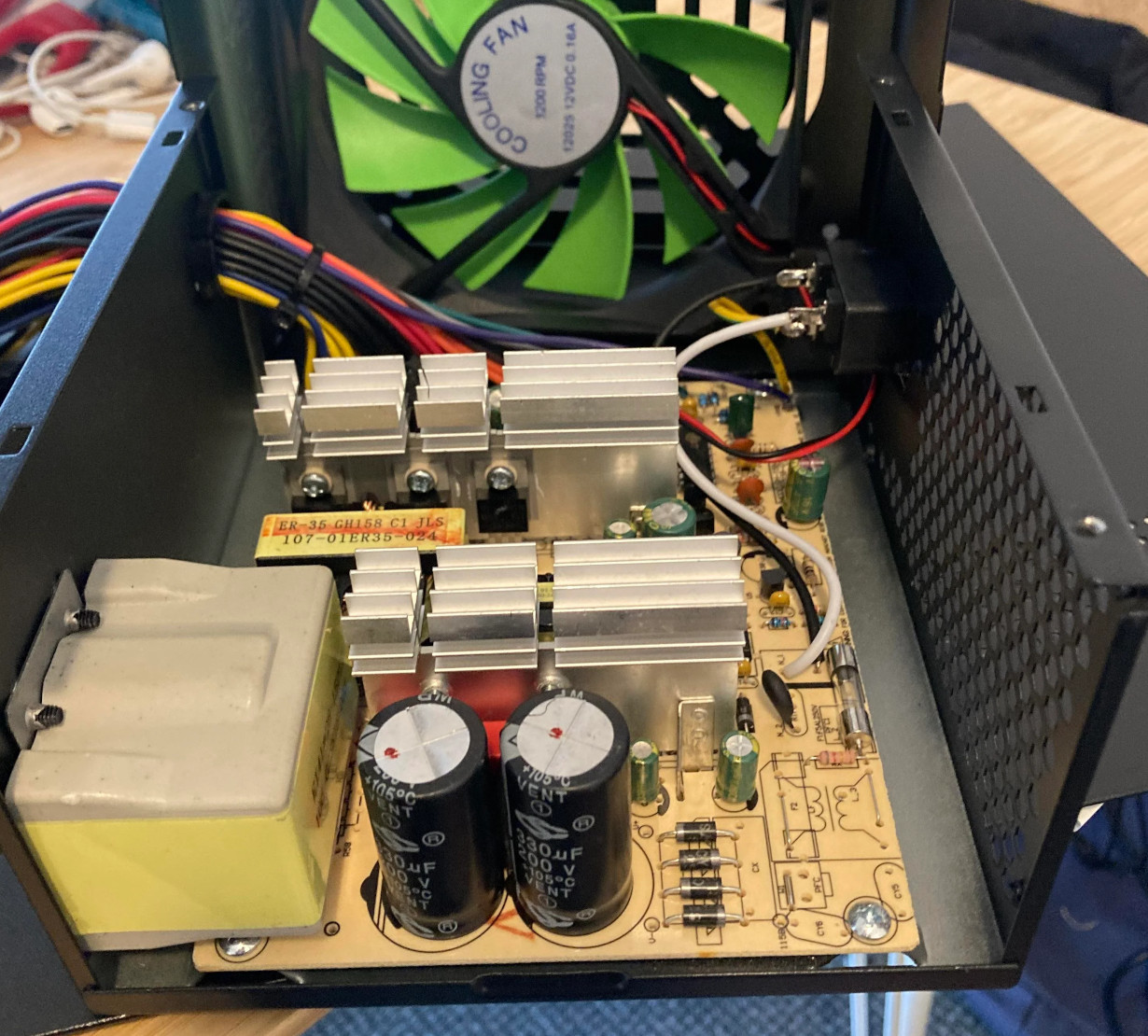
Bench Power Supply Turned Realistic Flight Sim Panel

Flight simulator software has been available for about as long as desktop PCs have been a thing, but modern incarnations such as 2020’s Microsoft Flight Simulator have really raised the bar — not only graphically, but in terms of interactivity. There’s a dizzying array of switches and buttons that you can fiddle with in your aircraft’s virtual cockpit, but doing it with the same keyboard that you use to hammer out code or write Hackaday articles doesn’t do much for immersion.

Looking to improve on the situation without having to shell out for an expensive sim panel, [Michael Fitzmayer] decided to convert a broken Manson SSP-8160 lab power supply into a fairly good approximation of the KAP 140 autopilot system which is used in one of his favorite aircraft, the Pilatus PC-6 Turbo-Porter.

[Michael] gutted the piece of equipment pretty thoroughly, only leaving behind the case itself and the illuminated button panel on the front. The original displays were replaced with TM1637 seven-segment LEDs, and a pair of new rotary encoders are mounted where the stock knobs were. The whole show is run by a STM32F103 Blue Pill, which conveys the button pressing and knob spinning to the game by mimicking a USB Human Interface Device.

A fascia applied to the front of the power supply blocks the original text and labels, and really makes the finished unit look the part. [Michael] admits it’s not 100% accurate to the layout of the real hardware, but it’s certainly better than trying to enter heading and altitude information with the controller.

Oh that’s right, did we mention he’s actually using this on the Xbox Series S? While we generally see this sort of sim hardware hooked up to a tricked out gaming computer, we appreciate that he’s trying to bring some of that same experience to the console world. While the one-way communication of USB HID does bring with it some limitations — for example the hardware needs to be manually reset at the beginning of each flight to make sure the physical displays match what’s shown in the virtual cockpit– there’s still a lot of potential here.

For example, you could design and build your own flight yoke, pedals, and throttles rather than spending hundreds on a commercial version. It sounds like [Michael] is just getting started in the world of affordable console-based flight simulation, and we’re very eager to see where he goes from here.

Blackberry Pi Puts Desktop Linux In Your Pocket

Let’s face it — Android wasn’t what most of us had in mind when we imagined having Linux running on our phones. While there’s a (relatively) familiar kernel hiding at the core of Google’s mobile operating system, the rest of the environment is alien enough that you can’t run Linux software on it without jumping through some hoops. While that’s fine for most folks, there remains a sizable group of users who still dream of a mobile device that can run a full Linux operating system without any compromises.

Judging by the work put into the Blackberry Pi, we’re willing to bet that [IMBalENce] falls into that camp. The custom handheld combines the Raspberry Pi Zero, a 320×240 LCD, and the BBQ20KBD keyboard from Solder Party with a 2500 mAh LiPo pouch cell and associated charging circuitry. Optionally, it also supports modules such as the Raspberry Pi Camera, a Real-Time-Clock, a ADS1015 ADC to read the battery voltage, and even a USB hub — although you can’t have all the goodies installed at once as it draws too much current.

Everything is packed into a 3D printed case that looks roughly like an original DMG-01 Game Boy if somebody replaced the bottom half with a tiny keyboard. We appreciate the ZX Spectrum theme, even if it’s not immediately clear how it relates to the project other than being an excuse to play around with multi-color printing. [IMBalENce] says the final product works quite well, though the relatively limited keys on the BlackBerry keyboard does make it tricky to use the device for writing code.

Interested in mobile Linux, but not trying to build the hardware yourself? We recently took a look at the SQFMI Beepy, which is fairly similar in terms of hardware, but very much in need of some talented penguin wranglers who are willing to come in and work on the software and documentation. Think you’re up for the challenge?