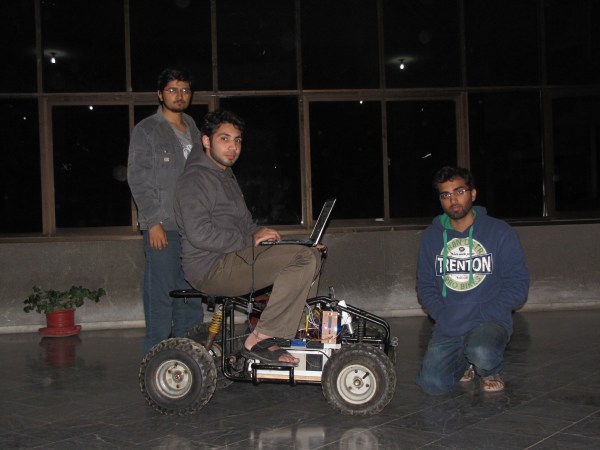
Humanity has taken one step closer to Skynet becoming fully aware. [Ahmed], [Muhammad], [Salman], and [Suleman] have created a vehicle that can “chase” another vehicle as part of their senior design project. Now it’s just a matter of time before the machines take over.
The project itself is based on a gasoline-powered quad bike that the students first converted to electric for the sake of their project. It uses a single webcam to get information about its surroundings. This is a plus because it frees the robot from needing a stereoscopic camera or any other complicated equipment like a radar or laser rangefinder. With this information, it can follow a lead vehicle without getting any other telemetry.
This project is interesting because it could potentially allow for large convoys with only one human operator at the front. Once self-driving cars become more mainstream, this could potentially save a lot of costs as well if only the vehicle in the front needs the self-driving equipment, while the vehicles behind would be able to operate with much less hardware. Either way, we love seeing senior design projects that have great real-world applications!