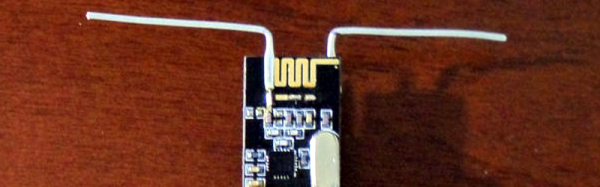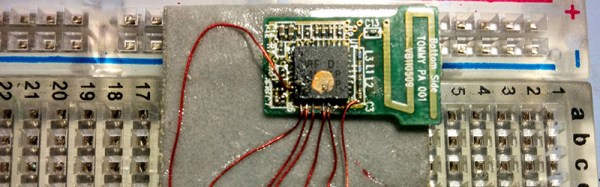
Who needs the Internet of Things? Not this interactive, sound playback blanket! Instead, hidden within its soft fuzzy exterior, it makes use of a NRF24L01+ module to speak directly with its sound server.
The project was built for a school, and let the students record whatever sounds they think are important into a Raspberry Pi. Then, the students assembled the physical felt blanket, with the sensors sewn inside, and could play back their favorite sounds by clambering all over the floor. It’s a multi-sensory, participatory, DIY extravaganza. We wish we did cool stuff like that in grade school.

What? Your “blankie” doesn’t transmit data to a Pure Data application? Well, [Dan Macnish] is here to help you change that. This well-written entry on Hackady.io describes the setup that he used to make the blanket’s multiple touch sensors send small packets over the air, and provides you with the Pd code to get it all working on GitHub..
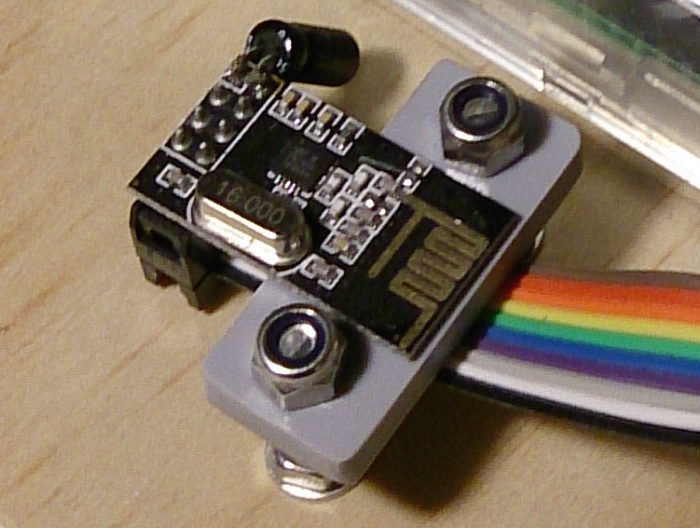 We like DIY music controllers a lot, and this simple setup stands to be more useful than just blanket-making. And in this age of everything-over-WiFi, it’s refreshing to see a straight-up 2.4 GHz radio build when that’s all that was necessary.
[Dan]’s complaint that the NRF24 modules could only reach 3m or so strikes us as strange though. Perhaps it’s because of all of the metal in close proximity to the NRF24’s antenna?
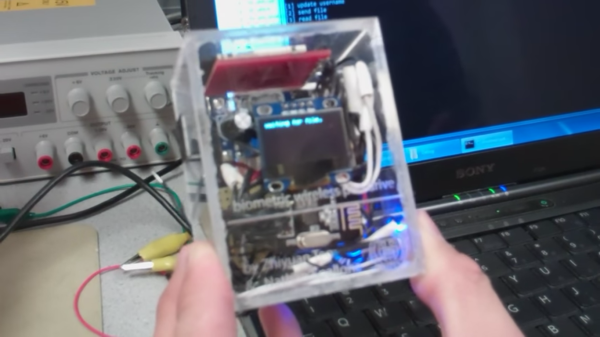
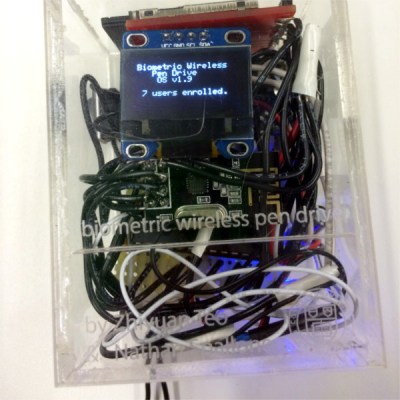 Their solution can be used by up to 20 different people who each get a slice of an SD card in the storage unit There are two physical pieces, a base station and the wireless storage unit itself. The base station connects to the host PC over USB and contains an Arduino for serial pass-through and an nRF24L01+ module for communicating with the storage side. The storage drive’s components are crammed inside a clear plastic box. This not only looks cool, it negates the need for cutting out ports to mount the fingerprint sensor and the OLED. The sensor reads the user’s credentials through the box, and the authentication status is displayed on an OLED. Files are transferred to and from the SD card over a second nRF24L01+ through the requisite PIC32.