Windows 3.1 Screensavers, Now On Twitter

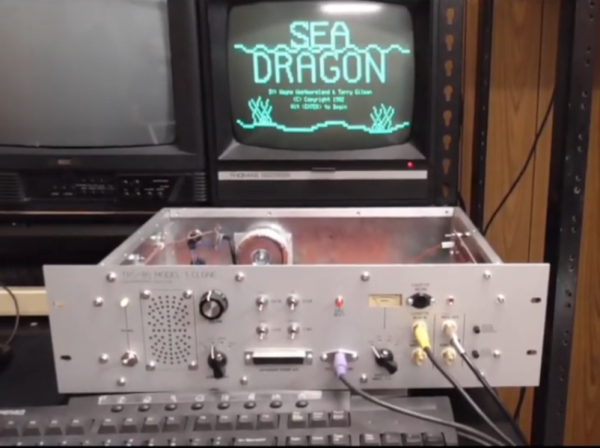
Back in the early dawn of the GUI age, cathode ray tubes were the dominant display technology for the personal computer. In order to avoid burn-in of static display elements, screensavers were devised to help prevent this problem. Out of love for the software of yesteryear, [Greg Kennedy] has put together a bot that posts Windows 3.1 screensavers on Twitter.

A Perl script runs the show in this case. Screensavers are packed into “units”, which are loaded by the script. A basic Windows 3.1 environment is then configured, and loaded into a specially patched DOSBOX that allows automated demo recording in a headless environment. Once up and running, video is recorded of the desktop and subsequent triggering of the screensaver. After a couple of minutes, the recording is stopped, and FFMPEG is used to transcode the video into a Twitter-suitable format. It’s then a simple job of Tweeting the video using the standard API.

It’s a fun project that makes sharing old screensavers easy. Be sure to check out the Twitter feed @dot_scr. If you’re addicted to the vintage aesthetic, try this Apple ][ screensaver hack on your Linux boxen. Video after the break.

Continue reading “Windows 3.1 Screensavers, Now On Twitter”

Riding The Nostalgia Train With A 6502 From The Ground Up

In the very early days of the PC revolution the only way to have a computer was to build one, sometimes from a kit but often from scratch. For the young, impoverished hobbyist, leafing through the pages of Popular Electronics was difficult, knowing that the revolution was passing you by. And just like that, the days of homebrewing drew to a close, forced into irrelevance by commodity beige boxes. Computing for normies had arrived.

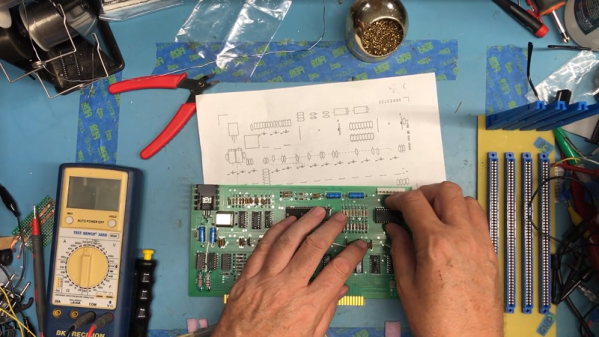
Many of the homebrewers-that-never-were are now looking back at this time with the powerful combination of nostalgia and disposable income, and projects such as [Ben Eater]’s scratch-built 6502 computer are set to scratch the old itch. The video below introduces not only the how-to part of building a computer from scratch, but the whys and wherefores as well. Instead of just showing us how to wire up a microprocessor and its supporting chips, [Ben] starts with the two most basic things: a 6502 and its datasheet. He shows what pins do what, which ones to make high, and which ones get forced low. Clocked with a custom 555 circuit that lets him single-step and monitored with an Arduino Mega-based logic analyzer, we get a complete look at the fetch and execute cycle of a simple, hard-wired program at the pin level.

This is one of those rare videos that was over too soon and left us looking for more. [Ben] promises a follow-up to add a ROM chip and a more complex program, and we can’t wait to see that. He’s selling kits so you can build along if you don’t already have the parts. There seems to be a lot of interest in 6502 builds lately, some more practical than others. Seems like a good time to hop on the bandwagon.

Continue reading “Riding The Nostalgia Train With A 6502 From The Ground Up”

A Curiously Strong Z80 In Your Pocket

Like many hackers, [Tom Szolyga] has soft spot for the venerable Z80. The number of instructions and registers made it relatively easy to program in ASM, and he still has fond memories of the refreshingly straightforward CP/M operating system he used to run on them back in the day. In fact, he loves Z80 computers so much he decided to build one that he could carry around in his pocket.

The result is the Minty Z80, so-called because it lives inside a tin formerly inhabited by every hacker’s favorite curiously strong mint. But the goal of this build wasn’t just to make it small, but also make it convenient to work with. [Tom] is using a ATmega32A to help interface the Z84C0008 microprocessor with the modern world, which allows for niceties such as support for a micro SD card. There’s no onboard USB-to-serial capability, but with an external adapter connected to the Minty’s header, it’s easy to use log into this microcosm of classic computing with a terminal emulator running on a computer or mobile device.

[Tom] has provided the schematics and Bill of Materials for the Minty Z80 on the project’s Hackaday.io page, but as of the latest update, he’s holding off on releasing the board files until he’s sure that all the bugs have been worked out. There’s no word yet if he found any show stoppers in the first iteration of the board design, but he’s posted a picture of the fully assembled miniature retrocomputer in all its glory which seems like a good sign.

The design of the Minty Z80 is similar to that of the Z80-MBC2 by [Just4Fun], but on an even smaller scale. It’s encouraging to see several projects leveraging modern design and components to prevent classic computing from becoming little more than a distant memory.

Teaching A Vintage Line Printer To Make Music, All Over Again

Sit next to any piece of machinery long enough and you get to know it by the sounds it makes. Think about the sounds coming from any 3D-printer or CNC machine; it’s easy to know without looking when the G code is working through the sines and cosines needed to trace out a circle, for instance.

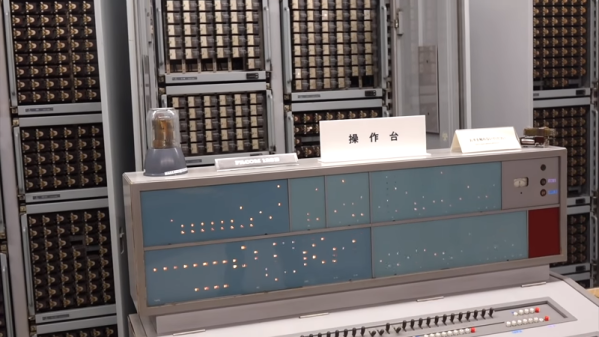
It was the same back in the day, when bored and bright software engineers heard note-like sounds coming from their gear and wrote programs to turn them into crude music machines. And now, [Ken Shirriff] details his efforts to revive a vintage IBM 1403 line printer’s musical abilities. The massive 1960s-era beast is an irreplaceable museum piece now, but when [Ken] and his friends at the Computer History Museum unearthed stacks of punch cards labeled with song titles like “Blowin’ In the Wind” and “The Blue Danube Waltz,” they decided to give it a go.

The 1403 line printer has a unique chain-drive print head, the inner workings of which [Ken] details aptly in his post. Notes are played by figuring out which character sequences are needed to get a particular frequency given the fixed and precisely controlled speed of the rotating chain. The technique is quite similar to that used by musical instruments such as the Floppotron, or when coercing music from everyday items including electric toothbrushes.

Lacking the source code for the music program, [Ken] had to reverse engineer the compiled program to understand how it works and to see if playing music would damage the chain drive. The video below shows the printer safely going through a little [Debussy]; audio clips of songs originally recorded back in 1970 are available too.

Continue reading “Teaching A Vintage Line Printer To Make Music, All Over Again”

Vintage Console Becomes The Calculator It Appears To Be

What’s sitting on [Bob Alexander]’s desk in the video below did not start out life as the desktop calculator it appears to be. Turning it into a standalone calculator with features the original designers couldn’t imagine turned out to be an interesting project, and a trip down the retrocomputing rabbit hole.

A little explanation is in order. Sure, with its Nixie display, calculator keypad, and chunky mid-century design, the Wang 360 desktop console looks like a retro calculator. But it’s actually only a dumb terminal for a much, MUCH bigger box, called the Electronic Package, that would fit under a desk. The foot-warming part that was once connected to [Bob]’s console by a thick cable that had been unceremoniously lopped off by a previous owner. [Bob] decided to remedy the situation with modern electronics. The console turned out to have enough room for a custom PCB carrying a PIC32, some level-shifting components, power supply modules that include the high-voltage supply for the Nixies, and a GPS module because Nixies and clocks just go together. The interesting bit is the programming; [Bob] chose to emulate the original Wang methods of doing math, which include multiplication by logarithmic addition. Doing so replicates the original look and feel of the calculator down to the rapid progression of numbers across the Nixies as the logarithms are calculated using the display registers.

We normally frown on vintage gear being given modern guts, but in this case [Bob] hit just the right balance of new and old, And given that the Electronic Packages these consoles were connected to go for $1500 or more on eBay, it was a better choice than letting the console go to scrap. A similarly respectful approach was taken with this TRS80 Model 100 revival.

Continue reading “Vintage Console Becomes The Calculator It Appears To Be”

Circuit VR: Advanced Falstad Logic With Geniac

I find that if I’m trying to make a point with a student or a colleague about a circuit, sometimes the Falstad online simulator is worth a few thousand words. You can draw the circuit, play with the values, and even see the current flow in an intuitive way as well as make traditional measurements. The simulator not only handles analog but also digital circuits. At first glance, though, the digital functions appear limited, but if you dig deeper, there is a custom logic block that can really help. I dug into this — and into how switches work in the simulator — the other day in response to a Hackaday post. If you use Falstad, read on!

Continue reading “Circuit VR: Advanced Falstad Logic With Geniac”

An MSX With A Nintendo Controller

Console owners inhabit their own individual tribes depending upon their manufacturer of choice, and so often never the twain shall meet. But sometimes there are those what-if moments, could Mario have saved the princess more quickly through PlayStation buttons, or how would Sonic the Hedgehog have been with a Nintendo controller? [Danjovic] is finding the answer to one of those questions, with an interface between Nintendo 64 controllers and MSX hardware including the earlier Sega consoles.

In hardware terms, it’s a pretty simple device in the manner of many such projects, an Arduino Nano, a resistor, and a couple of sockets. The clever part lies not in its choice of microcontroller, but in the way it uses the Nano-s timing to ensure the minimum delay between button press and game action. The detail is in the write-up, but in short it makes use of the MSX’s need to attend to video lines to buy extra time for any conversion steps.

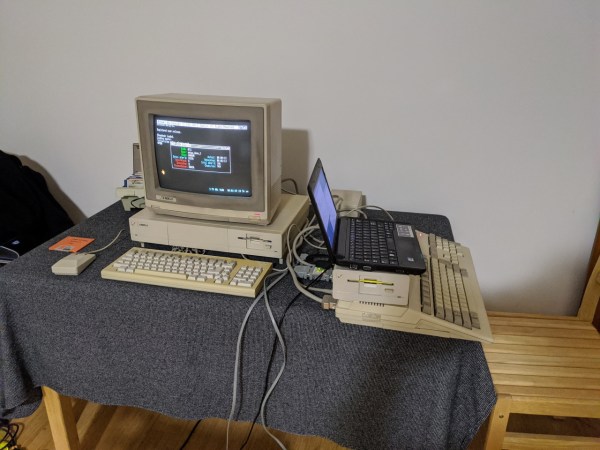
The MSX computers have had their share of controller upgrade courtesy of Nintendo hardware in the past, we’ve seen a Wii nunchuck controller talk to them before, as well as a SNES one.

Header image: [mboverload] (Public-domain).