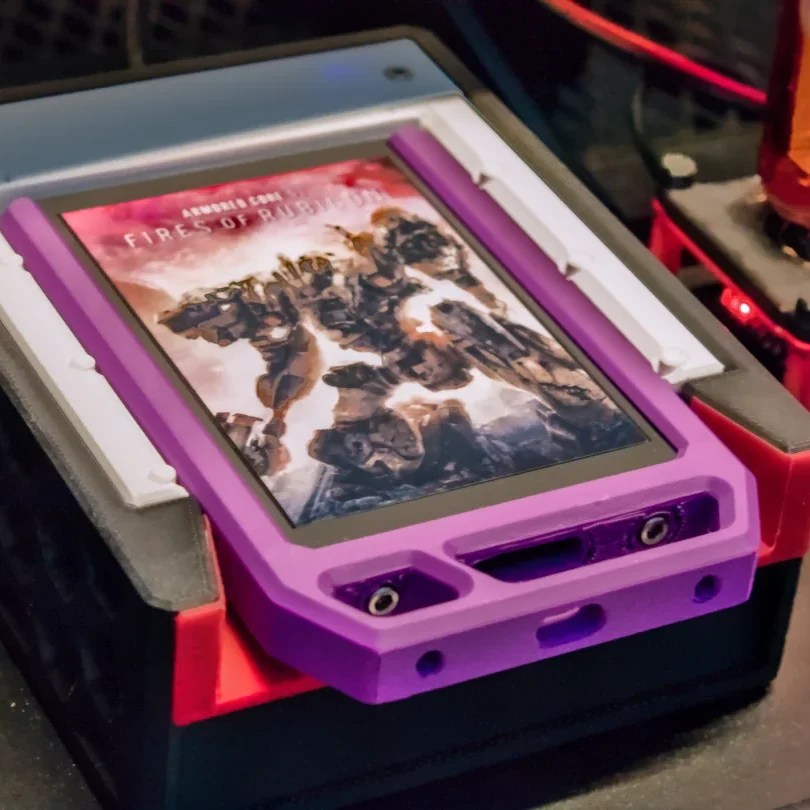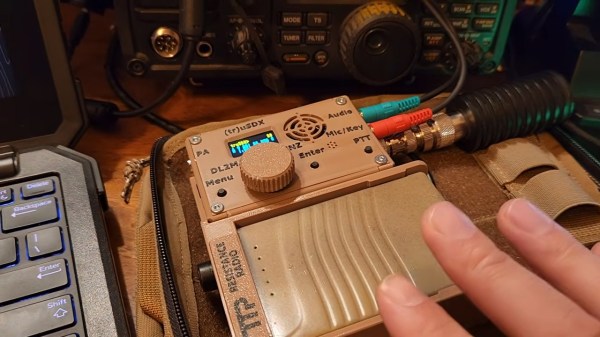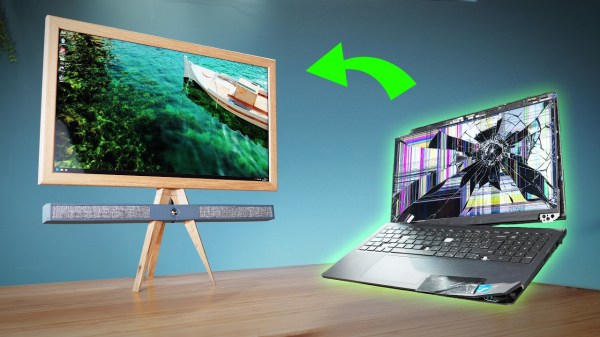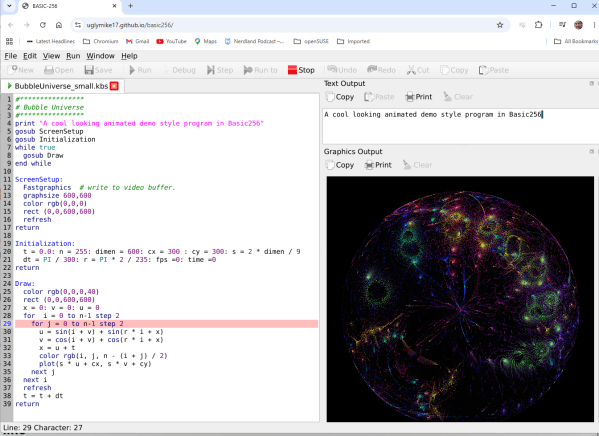
The Z80 has been gone a couple of years now, but it’s very much not forgotten. Still, the day when new-old-stock and salvaged DIP-40 packaged Z80s will be hard to come by is slowly approaching, and [eaw] is going to be ready with the picoZ80 project.
You can probably guess where this is going: an RP2350B on a DIP-40 sized PCB can easily sit on the bus and emulate a Z80. It can do so with only one core, without breaking a sweat. That left [eaw] a second core to play with, allowing the picoZ80 to act as a heck of an accelerator, memory expander, USB host, disk emulator– you name it. He even tossed in an ESP32 co-processor to act as a WiFi, Bluetooth, and SD-card controller to use as a virtual, wirelessly accessible disk drive.
The onboard ram that comes with an RP2350B would be generous by 1980s standards, but [eaw] bumped that up with an 8 MB SPRAM chip–accessed in 64 pages of 64 kB each, naturally. If more RAM than a very pricey hard drive wasn’t luxury enough, there’s also 16 MB of flash memory available. That’s configured to store ROM images that are transferred to the RAM at boot– the virtual Z80 isn’t grabbing from the flash at runtime in [eaw]’s architecture, because apparently there are limits to how much he wants to boost his retro machines. Continue reading “PicoZ80 Is A Drop-in Replacement For Everyone’s Favorite Zilog CPU”→
We don’t usually speculate on the true identity of the hackers behind these projects, but when [TN666]’s accoustic drone-detector crossed our desk with the name “Batear”, we couldn’t help but wonder– is that you, Bruce? On the other hand, with a BOM consisting entirely of one ESP32-S3 and an ICS-43434 I2S microphone, this isn’t exactly going to require the Wayne fortune to pull off. Indeed, [TN666] estimates a project cost of only 15 USD, which really democratizes drone detection.
It’s not a tuba– Imperial Japanese aircraft detector being demonstrated in 1932. Image Public Domain via rarehistoricalphotos.com
The key is what you might call ‘retrovation’– innovation by looking backwards. Most drone detection schema are looking to the ways we search for larger aircraft, and use RADAR. Before RADAR there were acoustic detectors, like the famous Japanese “war tubas” that went viral many years ago. RADAR modules aren’t cheap, but MEMS microphones are– and drones, especially quad-copters, aren’t exactly quiet. [TN666] thus made the choice to use acoustic detection in order to democratize drone detection.
Of course that’s not much good if the ESP32 is phoning home to some Azure or AWS server to get the acoustic data processed by some giant machine learning model. That would be the easy thing to do with an ESP32, but if you’re under drone attack or surveillance it’s not likely you want to rely on the cloud. There are always privacy concerns with using other people’s hardware, too. [TN666] again reached backwards to a more traditional algorithmic approach– specifically Goertzel filters to detect the acoustic frequencies used by drones. For analyzing specific frequency buckets, the Goertzel algorithm is as light as they come– which means everything can run local on the ESP32. They call that “edge computing” these days, but we just call it common sense.
The downside is that, since we’re just listening at specific frequencies, environmental noise can be an issue. Calibration for a given environment is suggested, as is a foam sock on the microphone to avoid false positives due to wind noise. It occurs to us the sort physical amplifier used in those ‘war tubas’ would both shelter the microphone from wind, as well as increase range and directionality.
[TN] does intend to explore machine learning models for this hardware as well; he seems to think that an ESP32-NN or small TensorFlow Lite model might outdo the Goertzel algorithm. He might be onto something, but we’re cheering for Goertzel on that one, simply on the basis that it’s a more elegant solution, one we’ve dived into before. It even works on the ATtiny85, which isn’t something you can say about even the lightest TensorFlow model.
Thanks to [TN] for the tip. Playboy billionaire or not, you can send your projects into the tips line to see them some bat-time on this bat-channel.
Odds are, you’ve taken pills before; it’s a statistical certainty that some of you reading this took several this morning. Whenever you do, you’re at the mercy of the manufacturer: you’re trusting that they’ve put in the specific active ingredients in the dosage listed on the package. Alas, given the world we live in, that doesn’t always happen. Double-checking actual concentrations requires expensive lab equipment like gas chromatography. It turns out checking for counterfeit pills is easier than you’d think, thanks to a technique called Disintegration Fingerprinting.
The 8051 was an 8-bit Harvard-architecture microcontroller first put out by Intel in 1980. They’ve since discontinued that line, but it lives on in the low-cost STC8 family of chips, which is especially popular in Asia. They’re cheap as, well, chips — under 1$ — but lack compatibility with modern toolchains. If you’re happy with C, then you’re fine, but if you want to plus-plus it up and use all those handy-dandy shortcuts provided by the Arduino ecosystem, you’re out of luck. Or rather, you were, until [Bùi Trịnh Thế Viên] aka [thevien257] came up with a workaround.
The workaround is delightfully Hack-y. One could, conceivably, port a compiler for Arduino’s Wiring to the 8051, but that’s not what [Viên] did, probably because that would be a lot of work. There isn’t even a truly modern toolchain to put plain C on this chip. Instead, [Viên] started with rv51, a RISC-V emulator written in 8051 assembly language by [cryozap]. RISC-V is a lot easier to work with and, frankly, a more useful skill to build up.
Nothing lasts forever, but you’d think the leaded-glass face of a CRT would not be a place you’re likely to see Father Time causing failures. Alas, the particle accelerators we all lovingly stared at were very often not unitary pieces of glass: in case of implosion, safety glass was glued onto the front of the CRT. That glue will inevitably fail, as happened to the 20″ Mac-branded Triniton [Epictronics] had with a PowerPC 6100 that needed a few other repairs.
His version of cataract surgery was the most interesting. Usually cataracts are an issue for much older CRTs than the 90s-era Macintosh display featured here, but this particular display was literally pulled out of the trash and not stored well before that, so that’s probably what accounts for its accelerated aging. Usually what people do with CRT Cataracts is use heat to remove the safety glass and failing adhesive. [Epictronics] has a safer technique, however: inject fresh adhesive into the gap that’s forming around the edge of the display.
With a syringe and UV cure resin, he slowly and laboriously goes around the edge of the display to fill in the bubbles that can be reached. Luckily, the delamination on this CRT doesn’t extend very far beyond the edges, so a standard syringe tip could reach all the problem areas.
It looks good now, but if it doesn’t hold, [Epictronics] points out he can still remove the glass with the traditional hot-air technique. We hope it holds up; this is a nice technique to try if you have a CRT with the early stages of cataract delamination. For future reference, it took about one milliliter of resin to fill each square centimeter of affected area, which implies the cataract gap is quite small indeed.
Having repaired the monitor by about fifteen minutes into the video, [Epictronics] spends the remaining seventeen minutes getting the Mac running with its original CD-ROM drive (that needed recapped) and a DOS compatibility card.
We’re not exactly worried about Armageddon here at Hackaday, but should we end up facing the end of the world as we know it, having something to pass the time would be nice. That’s why we were intrigued by [Janus Cycle]’s latest video where he both plays and powers a Game Boy by candlelight.
You’ve probably figured out the trick already: he’s using a Peltier module as a thermoelectric generator. Candles, after all, release a lot more energy as heat than light, and all that high-quality heat is just begging to be put to use somehow. It’s hardly a new idea; [Janus] references space-age radioisotope thermoelectric generators (RTGs) in the video, but back in the day the Soviets had a thermoelectric collar that fit around a kerosene lantern to power their tube radios.
In [Janus]’s case, he’s using a commercial module sandwiched between two heatsinks with the rather-questionable choice of a cardboard box reinforced with wooden skewers to hold it over the candle. Sure, as long as the flame doesn’t touch the cardboard, it should be fine, but you will not be at all surprised to see the contraption catch fire in the video’s intro. For all that, he doesn’t get enough power for the Game Boy — one module gets him only 2 V with tea light, but he has a second module and a second candle.
Doubling the energy more than doubles the fun, since a working Game Boy is way more than twice as fun as an un-powered one. But one candle should be more than enough power, so [Janus] goes back and optimizes his single-Peltier setup with a tall candle and actual thermal grease, and gets the Game Boy going again. Any fire marshals in the audience should look away, though, as he never gives up on keeping a candle in a cardboard box.
The “power something with a Peltier module” project is probably a right of passage for electronics enthusiasts, but most are more likely to play with the irony of candle-powered LEDs, or fans to cool the cold-side heatsink. We did see a phone charger one time, and that didn’t even involve open flames, which seems much safer than this. Remember — no matter how much you want to game after the end of the world, it’s not worth burning down your fallout shelter.
You may not have noticed, but so-called “artificial intelligence” is slightly controversial in the arts world. Illustrators, graphics artists, visual effects (VFX) professionals — anybody who pushes pixels around are the sort of people you’d expect to hate and fear the machines that trained on stolen work to replace them. So, when we heard in a recent video that [Niko] of Corridor Digital had released an AI VFX tool, we were interested. What does it look like when the artist is the one coding the AI?
It looks amazing, both visually and conceptually. Conceptually, because it takes one of the most annoying parts of the VFX pipeline — cleaning up chroma key footage — and automates it so the artists in front of the screen can get to the fun parts of the job. That’s exactly what a tool should do: not do the job for them, but enable them to enjoy doing it, or do it better. It looks amazing visually, because as you can see in the embedded video, it works very, very well.