Encrypt Data On The Fly On A Pi With Cryptopuck

There was a time that encryption was almost a dirty word; a concept that really only applied to people with something to hide. If you said you wanted to encrypt your hard drive, it may as well have been an admission to a crime. But now more than ever it’s clear that encryption, whether it’s on our personal devices or on the web, is a basic necessity in a digital society. The age of Big Data is upon us, and unless you’re particularly fond of being a row in a database, you need to do everything you can to limit the amount of plaintext data you have.

Of course, it’s sometimes easier said than done. Not everyone has the time or desire to learn how the different cryptographic packages work, others may be working on systems that simply don’t have the capability. What do you do when you want to encrypt some files, but the traditional methods are out of reach?

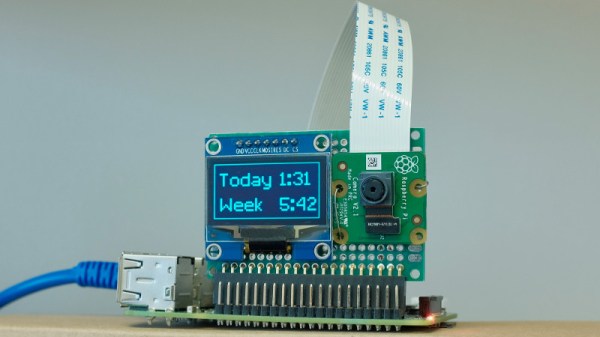
Enter the latest project from [Dimitris Platis]: Cryptopuck. By combining the ever-versatile Raspberry Pi Zero, some clever Python programs, and a few odds and ends in a 3D printed case, he has created a completely self-contained encryption device that anyone can use. Stick a USB flash drive in, wait for the LED to stop blinking, and all your files are now securely encrypted and only accessible by those who have the private key. [Dimitris] envisions a device like this could be invaluable for reporters and photographers on the front lines, protesters, or really anyone who needs a discreet way of quickly securing data but may not have access to a computer.

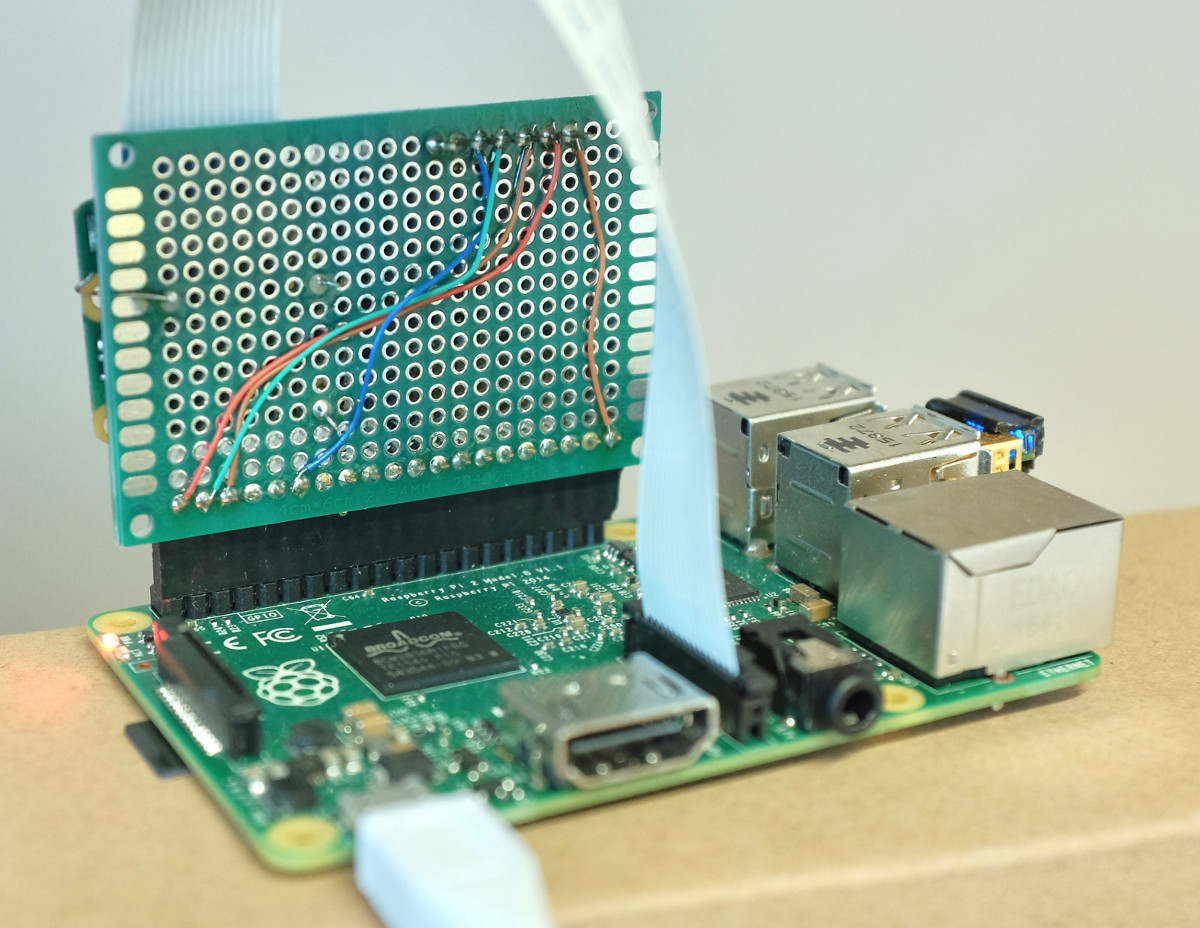
The hardware side is really just the Pi, a switch, a single LED for notifications, and a battery. The real magic comes from the software, where [Dimitris] has leveraged PyCrypto to perform the AES-256 encryption, and a combination of pyinotify and udiskie to detect new mounted volumes and act on them. The various Python scripts that make up the Cryptopuck suite are all available on the project’s GitHub page, but [Dimitris] makes it very clear the software is to be considered a proof of concept, and has not undergone any sort of security audit.

For some background information on how the software used by the Cryptopuck works you may want to check out this excellent primer from a few years back; though if you’d like to read up on why encryption is so important, you don’t need to go nearly as far back in time.

Continue reading “Encrypt Data On The Fly On A Pi With Cryptopuck”

Terrible Cluster Of PIs

When we first saw [Ajlitt’s] Hackaday.io project Terrible Cluster we thought, perhaps, he meant terrible in the sense of the third definition:

3. exciting terror, awe, or great fear; dreadful; awful. (Dictionary.com)

After looking at the subtitle, though, we realized he just meant terrible. The subtitle, by the way, is: 5 Raspberry PI Zeros. One custom USB hub. Endless disappointment.

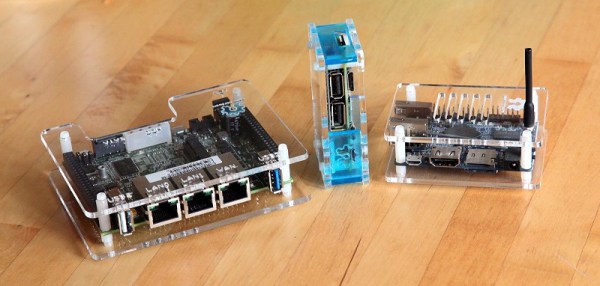
There are four Raspberry Pi Zero boards that actually compute and one Raspberry Pi Zero W serves as a head node and network router. The total cost is about $100 and half of that is in SD cards. There’s a custom USB backplane and even a 3D-printed case.

At first, using five tiny computers in a cluster might not seem like a big deal. Benchmarking shows the cluster (with a little coaxing) could reach 1.281 GFLOPS, with an average draw of 4.962W. That isn’t going to win any world records. However, the educational possibilities of building a $100 cluster that fits in the palm of your hand is interesting. Besides, it is simply a cute build.

We’ve seen much larger Pi clusters, of course. You might be better off with some desktop CPUs, but — honestly — not much better.

Addition On The Strangest Vacuum Tube

[Uniservo] made a video of a tube he’s been trying to acquire for a long time: a Rogers 6047 additron. Never heard of an additron? We hadn’t either. But it was a full binary adder in a single vacuum tube made in Canada around 1950. You can see the video below.

The unique tubes were made for the University of Toronto Electronic Computer (UTEC). A normal tube-based computer would require several tubes to perform an addition, but the additron was a single tube that used beam switching to perform the addition in a single package. [Uniservo] points out how the tube could have revolutionized tube computing, but before it could really appear in real designs, transistors — and later, integrated circuits — would take over.

Continue reading “Addition On The Strangest Vacuum Tube”

RetroModem For The Commodore 64

Retrocomputers are fun, but ultimately limited in capability compared to modern hardware. One popular pursuit to rectify this is the connection of early home computers to the Internet. To that end, [que] built the Retromodem for the Commodore 64.

The build starts with a case from an Intel 14.4 modem. A little fast for the Commodore 64 era, but anachronism is charming when done tastefully. Inside is an Arduino with an ethernet module to handle the heavy lifting of carrying packets to the outside world.  [que] took the time to wire up status LEDs for the proper vintage look, which really adds something to the project. They switch on and off to indicate the various settings on the modem – it’s great to see in the video below the break the “HS” LED light up when the baud rate is changed to a higher speed.

The project implements most of the Hayes command set, so you can interface with it over a serial terminal just like it’s 1983. [que] doesn’t go into too many details of how it’s all put together, but for the experienced code warrior it’s a project that could be whipped up in a weekend or two. For a more modern take, perhaps you’d like to hook your C64 up over Wifi instead?

Continue reading “RetroModem For The Commodore 64”

Sawed Off Keyboard

Have you ever had to cut a piece of furniture in two to get it into a new place? Yours truly has, having had to cut the longer part of a sectional sofa in two to get it into a high-rise apartment. That’s what [Charles]’ sawed off keyboard immediately reminded us of. It sounds just as crazy, but brilliant at the same time.

In [Charles]’ case he wanted a keypad whose keys were customizable, and that would make a single keypress do common things like cut, copy and paste, which are normally ctrl-X, ctrl-C and ctrl-V in Windows. To do that he literally sawed off the numeric keypad from a full-sized keyboard. He also sawed off the end to the left of the QWERTY keyboard, and glued it onto the open end of his keypad.

The circuit board was too wide to fit in his new keypad, but he couldn’t stretch out the connections from the keypad’s keys to the board. So he did what any self-respecting hacker would do, he cut the circuit board where there were a manageable number of traces, leaving one part that would fit inside the keypad and another part that he could connect the traces to using a few wires. Lastly, he’d started with a PS/2 keyboard but he wanted USB output and programmability. So he redirected the PS/2 wires to an Arduino compatible Pro Micro and wrote some conversion code which you can find on his GitHub.

What other transformations can we do to keyboards? [Shrodingers_Cat] combined his with some DVD case covers to come up with a pedal board for use with his feet. And given that the keys on the numeric keypad are redundant, [Kipkay] put it to use as a hiding place for valuables instead.

Relay Computer: You Can Hear It Think

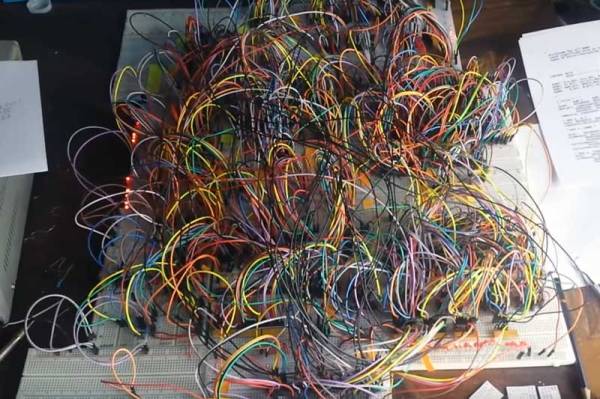
Modern digital computers have complex instruction sets that runs on state-of-the-art ALUs which in turn are a consequence of miniaturized logic gates that are built with tiny transistors. These tiny transistors are essentially switches. You could imagine replacing with electromagnetic relays, and get what is called a relay computer. If you can imagine it, someone’s done it. In this case, [jhallenworld].

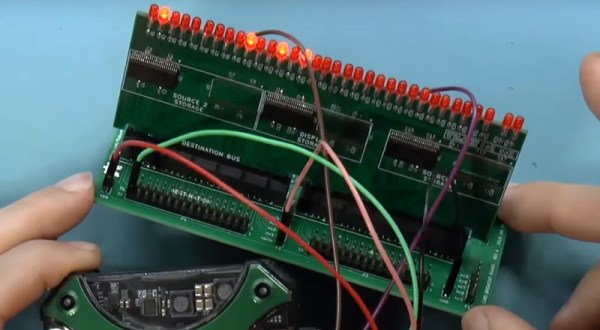
The Z3 was the first working programmable, fully automatic digital computer designed by Konrad Zuse. The board employs modern semiconductor devices such as memory and microcontrollers, however, the CPU is all relays. A hexadecimal keyboard allows for program entry and a segment display allows tracking the address and data. The program is piped into serial to the parallel decoder and fed to the CPU where the magic happens. Since the core is electromechanical it is possible to connect the output to peripherals such as a bell as demonstrated near the end of the video.

This project is a good balance of retro and modern to be useful to anyone interested in mechanical computers and should be a lot of fun for the geek kind. Hacking this computer to modify the instruction set should be equally rewarding and a good exercise for students of computing theory.

There is a SourceForge page dedicated to the project with the details on the project including the instruction set and architecture. Check out the video below and if you are inspired by the project, be sure to check out the [Clickity Clack]’a Videos on designing a relay computer bit by bit.

Pac Man On The Colour Computer 3

The 1980s were the heyday of the venerable Z80, a processor that found its way into innumerable home computers, industrial systems, and yes — arcade machines. However, not everyone had a Z80 based machine at home, and so sometimes porting is required. [Glen] is tackling this with a port of Pac Man to the Radio Shack Colour Computer 3.

The key to any good arcade port is authenticity – the game should feel as identical to the real thing as possible. The Atari 2600 port got this famously wrong. Porting to the Colour Computer 3 is easier in theory – with more RAM, a Motorola 6809 CPU running at a higher clock rate, and a more powerful graphics subsystem, fewer compromises need to be made to get the game to run at a playable speed.

The way [Glen] tackled the port is quite handy. [Glen] built a utility that would scrape a disassembled version of the original Pac Man Z80 code, look up the equivalent 6809 CPU instruction, and replace it, while placing the original Z80 code to the side as a comment. Having the original code sitting next to the ported instructions makes debugging much easier.

Level 256 as seen in [Glen]’s port.
There was plenty of hand tweaking to be done, and special effort was made to make sure all the data the original code was looking for was accessible at the same addresses as before. There was also a lot of work involved in creating a sprite engine that would reliably display the game video at a playable frame rate.

Overall, the port is highly faithful to the original, with the game code being identical at the CPU level. [Glen] reports that the same patterns used on the arcade machine can be used to complete the mazes on the Colour Computer 3 version, and it faithfully recreates the Level 256 bug as well. It’s an impressive piece of work to create such an authentic port on a home computer from 1986.

For another classic port, but with the temporal vectors flipped, check out Portal 2 on the Apple II.