Let’s play a guessing game. Shown here is a sneak peek at the rear view of a hardware demo being built specifically for the Hackaday Superconference in Pasadena this November 2-4. It’s sure to be a crowd pleaser when finished, but if you’re anything like us, studying what’s behind the finished face of a project like this is even more satisfying than seeing the final product.
If you think you know what it is, you can score yourself a free hardware badge from the conference! Leave a comment below with your best guess about what this is — we’ll pick whoever is closest to win the badge.
The red round board at the bottom is the PIR motion sensor, the part of another project which is not related neither to HAL nor to the badge. There is a clearly visible 915 MHz module, which is disconnected and has no function in this project.
It is connected to the lower left Raspberry just because it has to be supplied with about 3V and it uses Raspberry’s LDO. It also generates Reset signal for all four Raspis, as it turned out that the 5V supply (bottom right) delivers the slow-rise voltage when turned on, so Raspis won’t boot at all without the external Reset.
When someone walks in front of HAL, motion sensor randomly triggers one of 30 HAL’s sentences from the movie. That’s why the lower left Raspberry is connected to the amplifier and has an extra wire from the motion sensor board to GPIO 24.
And the demo video:
The Prize for Guessing Correctly:
Voja Antonics builds beautiful hardware. The Hackaday Superconference badge is a piece of art, as is the Hal 9000 console. Voja will be at Supercon along with hundreds of other awesome hackers. Come join us for a weekend you’ll never forget!
Some of the most satisfying projects of all are the ones that do something visual. All the network routers, data loggers, and thermostats are great. But we are visual creatures and even a humble blinking LED is enough to give you a little rush even compared to finding a large prime number. We wanted to see what our community could do visually with a Raspberry Pi so we challenged you with the Visualize it with Pi contest.
As always, the competition was brisk, with a lot of great projects. This contest showed off the trend towards using LED modules and assemblies to add visuals to projects. Why not? They are cheap enough and a well-integrated module can make a project simple to wire and integrate.
We didn’t see as many media-related projects as you might expect, although there was one tied into Stranger Things, one to Tron, and the virtual reality lighting project did have some Star Wars images. Projects ranged from the practical storage box labels to the whimsical lemonade bottle that strobes to the beat of the music. If none of that is hardcore enough for you, there was even a Raspberry Pi-controlled radio telescope. You can find all the entries over on Hackaday.io. Now let’s see which entries managed to turn the head of the judging panel.
The blog post describes how to use the Community edition of the GNAT Ada compiler to set up the development environment, before implementing a simple example project that controls a strip of WS28212b RGB LED modules. There are two push buttons changing the animation and brightness of the lights.
One of the things that always attracts our eye in old movies is how many kinds of displays you see on old gear both real and imaginary. Really old stuff usually had meters or circular recorders. But slightly newer movies often had some kind of exotic digital display with Nixes or Numitron tubes. One of the really exotic display devices was a Dekatron. While these are pretty rare, you can make a stand-in using modern LEDs and [Dave] did just that in an entry into our square inch competition.
These were gas-filled tubes with ten positions. You had to reset the tube and then the tube would visibly count pulses providing a visual indicator from zero to nine. Depending on the tube configuration, you could use them to count or to act as a divider. Those with neon fill looked sort of orange, although there were argon-based ones that had a purple glow. You can see what an older version of the board looks like in the video below or skip to the second video if you want to see the real ones in action.
No, we’re not talking about spooky feats of General Relativity. But you should know that the Return of the Square Inch Project just got its deadline extended.
If you missed the call the first time around, our favorite user-contributed contest on Hackaday.io is up and running again. Hackaday.io tossed in some good money for prizes, and folks started thinking about what functionality they could cram inside a 25.4 mm x 25.4 mm square. But while one constraint can help bring out creativity, adding a tight deadline to a tight squeeze caused a number of our entrants to ask for an extension.
If you’re working on the Square Inch Project, you’ve got until October 1st to get your boards ready. Breathe a quick sigh of relief and then get back to soldering! We’re looking forward to seeing all the great entries.
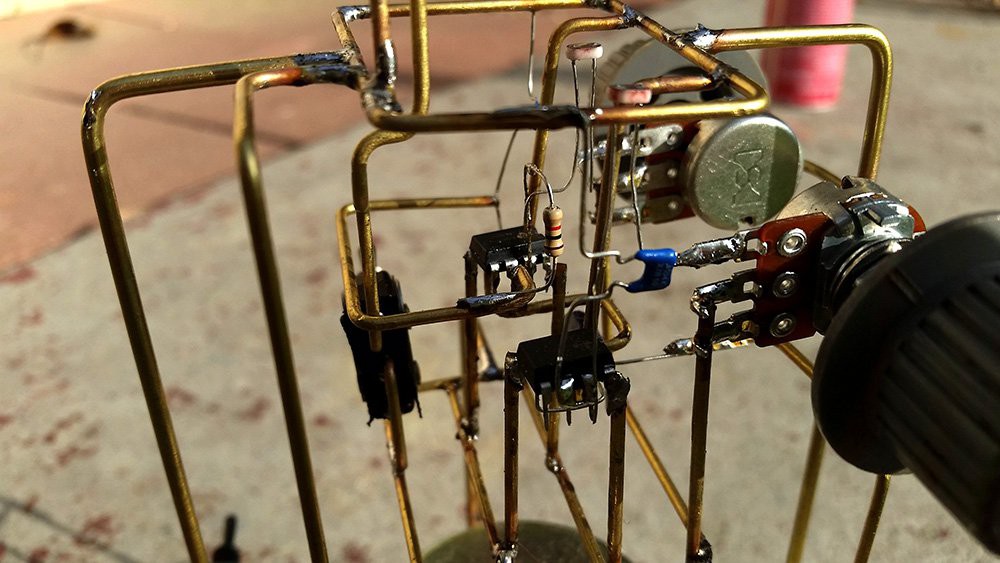
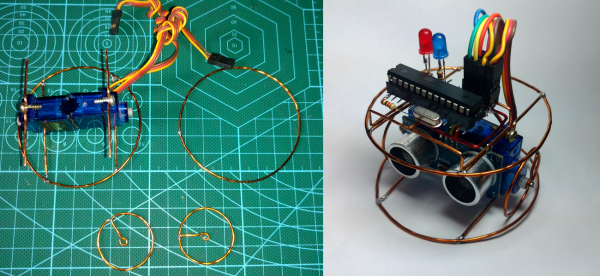
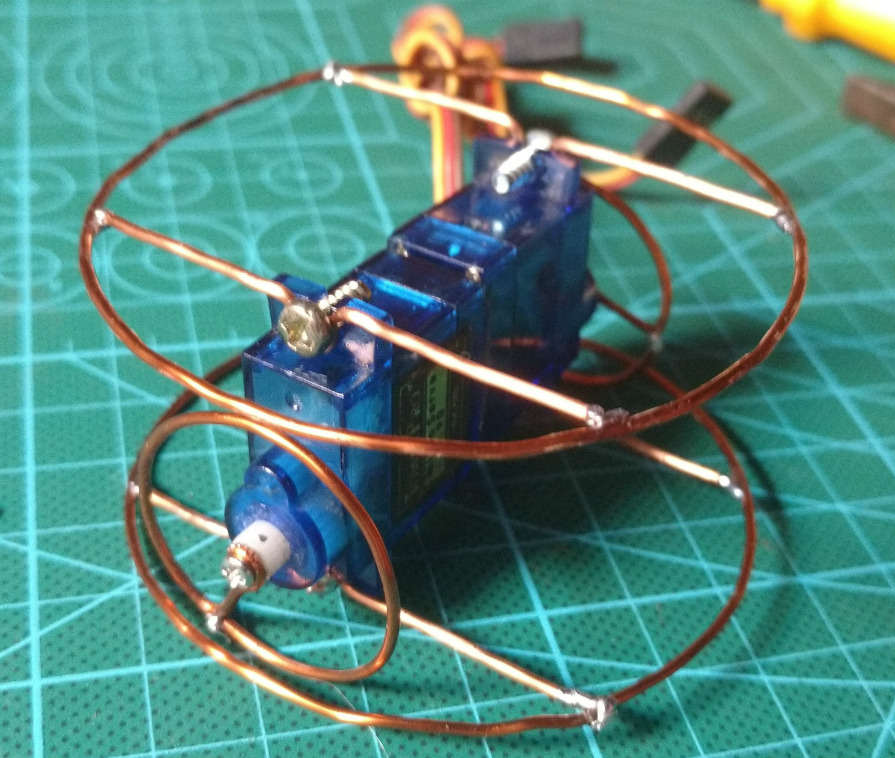
At Hackaday, we’re constantly impressed by the skill and technique that goes into soldering up some homebrew creations. We’re not just talking about hand-soldering 80-pin QFNs without a stencil, either: there are people building charlieplexed LED arrays out of bare copper wire, and using Kynar wire for mechanical stability. There are some very, very talented people out there, and they all work in the medium of wire, heat, and flux.
The kit in question was an SMD Challenge Kit put together my MakersBox, and consisted of a small PCB, an SOIC-8 ATtiny, and a LED and resistor for 1206, 0805, 0603, 0402, and 0201 sizes. The contest is done in rounds. Six challengers compete at a time, and everyone is given 35 minutes to complete the kit.
We’ve seen — and participated in — soldering challenges before, and each one has a slightly unique twist to make it that much more interesting. For example, at this summer’s Toorcamp, the soldering challenge was to simply drink a beer before moving to the next size of parts. You would solder the 1206 LED and resistor sober, drink a beer, solder the 0805, drink a beer, and keep plugging away until you get to the 01005 parts. Yes, people were able to do it.
Of course, being DEF CON and all, we were trying to be a bit more formal, and drinking before noon is uncouth. The rules for this Soldering Challenge award points on five categories: the total time taken, if the components are actually soldered down, a ‘functionality’ test, the orientation of the parts, and the quality of the solder joints.
The winners of the soldering challenge, at the Hackaday Breakfast Meetup at DEF CON 26
So, with those rules in place, who won the Soldering Challenge at this year’s DEF CON? Out of a total 25 points, the top scorers are:
[True] – 23 pts
[Rushan] – 19 pts
[Ryan] – 18 pts
[Beardbyte] – 18 pts
[Casey] – 18 pts
[Bob] – 18 pts
[Nick] – 18 pts
[JEGEVA] – 18 pts
The Soldering Challenge had an incredible turnout, and the entire Soldering Skills Village was packed to the gills with folks eager to pick up an iron. The results were phenomenal!
We’d like to extend a note of thanks to [Bunny], the Hardware Hacking Village, the Soldering Skills Village, and MakersBox for making this happening. It was truly a magical experience, and now that competitive soldering is a thing, we’re going to be doing this a few more times. How do you think this could be improved? Leave a note in the comments.
You can plug in a Raspberry Pi, and you can blink a LED. You can visualize data, and now there’s a contest on Hackaday.io to show off your skills. Right now, we’re opening up the Visualize It With Pi contest on Hackaday.io. The challenge? Visualize data with LED strips and panels. Is that ‘data’ actually just a video of Never Gonna Give You Up? We’ll find out soon enough.
The goal of this contest is to combine a Raspberry Pi and its immense processing power and the blinky goodness of LED strips and panels to visualize and interpret data in novel and artistic ways. We’re looking for animation. clarity, and flamboyant flickering. Want some ideas? Check out the World of Light or the American Constitution Candle. We’re looking for the most blinky you can do with a Pi, and yes, there will be prizes.
Prizes
BlinkyTile Explorers Kit
Prizes for the best blinky include, of course, more blinky. The best visualizations from a directly connected sensor, data from an Internet Source, and data from an esoteric data source will each receive some Blinkytape. This is a strip of WS2812b LEDs with an ATMega32u4 embedded on the end. Plug a USB power supply into the Blinkytape, and you get a strip of LEDs in whatever color you want with the ability to push animation frames to the chip on the strip. The Grand Prize winner for this contest will also receive Blinkytile Explorers Kit, a Serpentine LED strip, a LED ring, and two meters of ultra thin LED strip.
Let’s Do This!
The requirements for the contest are simple: just use a Raspberry Pi to drive LED strips or panels, post it as a new project on Hackaday.io, and submit the project to the contest. We’re looking for a full description, source, schematics, and photos and videos of the finished version of the project — do everything you can to show off your work! The contest is open right now, and ends at 08:00 Pacific on October 1st. We know you like to blink those LEDs, so get crackin’.
The red round board at the bottom is the PIR motion sensor, the part of another project which is not related neither to HAL nor to the badge. There is a clearly visible 915 MHz module, which is disconnected and has no function in this project.
It is connected to the lower left Raspberry just because it has to be supplied with about 3V and it uses Raspberry’s LDO. It also generates Reset signal for all four Raspis, as it turned out that the 5V supply (bottom right) delivers the slow-rise voltage when turned on, so Raspis won’t boot at all without the external Reset.
When someone walks in front of HAL, motion sensor randomly triggers one of 30 HAL’s sentences from the movie. That’s why the lower left Raspberry is connected to the amplifier and has an extra wire from the motion sensor board to GPIO 24.