Illustrated Kristina with an IBM Model M keyboard floating between her hands.

Keebin’ With Kristina: The One With The Busy Box Macro Pad

Well, I must admit that Google Translate completely failed me here, and thus I have no real idea what the trick is to this beautiful, stunning transparent split keyboard by [illness072]. Allegedly, the older tweets (exes?) hold the key to this magic, but again, Google Translate.

Based on top picture, I assume that the answer lies in something like thin white PCB fingers bent to accommodate the row stagger and hiding cleverly behind the keys.

Anyone who can read what I assume is Japanese, please advise what is going on in the comments below.

Continue reading “Keebin’ With Kristina: The One With The Busy Box Macro Pad”

Raspi-Powered Typewriter Is A Real MUSE

Thanks to parenting and life in general, [Brendan] had fallen out of the habit of writing and wasn’t happy about it. If you write anything ever, you already know there are endless distractions when it comes to doing so on a computer. Sure, there always typewriters, but it’s difficult to do anything with the fruits of a typewriter other than scan it in or make copies, and it’s basically un-editable except by hand.

Instead of just sitting down and writing, [Brendan] did what any of us would do — took the time to create an elegant solution. The Most Unusual Sentence Extractor, or MUSE, is a Raspberry Pi-based typewriter with the best of both worlds. It’s essentially a word processor, but it can save to the cloud.

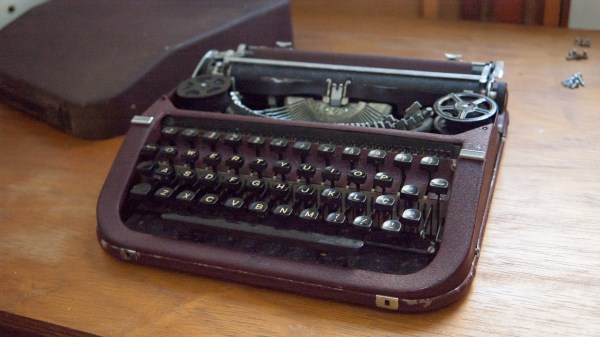
[Brendan] found beautiful inspiration in the Olympia Traveller de Luxe typewriter, a delightfully boxy affair made in the 1960s and 70s with lovely keys. Starting with a 68Keys.io board, [Brendan] set about re-creating the lines of the Traveller de Luxe in Tinkercad.

Since it doesn’t really need a platen, this was the perfect place to mount a screen using black PVC. At first, [Brendan] was going to use an e-ink screen, but a mishap led to a better solution — an LCD touchscreen that makes document navigation a breeze.

We absolutely love the look of this machine, which was obviously a labor of love. And yeah, it does the trick:[Brendan] is writing again. Though it maybe be inconvenient, we agree that it really is nice to have a dedicated workstation for certain things.

Looking for the complete opposite of this project? How about a Chat GPT-assisted daisywheel typewriter?

Taking Mechanical Keyboard Sounds To The Next Level

When it comes to mechanical keyboards, there’s no end to the amount of customization that can be done. The size and layout of the keyboard is the first thing to figure out, and then switches, keycaps, and then a bunch of other customizations inside the keyboard like the mounting plate and whether or not to add foam strips and other sound- and vibration-deadening features. Of course some prefer to go the other direction with it as well, omitting the foam and installing keys with a more noticeable click, and still others go even further than that by building a separate machine to make their keyboard activity as disruptive as it could possibly be.

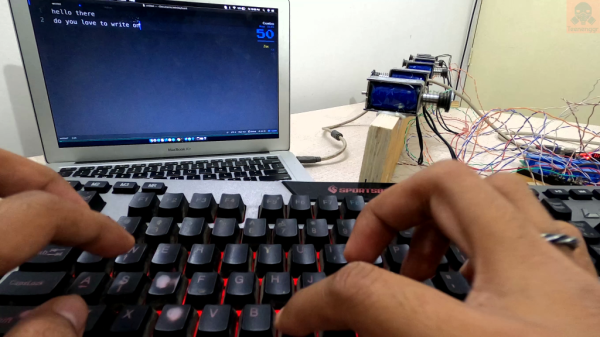
This started as a joke among [ac2ev] and some coworkers, who were already teasing about the distinct sound of the mechanical keyboard. This machine, based on a Teensy microcontroller, sits between any USB keyboard and its host computer, intercepting keystrokes and using a small solenoid to tap on a block of wood every time a keystroke is detected. There’s also a bell inside that rings when the enter key is pressed, similar to the return carriage notification for typewriters, and as an additional touch an audio amplifier with attached speaker plays the Mario power-up sound whenever the caps lock key is pressed.

[ac2ev] notes that this could be pushed to the extreme by running a much larger solenoid powered by mains electricity, but since this was more of a proof-of-concept demonstration for some coworkers the smaller solenoid was used instead. The source code for the build can be found on the project’s GitHub page and there’s also a video of this machine in action here as well. Be careful with noisy mechanical keyboards, though, as the sounds the keys produce can sometimes be decoded to determine what the user is typing.

IBM Selectric Typewriters Finally Get DIY Typeballs

IBM’s Selectric line of typewriters were quite popular in the 1960s, thanks in part to an innovation called the typeball which allowed for easy font changes on a single machine. Unfortunately, as if often the case when specialized components are involved, it’s an idea that hasn’t aged particularly well. The Selectric typewriters are now around 60 years old and since IBM isn’t making replacement parts, those restoring these machines have had to get somewhat creative like using a 3D printer to build new typeballs.

It sounds like it would be a simple, but much like the frustration caused with modern printers, interfacing automated computer systems with real-world objects like paper and ink is not often as straightforward as we would like. The main problem is getting sharp edges on the printed characters which is easy enough with metal but takes some more finesse with a printed plastic surface. For the print, each character is modelled in OpenSCAD and then an automated process generates the 3D support structure that connects the character to the typeball.

This process was easier for certain characters but got more complicated for characters with interior sections or which had a lot of sharp angles and corners. Testing the new part shows promise, although the plastic components will likely not last as long as their metal counterparts. Still, it’s better than nothing.

Regular Hackaday readers may recall that the ability to 3D print replacement Selectric typeballs has been on the community’s mind for years. When we last covered the concept in 2020 we reasoned that producing them on resin printers might be a viable option, and in the end, that does indeed seem to have been the missing element. In fact, this design is based on that same one we covered previously — it’s just taken this long for desktop resin 3D printing technology to mature enough.

Typewriter Mashup Becomes 120-Year-Old Teletype

Vintage typewriters can be beautiful and elegant devices. But there’s a limit to their value if, as with the 1903 Remington owned by [Daniel Ross], they are fire-damaged and have a seized mechanism. What did he do with what was essentially a piece of scrap metal? Produce an unholy mashup of the vintage machine and a 1988 Sharp daisy wheel typewriter to make a steampunk-style teletype, of course!

Stripping down both machines was evidently no easy task, and the result he’s achieved has the Sharp’s printer mechanism at 90 degrees to its original orientation sitting below the roller in the space once occupied by the Remington’s type bars. We’re sad to see that the keyboard on the older machine appears to be inoperable, but on the other hand each letter does light up as it’s typed.

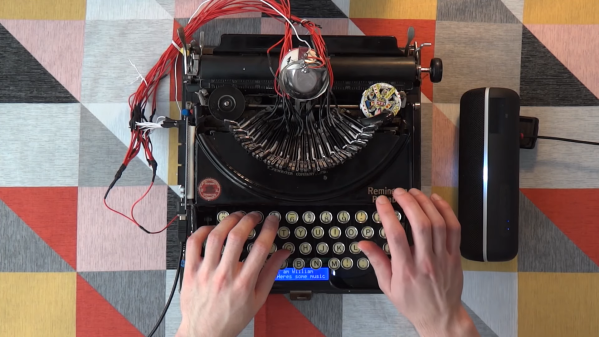
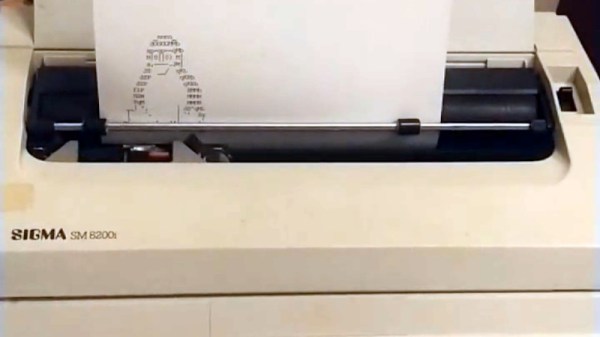
Meanwhile at the electronics side the components from the Sharp have been transferred to a custom PCB, and the whole can be driven from a 300-baud serial line. As can be seen from the video below the break, the result is an unholy love-child of two typewriters that could scarcely be more different, but somehow it works to make an impressive whole.

If this project looks a little familiar to Hackaday readers, it’s because we’ve mentioned it in passing before. It’s hooked up to his COSMAC Elf retrocomputer, and we saw it in passing a couple of years ago at a much earlier stage of construction before the custom PCB and light-up keyboard.

Continue reading “Typewriter Mashup Becomes 120-Year-Old Teletype”

Giving An Old Typewriter A Mind Of Its Own With GPT-3

There was an all-too-brief period in history where typewriters went from clunky, purely mechanical beasts to streamlined, portable electromechanical devices. But when the 80s came around and the PC revolution started, the typewriting was on the wall for these machines, and by the 90s everyone had a PC, a printer, and Microsoft Word. And thus the little daisy-wheel typewriters began to populate thrift shops all over the world.

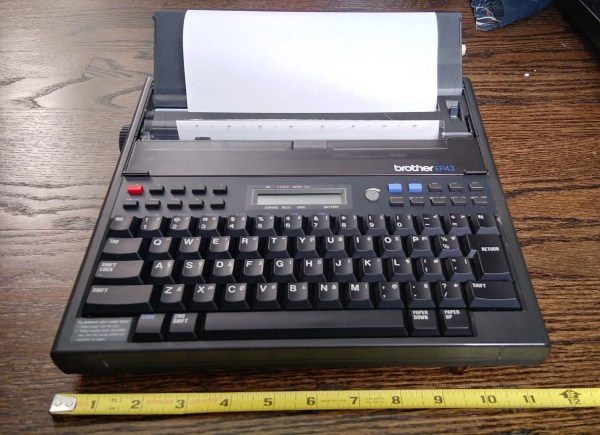
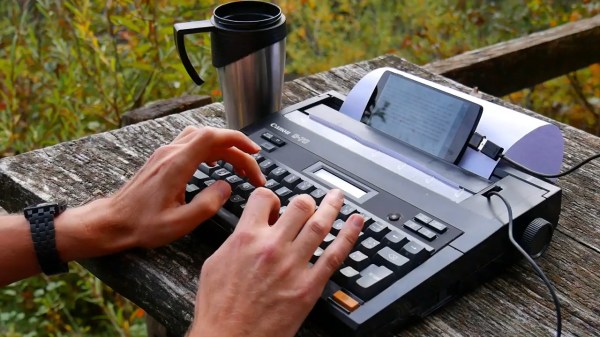
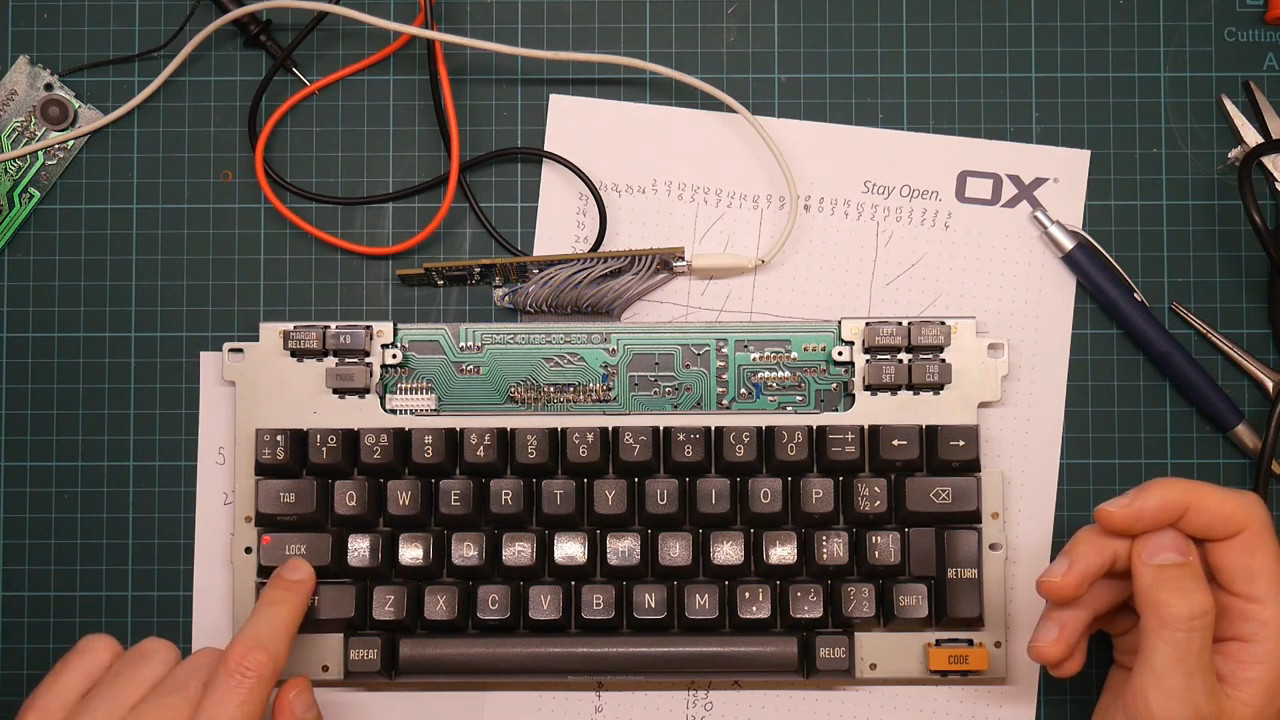
That’s fine with us, because it gave [Arvind Sanjeev] a chance to build “Ghostwriter”, an AI-powered automatic typewriter. The donor machine was a clapped-out Brother electronic typewriter, which needed a bit of TLC to bring it back to working condition. From there, [Arvind] worked out the keyboard matrix and programmed an Arduino to drive the typewriter, both read and write. A Raspberry Pi running the OpenAI Python API for GPT-3 talks to the Arduino over serial, which basically means you can enter a GPT writing prompt with the keyboard and have the machine spit out a dead-tree version of the results.

To mix things up a bit, [Arvind] added a pair of pots to control the creativity and length of the response, plus an OLED screen which seems only to provide some cute animations, which we don’t hate. We also don’t hate the new paint job the typewriter got, but the jury is still out on the “poetry” that it typed up. Eye of the beholder, we suppose.

Whatever you think of GPT’s capabilities, this is still a neat build and a nice reuse of otherwise dead-end electronics. Need a bit more help building natural language AI into your next project? Our own [Donald Papp] will get you up to speed on that.

Continue reading “Giving An Old Typewriter A Mind Of Its Own With GPT-3”

Is That A Typewriter In Your Pocket Or Are You Just Pleased To See Me?

Don’t have the right milling tool? Just make one!

[Attoparsec] wondered what if you could carry a typewriter in your pocket, then followed through with that and built one. (Video, embedded below.) Kind of. The plan was to use an existing set of striker bars, but not wanting to destroy a perfectly good typewriter, they realised that you can easily source just the bar set on eBay.

The first problem was that the striker bars are shaped to allow the typewriter mechanism to operate, but that would not make for a compact arrangement. After a spot of straightening in a big vice, and drilling in a custom jig, they were in a suitable state to be arranged inside the case. The casing is milled from a chunk of aluminium, complete with a nice recess to hold an ink-impregnated felt pad. To prevent this pad from drying out when stowed, and to keep the whole thing clear of pocket lint, a U-shaped metal cover was bent from some sheet. This slides into a set of slots that are milled near the edges, in a very satisfying manner. This last bit was causing them a little trouble, so a custom slotting tool was created especially for the job. And a good job was indeed done. The final results look as you might expect from a manual ‘typewriter’ quirky, a bit wonky, but fabulous all the same.

If you have an old typewriter that needs some attention, here’s a quick guide for giving it a once-over. Some of you of a certain age may remember electronic typewriters with some fondness. They died a rapid death, but if you’ve still got one lurking, you could convert it into a Linux terminal for some clackity nostalgic fun.

Continue reading “Is That A Typewriter In Your Pocket Or Are You Just Pleased To See Me?”