Catch A Rising Star With Arduino

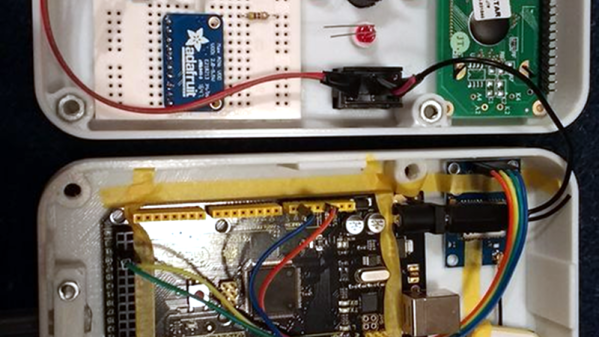
Space is big. Really big. Yet on TV and movies, enemy spacecraft routinely wind up meeting at roughly the same spot and, miraculously, in the same orientation. If you’ve ever tried to find something smaller than the moon in a telescope, you’ll appreciate that it isn’t that easy. There are plenty of tricks for locating objects ranging from expensive computerized scopes with motors to mounting a phone with Google Sky or a similar program to your telescope. [DentDentArthurDent] didn’t use a phone. He used an Arduino with an outboard GPS module.

You still have to move the scope yourself, but the GPS means you know your location and the time to a high degree of accuracy. Before you start an observing session, you simply point the telescope at Polaris to calibrate the algorithm, a process which in the northern hemisphere is pretty easy.
Continue reading “Catch A Rising Star With Arduino” →

Retrotechtacular: Synchros Go To War (and Peace)

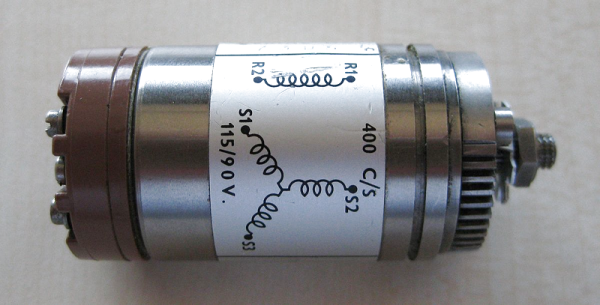
Rotation. Motors rotate. Potentiometers and variable capacitors often rotate. It is a common task to have to rotate something remotely or measure the rotation of something. If I asked you today to rotate a volume control remotely, for example, you might offer up an open loop stepper motor or an RC-style servo. If you wanted to measure a rotation, you’d likely use some sort of optical or mechanical encoder. However, there’s a much older way to do those same tasks and one that still sees use in some equipment: a synchro.

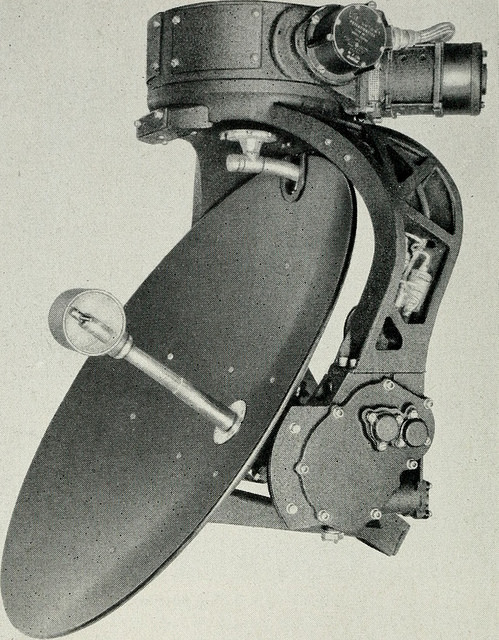
The synchro dates back to the early 1900s when the Panama Canal used them to read and control valves and gates. These devices were very common in World War II equipment, too. In particular, they were often part of the mechanisms that set and read gun azimuth and elevation or — like the picture to the left — a position indication of a radar antenna. Even movie cameras used these devices for many years. Today, with more options, you don’t see them as much except in applications where their simplicity and ruggedness is necessary.

Continue reading “Retrotechtacular: Synchros Go To War (and Peace)” →

Neural Networks… On A Stick!

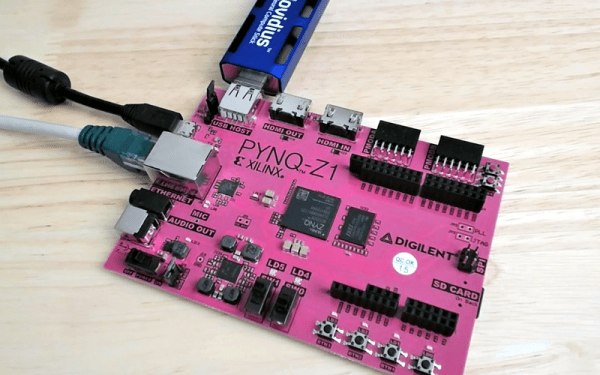
They probably weren’t inspired by [Jeff Dunham’s] jalapeno on a stick, but Intel have created the Movidius neural compute stick which is in effect a neural network in a USB stick form factor. They don’t rely on the cloud, they require no fan, and you can get one for well under $100. We were interested in [Jeff Johnson’s] use of these sticks with a Pynq-Z1. He also notes that it is a great way to put neural net power on a Raspberry Pi or BeagleBone. He shows us YOLO — an image recognizer — and applies it to an HDMI signal with the processing done on the Movidius. You can see the result in the first video, below.

At first, we thought you might be better off using the Z1’s built-in FPGA to do neural networks. [Jeff] points out that while it is possible, the Z1 has a lower-end device on it, so there isn’t that much FPGA real estate to play with. The stick, then, is a great idea. You can learn more about the device in the second video, below.

Continue reading “Neural Networks… On A Stick!” →

Heat Seeking Robot And Camera Tear Down

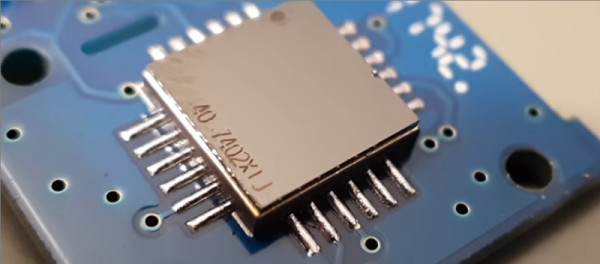
[Marco Reps] found an HT02 thermal imaging camera in his mailbox. He found the resolution was fine for looking at big objects but worthless for examining circuit boards. So he decided to just tear it into pieces — an urge we totally understand.

Inside was a thermopile sensor that was easy to reverse engineer. So [Marco] decided to rework a Raspberry Pi robot to use the camera and turn it into a heat seeker.

Continue reading “Heat Seeking Robot And Camera Tear Down” →

Parametric Hinges With Tinkercad

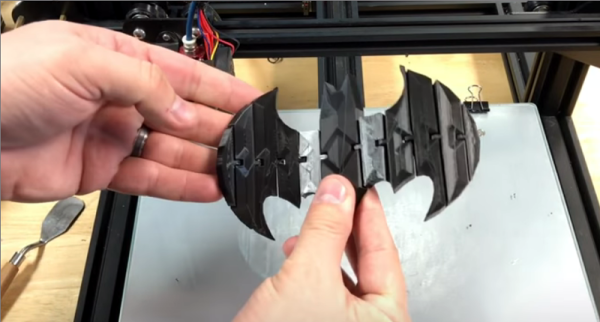
Simple tools are great, but sometimes it is most convenient to just use something easy, and since it gets the work done, you don’t try out some of the other features. Tinkercad is a great example of that kind of program. It is actually quite powerful, but many people just use it in the simplest way possible. [Chuck] noticed a video about making a 3D-printed hinge using Tinkercad and in that video [Nerys] manually placed a bunch of hinges using cut and paste along with the arrow keys for positioning. While it worked, it wasn’t the most elegant way to do it, so [Chuck] made a video showing how to do it parametrically. You can see that video below, along with the original hinge video.

There are really two major techniques [Chuck] shows. First, he adds the necessary pieces to create the hinges to the Tinkercad toolbox. That makes it really simple to add them to any of your future designs. Second, he uses a combination of numeric parameters and duplication to quickly and precisely place the hinge components across another object — in this case a Batman logo.

Continue reading “Parametric Hinges With Tinkercad” →

Blueprints Make It Easy To Make (Some) Alexa Skills

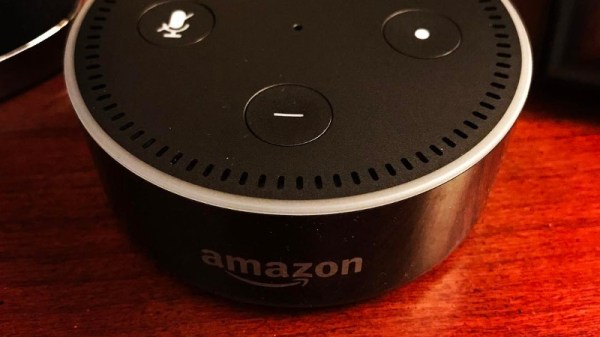
If you can code, you can create an Alexa skill — the programs that allow an Amazon Echo or similar device interact with you. What if you can’t code or you are just too lazy to do all the setup? Amazon now has Blueprints that can help anyone make a skill. The only problem is the skills you can create are pretty limited. In addition, they are only available to your Alexa devices.

The idea is simple. You start with a template — OK, a blueprint. This is a model application that does something like giving you a compliment or a joke on demand. When you open the blueprint, you’ll see a list of things it can say. You can edit the list, including adding or deleting things. Then you name the new skill. In a few minutes, your skill will be live on your devices.

Continue reading “Blueprints Make It Easy To Make (Some) Alexa Skills” →

3D Drone Video

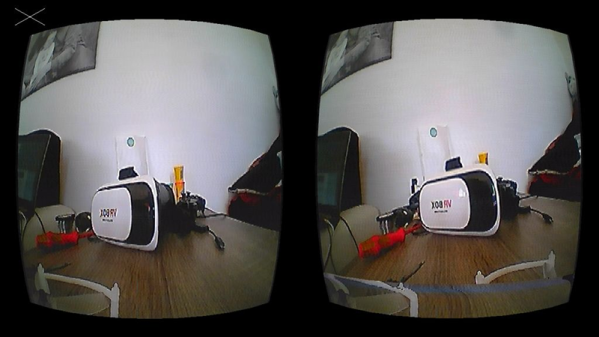
If you enjoy flying quadcopters, it is a good bet that you’ll have a drone with a camera. It used to be enough to record a video for later viewing, but these days you really want to see a live stream. The really cool setups have goggles so you can feel like you are actually in the cockpit. [Andi2345] decided to go one step further and build a drone that streams 3D video. You can see a video of the system, below.

Outdoors, there’s probably not a lot of advantage to having a 3D view, but it ought to be great for a small indoor drone. The problem is, of course, a small drone doesn’t have a lot of capacity for two cameras. The final product uses two cameras kept in sync with a sync separator IC and a microcontroller, while an analog switch intersperses the frames.

On the viewing side, a USB frame grabber and a Raspberry Pi splits the images again. At first, the system used an LCD screen married with a Google Cardboard-style goggle, but eventually, this became a custom Android application.

Continue reading “3D Drone Video” →