While some love to carve up mountain roads, and others relish the challenge of perfectly apexing every corner at the track, many crave a different challenge. Drag racing is a sport all about timing, finesse, and brute power. Like any other discipline in motorsport, to compete you’ll need a vehicle finely honed for the task at hand. Here’s how you go about getting started on your first quarter-mile monster.
It’s All About Power, Right?
It’s true that if you want to go faster, having more power on tap is a great way to do it. If that’s what you’re looking for, we’ve covered that topic in detail – for both the naturally aspirated and forced induction fans. However, anyone that’s been to the drag strip before will tell you that’s only part of the story. All of the power in the world isn’t worth jack if you can’t get it down to the ground. Even if you can, you’ve still got to keep your steering wheels planted if you intend to keep your nose out of the wall. So, if you want more power, consider the articles linked above. For everything else that’s important in drag racing, read on below.
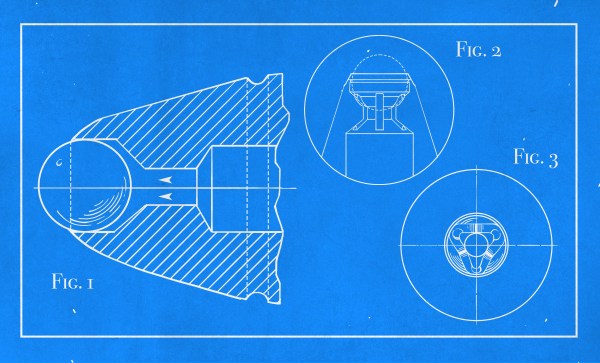
This new pen cost $12.50, which is about $180 today. For many people, the improved experience that the ballpoint promised over the fountain pen was well worth the price. You might laugh, but if you’ve ever used a fountain pen, you can understand the need for something more rugged and portable.
Ballpoint pens are everywhere these days, especially cheap ones. They’re so ubiquitous that we don’t have to carry one around or really think about them at all. Unless you’re into pens, you’ve probably never marveled at the sheer abundance of long-lasting, affordable, permanent writing instruments that are around today. Before the ballpoint, pens were a messy nuisance.
A Revolutionary Pen
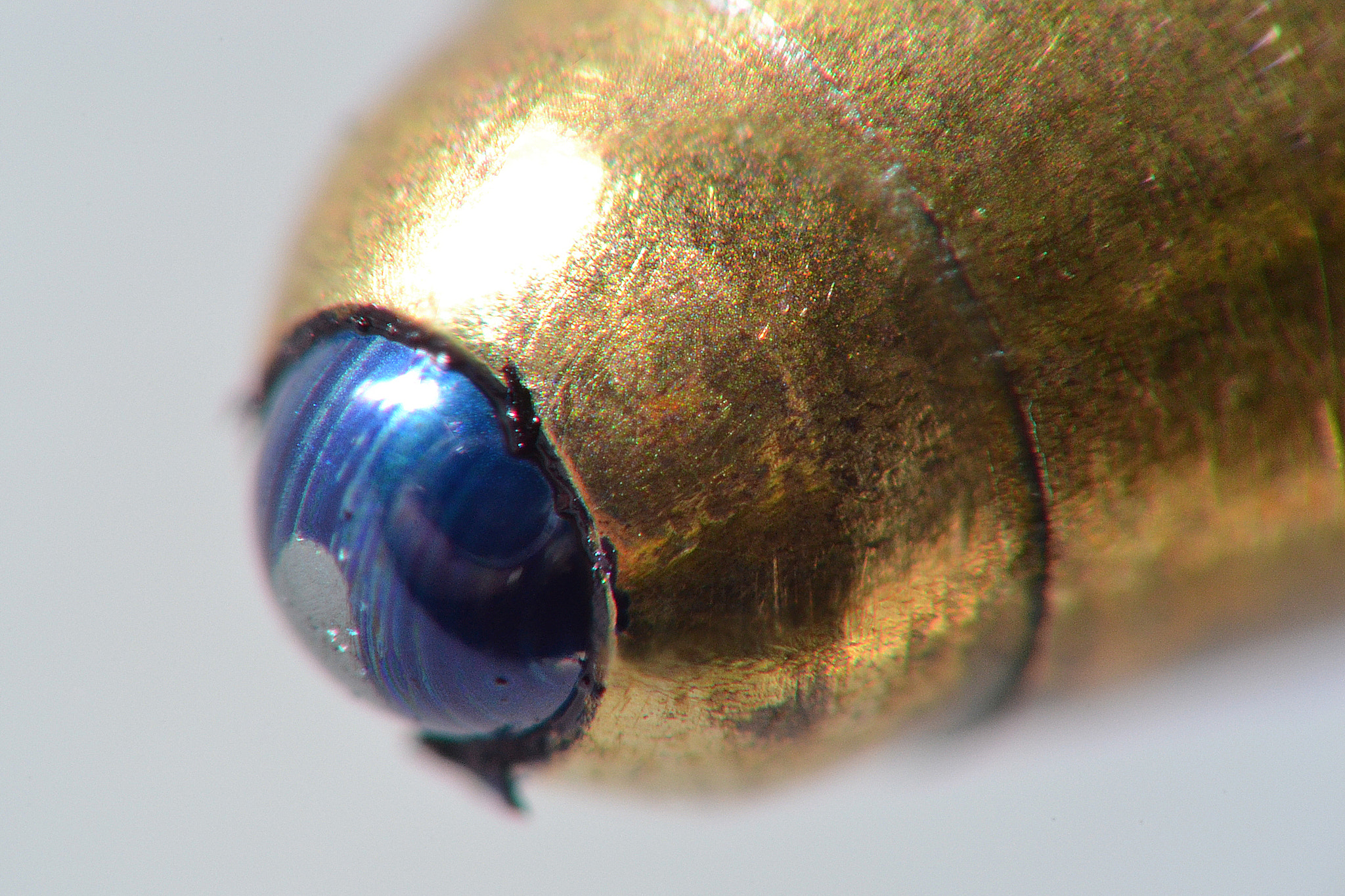
A ballpoint, up close and personal. Image via Wikipedia
Fountain pens use gravity and capillary action to evenly feed ink from a cartridge or reservoir down into the metal nib. The nib is split in two tines and allows ink to flow forth when pressed against paper. It’s not that fountain pens are that delicate. It’s just that they’re only about one step above dipping a nib or a feather directly into ink.
There’s no denying that fountain pens are classy, but you’re playing with fire if you put one in your pocket. They can be a bit messy on a good day, and the cheap ones are prone to leaking ink. No matter how nice of a fountain pen you have, it has to be refilled fairly frequently, either by drawing ink up from a bottle into the pen’s bladder or inserting a new cartridge. And you’re better off using it as often as possible, since a dormant fountain pen will get clogged with dried ink.
Early ballpoint pens were modeled after fountain pens, aesthetically speaking. They had metal bodies and refillable reservoirs that only needed a top-up every couple of years, compared to once a week or so for fountain pens. Instead of a nib, ballpoints have a tiny ball bearing made of steel, brass, or tungsten carbide. These pens rely on gravity to bathe the ball in ink, which allows it to glide around in the socket like a tiny roll-on deodorant.
If you want to listen to satellites, you have to be able to track them as they pass over the sky. When I first started tracking amateur satellites, computing the satellite’s location in the sky was a part of the challenge. Nowadays, that’s trivial. What’s left over are all the extremely important real-world details. Let’s take a look at a typical ham satellite tracking setup and see how it all ties together.
Rotators for Steering
The popularity of robotics, 3D printing, and CNC machines has resulted in a deluge of affordable electric motors and drivers. It’s hard to imagine that an electric motor for rotating an antenna would be anything special, but in fact, antenna rotators are non-trivial engineering designs. Most of the challenges are mechanical, not electrical — the antennas that they drive can be huge, have significant wind loading and rotational inertial, and just downright weigh a lot. A rotator design has to consider bearings, weather exposure, all kinds of loads, not just rotational. And usually a brake is required to keep the antenna pointed in windy conditions.
There’s been a 70-some year history of these mechanisms from back in the 1950s when Cornell Dubilier Electronics, the company you know as a capcacitor manufacturer, began making these rotators for television antennas in the 1950s. I was a little surprised to see that the rotator systems you can buy today are not very different from the ones we used in the 1980s, other than improved electronic controls. Continue reading “Tracking Satellites: The Nitty Gritty Details”→
Recently, I was offered a 1997 Volkswagen Golf for the low, low price of free — assuming I could haul it away, as it suffered from a thoroughly borked automatic transmission. Being incapable of saying no to such an opportunity, I set about trailering the poor convertible home and immediately tore into the mechanicals to see what was wrong.
Alas, I have thus far failed to resurrect the beast from Wolfsburg, but while I was wrist deep in transmission fluid, I spotted something that caught my eye. Come along for a look at the nitty-gritty of transmission manufacturing!
In history there are people whose legacy becomes larger than life. Ask anyone who built and flew the first airplane, and you’d be hard-pressed to find someone who isn’t at least aware of the accomplishments of the Wright brothers. In a similar vein, Chuck Yeager’s pioneering trip into supersonic territory with the Bell X-1 airplane made his name essentially synonymous with the whole concept of flying faster than the speed of sound. This wasn’t the sole thing he did, of course: he also fought in WWII and Vietnam and worked as an instructor and test pilot, flying hundreds of different airplanes during his career.
Yeager’s insistence on making that first supersonic flight, despite having broken two ribs days earlier, became emblematic of the man himself: someone who never let challenges keep him from exploring the limits of the countless aircraft he flew, while inspiring others to give it their best shot. Perhaps ironically, it could be said that the only thing that ever held Yeager back was only having a high school diploma.
On December 7, 2020, Chuck Yeager died at the age of 97, leaving behind a legacy that will continue to inspire many for decades to come.
Outer space is not exactly a friendly environment, which is why we go through great lengths before we boost people up there. Once you get a few hundred kilometers away from our beloved rocky planet things get uncomfortable due to the lack of oxygen, extreme cold, and high doses of radiation.
Especially the latter poses a great challenge for long-term space travel, and so people are working on various concepts to protect astronauts’ DNA from being smashed by cosmic rays. This has become ever more salient as NASA contemplates future manned missions to the Moon and Mars. So let’s learn more about the dangers posed by galactic cosmic rays and solar flares. Continue reading “Space Is Radioactive: Dealing With Cosmic Rays”→
If we’ve learned anything over the years, it’s that hackers love to know what the temperature is. Seriously. A stroll through the archives here at Hackaday uncovers an overwhelming number of bespoke gadgets for recording, displaying, and transmitting the current conditions. From outdoor weather stations to an ESP8266 with a DHT11 soldered on, there’s no shortage of prior art should you want to start collecting your own environmental data.
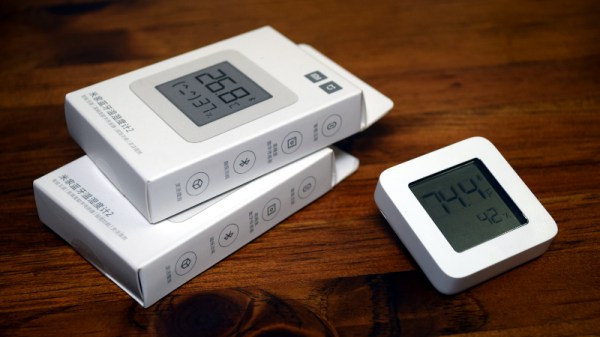
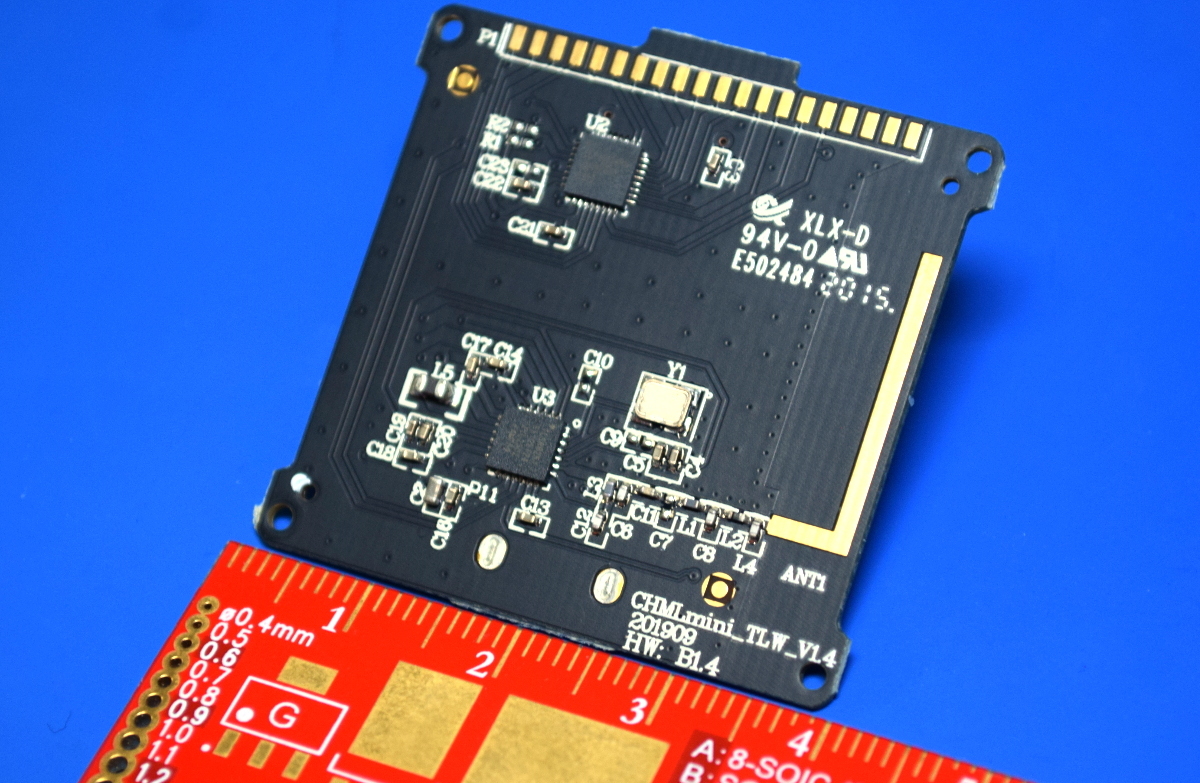
Now obviously we’re big fans of DIY it here, that’s sort of the point of the whole website. But there’s no denying that it can be hard to compete with the economies of scale, especially when dealing with imported goods. Even the most experienced hardware hacker would have trouble building something like the Xiaomi LYWSD03MMC. For as little as $4 USD each, you’ve got a slick energy efficient sensor with an integrated LCD that broadcasts the current temperature and humidity over Bluetooth Low Energy.
You could probably build your own…but why?
It’s pretty much the ideal platform for setting up a whole-house environmental monitoring system except for one detail: it’s designed to work as part of Xiaomi’s home automation system, and not necessarily the hacked-together setups that folks like us have going on at home. But that was before Aaron Christophel got on the case.
We first brought news of his ambitious project to create an open source firmware for these low-cost sensors last month, and unsurprisingly it generated quite a bit of interest. After all, folks taking existing pieces of hardware, making them better, and sharing how they did it with the world is a core tenet of this community.
Believing that such a well crafted projected deserved a second look, and frankly because I wanted to start monitoring the conditions in my own home on the cheap, I decided to order a pack of Xiaomi thermometers and dive in.