Tech In Plain Sight: Rain-Sensing Wipers

While it is definitely a first-world problem that you don’t want to manually turn on your windshield wipers when it starts raining, it is also one of those things that probably sounds easier to solve than it really is. After all, you can ask a four-year-old if it is raining and expect a reasonable answer. But how do you ask that question of a computer? Especially a tiny cheap computer that is operating pretty much on its own.

You might want to stop here and try to think of how you’d do it. Measure the conductivity of the glass? Maybe water on the glass affects its dielectric constant and you could measure the resulting capacitance? Modern cars don’t do either. The problem is complicated because you need a solution that works with the glass and isn’t prone to false positives due to dirt or debris.

Continue reading “Tech In Plain Sight: Rain-Sensing Wipers”

Space-Based Solar Power: Folly Or Stroke Of Genius?

The Sun always shines in space, unless a pesky planet gets in the way. That’s more or less the essential thought behind space-based solar power (SBSP) as newly pitched by ESA’s director general, Josef Aschbacher on Twitter. Rather than putting photovoltatic solar panels on the Earth’s surface which has this annoying property of constantly rotating said panels away from the Sun during what is commonly referred to as ‘night’, the panels would be put stationary in space, unaffected by the Earth’s rotation and weather.

Although a simple idea, it necessitates the solving of a number of problems. The obvious first question is how to get these panels up in space, hundreds of kilometers from the Earth’s surface, to create a structure many times larger than the International Space Station. The next question is how to get the power back to Earth, followed by questions about safety, maintenance, transfer losses and the inevitable economics.

With organizations ranging from NASA to China’s Academy for Space Technology (CAST), to US institutions and others involved in SBSP projects, it would seem that these problems are at the very least deemed to be solvable. This raises the question of how ESA’s most recent proposal fits into this picture. Will Europe soon be powered from orbital solar panel arrays?

Continue reading “Space-Based Solar Power: Folly Or Stroke Of Genius?”

IBM’s Early PC Attracts Time Travelers

It wasn’t long ago I was nostalgic about an old computer I saw back in the 1980s from HP. It was sort of an early attempt at a PC, although price-wise it was only in reach for professionals. HP wasn’t the only one to try such a thing, and one of the more famous attempts was the company that arguably did get the PC world rolling: IBM. Sure, there were other companies that made PCs before the IBM PC, but that was the computer that cemented the idea of a computer on an office desk or at your home more than any computer before it. Even now, our giant supercomputer desktop machines boot as though they were a vintage 1981 PC for a few minutes on each startup. But the PC wasn’t the first personal machine from IBM and, in fact, the IBM 5100 was not only personal, but it was also portable. Well, portable by 1970s standards that also had very heavy video cameras and luggable computers like the Osborne 1.

The IBM 5100 had a brief three-year life from 1975 to 1978. A blistering 1.9 MHz 16-bit CPU drove a 5-inch CRT monitor and you could have between 16K and 64K of RAM along with a fair amount of ROM. In fact, the ROMs were the key feature and a giant switch on the front let you pick between an APL ROM and a BASIC ROM (assuming you had bought both).

Continue reading “IBM’s Early PC Attracts Time Travelers”

A Brief History Of Drywall Or: How Drywall Came To Dominate The World Of Construction

Drywall is common and ubiquitous in commercial and residential buildings today. Many of us barely think about it until we have to repair a hole smashed in it.

However, drywall has not been around forever, and actually took many years to establish itself as a popular building material. Today, we’ll look at how it came about, and why it went on to dominate the world of construction.

Continue reading “A Brief History Of Drywall Or: How Drywall Came To Dominate The World Of Construction”

Superconference 2022 Hack Chat

Join us on Wednesday, August 24 August 31 at noon Pacific for the Superconference 2022 Hack Chat!

[Sorry folks — due to a scheduling snafu, we’ve got to push this off a week. — ed]

To say that a lot of water has passed under the bridge since 2019 is something of an understatement. When last we met as a group, in Pasadena in November of that year, the Covid-19 pandemic and its fallout were ahead of us. Supercon 2019 was a smashing success, a three-day meetup that brought together the best the hacker community has to offer to exchange ideas, share their projects, and meet up IRL rather than reading about everyone’s exploits and adventures online. It was a fantastic time, but how were we to know that it would be the last meatspace meetup for a painfully long time?

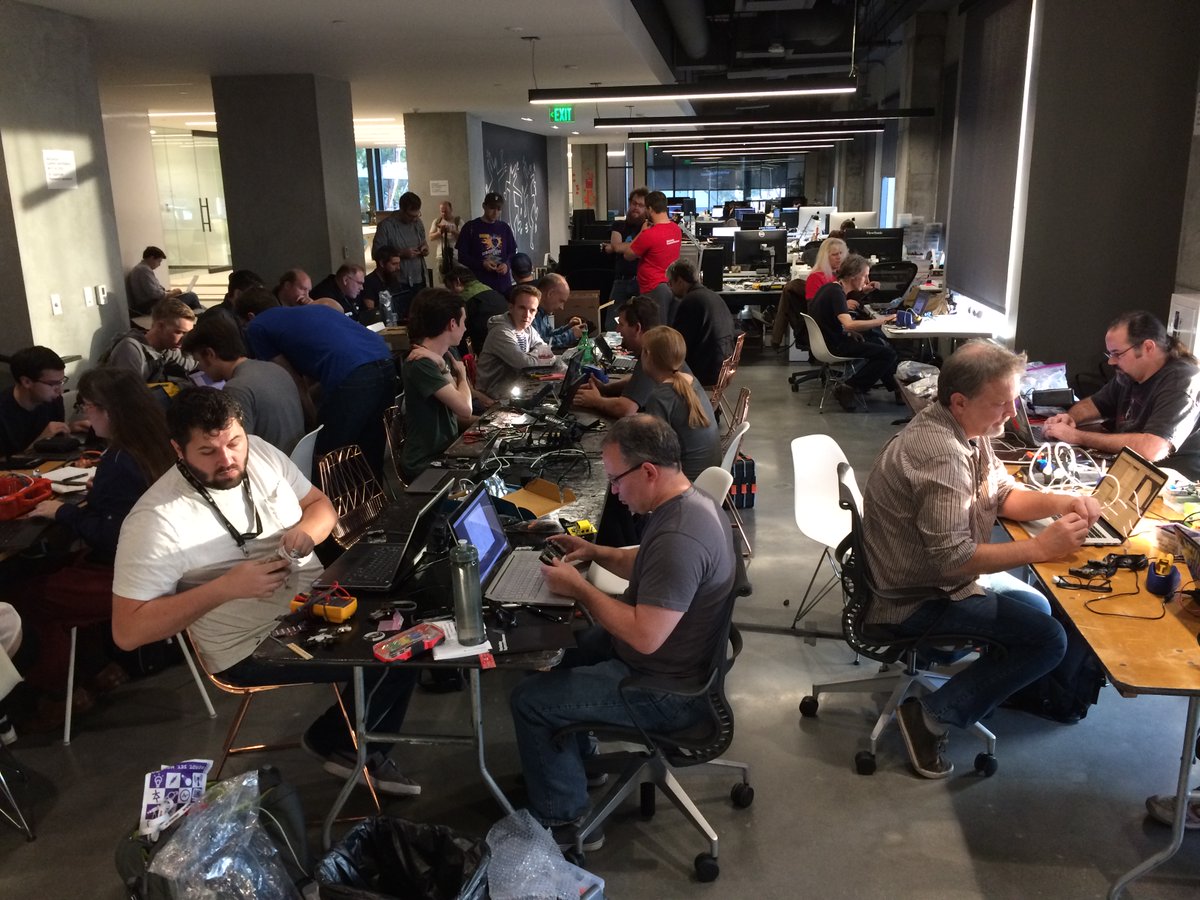
join-hack-chatThankfully, that’s all behind us now, and Supercon 2022 is back, live and in person! Everyone in the hacker community is going to want to be in Pasadena, but since it’s been so long since we’ve met up in person, we thought a Hack Chat focusing on Supercon would be a good idea. We’ve invited Majenta Strongheart on to field your questions, plus hopefully we’ll have a few surprise guests too. But this will mainly be your chance to sort of “pre-network” before the con. If you’re a Supercon first-timer, this is a great way to ask questions about how it all works and whether it’s worth it to attend (answer: it is — go buy tickets now!) For vets, this is your chance to share your stories of Supercons past, or perhaps to reconnect with con-buddies you’ve lost touch with. There’ll be something for everyone, both at the Hack Chat and at Supercon, so drop by the chat and find out what all the hype is about.

Our Hack Chats are live community events in the Hackaday.io Hack Chat group messaging. This week we’ll be sitting down on Wednesday, August 31 at 12:00 PM Pacific time. If time zones have you tied up, we have a handy time zone converter.

Hackaday Links Column Banner

Hackaday Links: August 21, 2022

As side-channel attacks go, it’s one of the weirder ones we’ve heard of. But the tech news was filled with stories this week about how Janet Jackson’s “Rhythm Nation” is actually a form of cyberattack. It sounds a little hinky, but apparently this is an old vulnerability, as it was first noticed back in the days when laptops commonly had 5400-RPM hard drives. The vulnerability surfaced when the video for that particular ditty was played on a laptop, which would promptly crash. Nearby laptops of the same kind would also be affected, suggesting that whatever was crashing the machine wasn’t software related. As it turns out, some frequencies in the song were causing resonant vibrations in the drive. It’s not clear if anyone at the time asked the important questions, like exactly which part of the song was responsible or what the failure mode was on the drive. We’ll just take a guess and say that it was the drive heads popping and locking.

Continue reading “Hackaday Links: August 21, 2022”

Dream Projects Face Reality

Do you ever get a project stuck in your mind? An idea so good you just keep thinking about it? Going over iterations and options and pros and cons in the back of your mind, or maybe on paper, but having not yet subjected it to the hard work of pulling it into reality? I’ve had one of those lurking around for the last couple weeks, and it’s time for me to get building.

And I’ve got to get started soon, because it’s rare that any project makes the leap from thought to reality unscathed, and when I hold on to the in-thought project too long, I become far too fond of some of the details and nuances that just might not make the cut, or might get in the way of getting a first pass finished. When I really like a (theoretical) solution to a (theoretical) problem, I’ll try to make it work a lot longer than I should, and I can tell I’m getting attached to this one now.

The only cure to this illness is to get prototyping. When the rubber hits the road, and the bolts are tightened, either the solution is a good one or it’s not, and no amount of dreaming is going to change that. Building is a great antidote to the siren song of a dream project. Although it feels now like I don’t want the fantasy to have to adapt to reality, as it inevitably will, I know that getting something working feels a lot better. And it frees me up to start dreaming on the next project… To the workshop!