This Week In Security: 1Password, Polyglots, And Roundcube

This week we got news of a security incident at 1Password, and we’re certain we aren’t the only ones hoping it’s not a repeat of what happened at LastPass. 1Password has released a PDF report on the incident, and while there are a few potentially worrying details, put into context it doesn’t look too bad.

The first sign that something might be amiss was an email from Okta on September 29th — a report of the current list of account administrators. Okta provides authentication and Single Sign-On (SSO) capabilities, and 1Password uses those services to manage user accounts and authentication. The fact that this report was generated without anyone from 1Password requesting it was a sign of potential problems.

And here’s the point where a 1Password employee was paying attention and saved the day, by alerting the security team to the unrequested report. That employee had been working with Okta support, and sent a browser session snapshot for Okta to troubleshoot. That data includes session cookies, and it was determined that someone unauthorized managed to access the snapshot and hijack the session, Firesheep style.

Okta logs seemed to indicate that the snapshot hadn’t been accessed, and there weren’t any records of other Okta customers being breached in this way. This pointed at the employee laptop. The report states that it has been taken offline, which is good. Any time you suspect malicious action on a company machine, the right answer is power it off right away, and start the investigation.

And here’s the one part of the story that gives some pause. Someone from 1Password responded to the possible incident by scanning the laptop with the free edition of Malwarebytes. Now don’t get us wrong, Malwarebytes is a great product for finding and cleaning the sort of garden-variety malware we tend to find on family members’ computers. The on-demand scanning of Malwarebytes free just isn’t designed for detecting bespoke malicious tools like a password management company should expect to be faced with.

But that turns out to be a bit of a moot point, as the real root cause was a compromised account in the Okta customer support system, as revealed on the 20th. The Okta report talks about stolen credentials, which raises a real question about why Okta support accounts aren’t all using two-factor authentication.

Continue reading “This Week In Security: 1Password, Polyglots, And Roundcube”

Retrotechtacular: Crash Testing Truck Attenuators, For Science

There are those among us who might bristle at something from the early 1980s qualifying for “Retrotechtacular” coverage, but it’s been more than 40 years since the California Department of Transportation’s truck-mounted attenuators crash testing efforts, so we guess it is what it is.

If you’re worried that you have no idea what a “truck-mounted attenuator” might be, relax — you’ve probably seen these devices attached to the backs of trucks in highway work zones. They generally look like large boxes attached to frames at the rear of the truck which are intended to soften the blow should a car somehow not see the giant orange truck covered with flashing lights and drive into the rear of it at highway speeds. Truck-mounted attenuators are common today, but back in 1982 when this film was produced, the idea was still novel enough to justify crash-testing potential designs.

Continue reading “Retrotechtacular: Crash Testing Truck Attenuators, For Science”

Simple Badge Is Simple, But It’s Yours

Making conference badges, official or unofficial, has become an art form. It can get pretty serious. #badgelife.

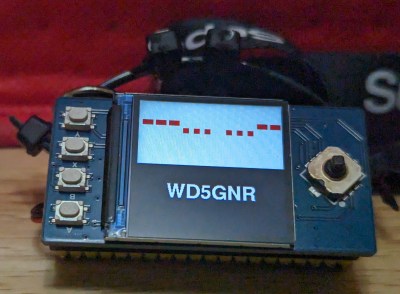
But DEFCON-goers aren’t the only people making fancy personalized nametags. Hams often had callsign badges going back as far as I can remember. Most were made of engraved plastic, but, at some point, it became common to put something like a flashing LED on the top of the engraved antenna tower or maybe something blinking Morse code.

Going back to that simpler time, I wanted to see if I could make my own badge out of easily accessible modules. How easy can it be? Let’s find out. Along the way, we’ll talk about multicore programming, critical sections, namespaces, and jamming images into C++ code. I’ll also show you how to hijack the C preprocessor to create a little scripting language to make the badge easier to configure.

Bottom Line Up Front

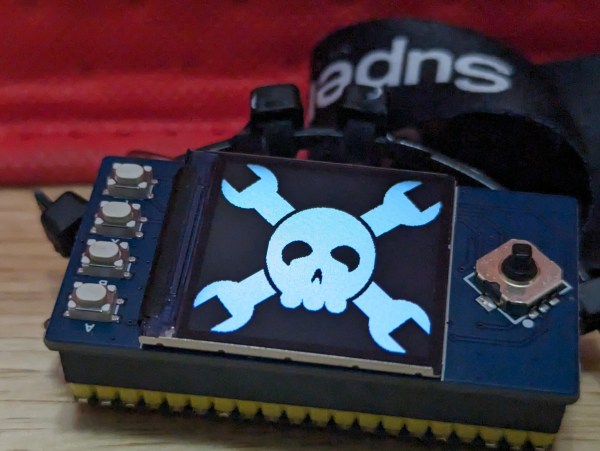
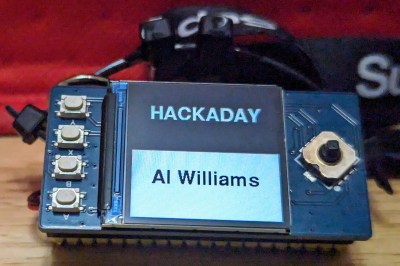
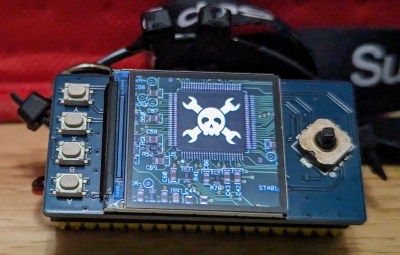
The photo shows the Pico badge. It has an RP2040 CPU but not a proper Raspberry Pi Pico. The Waveshare RP2040-Plus clone has a battery connector and charger. It also has a reset button, and this one has 16 MB of flash, but you don’t need that much. The LCD is also a Waveshare product. (This just happened to work out. I bought all of this stuff, and I don’t even know anyone at Waveshare.) The only other thing you need is a USB C cable and a battery with an MX 1.25 connector on it with the correct polarity. Hardware done! Time for software.

Continue reading “Simple Badge Is Simple, But It’s Yours”

Illustrated Kristina with an IBM Model M keyboard floating between her hands.

Keebin’ With Kristina: The One With The Foot Keyboard

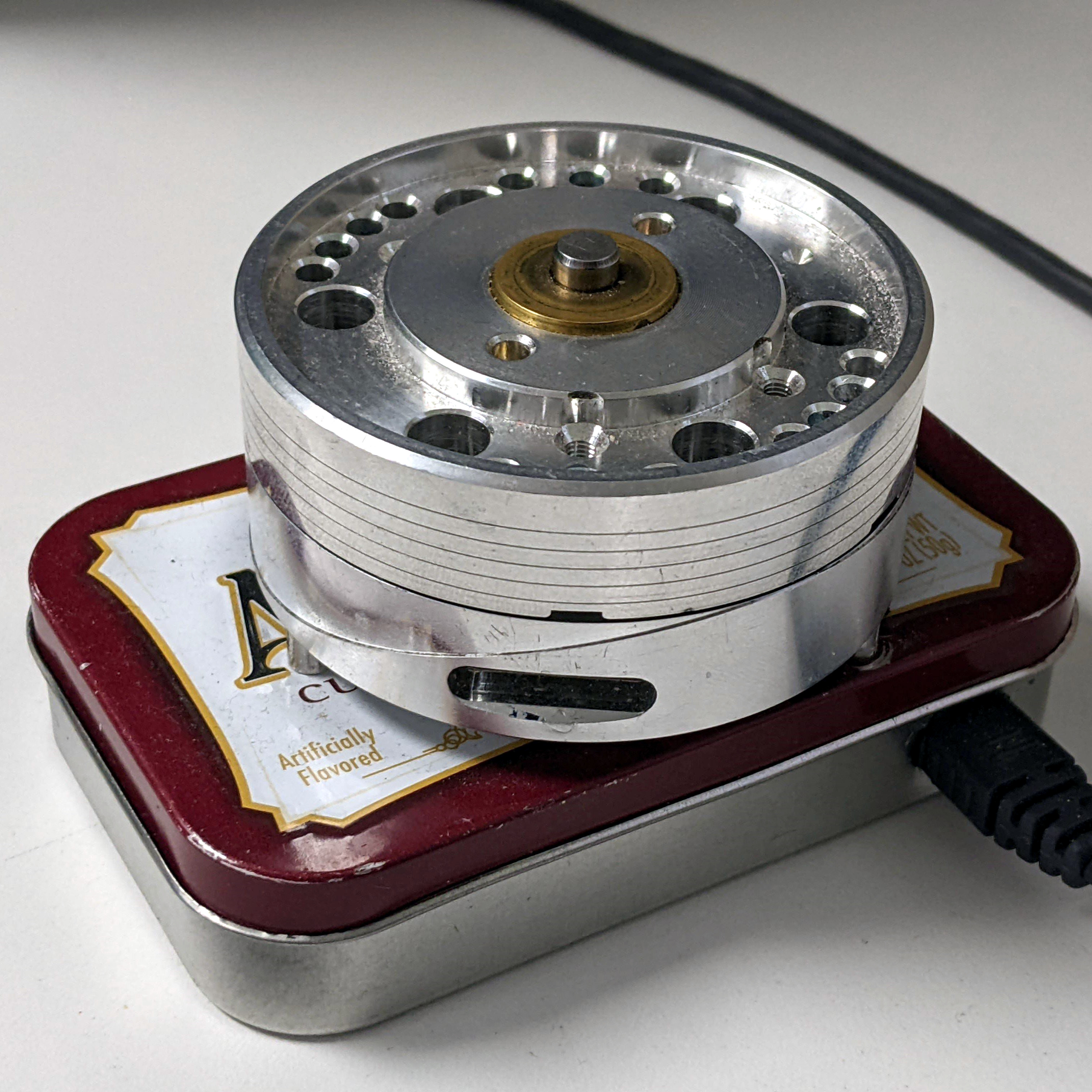
[crispernaki]’s opening comments to this VCR head scroll wheel project lament that overall technical details aren’t “complex, ground-breaking, or even exciting.” Since when does that matter? The point is that not only did the thing finally, eventually get built, it gets daily use and it sparks joy in its owner.

This feel-good story is one of procrastination, laziness, and one aha! moment, and it’s roughly twelve years in the making. Inspired by an Instructable from long ago, [crispernaki] ran straight to the thrift store to get a VCR and take it apart.

The original plan was to just reuse the VCR head’s PCB and hide it in an enclosure, and then figure out way to block and unblock the path between an IR emitter/receiver pair. After many disemboweled mice and fruitless attempt, the project was once again shelved.

But then, [crispernaki] remembered the magnetic rotary encoder demo board that was just sitting around, along with various microcontrollers and Altoids tins. And it all quickly came together with a Teensy 2.0 and some bits and bobs, including a magnet glued on the shaft of the VCR head. A chip on the demo board does all the heavy lifting, and of course, the Teensy does the work of emulating an HID.

Continue reading “Keebin’ With Kristina: The One With The Foot Keyboard”

2023 Hackaday Supercon: Cory Doctorow Signs On As Keynote Speaker

As if you weren’t already excited enough about the speakers and events that will be part of this year’s Hackaday Supercon, today we can finally reveal that journalist, activist, author, technologist, and all around geek Cory Doctorow will be presenting the keynote address on Saturday morning.

Cory has always been an outspoken supporter of digital freedom, from helping develop OpenCola in 2001 as a way to explain the concepts behind free and open source software, to his more recent work at the Electronic Frontier Foundation. He’s made his novels available for purchase directly from his personal website in DRM-free file formats, and he’s even developed a habit of releasing some of them for free under the Creative Commons license. The hacker ethos is strong with this one.

Over the last year, he’s been particularly vocal about what he calls Enshittification — the inevitable decay of any online service where the users are, whether they realize it or not, the product. It’s a concept that’s perfectly exemplified by the ongoing slow-motion implosion of Twitter, and Reddit’s increasingly hostile treatment of its community. Cory explains that one of the signposts on this particular journey is when user-created tools, such as web scrapers or bots, are banned by the powers that be. Reverse engineering, especially when it can uncover a way out of the Walled Garden, is strictly forbidden.

Luckily, there’s a way out. Cory will be delivering his talk An Audacious Plan to Halt the Internet’s Enshittification and Throw It Into Reverse, not only to those who will be physically attending Supercon, but to the entire Hackaday community via our live YouTube stream of the event. It’s a presentation that’s critically important to an audience such as ours — while nearly anyone with an Internet connection can appreciate the problem he’s describing, hackers and makers are in a unique position to actually do something about it. Following the principles Cory will detail in his talk, we can build services and networks that actually respect their users rather than treating them like the enemy.

It Won’t Be Long Now

By the time this post hits the front page of Hackaday, there will be slightly more than a week to go before several hundred of our best friends descend on the city of Pasadena for Supercon. We recently unveiled the Vectorscope badge, dropped two posts listing off all of this year’s presenters, and offered up a list of fascinating workshops. The stage is now officially set for what we consider, as humbly as possible, to be the greatest gathering of hardware hackers, builders, engineers, and enthusiasts in the world. Check out the schedule and plan your Supercon ahead of time.

Tickets for the 2023 Hackaday Supercon are, perhaps unsurprisingly, completely sold out. But you can still add your name to the wait list on Eventbrite, which will put you in the running to grab any returned tickets should somebody have to back out at the last minute. Failing that, there’s always 2024.


Featured Image: Copyright Julia Galdo and Cody Cloud (JUCO), www.jucophoto.com/, CC BY-SA 2.0

Linux Fu: Customizing Printf

When it comes to programming in C and, sometimes, C++, the printf function is a jack-of-all-trades. It does a nice job of quickly writing output, but it can also do surprisingly intricate formatting. For debugging, it is a quick way to dump some data. But what if you have data that printf can’t format? Sure, you can just write a function to pick things apart into things printf knows about. But if you are using the GNU C library, you can also extend printf to use custom specifications. It isn’t that hard, and it makes using custom data types easier.

An Example

Suppose you are writing a program that studies coin flips. Even numbers are considered tails, and odd numbers are heads. Of course, you could just print out the number or even mask off the least significant bit and print that. But what fun is that?

Here’s a very simple example of using our new printf specifier “%H”:

printf("%H %H %H %H\n",1,2,3,4);
printf("%1H %1H\n",0,1);

When you have a width specification of 1 (like you do in the second line) the output will be H or T. If you have anything else, the output will be HEADS or TAILS.

Continue reading “Linux Fu: Customizing Printf”

Retrotechtacular: The $175,000 Laser Printer

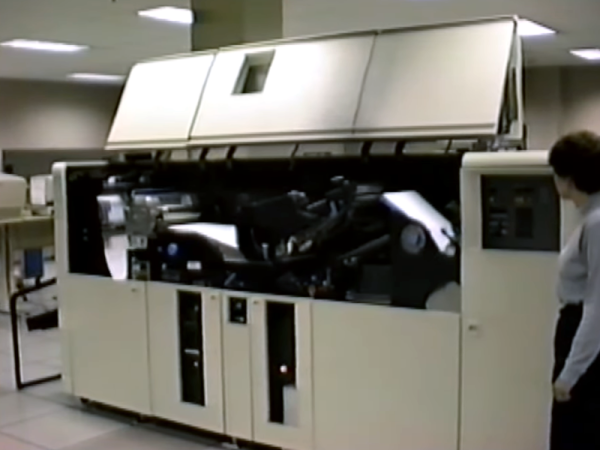
Laser printers today are cheap and readily available. But in 1976, they were the height of printing technology. The IBM 3800 was the $175,000 printer to have in that year. (Video, embedded below.) But you couldn’t have one on your desktop. Even if you could afford it, the thing is the size of a car, and we don’t even want to guess what it weighs. The printer took tractor-fed continuous form paper and could do 167 pages a minute at about 150 dots per inch (actually 180 x 144). For the record, that was as much as 1.7 miles of paper an hour!

In those days, people who would use this printer traditionally had massive banks of noisy impact printers. We imagine this device saved many data processing person’s hearing. Compared to a modern laser printer, though, it needed a lot of maintenance. For example, the initial models needed a xenon flash lamp replaced every month, although later models could go years on one bulb. Looking at some of the hardware in the video, it was probably made closer to the end of life for these printers which were made through 1999.

Continue reading “Retrotechtacular: The $175,000 Laser Printer”