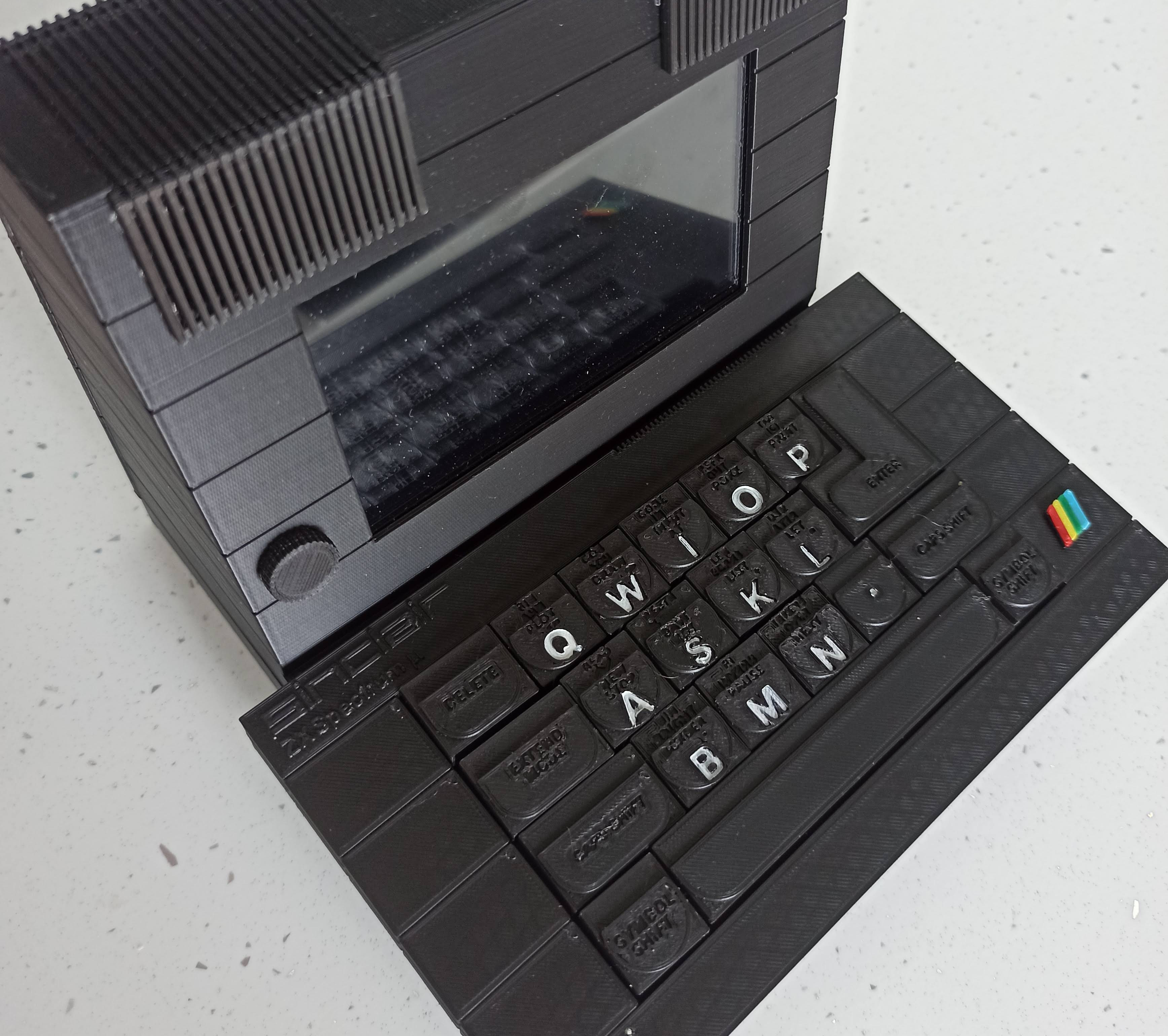
[SrBlonde]’s wonderful micro Spectrum project has only the essential inputs, which makes for an interesting-looking keyboard for sure. Inside you’ll find an Orange Pi Zero 2 board loaded with Batocera so [SrBlonde] can play all their favorite childhood games on the 5″ IPS display.
Something else that’s interesting is that the switches are a mix of blues and blacks — clickies and linears. I can’t figure out how they’re distributed based on the numbers in the components list, but I could see using clickies on the alphas and linears everywhere else (or vice versa). At any rate, it’s a great project, and you can grab the STL files from Thingiverse if you’re so inclined.
For decades now, we’ve been able to quickly and reliably interface musical instruments to computers. These tools have generally made making and recording music much easier, but they’ve also opened up a number of other out-of-the-box ideas we might not otherwise see or even think about. For example, [Joren] recently built a human interface device that lets him control a computer’s cursor using a flute instead of the traditional mouse.
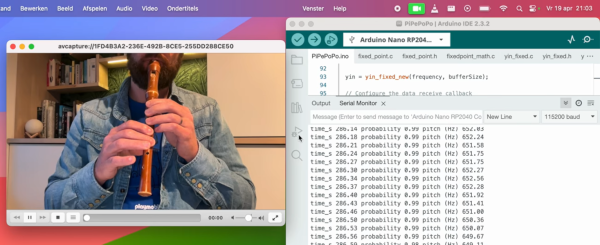
Rather than using a MIDI interface, [Joren] is using an RP2040 chip to listen to the flute, process the audio, and interpret that audio before finally sending relevant commands to control the computer’s mouse pointer. The chip is capable of acting as a mouse on its own, but it did have a problem performing floating point calculations to the audio. This was solved by converting these calculations into much faster fixed point calculations instead. With a processing improvement of around five orders of magnitude, this change allows the small microcontroller to perform all of the audio processing.
[Joren] also built a Chrome browser extension that lets a flute player move a virtual cursor of sorts (not the computer’s actual cursor) from within the browser, allowing those without physical hardware to try out their flute-to-mouse skills. If you prefer your human interface device to be larger, louder, and more trombone-shaped we also have a trombone-based HID for those who play the game Trombone Champ.
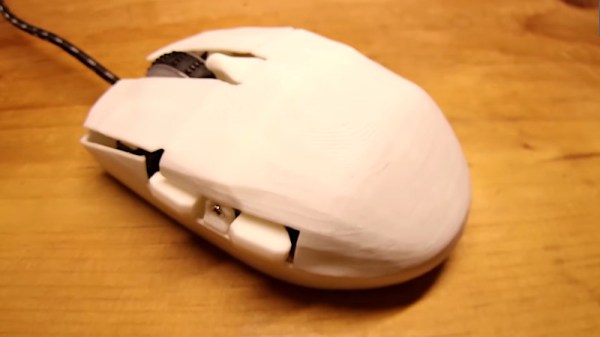
It’s a shame, that peripherals sold as of higher performance for gaming so often deliver little but aggressive styling. [Wareya] became frustrated with the fragile switches on his choice of gaming mouse, so decided to design his own. In the video that he’s placed below the break, he takes us through all the many choices and pitfalls inherent to these devices
After quite a few iterations he arrived upon a design featuring an RP2040 and an optical sensor easily found in relatively inexpensive mice. The whole design is open source and can be found in a GitHub repository, but for us perhaps the most interesting part of the explanation lies in the use of a three-contact switch, and how the third contact is used to aid in debouncing. In an application in which latency is of paramount importance this is a key design feature of a gaming mouse.
In the previous two HID articles, we talked about stealing HID descriptors, learned about a number of cool tools you can use for HID hacking on Linux, and created a touchscreen device. This time, let’s talk about an underappreciated HID standard, but one that you might be using right now as you’re reading this article – I2C-HID, or HID over I2C.
HID as a protocol can be tunneled over many different channels. If you’ve used a Bluetooth keyboard, for instance, you’ve used tunneled HID. For about ten years now, I2C-HID has been heavily present in laptop space, it was initially used in touchpads, later in touchscreens, and now also in sensor hubs. Yes, you can expose sensor data over HID, and if you have a clamshell (foldable) laptop, that’s how the rotation-determining accelerometer exposes its data to your OS.
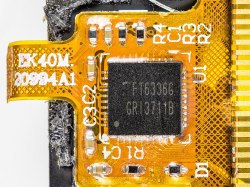
This capacitive touchscreen controller is not I2C-HID, even though it is I2C. By [Raymond Spekking], CC-BY-SA 4.0Not every I2C-connected input device is I2C-HID. For instance, if you’ve seen older tablets with I2C-connected touchscreens, don’t get your hopes up, as they likely don’t use HID – it’s just a complex-ish I2C device, with enough proprietary registers and commands to drive you crazy even if your logic analysis skills are on point. I2C-HID is nowhere near that, and it’s also way better than PS/2 we used before – an x86-only interface with limited capabilities, already almost extinct from even x86 boards, and further threatened in this increasingly RISCy world. I2C-HID is low-power, especially compared to USB, as capable as HID goes, compatible with existing HID software, and ubiquitous enough that you surely already have an I2C port available on your SBC.
In modern world of input devices, I2C-HID is spreading, and the coolest thing is that it’s standardized. The standardization means a lot of great things for us hackers. For one, unlike all of those I2C touchscreen controllers, HID-I2C devices are easier to reuse; as much as information on them might be lacking at the moment, that’s what we’re combating right now as we speak! If you are using a recent laptop, the touchpad is most likely I2C-HID. Today, let’s take a look at converting one of those touchpads to USB HID.
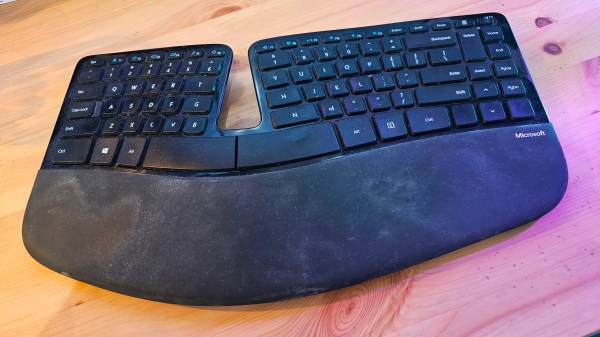
As a professional writer, I rack up thousands of words a day. Too many in fact, to the point where it hurts my brain. To ease this burden, I choose my tools carefully to minimize obstructions as the words pour from my mind, spilling through my fingers on their way to the screen.
That’s a long-winded way of saying I’m pretty persnickety about my keyboard. Now, I’ve found out my favorite model has been discontinued, and I’ll never again know the pleasure of typing on its delicate keys. And I’m mad about it. Real mad. Because I shouldn’t be in this position to begin with!
While there’s an argument to be made that retro games should be experienced with whatever input device they were designed around, there’s no debating that modern game controllers are a lot more ergonomic and enjoyable to use than some of those early 8-bit entries.
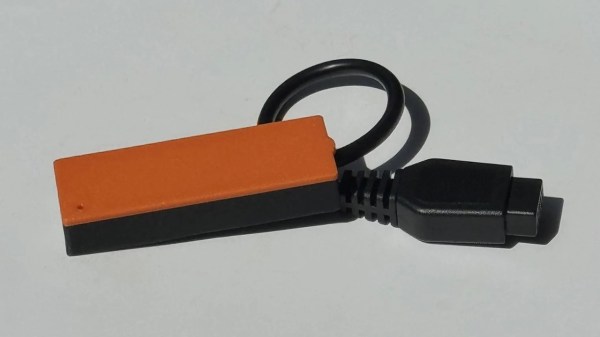
Now, thanks to the PicoNtrol project from [Reogen], you can use the latest Xbox and PlayStation controllers with the Atari 2600 via Bluetooth. Looking a bit farther down the road the project is aiming to support the Nintendo Entertainment System, and there’s work being done to bring the Switch Pro Controller into the fold as well.
Sometime last year, [Jon Petter Skagmo] bought a Dell U3421WE monitor. It’s really quite cool, with a KVM switch and picture-by-picture support for two inputs at the same time. The only downside is that control is limited to a tiny joystick hiding behind the bezel. It’s such a pain to use that [Jon] doesn’t even use all of the features available.
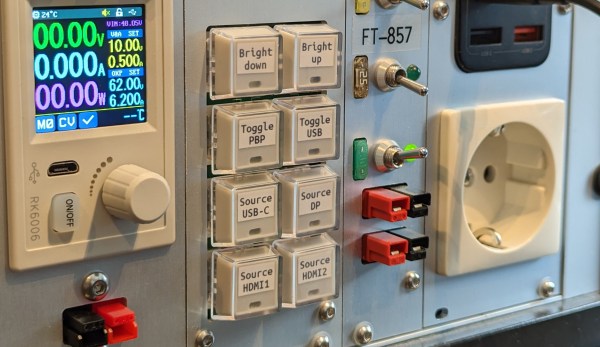
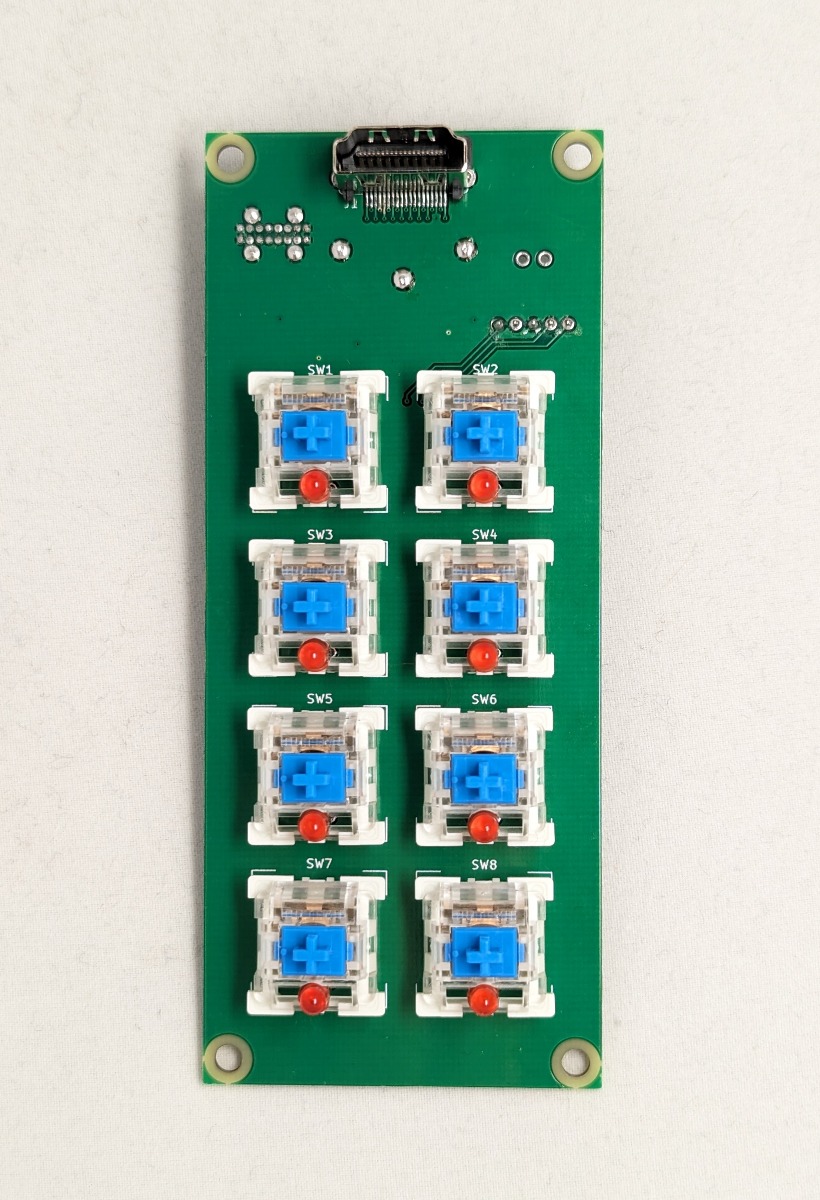
[Jon] tried ddcutil, but ultimately it didn’t work out. Enter the rack-mounted custom controller keyboard, a solution which gives [Jon] single keypress control of adjusting the brightness up and down, toggling picture-by-picture mode, changing source, and more.
How does it work? It uses the display data channel (DDC), which is an I²C bus on the monitor’s HDMI connector. More specifically, it has a PIC18 microcontroller sending those commands via eight Cherry MX-style blues.
Check this out — [Jon] isn’t even wasting one of the four monitor inputs because this build uses an HDMI through port. The finished build looks exquisite and fits right into the rack with its CNC-routed aluminium front panel. Be sure to check it out in action after the break.