Controlling Tremors As They Happen

Some neurological disorders, like Parkinson’s disease, can cause muscle tremors which can get worse as time goes along. In the beginning it may not be too difficult to manage, but as the disease progresses the tremors get worse and worse, until day-to-day movements are extremely difficult. Even picking up a fork or pouring a glass of water becomes nearly impossible. Some helpful tools have been designed to limit the impacts of the tremors, but this new device seeks to dampen the tremors directly.

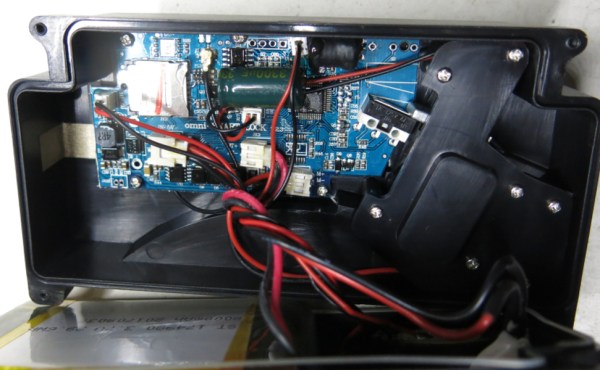
A research team from Fresno State has been developing the Tremelo, which is a hand stabilizer that straps onto the arm of a person suffering from tremors. It has sets of tuned mass dampers in each of two enclosures, which rapidly shift the weights inside to counter the motion of the wearer’s tremors. The device has already shown success in 36 trial patients and does an incredible job at limiting the amount of tremors the user experiences, and also has a bonus of being non-invasive for the wearer.

The team has successfully trialed the program, but is currently seeking funding on Indiegogo. The project seems worthwhile and is a novel approach to a common problem. In the past, devices (admittedly with a much cheaper price tag) try to solve the problem externally rather than in the direction that the Tremelo has gone, and it’s a unique idea that shows a lot of promise.

Continue reading “Controlling Tremors As They Happen”

File Systems For Tiny Devices

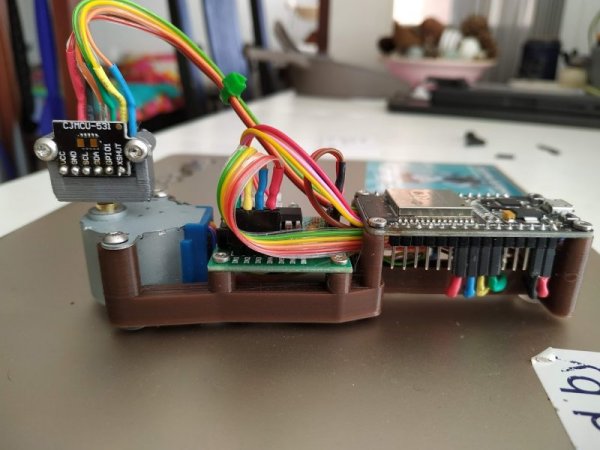
Sometimes you build a computer and use it every day. Sometimes you build a different type of computer and it sits alone on a mountaintop for years. The design considerations for these two setups are remarkably different, right down to the type of file system used. For small computers like [Jo] is using, and for the amount of time they sit alone in remote locations, he decided to build his own file system for them.

Known as JesFs ([Jo]’s embedded serial File system), the file system is for SPI Flash and intended for use in scientific data logging. It can be used on the chip-scale processors found in many development boards, and is robust enough to use in applications where remoteness is a concern. It has a small RAM footprint, is completely open source, includes wear leveling, and has a number of security features built-in as well.

Some of the benefits of using a file system on such a tiny chip aren’t immediately obvious unless you’re doing a lot of data logging, but it does allow you to change virtually any aspect of the firmware much more easily if everything is accessible as a file, and not something you would have to change by reflashing the whole chip, for example. There are also a number of traps that you can easily fall into when working with file systems for tiny devices.

Build Your Own Tools For More Power

Building something on your own usually carries with it certain benefits, such as being in full control over what it is you are building and what it will accomplish, as well as a sense of pride when you create something that finally works just the way you want it. If you continue down that path, you may eventually start making your own tools to help build your other creations, and if you also have some CAD software you can make some very high quality tools like this belt grinder.

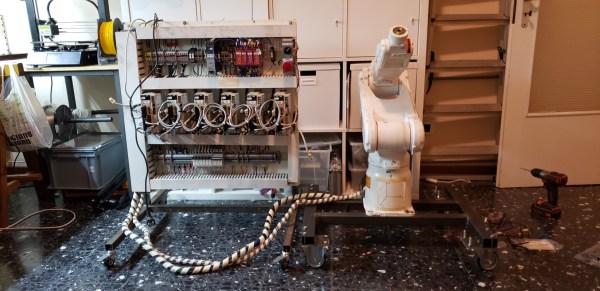
This build comes to us from [Emiel] aka [The Practical Engineer] who is known for his high quality solenoid engines. His metal work is above and beyond, and one thing he needed was a belt grinder. He decided to make a 3D model of one in CAD and then build it from scratch. The build video goes through his design process in Fusion 360 and then the actual build of this beast of a machine. The motor is 3.5 horsepower which, when paired with a variable frequency drive, can provide all of his belt grinding needs.

[Emiel]’s videos are always high quality, and his design process is easy to follow as well. We’re always envious of his shop as well, and it reminds us a lot of [Eric Strebel] and his famous designs.

Continue reading “Build Your Own Tools For More Power”

Circuit Simulation In Python

Using SPICE to simulate an electrical circuit is a common enough practice in engineering that “SPICEing a circuit” is a perfectly valid phrase in the lexicon. SPICE as a software tool has been around since the 70s, and its open source nature means there are more SPICE tools around now to count. It also means it is straightforward enough to use with other software as well, like integrating LTspice with Python for some interesting signal processing circuit simulation.

[Michael]’s latest project involves simulating filters in LTspice (a SPICE derivative) and then using Python/NumPy to both provide the input signal for the filter and process the output data from it. Basically, it allows you to “plug in” a graphical analog circuit of any design into a Python script and manipulate it easily, in any way needed. SPICE programs aren’t without their clumsiness, and being able to write your own tools for manipulating circuits is a powerful tool.

This project is definitely worth a look if you have any interest in signal processing (digital or analog) or even if you have never heard of SPICE before and want an easier way of simulating a circuit before prototyping one on a breadboard.

Robot Vs. Superbug

Working in a university or research laboratory on interesting, complicated problems in the sciences has a romanticized, glorified position in our culture. While the end results are certainly worth celebrating, often the process of new scientific discovery is underwhelming, if not outright tedious. That’s especially true in biology and chemistry, where scaling up sample sizes isn’t easy without a lot of human labor. A research group from Reading University was able to modify a 3D printer to take some of that labor out of the equation, though.

This 3D printer was used essentially as a base, with the printing head removed and replaced with a Raspberry Pi camera. The printer X/Y axes move the camera around to all of the different sample stored in the print bed, which allows the computer attached to the printer to do most of the work that a normal human would have had to do. This allows them to scale up massively and cheaply, presumably with less tedious inputs from a large number of graduate students.

While the group hopes that this method will have wide applicability for any research group handling large samples, their specific area of interest involves researching “superbugs” or microbes which have developed antibiotic resistance. Their recently-published paper states that any field which involves bacterial motility, colony growth, microtitre plates or microfluidic devices could benefit from this 3D printer modification.

Simplified AI On Microcontrollers

Artificial intelligence is taking the world by storm. Rather than a Terminator-style apocalypse, though, it seems to be more of a useful tool for getting computers to solve problems on their own. This isn’t just for supercomputers, either. You can load AI onto some of the smallest microcontrollers as well. Tensorflow Lite is a popular tool for this, but getting it to work on your particular microcontroller can be a pain, unless you’re using an Espruino.

This project adds support for Tensorflow to this class of microcontrollers without having to fuss around with obtuse build tools. Basically adding a single line of code creates an instance, all without having to compile anything or even reboot. Tensorflow is a powerful software tool for microcontrollers, and having it this accessible now is a great leap forward.

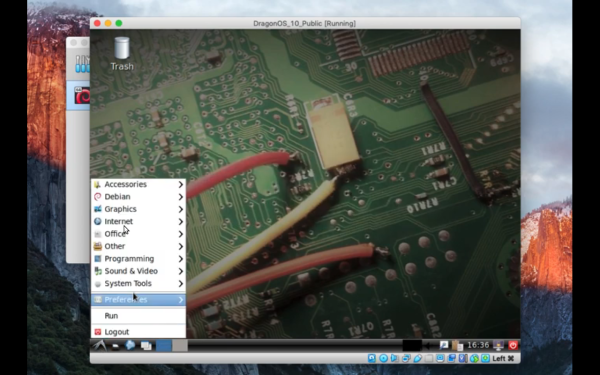
So, what can you do with this tool? The team behind this build is using Tensorflow on an open smart watch that can be used to detect hand gestures and many other things. They also opened up these tools for use in a browser, which allows use of the AI software and emulates an Espruino without needing a physical device. There’s a lot going on with this one, and it’s a bonus that it’s open source and ready to be turned into anything you might need, like turning yourself into a Street Fighter.

Raspberry Pi 4 HDMI Is Jamming Its Own WiFi

Making upgrades to a popular product line might sound like a good idea, but adding bigger/better/faster parts to an existing product can cause unforeseen problems. For example, dropping a more powerful engine in an existing car platform might seem to work at first until people start reporting that the increased torque is bending the frame. In the Raspberry Pi world, it seems that the “upgraded engine” in the Pi 4 is causing the WiFi to stop working under specific circumstances.

[Enrico Zini] noticed this issue and attempted to reproduce exactly what was causing the WiFi to drop out, and after testing various Pi 4 boards, power supplies, operating system version, and a plethora of other variables, the cause was isolated to the screen resolution. Apparently at the 2560×1440 setting using HDMI, the WiFi drops out. While you could think that an SoC might not be able to handle a high resolution, WiFi, and everything else this tiny computer has to do at once. But the actual cause seems to be a little more interesting than a simple system resources issue.

[Mike Walters] on a Twitter post about this issue probed around with a HackRF and discovered a radio frequency issue. It turns out that at this screen resolution, the Pi 4 emits some RF noise which is exactly in the range of WiFi channel 1. It seems that the Pi 4 is acting as a WiFi jammer on itself.

This story is pretty new, so hopefully the Raspberry Pi Foundation is aware of the issue and working on a correction. For now, though, it might be best to run a slightly lower resolution if you’re encountering this problem.