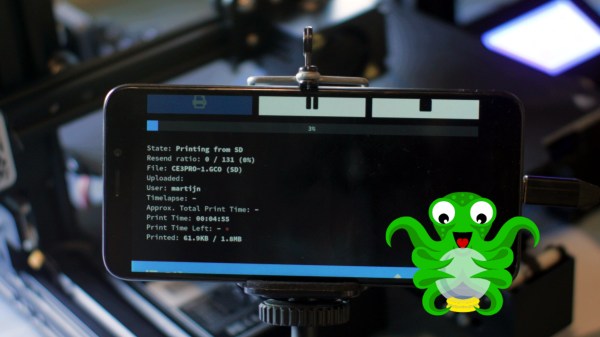
3D printer owners have for years benefitted from using Octoprint to help manage their machines, and most people run Octoprint on a Raspberry Pi. [Martijn] made it run on his PinePhone instead, which turned out to be a surprisingly good fit for his needs.
While [Martijn] was working out exactly what he wanted and taking an inventory of what Raspberry Pi components and accessories it would require, it occurred to him that his PinePhone — an open-source, linux-based mobile phone — would be a good candidate for his needs. It not only runs Linux with a touchscreen and camera, but even provides USB, ethernet, and separate DC power input via a small docking bar. It looked like the PinePhone had it all, and he was right. [Martijn]’s project page gives a walkthrough of the exact steps to get Octoprint up and running, and it even turns out to not be particularly difficult.
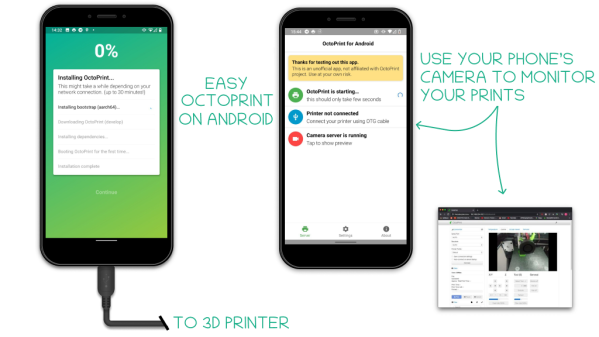
[Martijn] is no stranger to hacking his PinePhone to do various things; we’ve already seen him add thermal imaging to his PinePhone. For those of you who are intrigued by the idea but don’t own a PinePhone? Check out the octo4a project, which allows running Octoprint on Android phone hardware.
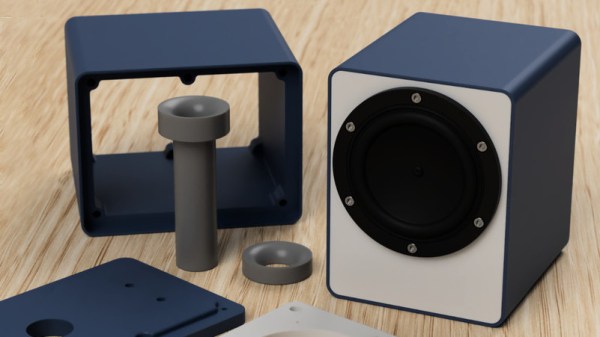
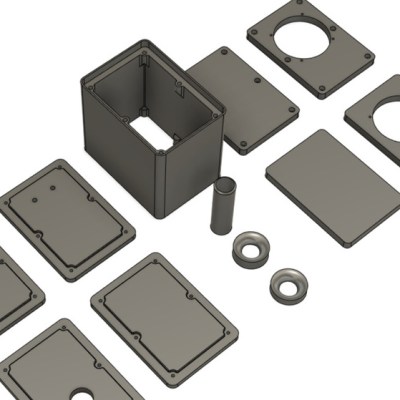 The parts can be 3D-printed, but the design ensures that the front and back panels are flat, so one can use wood or some other material for those depending on preference and appearance. The assembly is screwed together using six M3 bolts per side with optional