This excellent content from the Hackaday writing crew highlights recurring topics and popular series like Linux-Fu, 3D-Printering, Hackaday Links, This Week in Security, Inputs of Interest, Profiles in Science, Retrotechtacular, Ask Hackaday, Teardowns, Reviews, and many more.
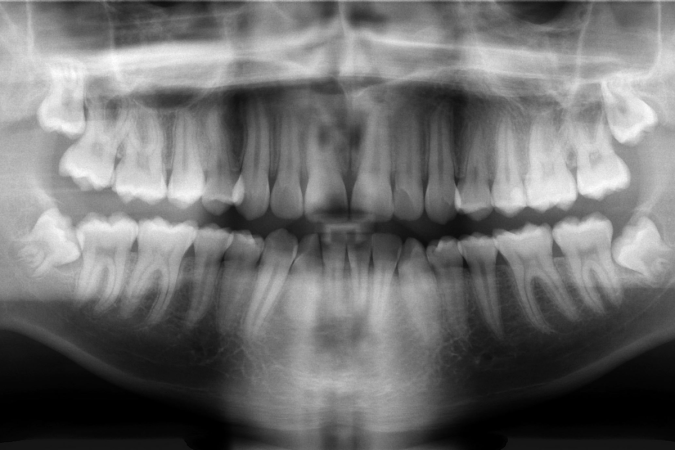
The human body is remarkably good at handling repairs. Cut the skin, and the blood will clot over the wound and the healing process begins. Break a bone, and the body will knit it back together as long as you keep it still enough. But teeth? Our adult teeth get damaged all the time, and yet the body has almost no way to repair them at all. Get a bad enough cavity or knock one out, and it’s game over. There’s nothing to be done but replace it.
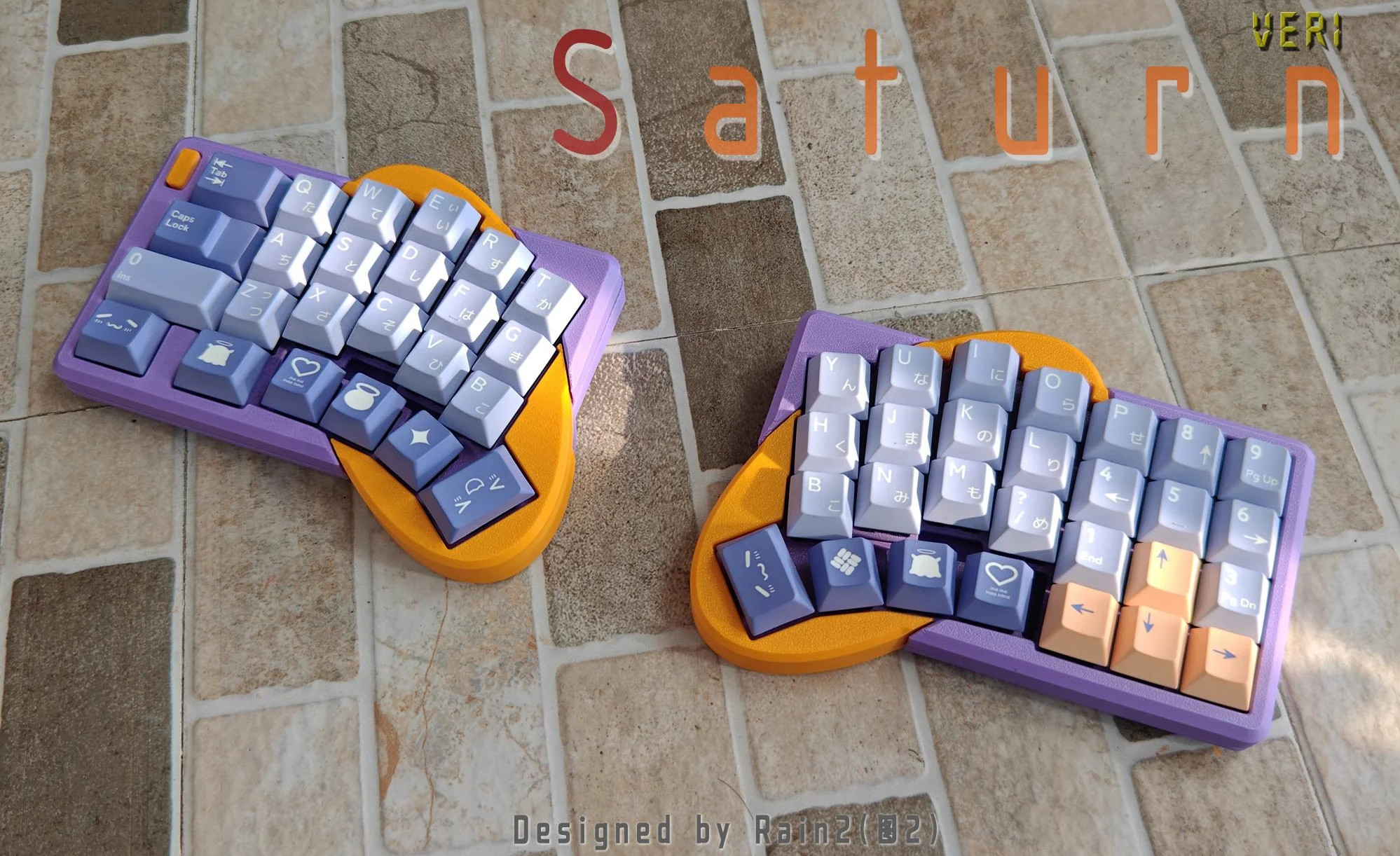
I love, love, love Saturn by [Rain2], which comes in two versions. The first, which is notably more complex, is shown here with its rings-of-Saturn thumb clusters.
Image by [Rain2] via redditSo what was the impetus for this keyboard? It’s simple: a friend mentioned that ergo keyboards are a no-go if you need a num pad really bad.
Saturn has one built right in. The basic idea was to add a num pad while keeping the total number of keys to a minimum. Thanks to a mod key, this area can be many things, including but not limited to a num pad.
Unfortunately, this version is too complicated to make, so v2 does not have the cool collision shapes going for it. But it is still an excellent keyboard, and perhaps will be open source someday.
If predictions hold steady, nearly half of the United States will be covered in snow by the time this post goes live, with the Northeast potentially getting buried under more than 18 inches. According to the National Weather Service, the “unusually expansive and long-duration winter storm will bring heavy snow from the central U.S. across the Midwest, Ohio Valley, and through the northeastern U.S. for the remainder of the weekend into Monday.” If that sounds like a fun snow day, they go on to clarify that “crippling to locally catastrophic impacts can be expected”, so keep that in mind. Hopefully you didn’t have any travel plans, as CNBC reported that more than 13,000 flights were canceled as of Friday night. If you’re looking to keep up with the latest developments, we recently came across StormWatch (GitHub repo), a slick open source weather dashboard that’s written entirely in HTML. Stay safe out there, hackers.
Speaking of travel, did you hear about Sebastian Heyneman’s Bogus Journey to Davos? The entrepreneur (or “Tech Bro” to use the parlance of our times) was in town to woo investors attending the World Economic Forum, but ended up spending the night in a Swiss jail cell because the authorities thought he might be a spy. Apparently he had brought along a prototype for the anti-fraud device he was hawking, and mistakenly left it laying on a table while he was rubbing shoulders. It was picked up by security guards and found to contain a very spooky ESP32 development board, so naturally he was whisked off for interrogation. A search of his hotel room uncovered more suspicious equipment, including an electric screwdriver and a soldering iron. Imagine if a child had gotten their hands on them?
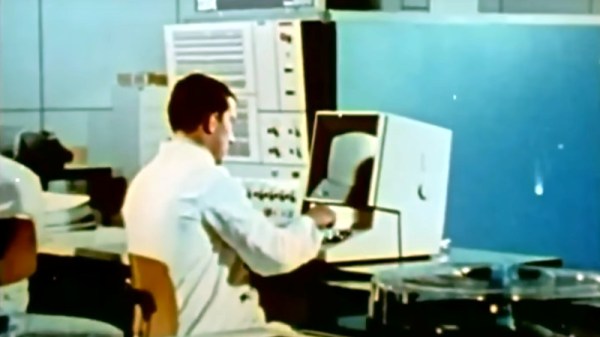
Al and I were talking about the IBM 9020 FAA Air Traffic Control computer system on the podcast. It’s a strange machine, made up of a bunch of IBM System 360 mainframes connected together to a common memory unit, with all sorts of custom peripherals to support keeping track of airplanes in the sky. Absolutely go read the in-depth article on that machine if it sparks your curiosity.
It got me thinking about how strange computers were in the early days, and how boringly similar they’ve all become. Just looking at the word sizes of old machines is a great example. Over the last, say, 40 years, things that do computing have had 4, 8, 16, 32, or even 64-bit words. You noticed the powers-of-two trend going on here, right? Basically starting with the lowly Intel 4004, it’s been round numbers ever since.
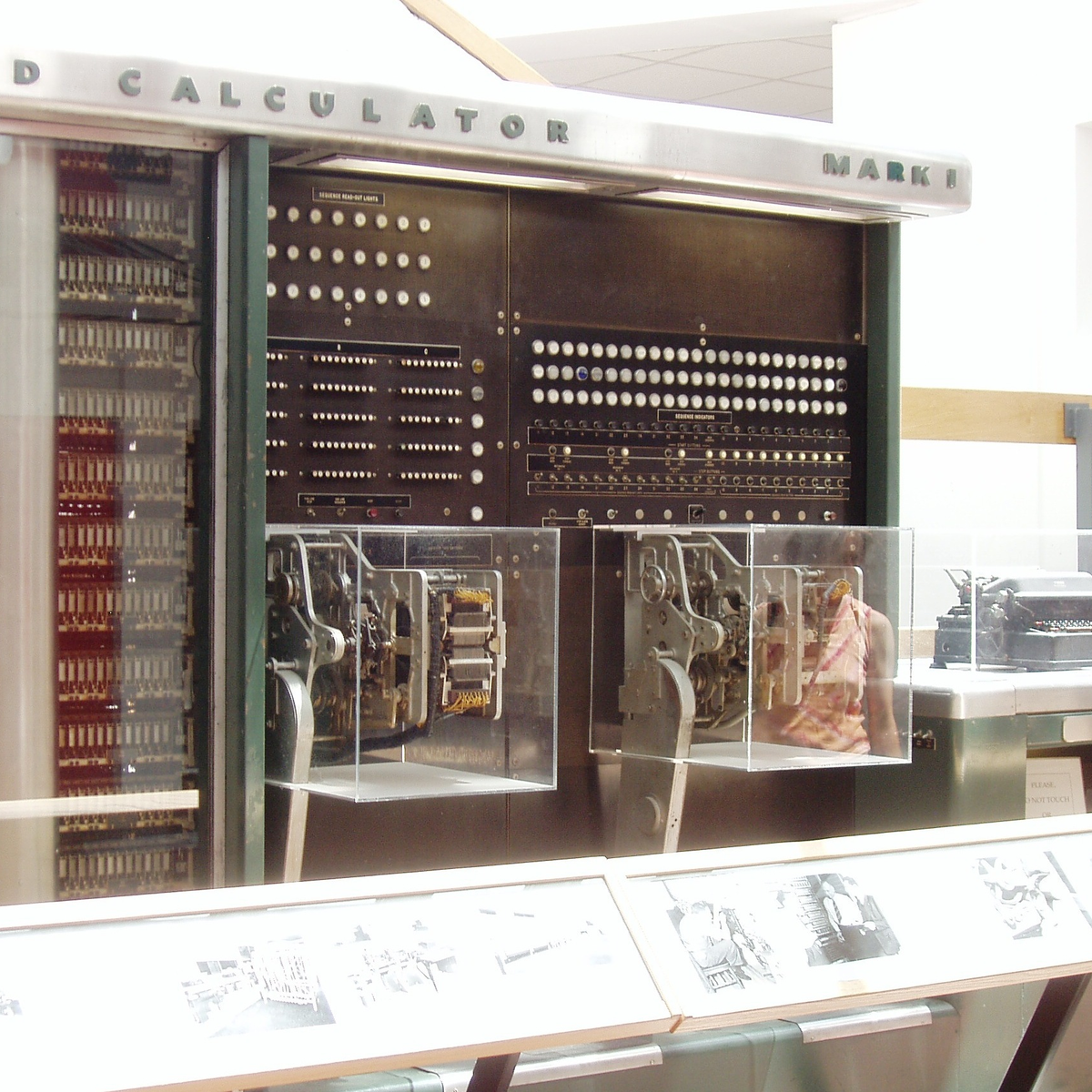
Harvard Mark I, by [Topory]On the other side of the timeline, though, you get strange beasts. The classic PDP-8 had 12-bit words, while its predecessors the PDP-6 and PDP-1 had 36 bits and 18 bits respectively. (Factors of six?) There’s a string of military guidance computers that had 27-bit words, while the Apollo Guidance computer ran 15-bit words. UNIVAC III had 25-bit words, putting the 23-bit Harvard Mark I to shame.
I wasn’t there, but it gives you the feeling that each computer is a unique, almost hand-crafted machine. Some must have made their odd architectural choices to suit particular functions, others because some designer had a clever idea. I’m not a computer historian, but I’m sure that the word lengths must tell a number of interesting stories.
On the whole, though, it gives the impression of a time when each computer was it’s own unique machine, before the convergence of everything to roughly the same architectural ideas. A much more hackery time, for lack of a better word. We still see echoes of this in the people who make their own “retro” computers these days, either virtually, on a breadboard, or emulated in the fabric of an FPGA. It’s not just nostalgia, though, but a return to a time when there was more creative freedom: a time before 64 bits took over.
This article is part of the Hackaday.com newsletter, delivered every seven days for each of the last 200+ weeks. It also includes our favorite articles from the last seven days that you can see on the web version of the newsletter.
Want this type of article to hit your inbox every Friday morning? You should sign up!
Hackaday Editors Elliot Williams and Al Williams took a break to talk about their favorite hacks last week. You can drop in to hear about articulated mirrors, triacs, and even continuous 3D-printing modifications.
Flying on an airplane this weekend? Maybe wait until you get back to read about how the air traffic control works. Back home, you can order a pizza on a Wii or run classic Basic games on a calculator.
For the can’t miss articles, the guys talked about very low Earth orbit satellites and talked about readers who dumpster dive.
Check out the links below if you want to follow along, and don’t be shy. Tell us what you think about this episode in the comments!
Sleep apnea is a debilitating disease that many sufferers don’t even realize they have. Those afflicted with the condition will regularly stop breathing during sleep as the muscles in their throat relax, sometimes hundreds of times a night. Breathing eventually resumes when the individual’s oxygen supply gets critically low, and the body semi-wakes to restore proper respiration. The disruption to sleep causes serious fatigue and a wide range of other deleterious health effects.
Treatment for sleep apnea has traditionally involved pressurized respiration aids, mechanical devices, or invasive surgeries. However, researchers are now attempting to develop a new drug combination that could solve the problem with pharmaceuticals alone.
This week Jonathan chats with Nicholas Adams about OpenRiak! Why is there a Riak and an OpenRiak, which side of the CAP theorem does OpenRiak land on, and why is it so blazingly fast for some operations? Listen to find out!