Reconstructed SC62015 Opcode Reference For Sharp Pocket Computers

Pocket computers like Sharp’s 8-bit computing marvels were a big part of the 1980s, providing super-portable processing power to anyone who wanted a bit more than what something like a scientific calculator could provide at the time. These days they are mostly just a collector’s item for retrocomputing enthusiasts, which also means that a lot of the knowledge about how to program the CPUs in them is at risk of being lost.

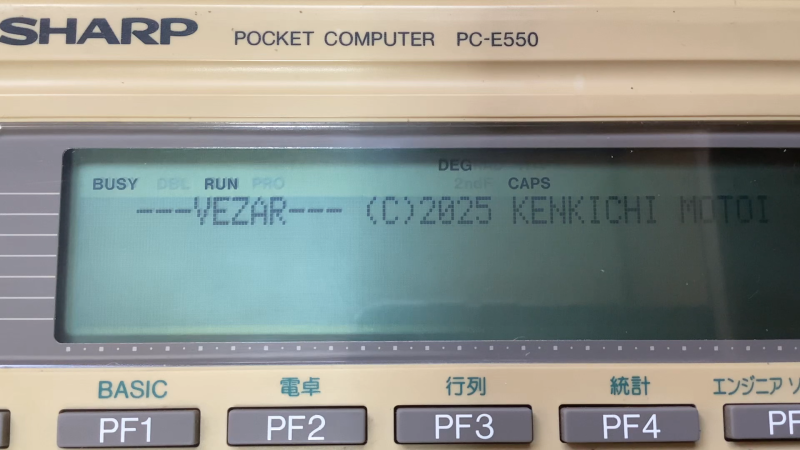
This is why [gikonekos] decided to combine as much knowledge they can glean from official documentation into a reference project on GitHub for the SC62015 equipped Sharp pocket computers like the PC-E550.

Generally you’d program in Sharp’s dialect of BASIC on these computers, such as the ‘PLAY3’ program that [gikonekos] recently unearthed from a November 1993 copy of ‘Pocket Computer Journal’ using which you can create polyphonic tunes. This only unlocks a small part of what the hardware can do, of course, so having a full opcode reference like this is important.

While still a work in progress, it’ll eventually contain the full opcode and register tables, addressing modes, instruction summaries and of course a full accounting of how all of this was reconstructed. As the original Sharp documentation wasn’t released to the public, providing these scans is also not a goal, especially not under any kind of free license.

A cursory search reveals an instruction table for the PC-E500 from 1995 by [Andrew Woods], so documenting this is not a new thing, although at the time these Sharp pocket PCs didn’t count as ‘retro systems’ yet.
BASICODE: A Bit Like Java, But From The 1980s

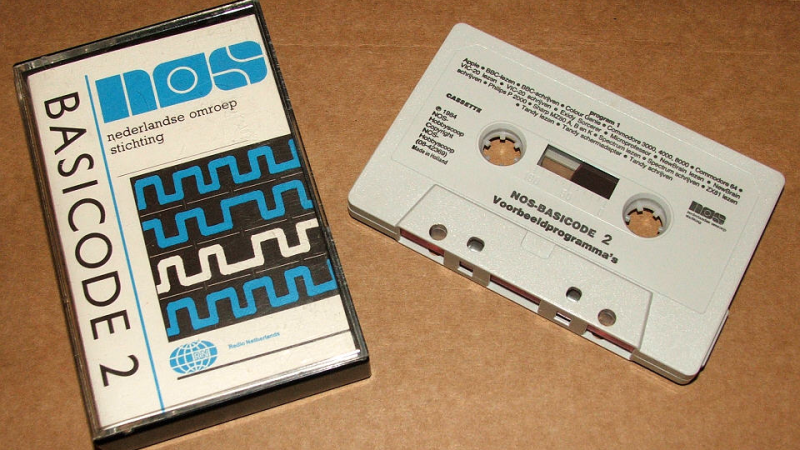
Those of us ancient enough to remember the time, or even having grown up during the heyday of the 8-bit home computer, may recall the pain of trying to make your latest creation work on another brand of computer. They all spoke some variant of BASIC, yet were wildly incompatible with each other regardless. BASICODE was a neat solution to this, acting as an early compatibility standard and abstraction layer. It was essentially a standardized BASIC subset with a few extra routines specialized per platform.

But that’s only part of the story. The BASICODE standard program was invented by Dutch radio engineer Hessel de Vries, who worked for the Dutch national radio broadcaster Nederlandse Omroep Stichting (NOS). It was designed to be broadcast over FM radio! The idea of standardization and free national deployment was brilliant and lasted until 1992, when corporate changes and technological advancements ultimately led to its decline.

Continue reading “BASICODE: A Bit Like Java, But From The 1980s”

A Serial Mouse For A Homebrew 8-bit Computer

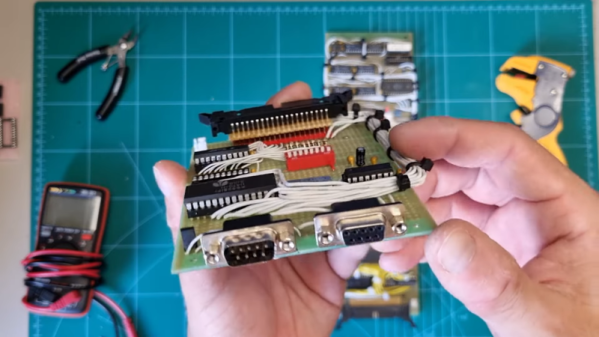
[Too Many Wires] has a custom computer he’s building. He wanted a mouse, but USB is a bit of a stretch for the fledgling computer. We might have opted for PS/2, but he went for something even older: a serial mouse connected with a DE-9 (colloquially, a DB-9). Check it out in his recent video update on the project below.

Don’t remember serial mice? They were very common many years ago, and apparently, you can still buy new ones, which makes you wonder what people are doing with them. If you are an old hand at serial, you’ll immediately know why he couldn’t get it to work at first. If you haven’t worked with RS-232 gear before, you’ll learn a lot.

The protocol is simple enough, and you can read the code or find plenty of old documents. He’s using a UART chip, which offloads the CPU. However, the PS/2 mice are very easy to work with directly, and you could skip the +/- 12V RS-232 and other issues.

Either way, however, using an RS-232 or PS/2 mouse in a project is relatively straightforward. You might not think you need a mouse, but don’t forget, they are really accurate two-axis sensors. An optical mouse on a motion table, for example, could be worth something.

The computer is based on [Ben Eater]’s design, if you want more details on that. Can’t decide between RS-232 and PS/2? You don’t have to.

Continue reading “A Serial Mouse For A Homebrew 8-bit Computer”

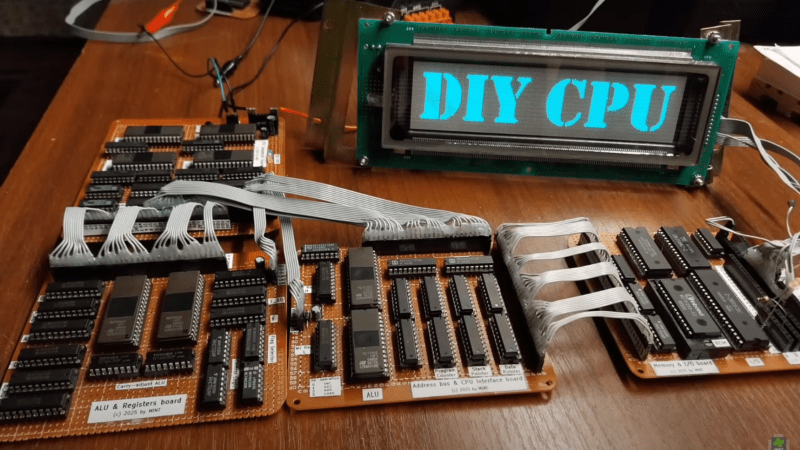
Four brown perf board circuits are visible in the foreground, each populated with many large DIP integrated circuits. The boards are connected with grey ribbon cable. Behind the boards a vacuum fluorescent display shows the words “DIY CPU.”

Designing A CPU With Only Memory Chips

Building a simple 8-bit computer is a great way to understand computing fundamentals, but there’s only so much you can learn by building a system around an existing processor. If you want to learn more, you’ll have to go further and build the CPU yourself, as [MINT] demonstrated with his EPROMINT project (video in Polish, but with English subtitles).

The CPU began when [MINT] began experimenting with uses for his collection of old memory chips, and quickly realized that they could do quite a bit more than store data. After building a development board for single-chip based programmable logic, he decided to build a full CPU out of (E)EPROMs. The resulting circuit spans four large pieces of perfboard, weighs in at over half a kilogram, and took several weeks of soldering to create. Continue reading “Designing A CPU With Only Memory Chips”

Wire Wrap Odyssey: A 7400-series Homebrew 8-bit Computer

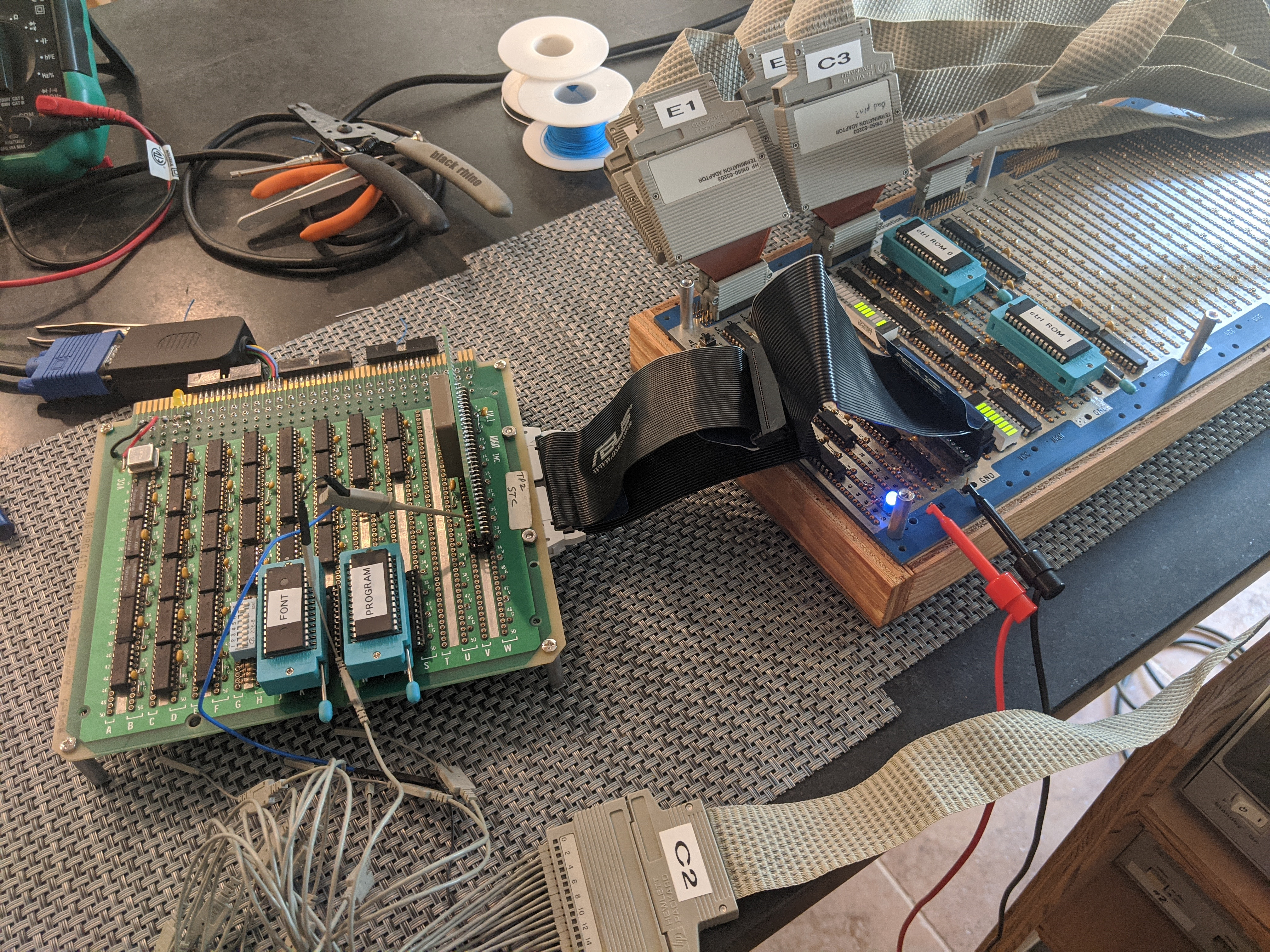
The Wire Wrap Odyssey's first Hello World from the CPU module, here hooked up to a logic analyzer in July of 2020. (Credit: Paul Krizak)
The Wire Wrap Odyssey’s first Hello World from the CPU module, here hooked up to a logic analyzer in July of 2020. (Credit: Paul Krizak)

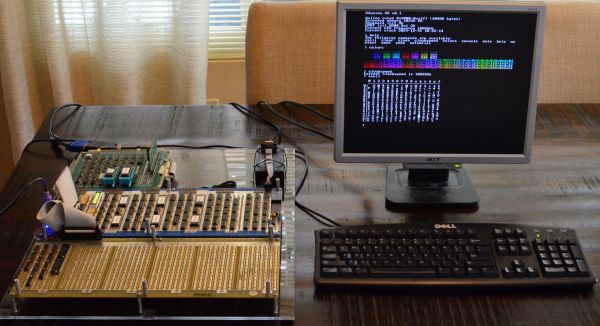
As part of his computer science curriculum at Texas A&M University in the early 2000s, [Paul Krizak] took a computer architecture course on the basics of their functioning. This and being exposed to dozens of homebuilt computer projects inspired him to begin building his own 8-bit computer in 2010, which eventually grew into the Wire Wrap Odyssey. This name covers both the primary construction method chosen around 2019 in the form of wire-wrapped connections, as well the harrowing journey to reach this point with a functioning computer system despite many choices and setbacks.

The Odyssey CPU is an 8-bit microcoded design with 16-bit address bus, using mostly 74HC-series logic. A VGA graphics card is also part of the design, which can output a 640×480 text display, with character glyphs read from the system ROM (32 kB AT28C256). As for the RAM, this is an extravagant 32 kB dual-port SRAM (Renesas 7007), which also allows both the CPU and video card to use the same SRAM. Currently the system has four peripherals: a PS/2 keyboard controller, an RTC and timer (DS1511Y+), 82C52 UART and 1 MB of extended RAM, but an ATA port and parallel port are in development.

Perhaps the most impressive part about this product is the level of documentation, from the early stages including paper doodles to the current state of the system, including the GitHub repository for the software. [Paul] was also an exhibitor at the Vintage Computing Festival (VCF) SoCal recently with his Wire Wrap Odyssey, where he was able to show off the progress so far. Next year he hopes to visit VCF SoCal again, with the remaining planned peripherals implemented.

Old Barcode Scanner Motherboards Live Again

Sometimes, hacking is just for the pleasure of diving into the secrets of old hardware. That was very much the case when [glitch] and a friend started hacking on some old Intel 8080 boards that had been living in the junk pile for too long.

The boards in question were motherboards from Identicon barcode scanners, running the Intel 8080 CPU. Hacking on the 8080 is a little different, with the ancient CPU requiring three separate voltages to run. However, with the power rails figured out and power applied, it was possible to get the old boards up and running.

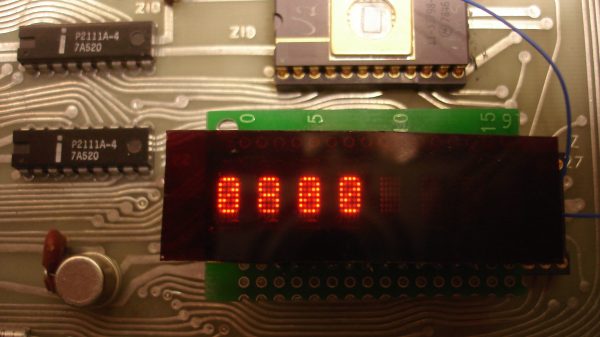
The boards were first run with test ROMs which showed the 8080 CPU to be functional. The ROMs hosted a simple program which got the 8080 to spit out the word “HELO” on to an HP HDSP-2416 ASCII character display. From there, the barcode scanner boards were installed in a chassis and hooked up to a bigger Siemens character display, and the memory was mapped out.

The result was that [glitch] and co were able to largely reverse engineer the Identicon hardware, learning it was fairly similar to the Intel MCS-80 reference design of the era. They were able to get code running on the platform, access the RAM, and fit a larger 8-character display. However, without the original barcode scanner attachment, the boards weren’t able to return to their original duty.

As far as hacks go, it’s pretty old school. The boards don’t talk to Twitter, nor run the lights or help with the dishes. However, plenty of fun was had seeing if this old metal could be made to follow instructions once more. Hacking for the pleasure of it is always a good thing by our book!

VGA Graphics Card In 74xx Logic

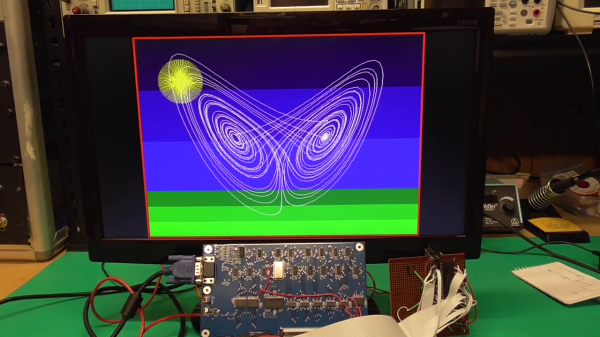
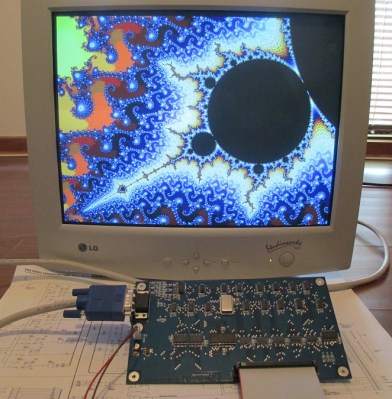
Feeling nostalgic we presume, [Glen Kleinschmidt] set out to build a 640x480x64 VGA controller card from discrete logic chips. If we ignore the 512Kx8 Cypress SRAM video memory, he succeeds, too — and on a very readable, single page A3 schematic. The goal is to interface some of his older 8-bit machines, like the TRS-80 Model 1 and the BBC Micro, but for now he’s running a demo using a 20+ year old PIC16F877 micro.

[Glen] provides all the schematics, Gerbers, and C source code on his website should you be inclined to reproduce one for yourself. He has three versions in the works, with various capabilities (there’s a table on his website). As an alternative, one could always use an FPGA or a custom-built chip such as the SSD1963 to generate video for these micros, but sometimes the urge to go retro is too great to resist. We get the feeling that for [Glen], this is a project unto itself, and being able to interface it to his 8-bit computers is just a convenient excuse.

This isn’t [Glen]’s first retro project, either. Check out his analog computer “bouncing ball” project we covered back in 2017. Have you struggled with the build vs. buy decision, and how do you decide?

Continue reading “VGA Graphics Card In 74xx Logic”