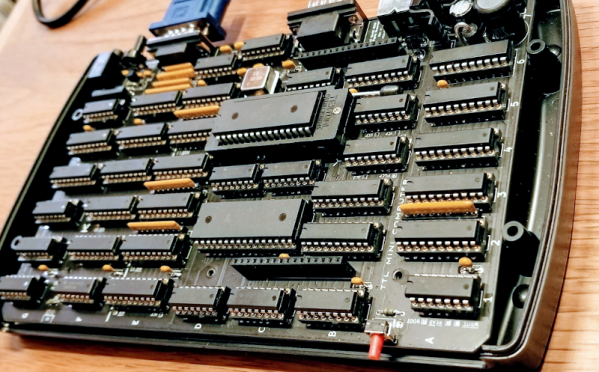
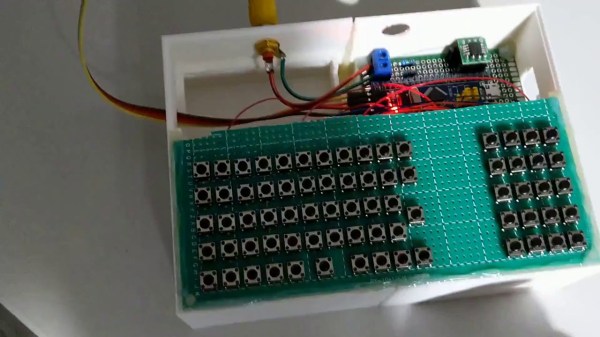
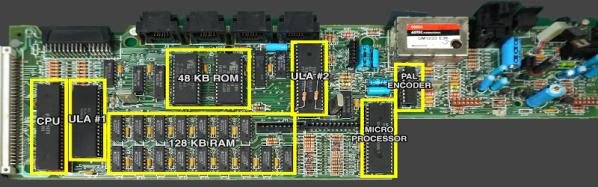
You know that feeling when your previously niche hobby goes mainstream, and suddenly you’re not interested in it anymore because it was once quirky and weird but now it’s trendy and all the newcomers are going to come in and ruin it? That just happened to retrocomputing. The article is pretty standard New York Times fare, and gives a bit of attention to the usual suspects of retrocomputing, like Amiga, Atari, and the Holy Grail search for an original Apple I. There’s little technically interesting in it, but we figured that we should probably note it since prices for retrocomputing gear are likely to go up soon. Buy ’em while you can.
Remember the video of the dancing Boston Dynamics robots? We actually had intended to cover that in Links last week, but Editor-in-Chief Mike Szczys beat us to the punch, in an article that garnered a host of surprisingly negative comments. Yes, we understand that this was just showboating, and that the robots were just following a set of preprogrammed routines. Some commenters derided that as not dancing, which we find confusing since human dancing is just following preprogrammed routines. Nevertheless, IEEE Spectrum had an interview this week with Boston Dynamics’ VP of Engineering talking about how the robot dance was put together. There’s a fair amount of doublespeak and couched terms, likely to protect BD’s intellectual property, but it’s still an interesting read. The take-home message is that despite some commenters’ assertions, the routines were apparently not just motion-captured from human dancers, but put together from a suite of moves Atlas, Spot, and Handle had already been trained on. That and the fact that BD worked with a human choreographer to work out the routines.
Looks like 2021 is already trying to give 2020 a run for its money, at least in the marketplace of crazy ideas. The story, released in Guitar World of all places, goes that some conspiracy-minded people in Italy started sharing around a schematic of what they purported to be the “5G chip” that’s supposedly included in the SARS-CoV-2 vaccine. The reason Guitar World picked it up is that eagle-eyed guitar gear collectors noticed that the schematic was actually that of the Boss MetalZone-2 effects pedal, complete with a section labeled “5G Freq.” That was apparently enough to trigger someone, and to ignore the op-amps, potentiometers, and 1/4″ phone jacks on the rest of the schematic. All of which would certainly smart going into the arm, no doubt, but seriously, if it could make us shred like this, we wouldn’t mind getting shot up with it.
Remember the first time you saw a Kindle with an e-ink display? The thing was amazing — the clarity and fine detail of the characters were unlike anything possible with an LCD or CRT display, and the fact that the display stayed on while the reader was off was a little mind-blowing at the time. Since then, e-ink technology has come considerably down market, commoditized to the point where they can be used for price tags on store shelves. But now it looks like they’re scaling up to desktop display sizes, with the announcement of a 25.3″ desktop e-ink monitor by Dasung. Dubbed the Paperlike 253, the 3200 x 1800 pixel display will be able to show 16 shades of gray with no backlighting. The videos of the monitor in action are pretty low resolution, so it’s hard to say what the refresh rate will be, but given the technology it’s going to be limited. This might be a great option as a second or third monitor for those who can work with the low refresh rate and don’t want an LCD monitor backlight blasting them in the face all day.
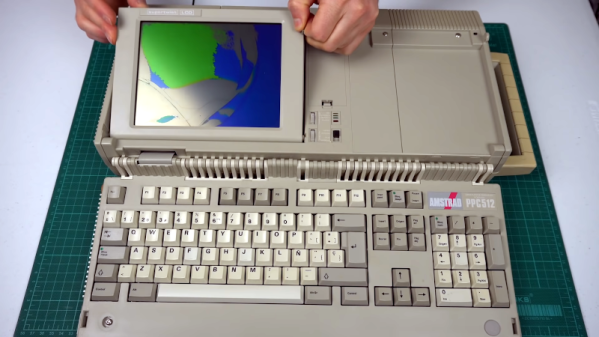
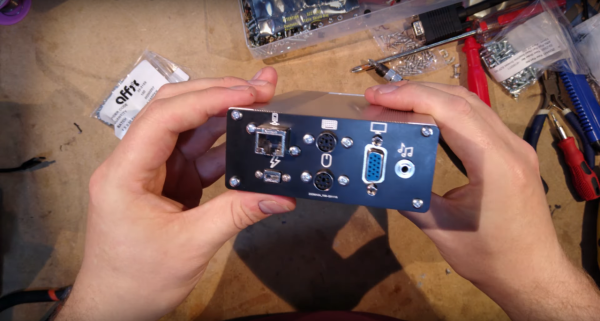

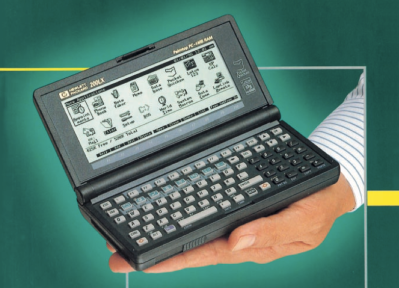 Back before COVID-19, I was walking through the airport towards the gate when suddenly I remembered a document I wanted to read on the flight but had forgotten to bring along. No worry, I paused for a bit on the concourse, reached into my pocket and proceeded to download the document from the Internet. Once comfortably seated on the plane, I relaxed and began reading. Afterwards, I did a little programming in C on a shareware program I was developing.