100% display from filter screen and the responsible mod chip

Clearing The Air About Proprietary Consumables With A Xiaomi Filter DRM Resetter

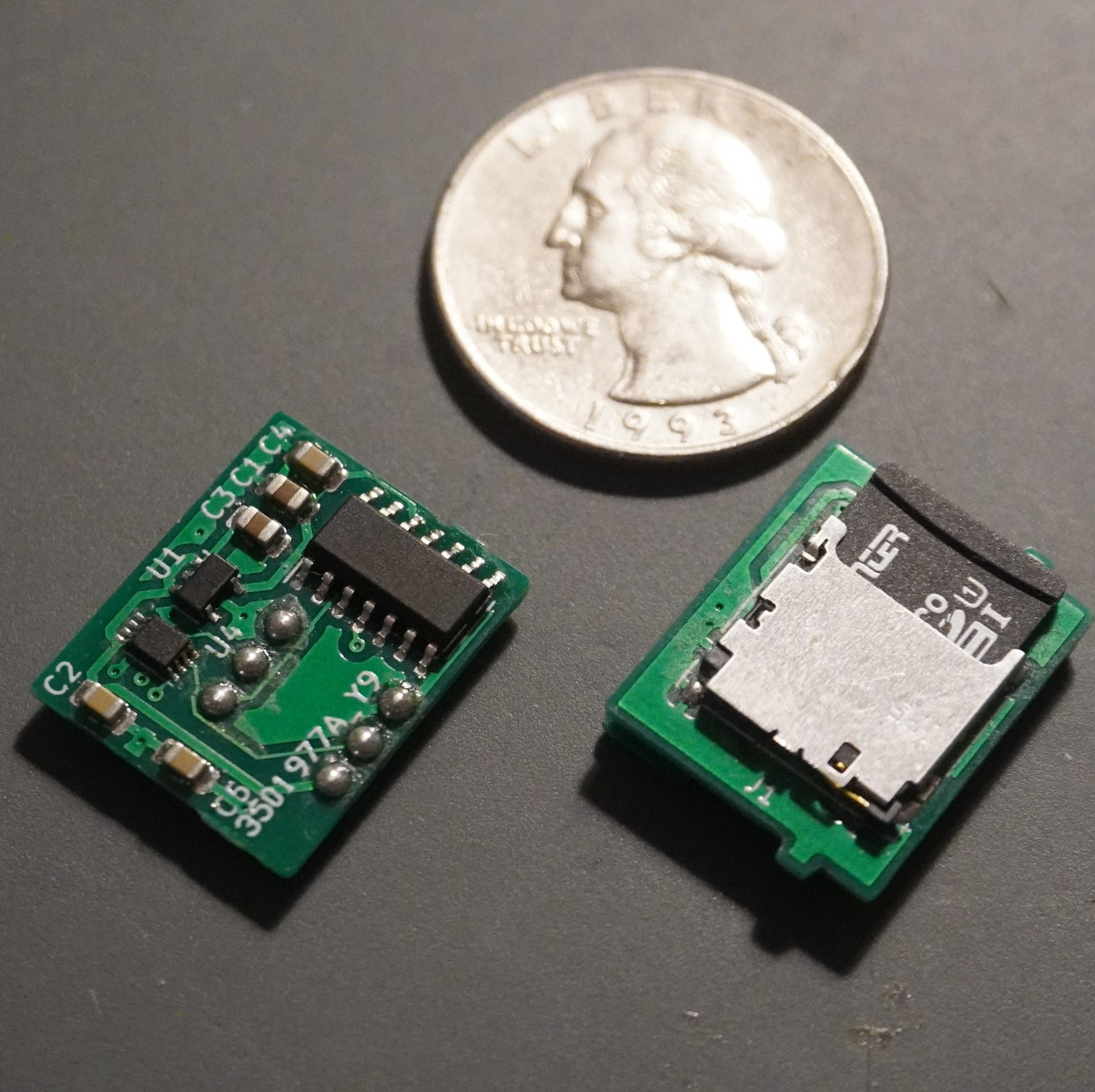
The “razor and blades model” probably set a lot of young hackers on their current trajectory. If we buy a widget, we want to pick our widget refills instead of going back to the manufacturer for their name-brand option. [Flamingo-Tech] was having none of it when they needed a new filter for their Xiaomi air purifier so they set out to fool it into thinking there was a genuine replacement fresh from the box. Unlike a razor handle, the air purifier can refuse to work if it is not happy, so the best option was to make a “mod-chip.”

The manufacturer’s filters have a Near-Field Communication (NFC) chip and antenna which talk to the base station. The controller receives the filter data via I2C, but the mod-chip replaces that transmitter and reassures the controller that everything is peachy in filter town. On top of the obvious hack here, [Flamingo-Tech] shows us how to extend filter life with inexpensive wraps, so that’s a twofer. You can create your own mod-chip from the open-source files or grab one from [Flamingo-Tech’s] Tindie store.

We usually hear about mod-chips in relation to games, but we are happy to extend that honor to 3D printers. Have you ever fooled a “razor?”

Continue reading “Clearing The Air About Proprietary Consumables With A Xiaomi Filter DRM Resetter”

Rows of nixie tubes in clear acrylic

Binary Clock Lets The Nixies Glow

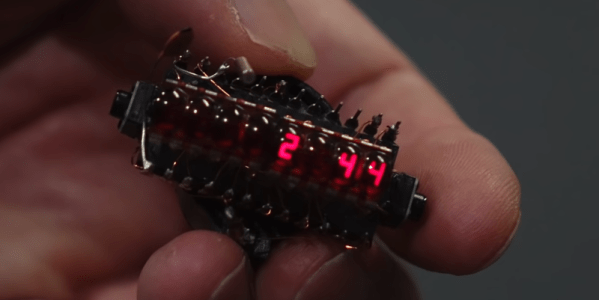
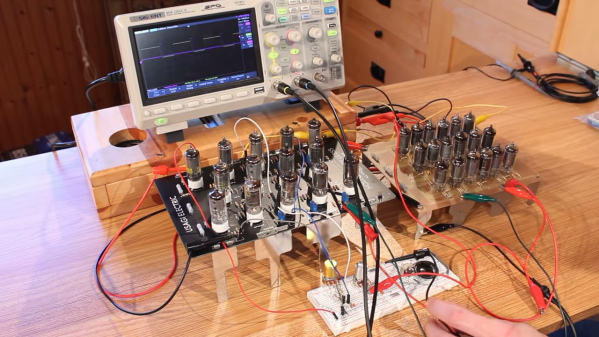
We’re not here to talk about another clock. Okay, we are, but the focus isn’t about whether or not it can tell time, it’s about taking a simple idea to an elegant conclusion. In all those ways, [Marcin Saj] produced a beautiful project. Most of the nixie clocks we see are base-ten, but this uses base-two for lots of warm glow from more than a dozen replaceable units.

There are three rows for hours, minutes, and seconds. The top and bottom rows are labeled with an “H” and “S” respectively displayed on IN-15B tubes, while the middle row shows an “M” from an IN-15A tube. The pluses and minuses light up on IN-12 models so you’ll need eighteen of them for the full light show, but you could skimp and use sixteen in twelve-hour mode since you don’t need to count to twenty-four. We won’t explain how to read time in binary, since you know, you’re here and all. The laser-cut acrylic is gorgeous with clear plastic next to those shiny nixies, but you have to recreate the files or buy the cut parts as we couldn’t find vector files amongst the code and schematics.

Silly rabbit, nixies aren’t just for clocks. You can roll your own, but they’re not child’s play.

Continue reading “Binary Clock Lets The Nixies Glow”

Never Lose A Piece With 3D Printed Sliding Puzzles

Have you ever been about to finish a puzzle, when suddenly you realize there are more holes left than you have pieces? With [Nikolaos’s] 3D printed sliding puzzles, this will be a problem of the past!

An image showing the sliding dovetails of the puzzle
The dovetails, integrated into each piece, keep the puzzle together but still allows pieces to move.

The secret of the puzzle is in the tongue and groove system that captures the pieces while allowing them to slide past each other and along the puzzle’s bezel. The tongues are along the top and right sides of the pieces shown here, with the grooves along the left and bottom. There is only one empty spot on the board, so the player must be methodical in how they move pieces to their final destinations. See this in action in the video after the break.

[Nikolaos] designed the puzzle in Fusion 360, and used this as an opportunity to practice with parameters. He designed the model in such a way that any size puzzle could be generated by changing just 2 variables. Once the puzzle is the proper size, the image is added by importing and extruding an SVG.

Another cool aspect of these puzzles is that they are print-in-place, meaning that when the part is removed from the 3D printer, it is ready to use and fully assembled. No need to remove support material or bolt and glue together multiple components. Print-in-place is useful for more than just puzzles, you could also use this technique to 3D print wire connectors!

Continue reading “Never Lose A Piece With 3D Printed Sliding Puzzles”

Who Owns The Machine Anyway?

The story of the McDonalds’ frozen treat machine involves technology, trade secrets, inside business dealings, franchiser/franchisee friction, and an alleged NDA violation. In short: lots of money and lawyers. But it also involves something that matters to all of us hackers — what it means to own a machine.

Sad clown holding melted ice cream coneThe brief background is that McDonald’s requires its franchisees to buy a particular Taylor Soft Serve machine. The machine would enter pasteurizing mode and has opaque error codes that are triggered apparently without the owners or operators understanding, at which point Taylor service techs come in to fix them — and get paid for their service, naturally. A small hardware startup, Kytch, stepped into the mess with a device that man-in-the-middles the Taylor machine’s status codes, allowing the machine’s owners to diagnose and monitor it themselves. Heroes, right?

Taylor, naturally, wants to look at a Kytch device, but they’re locked up under NDAs that Kytch require users to sign in order to protect their trade secrets. So when Taylor gets their hands on one, Kytch takes them to court for, ironically, reverse engineering their device that they built to reverse Taylor’s protocols.

There are no good guys in this fight: it’s corporate secrecy fighting corporate secrets. None of which, by the way, is Hackaday particularly fond of. Why? Because these secrets rob the ostensible owners of the devices of their ability to inspect, fix, and operate their machines. This is akin to the “right to repair” idea, but it’s somehow even more fundamental — the right to know what your own devices are doing.

What this story needs is a Robin Hood. And as the devices we get sold become increasingly wrapped up in EULAs and NDAs, and full of secret sauce that’s out of our control, we’re going to need a lot more Robin Hoods. It’s McDonald’s frozen treat machines, but it’s also your smart thermostat and your inkjet printer and your — you name it. Have at it, Hackaday!

Robot Utopia

We see so many dystopian visions of automation, it’s time for us to do it right! The Redefine Robots round of the 2021 Hackaday Prize just started, and it’s your chance to build robots that respect the users. It doesn’t have to be the largest project in the world, but it does have to be automatic and helpful. Start your engines!

Grappling Hook Robot Swings Like Spiderman

We’ll admit it is a bit of a gimmick, but [Adam Beedle’s] Spider-Bot did make us smile. The little robot can launch a “web” and use it to swing. It is hard to picture, but the video below will make it all clear. It can also use the cable to climb a wall, sort of.

The bot’s ability to fling a 3D printed hook on a tether is remarkable. Details are scarce, but it looks like the mechanism is spring-loaded with a servo motor to release it. Even trailing a bit of string behind it, the range of the hook is impressive and can support the weight of the robot when it winches itself up. There’s even a release mechanism that reminds us more of Batman than Spiderman.

If we were going full autonomous, we’d consider a vision system. On the other hand, you could probably tell a lot by the tension on the cable and some way to measure the angle of it coming out of the robot. If you come up with a practical use for any of this, we’d love to see it.

We’ve seen robots that fly, jump, and can climb walls before. We don’t remember one that swings like Tarzan.

Continue reading “Grappling Hook Robot Swings Like Spiderman”

eBike conversion

EBike Conversion On A Budget Uses Skateboard Motor

[Dave Schneider] has been chasing an electric-bike build for more than 10 years now. When he first started looking into it back in 2009, the cost was prohibitive. But think of how far we’ve come with the availability of motors, electronic speed controllers, and of course battery technology. When revisiting the project this year, he was able to convert a traditional bicycle to electric-drive for around $200.

Electric skateboards paved the way for this hack, as it was an outrunner motor that he chose to use as a friction drive for the rear wheel. The mounting brackets he fabricated clamp onto the chain stay tubes and press the body of the motor against the tire.

The speed of the motor is controlled by a rocker switch on the handlebars, but it’s the sensors in the brake levers that are the neat part. Magnets added to each brake lever are monitored by hall-effect sensors so that the throttle cuts whenever it senses the rider squeezing the front brake (effectively free-wheeling the bike), while the rear brake triggers a regenerative braking function he’s built into the system!

Sure you can buy these bikes, you can even buy conversion kits, but it’s pretty hard to beat the $88 [Dave] spent on the motor when the cost of purpose-built motors is usually several times this figure. The rest is fairly straight-forward, and besides ordering batteries and an electronic speed controller, you likely have the bits you need just waiting for you in your parts bin.

Apple II computer on a workbench

Simple Fan Controller Helps Apple II To Beat The Heat

In its day, the Apple II computer didn’t typically require active cooling. However, the increasing scarcity of replacement hardware convinced [Joshua Coleman] to come up with a more robust active cooling solution for his Apple II+, increasing the likelihood that it will keep on crunching numbers for decades to come.

Joshua mentions that he recorded temperatures inside his Apple II+ peaking at 110 Fahrenheit (over 43 Celsius). This isn’t totally unexpected for a fully-loaded Apple II system, and components were built to handle this – the original datasheet for the 6500 microprocessor family reveals that the CPU can handle temperatures as high as 158 Fahrenheit (70 Celsius). Unfortunately, we’re not dealing with brand new components anymore. Decades-old microprocessors don’t necessarily have the same thermal tolerance as they once did. All components will eventually wear out, and heat can certainly accelerate the aging process.

In the interests of maintaining his system, Joshua cobbled together an Arduino-based cooling system for his Apple II+. A temperature/humidity sensor continuously monitors the heat situation inside the case – when things get too toasty, a 12V fan powers up to draw fresh air over the logic board and expansion cards. A simple cooling curve reduces wear on the fan motor and relay.

This is hardly the first active cooling system for the Apple II line – in the 1980s, Kensington produced a popular (if not stupendously ugly) ‘System Saver’ accessory, an external bolt-on fan that kept things running cool. These were often deployed in schools and by power users looking for added reliability when maxing out the Apple II expansion slots, a configuration that could increase temperatures due to the extra power requirements and reduced airflow.

Continue reading “Simple Fan Controller Helps Apple II To Beat The Heat”