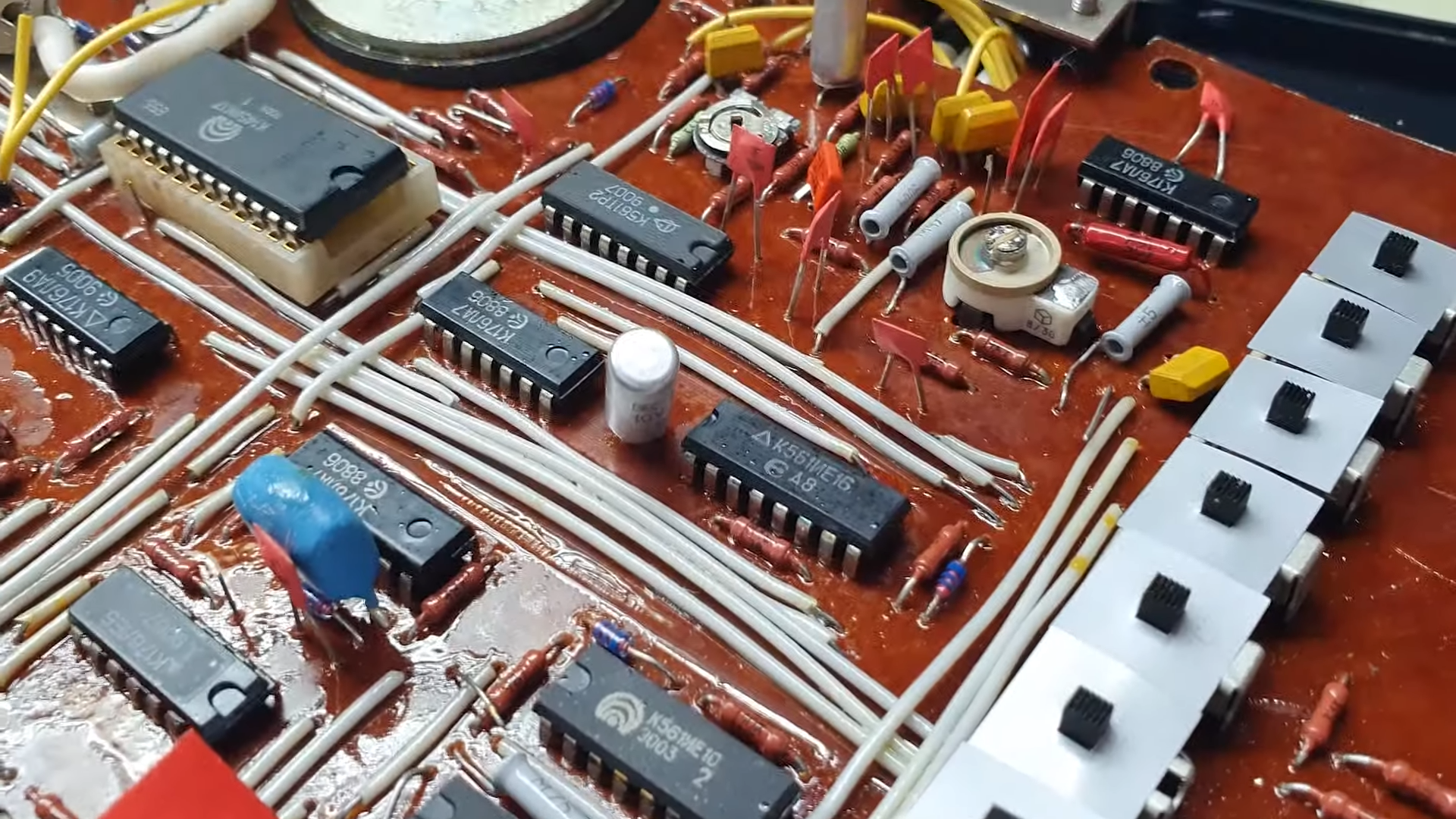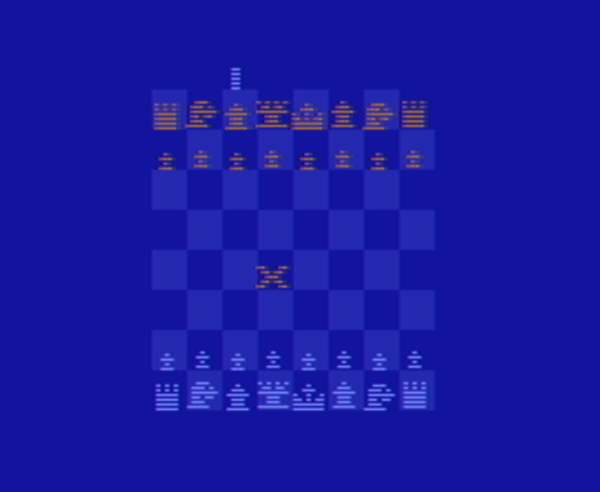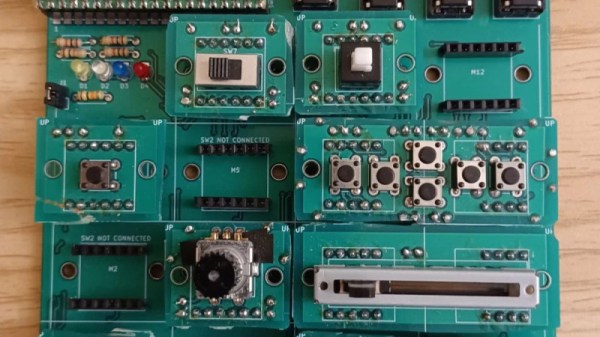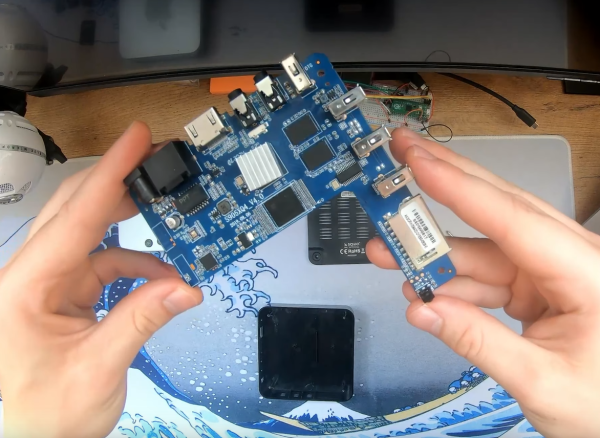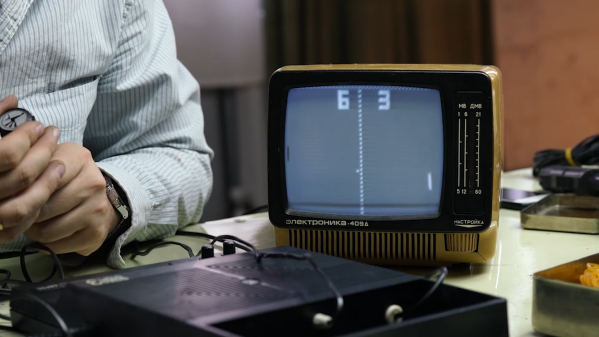
If you are a certain age, you probably remember the Mattel Football game. No LCD screen or fancy cartridges. Just some LEDs and a way to play football when you should be in class. While these might seem primitive to today’s kids, they were marvels of technology in the 1970s when they came out. [Sean Riddle] looks, well, not exactly at the games, but more like in them. As it turns out, they used chips derived from those made for calculators.
[Sean’s] post is a glimpse into this world of over four decades past. Football was actually the second electronic game from Mattel. The first one was Auto Race. There were also games called Space Alert, Baseball, and Gravity. Inside each are quad in-line packages with 42 pins, a Rockwell logo, and a custom part number.
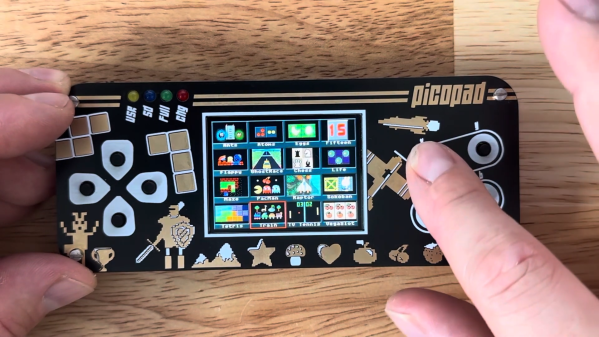
How well do you know your logic gates? For their final submission for STEM Projects class, [BKriet] gamified the situation using a Raspberry Pi Pico, some blinkenlights, and a not-insignificant amount of 3D printing. The result is Name! That! Gate!, a fun and educational toy that [BKriet] ultimately donated back to the class (that’s a hot move in our book).
The objective of this game is to figure out which logic gate is being used to make the output shown on the screen, given A, B, and/or C as inputs. There are ten stages to the game, and each correct stage awards the player 14 points, for a perfect score of 140. Although a random gate is loaded for every stage, code ensures that no gate is ever repeated during a single game.
One of the best parts of gaming is gaming with friends, but often this requires everyone involved to have the same expensive piece of hardware. Almost everyone has a computer with a browser already, though, so if you’d like to play online with friends who don’t have the same gaming machine as you, they can play along now simply by opening a web browser thanks to this project called Qwantify.
There are a few requirements to get this to work, though. At least one person needs to have a computer with a GPU to run the docker container that hosts the game, but once that’s done anyone with a browser can connect to it and play. The entire project is open source as well, and since it’s currently a very young project there is only support for AMD and Intel GPUs but it does have a fairly intuitive user interface as well as some other features like allowing for various gaming peripherals and supporting streaming gameplay to Twitch and YouTube.
Being able to host your own gaming server is pretty common in some games like Minecraft, but we are excited to see something that is self-hosted take this idea to the next level. We haven’t seen something this ambitious since we were all talking about cloud gaming, but at least this time the games can be hosted on our own hardware.
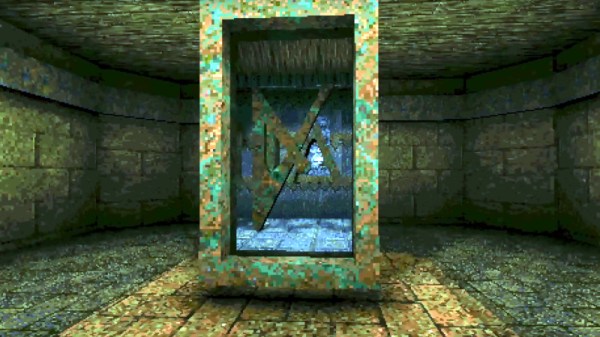
It’s the standard test for a hardware hack, half serious half in jest, “Can it run DOOM?”. The iconic early-90s shooter from id software has made an appearance on everything from toothbrushes to LEGO bricks, but nobody has yet posed the opposite question: Can DOOM run it?“. It’s one answered by [Danny Spencer], who has proved that it’s possible to perform computational tasks in the game by producing a working adding machine in a DOOM level.
If you’re familiar with the folks who build working computers within Minecraft, this is in a similar vein. Game elements are used to create logic elements, and from there more complex systems can be assembled. DOOM doesn’t have the in-game logic that Minecraft has, but by clever combination of monster behaviour with in-game actions involving rooms, buttons, and doors, it’s possible to create the simplest of building blocks, the NAND gate.
The video below the break shows the adder in action, first in operation (we like the monster-driven display!), and then a tour of the logic area with its rooms full of computational monsters. It’s important to note that this isn’t a computer, he hasn’t proved it as Turing complete, and that the maximum size of a DOOM level whatever it is will impose an upper limit on what can be done. But it does show that in theory at least a computer can be made in DOOM, and we’re sure people will continue this work.
We’ve always been big fans of the Arduboy here at Hackaday. When creator Kevin Bates showed us the original prototype back in 2014, the idea was to use his unique method of mounting components inside routed holes in the PCB to produce an electronic business card that was just 1.6 mm thick. But the Internet quickly took notice of the demos he posted online, and what started as a one-off project led to a wildly successful Kickstarter for a sleek handheld gaming system that used modern components and manufacturing techniques to pay homage to the 8-bit retro systems that came before it.
The original Arduboy prototype in 2014
It’s the sort of hacker success story that we live for around here, but it didn’t end there. After the Kickstarter, the Arduboy community continued to grow, thanks in no small part to Kevin never forgetting the open source principles the product was built on.
He took an active role in the growing community, and when some Arduboy owners started tinkering with adding external storage to their systems so they could hold hundreds of games at a time, he didn’t chastise them for exploring. Instead, he collaborated with them to produce not only a fantastic add-on modification for the original Arduboy, but a new version of the Arduboy that had the community-inspired modifications built in.
Now Kevin is back with the Arduboy Mini, which not only retains everything that made the original a success, but offers some exciting new possibilities. There’s little doubt that he’s got another success on his hands as well as the community’s backing — at the time of this writing, the Kickstarter campaign for the $29 USD Mini has nearly quadrupled its funding goal.
But even still, Kevin offered us a chance to go hands-on with a prototype of the Arduboy Mini so that anyone on the fence can get a third party’s view on the new system. So without further ado, let’s take a look at how this micro machine stacks up to its full-sized counterparts.
Input Labs’ mission is to produce open-source Creative Commons hardware and software for creating gaming controllers that can be adapted to anyone. Alpakka is their current take on a generic controller, looking similar to a modern Xbox or PlayStation controller but with quite a few differences. The 3D printed casing has a low-poly count, angular feel to it, but if you don’t like that you can tweak that in blender to just how you want it. Alpakka emulates a standard USB-attached keyboard, mouse, and Xinput gamepad in parallel so should just work out of the box for both Linux and Windows PC platforms. The firmware includes some built-in game profiles, which can be selected on the controller.
No special parts here, just 3D prints, a PCB and some nuts and bolts
The dual D-pads, augmented with an analog stick, is not an unusual arrangement, but what is a bit special is the inventive dual-gyro sensor arrangement –which when used in conjunction with a touch-sensitive pad — emulates a mouse input. Rest your thumb on the right-hand directional pad and the mouse moves, or else it stays fixed, kind of like lifting a mouse off the pad to re-center it.
The wired-only controller is based around a Raspberry Pi Pico, which has plenty of resources for this type of application giving a fast 250 Hz update rate. But to handle no fewer than nineteen button inputs, as well as a scroll wheel, directional switch, and that analog stick, the Pico doesn’t have enough I/O, needing a pair of NXP PCAL6416A I2C IO expanders to deal with it.
The PCB design is done with KiCAD, using a simple 3D printed stand to hold the PCB flat and the through-hole components in place while soldering. Other than a few QFN packages which might be a problem for some people, there is nothing tricky about hand-soldering this design.
Computer mice come in all kinds of shapes and sizes, but are typically designed to fit in the palm of your hand. While some users with large hands may find standard mice uncomfortably small, we don’t think anyone will ever make that complaint about the humongous peripheral [Felix Fisgus] made for a game called Office Job at the ENIAROF art festival in Marseille. With a length of about two meters we suspect it might be the largest functional computer mouse in existence.
Inside the massive mouse is a wooden pallet with four caster wheels that enable smooth movement in all directions. This motion is detected by an ordinary optical mouse sensor: perhaps surprisingly, these can be used at this enormous scale simply by placing a different lens in front.
As for the mouse button, [Felix] and his colleagues found of that the bottom of an empty five-liter can has a nice “pop” to it and installed one in the front section of the device, hooked up to an ESP32 board that communicates with a computer through Bluetooth.
The mouse connects to an equally huge desktop computer, powered by a Raspberry Pi, on which users play a game that involves clicking on error messages from a wide variety of old and new operating systems. Moving the mouse and pressing its button to hit those dialog boxes is a two-person job, and turns the annoyance of software errors into a competitive game.