Tiny SAO, Tough CTF Challenge!

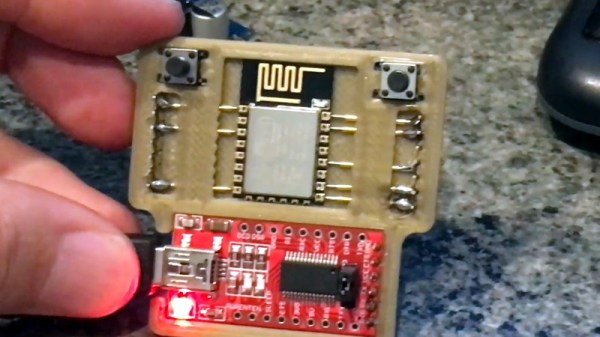
Over the year or two since the SAO connector specification was published, otherwise known as the Shitty Addon, we’ve seen a huge variety of these daughter boards for our favourite electronic badges. Many of them are works of art, but there’s another subset that’s far less about show and more about clever functionality. [Uri Shaked]’s little SAO is rather unprepossessing to look at, being a small round PCB with only an ATtiny microcontroller, reset button, and solitary LED, but its interest lies not in its looks but its software. It contains a series of CTF puzzles within, and despite its apparent simplicity should contain enough to detain even the hardiest puzzle-solving hackers.

It’s a puzzle of three parts, at the simplest level merely flashing the LED is enough, while the next level involves retrieving a buried string from the firmware and the last requires replacing the string with one of your own. You are only allowed to do so through the SAO connector, but fortunately you do have the benefit of access to the source code to trawl for vulnerabilities. There is a hefty hint that the data sheet for the microcontroller might also be useful.

[Uri] has appeared many times on these pages, most recently when he added a microscope to his 3D printer.

Ploopy Open Source Trackball Keeps Rolling Along

We’ll be honest. When we first heard about a mouse, we weren’t convinced. The argument was that business people weren’t familiar with computers. That didn’t ring true since every business person in the last century had at least seen a typewriter keyboard, but most of them had never seen a mouse before the 1980s. The mouse has since become totally ubiquitous, so presumably, it was the right choice. However, if you are a serious touch typist, it is annoying to have to move your hands off the keyboard to a different location each time. There are several solutions for that, but the oldest one is probably the trackball. Ploopy is an open-source trackball you can build yourself, and it looks pretty capable.

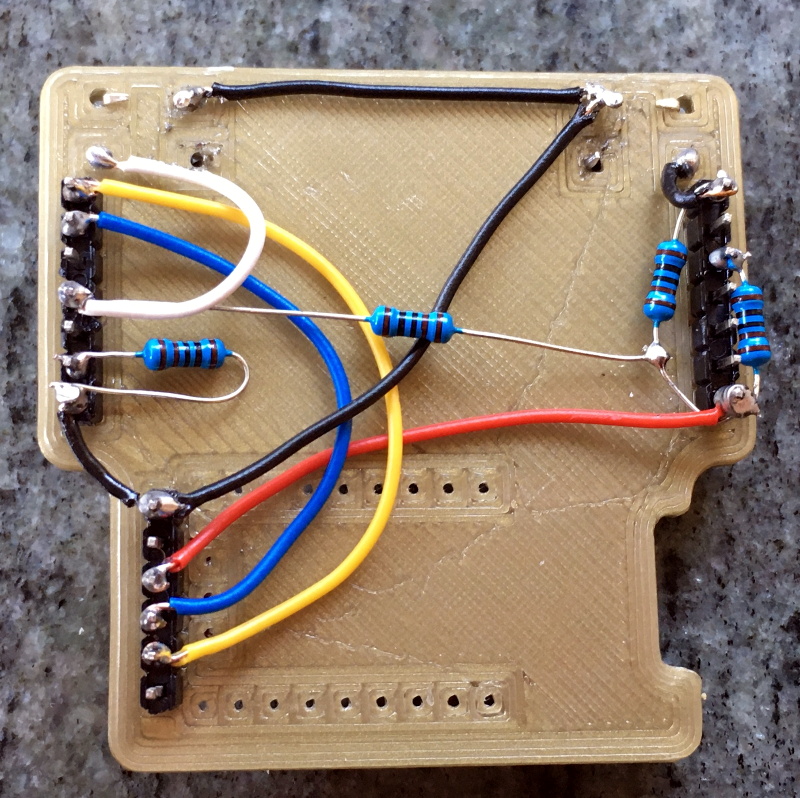
While we aren’t wild about the name, Ploopy looks pretty good and is one of those projects that would have been very difficult ten years ago. It requires two PC boards. Those used to be hard to get. It also requires some very customized plastic parts. Getting a handful of plastic parts made used to be hard, too. But now you probably have a 3D printer that is just begging for something to do.

Continue reading “Ploopy Open Source Trackball Keeps Rolling Along”

Numpy Comes To Micro Python

[Zoltán] sends in his very interesting implementation of a NumPy-like library for micropython called ulab.

He had a project in MicroPython that needed a very fast FFT on a micro controller, and was looking at all of the options when it occurred to him that a more structured approach like the one we all know and love in CPython would be possible on a micro controller too. He thus ended up with a python library that could do the FFT 50 times faster than the the pure Python implementation while providing all the readability and ease of use benefits that NumPy and Python together provide.

As cool as this is, what’s even cooler is that [Zoltan] wrote excellent documentation on the use of the library. Not only can this documentation be used for his library, but it provides many excellent examples of how to use MicroPython itself.

We really recommend that fans of Python and NumPy give this one a look over!

ESP8266 Unlocks Hidden Features In Sound Bar

It’s no secret that the hardware devices we buy are often more capable than their manufacturer leads on. Features hidden behind firmware locks are a common trick, as it allows companies to sell the same piece of gear as a different model by turning off certain capabilities. Luckily for us, these types of arbitrary limitations are often easy to circumvent.

As a perfect example, [Acuario] recently discovered that the LG SJ2 sound bar has quite a few features that aren’t advertised on the box. Whether it’s due to greed or just laziness, it turns out LG isn’t using many of the capabilities offered by the ESMT AD83586B IC inside the amplifier. The chip gets its configuration via I2C, so thanks to the addition of an ESP8266, the expanded capabilities can now be easily enabled through a web interface.

[Acuario] has already found out how to turn on things like simulated surround sound, or per-channel volume controls; all functions which aren’t even exposed through the normal controls on the sound bar. But it goes deeper than that. The LG SJ2 is a 2.1 channel system, with a wireless speaker providing the right and left channels. But the AD83586B inside the subwoofer is actually capable of driving two locally connected speakers, though you obviously need to do a little rewiring.

There are still even more capabilities to unlock, though [Acuario] is currently struggling with some incomplete documentation. The datasheet says there’s support for user-defined equalizer settings, but no examples are given for how to actually do it. If anyone’s got a particular affinity for these sort of amplifier chips, now could be your time to shine.

For hackers, there’s perhaps no better example of feature-locked products than Rigol’s line of oscilloscopes. From the 2000 series of scopes in 2013 up to their higher-end MSO5000 just last year, there’s a long history of unlocking hidden features on these popular tools.

Creating A Bode Analyzer From A Microcontroller

Electrical engineers will recognize the Bode plot as a plot of the frequency response of a system. It displays the frequency on the x-axis and the phase (in degrees) or magnitude (in dB) on the y-axis, making it helpful for understanding a circuit or transfer function in frequency domain analysis.

[Debraj] was able to use a STM32F407 Discovery board to build a Bode analyzer for electronic circuits. The input to the analyzer is a series of sine wave signals with linearly increasing frequency, or chirps, preferably twenty frequencies/decade to keep the frequency range reasonable.

The signals from a DAC are applied to a target filter and the outputs (frequencies obtained) are read back through an ADC. Some calculations on the result reveal how much of the signal is attenuated and its phase, resulting in a Bode plot. The filtering is done through digital signal processing from a microcontroller.

While the signals initially ran through a physical RC-filter, testing the Bode plotter with different circuits made running the signals through a digital filter easier, since it eliminates the need to solder resistors and capacitors onto protoboards. Plotting is done using Python’s matplotlib, with the magnitude and phase of the output determined analytically.

It’s a cool project that highlights some of the capabilities of microcontrollers as a substitute for a pricier vector network analyzer.

Continue reading “Creating A Bode Analyzer From A Microcontroller”

Beam Me Up To The PCB Space Ship

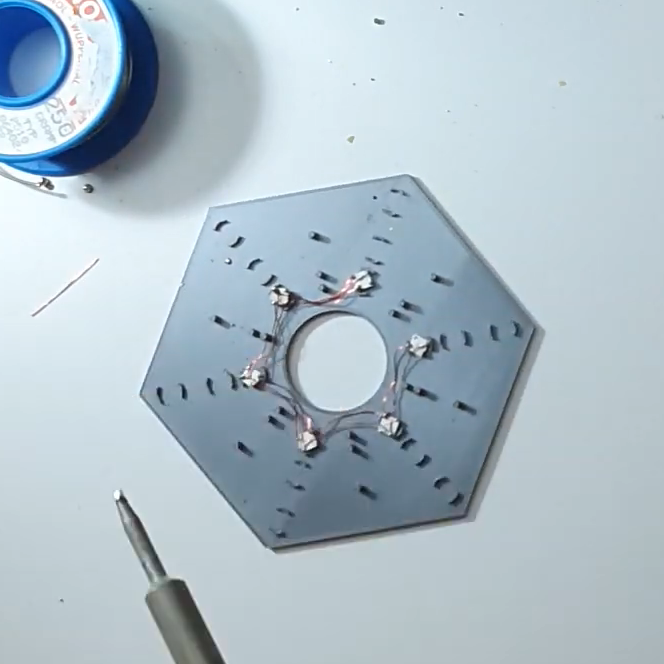
This project would fit in perfectly with #BadgeLife if someone could figure out a way to hang it from their neck. Inspired by Star Trek’s Starship Enterprise, [bobricius] decided to design and assemble a miniature space ship PCB model, complete with 40 blinking LEDs controlled by an ATtiny85.

While the design uses 0603, 0802, 3014, 4014, and 0805 LEDs, some substitutions can be made since the smallest LEDs can be difficult to solder. The light effects include a green laser, plasma coils, a deflector with scrolling blue LEDs, and the main plate and bridge for the space ship.

The LEDs are controlled by charlieplexing, a technique for driving LED arrays with relatively few I/O pins, different from traditional multiplexing. Charlieplexing allows n pins to drive n2−n LEDs, while traditional multiplexing allows n pins to drive (n/2)2 LEDs. (Here is the best explanation of Charlieplexing we’ve ever seen.)

Especially with the compiled firmware running on the MCU, the PCB model makes for an impressive display.

The only catch? Your Starship Enterprise can’t actually fly.

Continue reading “Beam Me Up To The PCB Space Ship”

The Cutest Oscilloscope Ever Made

If you thought your handheld digital oscilloscope was the most transportable of your signal analyzing tools, then you’re in for a surprise. This oscilloscope made by [Mark Omo] measures only one square inch, with the majority of the space taken up by the OLED screen.

It folds out into an easier instrument to hold, and admittedly does require external inputs, so it’s not exactly a standalone tool. The oscilloscope runs on a PIC32MZ EF processor, achieving 20Msps and 1MHz of bandwidth. The former interleaves the processor’s internal ADCs in order to achieve its speed.

For the analog front-end the signals first enter a 1M ohm terminator that divide the signals by 10x in order to measure them outside the rails. They then get passed through a pair of diodes connected to the rails, clamping the voltage to prevent damage. The divider centers the incoming AC signal around 1.65V, halfway between AGND and +3.3V. As a further safety feature, a larger 909k Ohm resistor sits between the signals and the diodes in order to prevent a large current from passing through the diode in the event of a large voltage entering the system.

The next component is a variable gain stage, providing either 10x, 5x, or 1x gain corresponding to 1x, 0.5x, and 0.1x system gains. For the subsystem, a TLV3541 op-amp and ADG633 tripe SPDT analog switch are used to provide a power bandwidth around the system response due to driving concerns. Notably, the resistance of the switch is non-negligible, potentially varying with voltage. Luckily, the screen used in the oscilloscope needs 12V, so supplying 12V to the mux results in a lower voltage and thus a flatter response.

The ADC module, PIC32MZ1024EFH064, is a 12-bit successive approximation ADC. One advantage of his particular ADC is that extra bits of resolution only take constant time, so speed and accuracy can be traded off. The conversion starts with a sample and hold sequence, using stored voltage on the capacitor to calculate the voltage.

Several ADCs are used in parallel to sample at the same time, resulting in the interleaving improving the sample rate. Since there are 120 Megabits per second of data coming from the ADC module, the Direct Memory Access (DMA) peripheral on the PIC32MZ allows for the writing of the data directly onto the memory of the microcontroller without involving the processor.

The firmware is currently available on GitHub and the schematics are published on the project page.

Continue reading “The Cutest Oscilloscope Ever Made”