Push It To The Limit: SSD1306 At 150 FPS

A good deal of the projects we cover here at Hackaday are not, in the strictest sense, practical endeavors. If we required that everything which graced our digital pages had a clear end result, the site would be in a rather sad state of affairs. Sometimes it’s enough just to do something for the challenge of it. But more often than not, you’ll learn something in the process which you can use down the line.

That’s precisely what pushed [Larry Bank] to see how well he could optimize the frame rate on the popular SSD1306 OLED display. After several iterations of his code, he was able to achieve a blistering 151.5 FPS, with apparently still some room for improvement if he’s feeling up to the challenge. But considering his first attempt was only running at 5.5 FPS, we’d say he’s already more than earned his hacker cred on this one.

A few different tricks were used to achieve such incredible performance gains. To start with, while the official I2C specification says you’re supposed to wait for an acknowledgment back from the device when communicating with it, [Larry] realized the SSD1306 didn’t actually care. He could continuously blast commands at the display without bothering to wait for an acknowledgment. He admits there are problems with this method, but you can’t argue with the results.

To really wring all the performance out of the system he could, [Larry] donned his Assembly Cap and examined how the Arduino IDE compiler was interpreting his code. He identified a few areas where changing his C code would force the compiler to generate faster output. He notes that this wouldn’t normally be required when working with more advanced compilers, but that the Arduino toolchain needs its hand held occasionally.

This isn’t the first time we’ve seen somebody try and push more pixels through the very same OLED display, and it’s interesting to see the two very different approaches to the same goal.

Putting The Mooshimeter To Sleep With A Bit Of Mercury

If you haven’t heard of it, the Mooshimeter is a two channel multimeter that uses your smartphone as a display over Bluetooth 4.0. The ability to simultaneously monitor voltage and current is rather unique, and the fact that you aren’t physically tethered to the thing makes it ideal for use in hard to reach or even dangerous locations. The promotional material for the Mooshimeter shows users doing things like leaving the device inside the engine compartment of a car while they drive around and take readings about the vehicle’s electrical system.

Note the vertical orientation

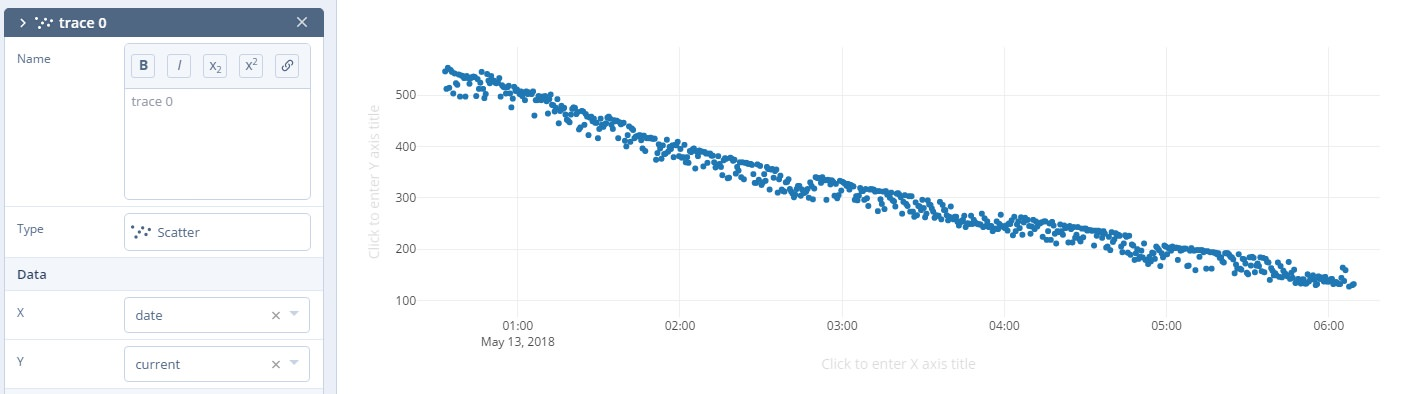
All that sounds well and good, but at the end of the day, the Mooshimeter is probably not going to be your primary multimeter. It’s going to stay on a shelf until a task befitting its unique abilities comes along. Unfortunately, as [nop head] found, that can be a problem. Like many modern devices, the Mooshimeter doesn’t actually turn off. It just sits there draining its battery until you’re ready to use it. Which of course means that when you’re finally ready to pull the thing out and put it to use, you get a low battery warning and need to put new AAs in it. First World problems.

The fix for this thoroughly modern problem is delightfully old school: a mercury tilt switch.

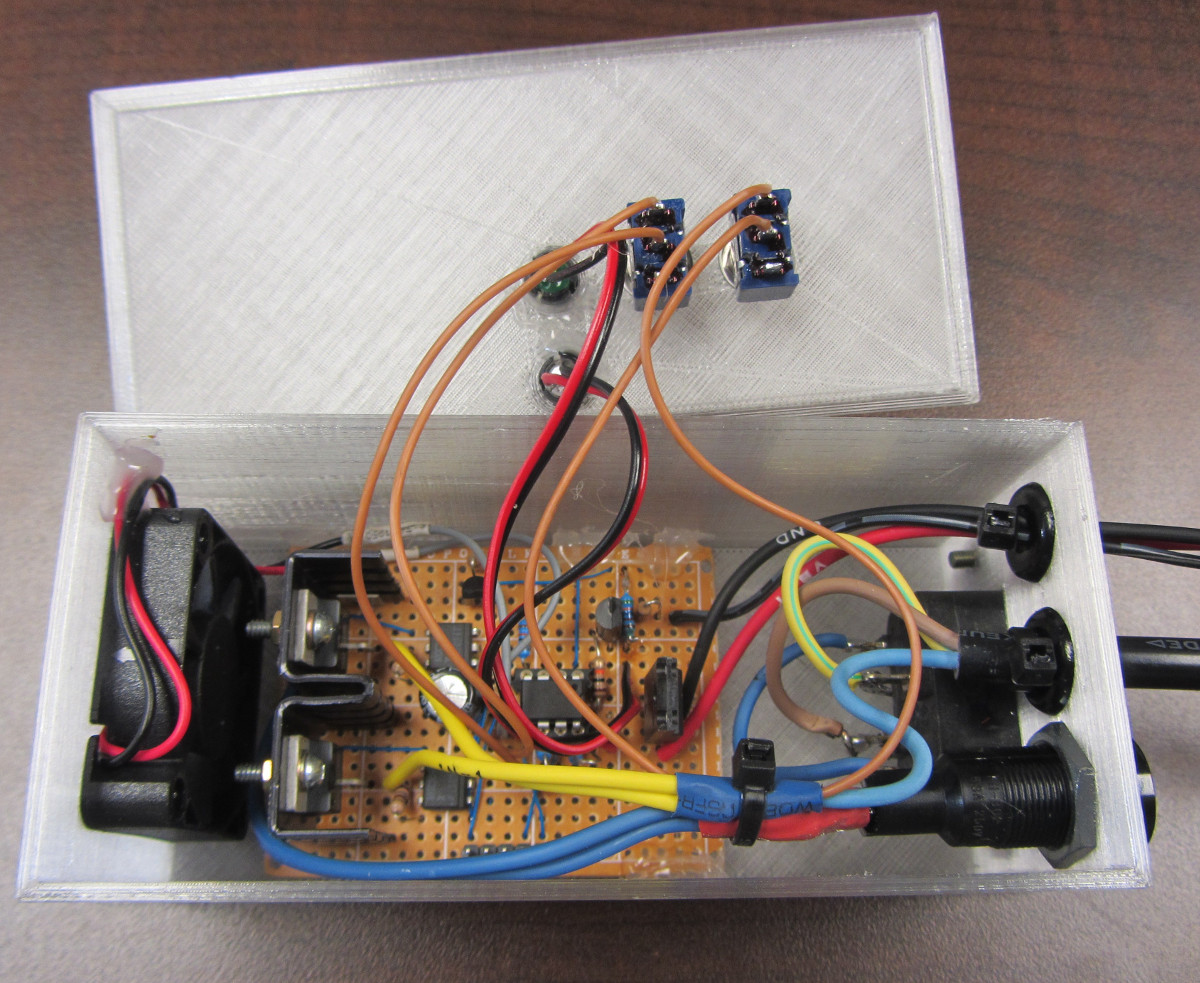
Using a small spacer made of Kapton tape, [nop head] was able to isolate the battery contacts from the PCB itself. He then soldered the mercury switch in place between them, making sure to position the bulb vertically. When the Mooshimeter is right side up, the mercury flows down and bridges the contacts; but when the device is inverted the contact is broken and the batteries stop draining. He still has to remember to put the Mooshimeter face down when he’s done with it, but it’s better than dealing with constant dead batteries.

There was a lot of initial interest in the Mooshimeter when it was announced in 2014, but we’ve seen precious little of it since. It certainly seems neat, but perhaps it’s a bit too niche for its own good? If Mooshimeter fulfills a critical role in your tool set, let us know in the comments below.

Waking Up To Classic Soundgarden Screaming

In a project that was really only slighly less creepy before the singer’s untimely death in 2017, this alarm clock built by [Rafael Mizrahi] awakens its user to a random selection of Chris Cornell’s signature screams. Not content to be limited to just the audio component of the experience, he contained all of the hardware within a styrofoam head complete with a printed out facsimile of the singer’s face.

An Arduino Uno coupled with a seven segment LED display provides the clock itself, which is located in the base. There’s no RTC module, so the Arduino is doing its best to keep time by counting milliseconds. This means the clock will drift around quite a bit, but given that there’s also no provision for setting the time or changing when the alarm goes off short of editing the source code, it seems like accurate timekeeping was not hugely important for this project.

Audio is provided by an Adafruit VS1053, which contains a microSD card full of MP3 samples of Cornell’s singing. This is connected to an X-Mini portable capsule speaker which has been installed in a hollowed out section of the foam.

Unconventional alarm clocks are something of a staple here at Hackaday. From ones which physically assault you to mimicking sunrise with OLEDs, we thought we had seen it all. We were wrong.

Continue reading “Waking Up To Classic Soundgarden Screaming”

Flash And Debug ESP8266 Boards On Android

Have an ESP8266 development board such as the NodeMCU or Wemos D1? You’re currently reading Hackaday, so probably. Got an Android device kicking around? Also seems fairly likely. In that case, you should check out ESP8266 Loader by [Bluino Electronics]. This recently released application lets you not only flash new binaries to any ESP8266 board using the FTDI, PL2303, CH34X and CP210X USB chipsets, but also offers a serial monitor for debugging on the go.

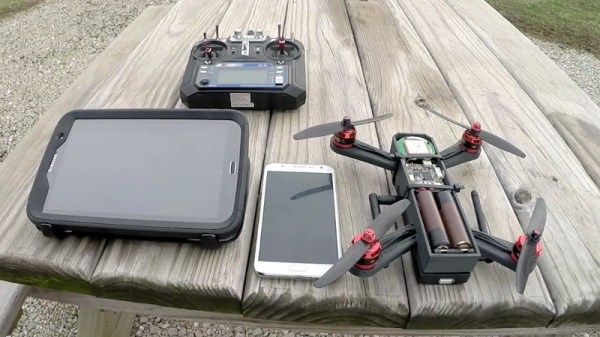
You’ll need a USB OTG cable to get your ESP board jacked in to your Android device, but you don’t need root or even to fiddle with the development settings. Here at the Hackaday R&D Dungeon we had somewhat mixed success getting a random selection of Android devices to work fully; all of the ones tried could at least open the serial monitor and read what a pre-programmed ESP was saying, but not all of them could successfully program a board.

Even on the devices where programming worked, it was slow. Just a basic LED blinking Sketch took long enough to write to our test Wemos D1 Mini that we contemplated getting a snack. But still, it shows a lot of promise for managing devices in the field, especially if you don’t have over the air update enabled in your code.

We especially liked that ESP8266 Loader helpfully downloaded a bunch of example binaries, many of which could be of practical use. There are programs for toggling the different GPIO pins on the board, creating Wi-Fi access points, and even a basic web server. With these in hand, you could actually do some testing and diagnostic work right from your mobile device.

This isn’t the first time we’ve seen an ESP8266 team up with a mobile device, but generally speaking, the magic is done over WiFi or Bluetooth.

Printed It: Toolbag Essentials

While complex devices assembled from 3D printed components are certainly impressive, it’s the simple prints that have always held the most appeal to me personally. Being able to pick an object up off the bed of your printer and immediately put it to use with little to no additional work is about as close as we can get to Star Trek style replicators. It’s a great demonstration to show off the utility of your 3D printer, but more importantly, having immediate access to some of these tools and gadgets might get you out of a jam one day.

With that in mind, I thought we’d do things a little differently for this installment of Printed It. Rather than focusing on a single 3D model, we’ll be taking a look at a handful of prints which you can put to practical work immediately. I started by selecting models based on the idea that they should be useful to the average electronic hobbyist in some way or another, and relatively quick to print. Each one was then printed and evaluated to determine its real-world utility. Not all made the grade.

Each model presented here is well designed, easy to print, and most critically, legitimately useful. I can confidently say that each one has entered into my standard “bag of tricks” in some capacity, and I’m willing to bet a few will find their way into yours as well.

Continue reading “Printed It: Toolbag Essentials”

AH-1 Cobra Tap Handle Pours On The Fun

Ayn Rand said, “If it’s worth doing, it’s worth overdoing.” As far as we’re concerned those are words to live by, and something that’s exemplified by most of the posts on this site. She also said some really suspect stuff about the disabled and Native Americans and reality, but you’ve got to take the good with the bad and all that.

We don’t know how much Rand [Will Weber] has read, but we’re willing to bet he’d agree about overdoing it. He recently documented a very cool 3D printed tap handle that’s designed to look like the B8 flight stick from an AH-1 Cobra helicopter. But this is no static piece of plastic, in the video after the break, he demonstrates how each button on the flight stick triggers a different weapons sound effect.

The 3D print is separated up into a number of sections so that the stick can be assembled in pieces. Not only does this make it an easier print, it also allows for the installation of the electronics.

For the Arduino aficionados out there, we have some bad news. Rather than putting in a general purpose microcontroller, [Will] went the easy route and used an Adafruit Audio FX Mini Sound Board. These boards have their own onboard storage for the audio files and don’t require a microcontroller to function. It makes it super easy to add sound effects or even music to your projects; just pair it with a power supply, a couple of buttons, and a speaker.

The finish work on the printed parts looks excellent. We can only imagine how much fun [Will] had sanding inside all the little nooks and crannies to get such a smooth final result. While some might complain about the idea of a tap handle needing to be recharged occasionally, we think the satisfaction of firing off a few rockets every time you grab a glass is more than worth it.

While this isn’t the first unique tap handle we’ve covered here at Hackaday, it’s certainly the most flight-ready. Continue reading “AH-1 Cobra Tap Handle Pours On The Fun”

A Mobile Terminal For Guerrilla Communications

We use the Internet to do everything from filing our taxes to finding good pizza, but most critically it fulfills nearly all of our communication needs. Unfortunately, this reliance can be exploited by those pulling the strings; if your government is trying to do something shady, the first step is likely to be effecting how you can communicate with the outside world. The Internet is heavily censored and monitored in China, and in North Korea the entire country is effectively running on an intranet that’s cutoff from the wider Internet. The need for decentralized information services and communication is very real.

While it might not solve all the world’s communication problems, [::vtol::] writes in to tell us about a very interesting communication device he’s been working on that he calls “Hot Ninja”. Operating on the principle that users might be searching for accessible Wi-Fi networks in a situation where the Internet has been taken down, Hot Ninja allows the user to send simple messages through Wi-Fi SSIDs.

We’ve all seen creatively named Wi-Fi networks before, and the idea here is very much the same. Hot Ninja creates a Wi-Fi network with the user’s message as the SSID in hopes that somebody on a mobile device will see it. The SSID alone could be enough depending on the situation, but Hot Ninja is also able to serve up a basic web page to devices which actually connect. In the video after the break, [::vtol::] even demonstrates some rudimentary BBS-style functionality by presenting the client devices with a text field, the contents of which are saved to a log file.

In terms of hardware, Hot Ninja is made up of an Arduino Mega coupled to three ESP8266 boards, and a battery to keep it all running for up to eight hours so you can subvert a dictatorship while on the move. The user interface is provided by a small OLED screen and a keyboard made entirely of through-hole tactile switches, further reinforcing the trope that touch-typing will be a must have skill in the dystopian future. It might not be the most ergonomic device we’ve ever seen, but the fact it looks like something out of a Neal Stephenson novel more than makes up for it in our book.

This is not the first time we’ve seen Wi-Fi SSIDs used as a method of communication, thanks largely to how easy the ESP8266 makes it. For his part, [::vtol::] has previously experimented with using them to culturally enrich the masses.

Continue reading “A Mobile Terminal For Guerrilla Communications”