Disassembly Required

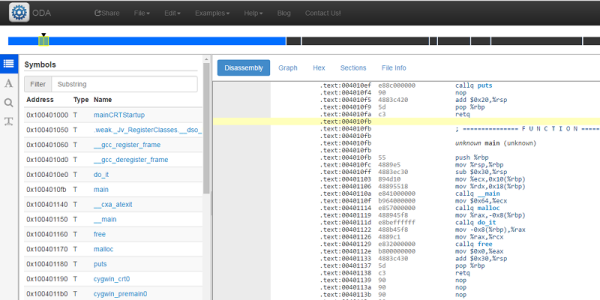
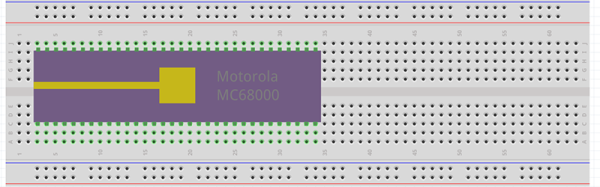
If you really want to hack software, you are going to face a time when you have to take apart someone’s machine code. If you aren’t very organized, it might even be your own — source code does get lost. If you want to impress everyone, you’ll just read through the hex code (well, the really tough old birds will read it in binary). That was hard to do even when CPUs only had a handful of instructions.

A more practical approach is to use a tool called a disassembler. This is nothing more than a program that converts numeric machine code into symbolic instructions. The devil, of course, is in the details. Real programs are messy. The disassembler can’t always figure out the difference between code and data, for example. The transition points between data and code can also be tricky.

When Not to Use

If you are coding your own program in assembly,  a disassembler isn’t usually necessary. The disassembly can’t recover things like variable names, some function names, and — of course — comments. If you use a high-level language and you want to check your compiler output, you can easily have the compiler provide assembly language output (see below).

The real value of a disassembler is when you don’t have the source code. But it isn’t easy, especially for anything nontrivial. Be prepared to do a lot of detective work in most cases.

Continue reading “Disassembly Required”

Tools Of The Trade – Thermoforming

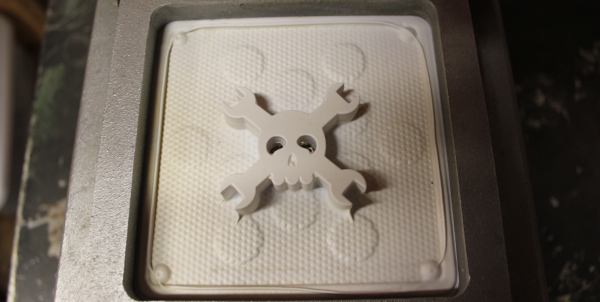
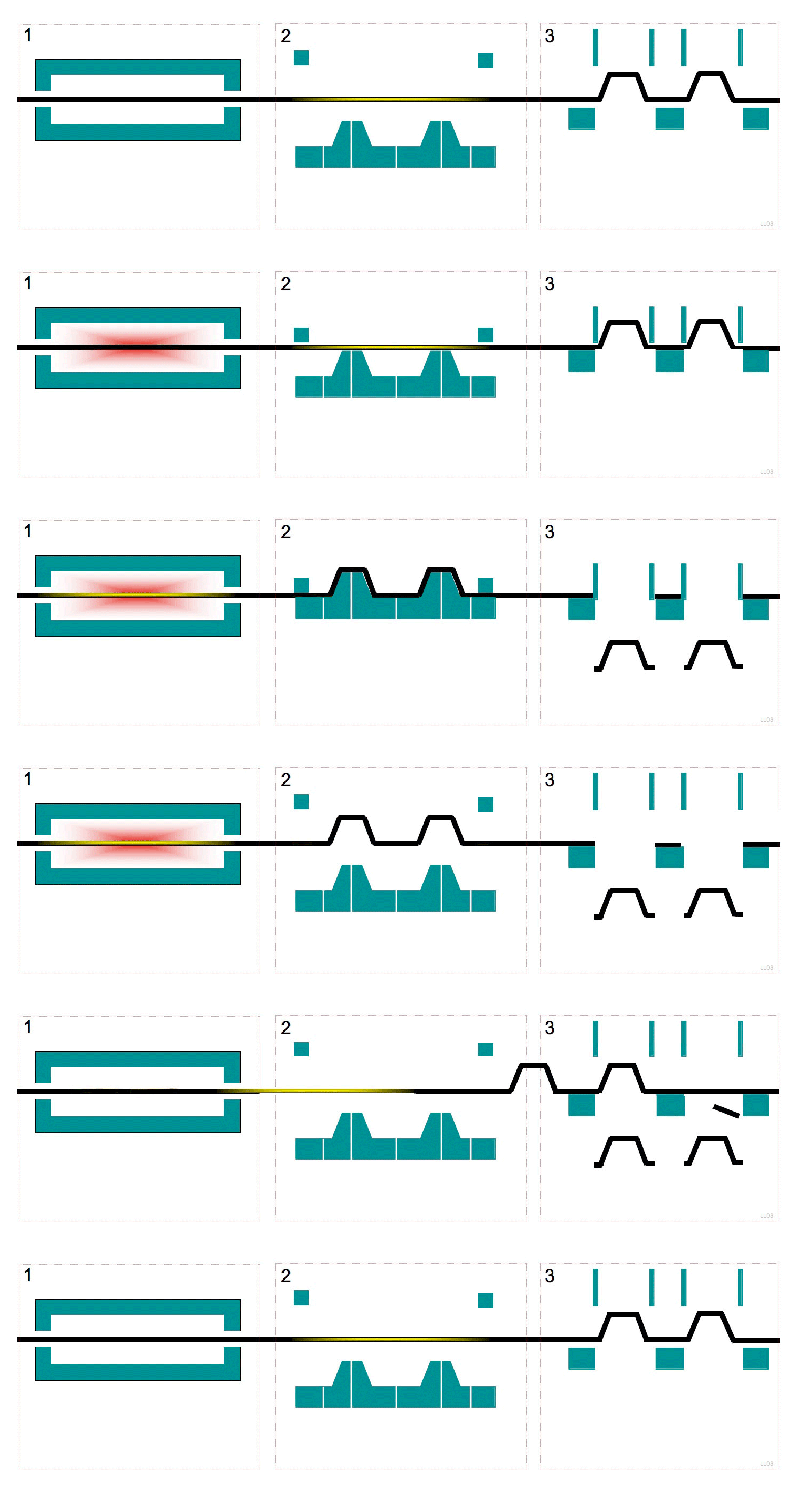
Chances are good that you’ve already lost some blood to thermoforming, the plastics manufacturing process that turns a flat sheet of material into an unopenable clamshell package, tray inside a box, plastic cup, or leftover food container.  Besides being a source of unboxing danger, it’s actually a useful technique to have in your fabrication toolchest. In this issue of Tools of the Trade, we look at how thermoforming is used in products, and how you can hack it yourself.

The process is simple; take a sheet of plastic material, usually really thin stuff, but it can get as thick as 1/8″, heat it up so that it is soft and pliable, put it over a mold, convince it to take all the contours of the mold, let it cool, remove it from the mold, and then cut it out of the sheet. Needless to say, there will be details.

https://commons.wikimedia.org/wiki/File:Thermoforming_animation.gif

Continue reading “Tools Of The Trade – Thermoforming”

Harrowing Story Of Installing Libreboot On ThinkPad

As an Apple user, I’ve become somewhat disillusioned over the past few years. Maybe it’s the spirit of Steve Jobs slowly vanishing from the company, or that Apple seems to care more about keeping up with expensive trends lately rather than setting them, or the nagging notion Apple doesn’t have my best interests as a user in mind.

Whatever it is, I was passively on the hunt for a new laptop with the pipe dream that one day I could junk my Apple for something even better. One that could run a *nix operating system of some sort, be made with quality hardware, and not concern me over privacy issues. I didn’t think that those qualities existed in a laptop at all, and that my 2012 MacBook Pro was the “lesser of evils” that I might as well keep using. But then, we published a ThinkPad think piece that had two words in it that led me on a weeks-long journey to the brand-new, eight-year-old laptop I’m currently working from. Those two words: “install libreboot”.

Continue reading “Harrowing Story Of Installing Libreboot On ThinkPad”

A How-To In Homebrew Design, Fab, And Assembly With Structural Framing Systems

At this point, the internet is crawling with butt-kicking homebrew 3D printers made with extruded profiles, but it’s easy to underestimate the difficulty in getting there. Sure, most vendors sell a suite of interlocking connectors, but how well do these structural framing systems actually fare when put to the task of handling a build with sub-millimeter tolerances?

I’ve been playing around with these parts for about two years. What I’ve found is that, yes, precise and accurate results are possible. Nevertheless, those results came to me after I failed and–dry, rinse, repeat–failed again! Only after I understood the limits of both the materials and assembly processes was I able to deliver square, dimensionally accurate gantries that could carry a laser beam around a half-square-meter workbed. That said, I wrote a quick guide to taming these beasts. Who are they? What flavors do they come in? How do we achieve those precision results? Dear reader, read on.

Continue reading “A How-To In Homebrew Design, Fab, And Assembly With Structural Framing Systems”

Compiling A $22 Logic Analyzer

On my way to this year’s Hackaday SuperConference I saw an article on EE Times about someone taking the $22 Lattice iCEstick and turning it into a logic analyzer complete with a Python app to display the waveforms. This jumped out as pretty cool to me given that there really isn’t a ton of RAM on the stick, basically none that isn’t contained in the FPGA itself.

[Jenny List] has also written about the this application as created by [Kevin Hubbard] of Black Mesa Labs and [Al Williams] has a great set of posts about using this same $22 evaluation board doing ground up Verilog design using open source tools. Even if you don’t end up using the stick as a logic analyzer over the long haul, it’ll be very easy to find many other projects where you can recompile to invent a new purpose for it.

Continue reading “Compiling A $22 Logic Analyzer”

Creating A PCB In Everything: KiCad, Part 2

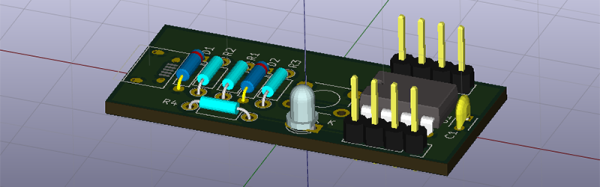
This is the continuation of a series where I create a PCB in every software suite imaginable. Last week, I took a look at KiCad, made the schematic representation for a component, and made a schematic for the standard reference PCB I’ve been using for these tutorials. Now it’s time to take that schematic, assign footprints to parts, and design a circuit board.

Continue reading “Creating A PCB In Everything: KiCad, Part 2”

Hack Safely: Fire Safety In The Home Shop

Within the past two months we’ve covered two separate incidents of 3D printing-related fires. One was caused by an ill-advised attempt to smooth a print with acetone heated over an open flame, while the other was investigated by fire officials and found to have been caused by overuse of hairspray to stick prints to the printer bed. The former was potentially lethal but ended with no more than a good scare and a winning clip for “Hacking’s Funniest Home Videos”; the latter tragically claimed the life of a 17-year old lad with a lot of promise.

In light of these incidents, we here at Hackaday thought it would be a good idea to review some of the basics of fire safety as they relate to the home shop. Nowhere was this need made clearer than in the comments section on the post covering the fatal fire. There was fierce debate about the cause of the fire and the potential negative effect it might have on the 3D-printing community, with comments ranging from measured and thoughtful to appallingly callous. But it was a comment by a user named [Scuffles] that sealed the deal:

“My moment of reflection is that it’s well past time I invest in a fire extinguisher for my workstation. Cause right now my fire plan pretty much consists of shouting obscenities at the blaze and hoping it goes out on its own.”

Let’s try to come up with a better plan for [Scuffles] and for everyone else. We’ll cover the basics: avoidance, detection, control, and escape.

Continue reading “Hack Safely: Fire Safety In The Home Shop”