Learn And Build A High Side Switch

As electronics engineer I have a mental collection of circuits that I’ve gathered over the years, much like a mechanic collects specialized tools as they work. All engineers do this and the tools in their tool boxes usually represent their project history and breadth.

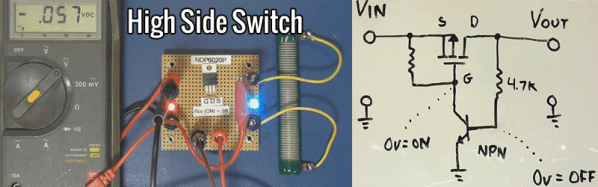
A useful circuit to have in designer’s toolbox is the “high side switch”. Like it sounds, this is a circuit that switches the “high side” or positive voltage to a load.

We usually tend to switch things to ground as seen by outputs such as an Open Collector output, the reason being that ground usually is a known entity and is usually low impedance and is at a known voltage. But there are advantages to using a high-side switch in your circuits.

Continue reading “Learn And Build A High Side Switch”

How To Build A Pocket-Sized MBed Signal Generator

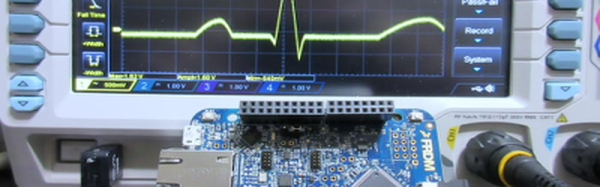
Last month, I talked about how to get started with mBed and ARM processors using a very inexpensive development board. I wanted to revisit mBed, though, and show something with a little more substance. In particular, I often have a need for a simple and portable waveform generator. It doesn’t have to be too fancy or meet the same specs as some of the lab gear I have, but it should be easy to carry, power off USB, and work by itself when required.

My requirements mean I needed a slightly more capable board. In particular, I picked up a K64F board. This is very similar to the KL25Z board but has a bit more of everything–speed, memory, etc. What I really wanted, though, was the SD card slot. I did, however, do my early testing on a KL25Z, so if you have one, you can still work through the code, although standalone operation won’t be possible. The price jumps from $13 to $35, but you get a lot more capability for the price.

Continue reading “How To Build A Pocket-Sized MBed Signal Generator”

Logic Noise: Playing In Tune With An Exponential VCO

Last session, we use the cheap and cheerful 4046 Phase-locked Loop chip as a simple voltage-controlled oscillator (VCO). It was dead simple, in fact, because the chip has a VCO already built in. There’s one big drawback of the 4046’s VCO; the pitch changes linearly with the control voltage. Ideally, as we’ll discuss in the next sections, we’d like the frequency to be an exponential function of the control voltage (CV), and that’s going to mean a little bit of analog circuitry.

René Schmitz has a fantastic exponential VCO design that’s almost a perfect fit for the Logic Noise series — it’s built with a minimum of parts, it’s a little bit rough around the edges, and at its core is a 4000-series CMOS chip that’s normally used for digital logic applications. The only drawback, from our perspective, is that it uses a dual (positive and negative) power supply. We’ll hack our way around that, and ignore some of René’s otherwise worthwhile refinements in the name of doing something truly quick and dirty. We’ll get 95% of the results with 70% of the work, although it’s easy enough to add on the rest if it strikes your fancy.

Continue reading “Logic Noise: Playing In Tune With An Exponential VCO”

Want A Low-cost ARM Platform? Grab A Prepaid Android Phone!

What would you pay for a 1.2Ghz dual-core ARM computer with 1GB RAM, 4GB onboard flash, 800×600 display, and 5 megapixel camera? Did we mention it also has WiFi, Bluetooth, and is a low power design, including a lithium battery which will run it for hours? Does $15 sound low enough? That’s what you can pay these days for an Android cell phone. The relentless march of economies of scale has finally given us cheap phones with great specs. These are prepaid “burner” phones, sold by carriers as a loss leader. Costs are recouped in the cellular plan, but that only happens if the buyer activates said plan. Unlike regular cell phones, you aren’t bound by a contract to activate the phone. That means you get all those features for $15-$20, depending on where you buy it.

android-logo-transparent-backgroundThe specs I’m quoting come from the LG Optimus Exceed 2, which is currently available from Amazon in the USA for $20. The same package has been available for as little as $10 from retail stores in recent weeks. The Exceed 2 is just one of several low-cost Android prepaid phones on the market now, and undoubtedly the list will change. How to keep up with the current deals? We found an unlikely place. Perk farmers. Perk is one of those “We pay you to watch advertisements” companies. We’re sure some people actually watch the ads, but most set up “farms” of drone phones which churn through the videos. The drones earn the farmer points which can be converted to cash. How does this all help us? In order to handle streaming video, Perk farmers want the most powerful phones they can get for the lowest investment. Subreddits like /r/perktv have weekly “best deals” posts covering prepaid phones. There are also tutorials on rooting and debloating current popular phones like the Whirl 2 and the Exceed 2.

Continue reading “Want A Low-cost ARM Platform? Grab A Prepaid Android Phone!”

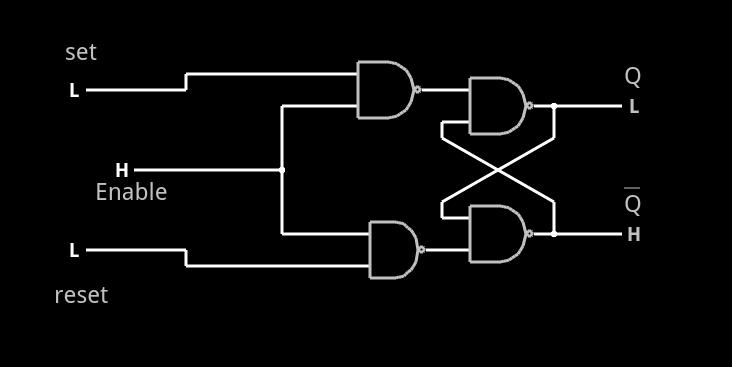
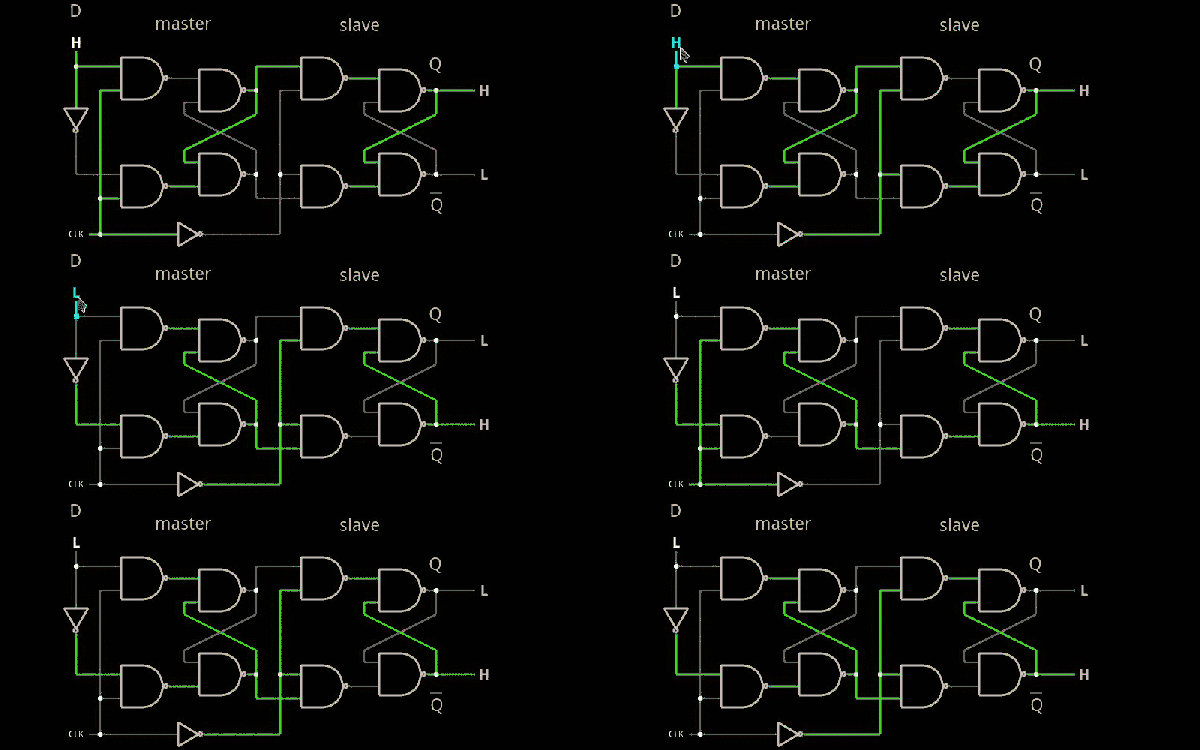
Embed With Elliot: Practical State Machines

Raindrops on roses, and whiskers on kittens. They’re ok, but state machines are absolutely on our short list of favorite things.

There are probably as many ways to implement a state machine as there are programmers. These range from the terribly complex, one-size-fits-all frameworks down to simply writing a single switch...case block. The frameworks end up being a little bit of a black box, especially if you’re just starting out, while the switch...case versions are very easy to grok, but they don’t really help you write clear, structured code.

In this extra-long edition of Embed with Elliot, we’ll try to bridge the middle ground, demonstrating a couple of state machines with an emphasis on practical coding. We’ll work through a couple of examples of the different ways that they can be implemented in code. Along the way, we’ll Goldilocks solution for a particular application I had, controlling a popcorn popper that had been hacked into a coffee roaster. Hope you enjoy.

Continue reading “Embed With Elliot: Practical State Machines”

How To Build Anything Using Delrin And A Laser Cutter

Need a simple fab process to go from a humble vector graphic to a final part — in a matter of minutes? The CO2  laser cutter might be the right choice. As these tools open themselves up to widespread use through hackerspaces, I decided to give Delrin some well-deserved time under the spotlight.

The laser cutter yet-again proves itself a formidable tool with the construction of GameCube-Bot V2

This guide is a brief collection of tips and techniques that I’ve either learned from others or discovered on my own over the last couple years working with laser-cut Delrin (a.k.a Acetal) for functional prototypes. I hope this guide serves you well as we keep exploring the limits of the material.

As a disclaimer, keep in mind that in no way are these techniques unique or limited to Delrin. Many are not only years old but also common practice in either engineering design or the local machine shop. This article simply highlights the techniques shown here that perform both repeatably and predictably with Delrin and a couple hand-tools, and I hope to share them with a growing audience of laser cutter enthusiasts.

Continue reading “How To Build Anything Using Delrin And A Laser Cutter”

Learn 3D Modeling In Your Browser

If you have a 3D printer, it is a good bet you’ve at least seen or heard of Tinkercad. There’s pros and cons to doing your design in a Web browser, but Tinkercad is very easy to use and great for making simple objects. However, there are other 3D object designers you can use in your browser, too. Tinkercad is just the one that everyone seems to know about.

I won’t talk much about Tinkercad, but if you haven’t tried it, it is well worth a look. It has a simple system of drawing things and holes. When you merge holes with things you can make lots of shapes. The alignment tools are good, and since Autodesk acquired them (part of its 123d app suite), it isn’t likely they will go under any time soon (which, as you may remember, almost happened).

If you are designing some great new secret invention you may shy away from cloud-based design programs. But if you are printing out key chains with your coworker’s cat’s name on it, do you really care? Most of these cloud-based programs will work from any computer so you can quickly do a design in a coffee shop and then go home and print it.

Continue reading “Learn 3D Modeling In Your Browser”